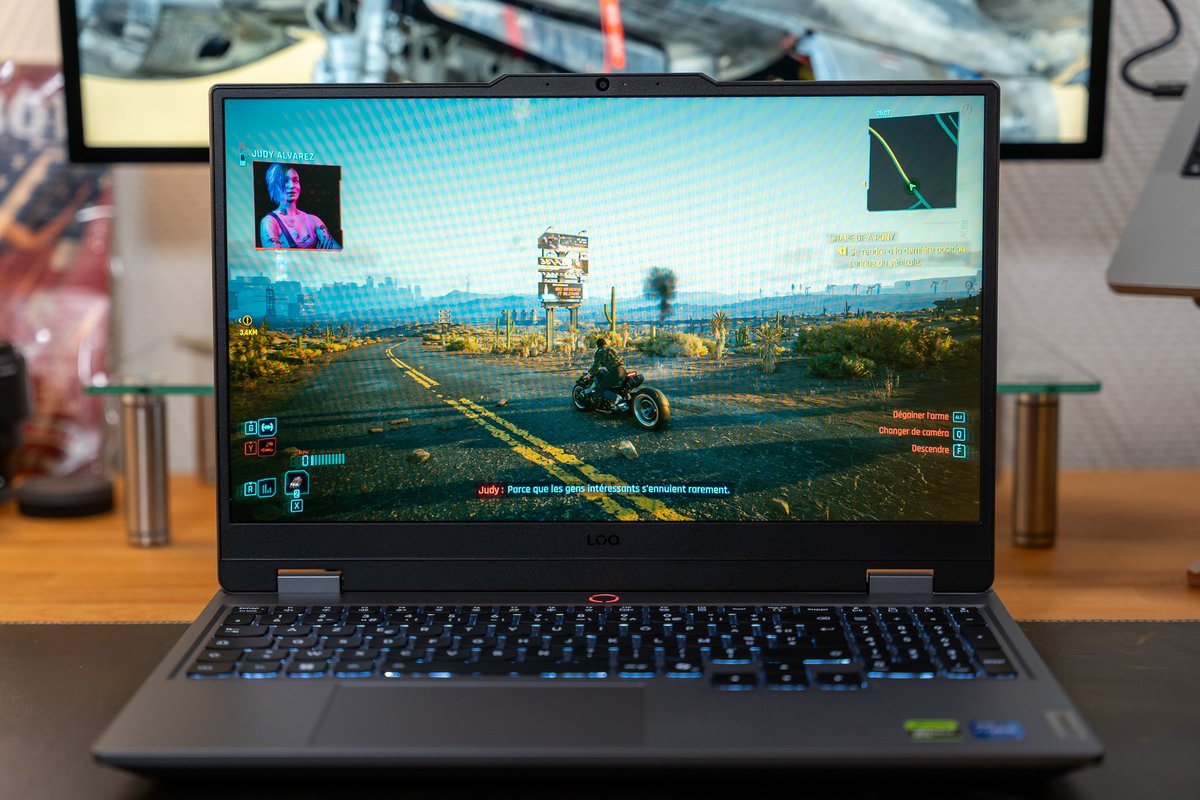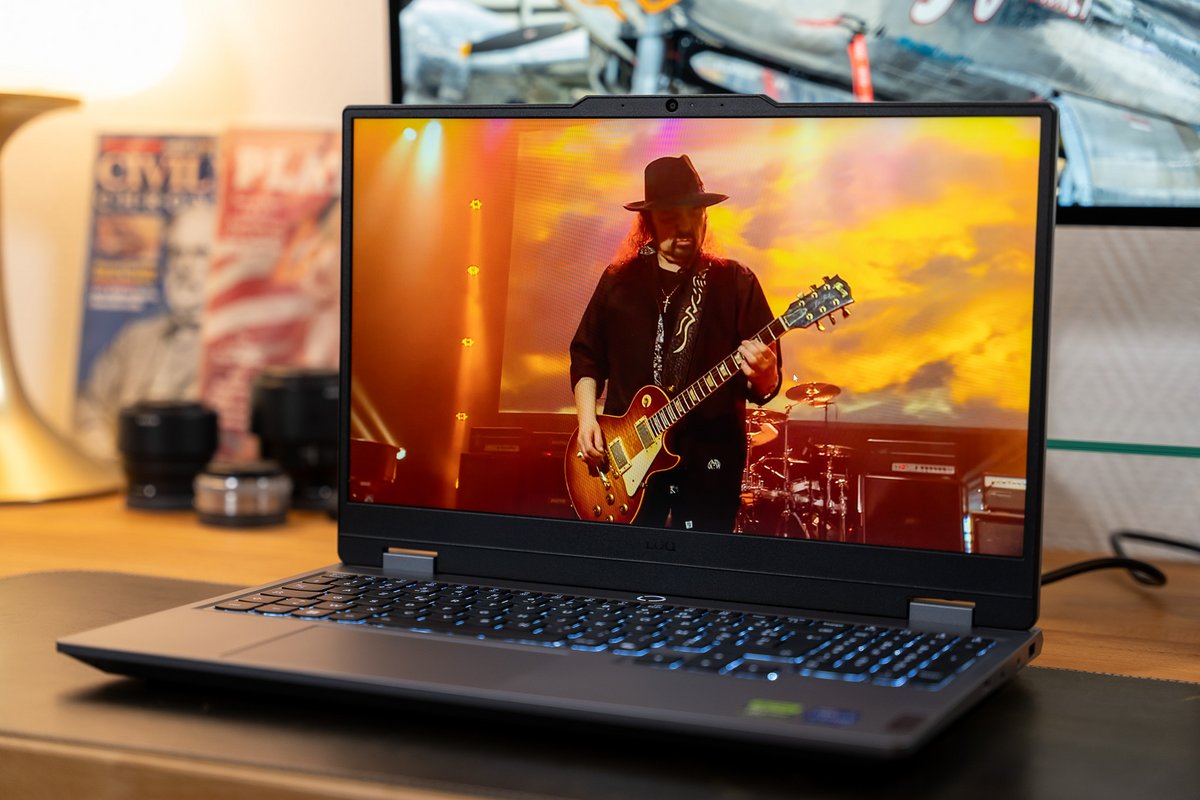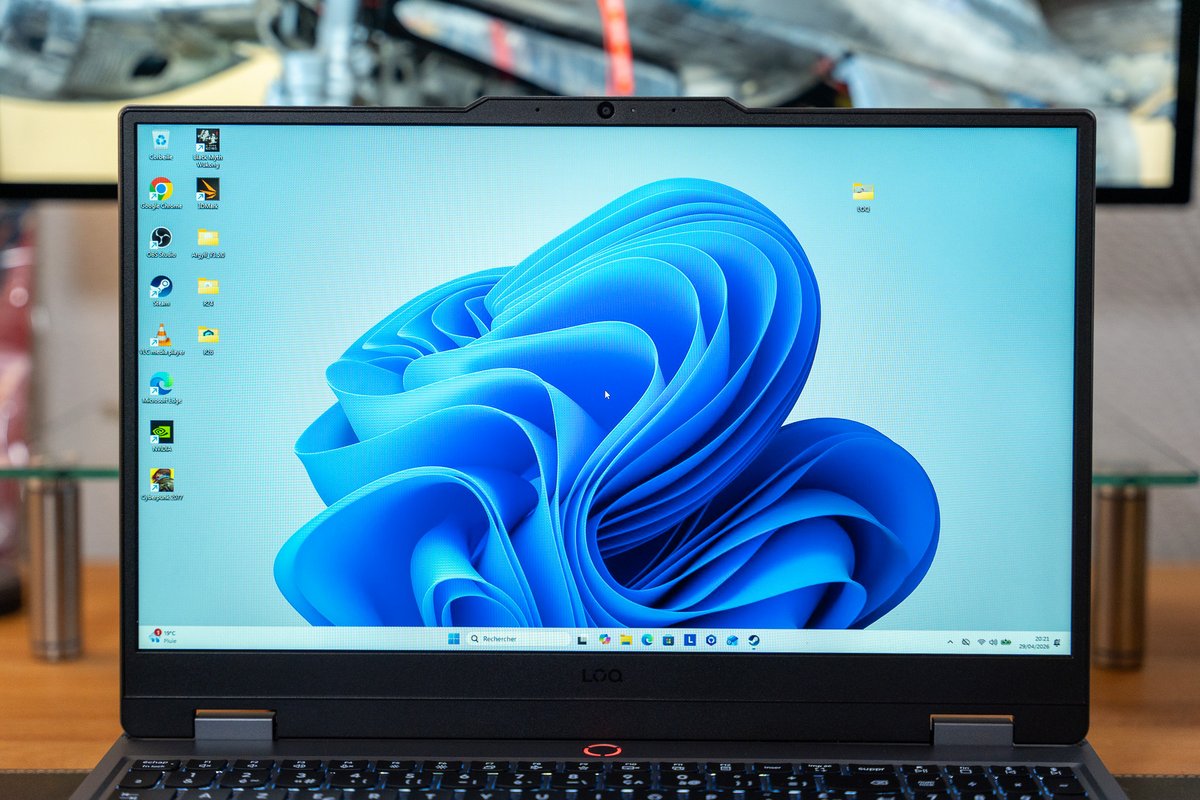
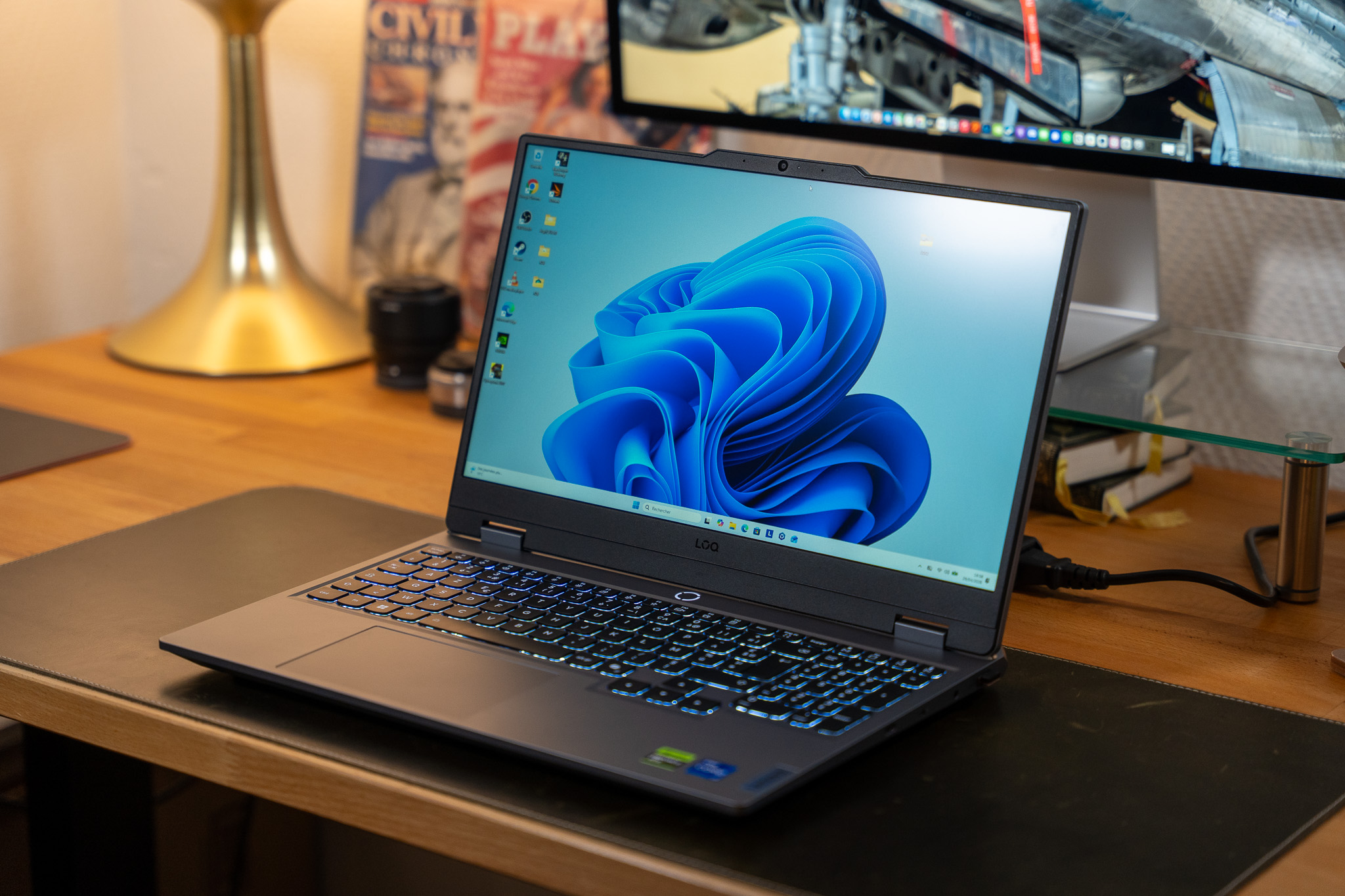
The LOQ range lets Lenovo target the competition with machines that are typically well-equipped for a modest price. Yet in the balancing act of compromises, does the LOQ 15i Gen 10 sacrifice too many important elements in order to fit a powerful RTX 5070? That is exactly what we aimed to determine in this test.
6 / 10
- Serious build, fairly compact
- The absolute performance
- Basic Full HD display but well calibrated
- Good upgradability, good webcam
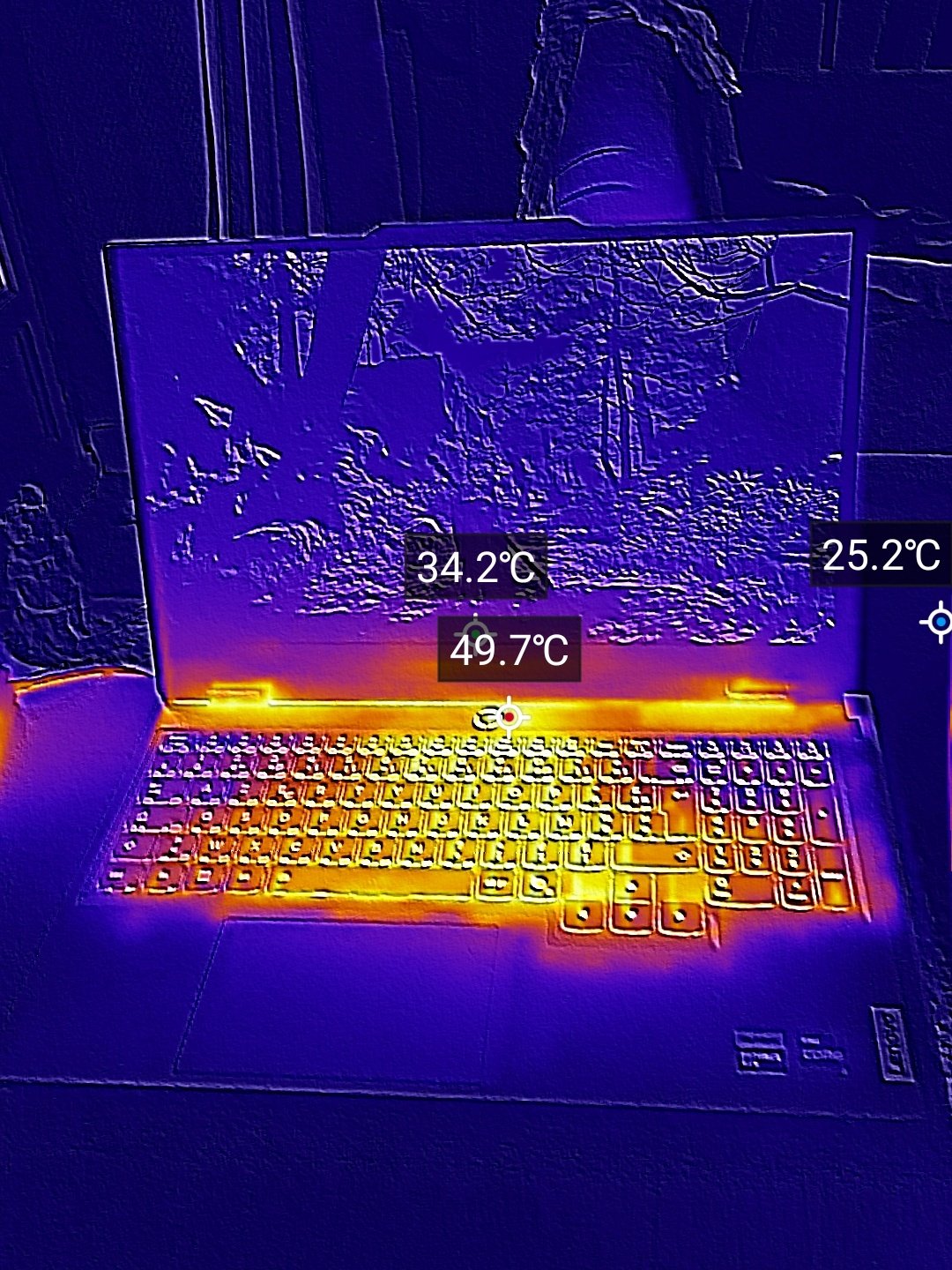
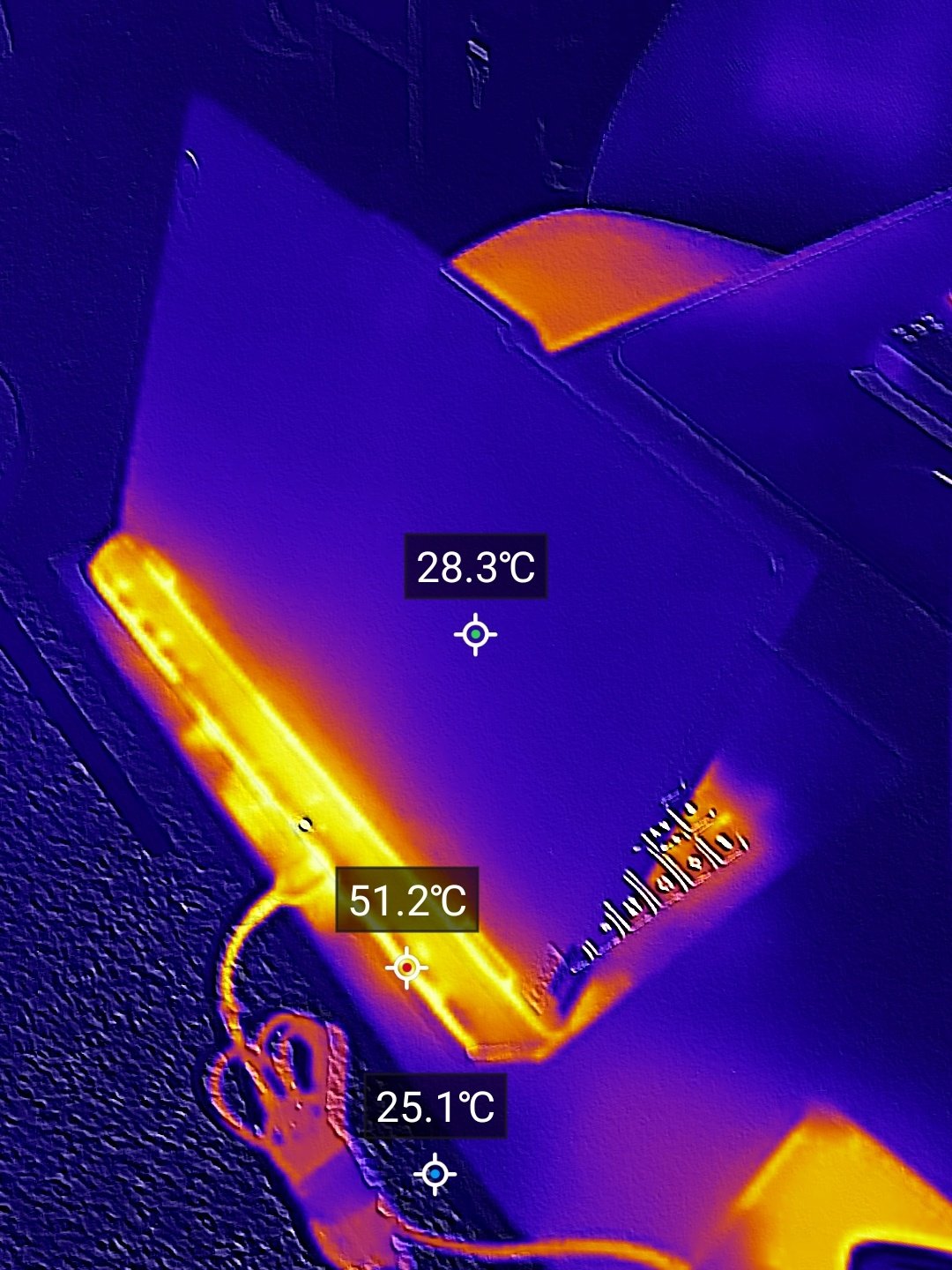
- Tendency to heat up, RTX 5070 is not fully utilized
- Keyboard heavily biased toward office use, not RGB
- Old and poorly distributed connectors
- The dated 16:9 format
Positioned at Lenovo’s entry and mid-range, alongside the Legion lineup with its more powerful and refined models, the LOQ range lets the Chinese manufacturer compete with Acer’s Nitro, Gigabyte’s Gaming, or MSI’s Cyborg. The Lenovo LOQ devices are therefore primarily aimed at delivering a good equipment/price ratio by making tough trade-offs.
Tough trade-offs, the LOQ 15i Gen 10 (15IRX10, its full name), which we borrowed on loan, actually makes several. We’ll see whether they are wise and not merely regrettable, but first, here is an overview of the configuration Lenovo sent us:
Depending on the chosen configuration (many options range from Full HD / i5 / RTX 5060 to a QHD / i7 / RTX 5070), the Lenovo LOQ 15i Gen 10 is priced roughly between 1,200 and 1,700 euros.
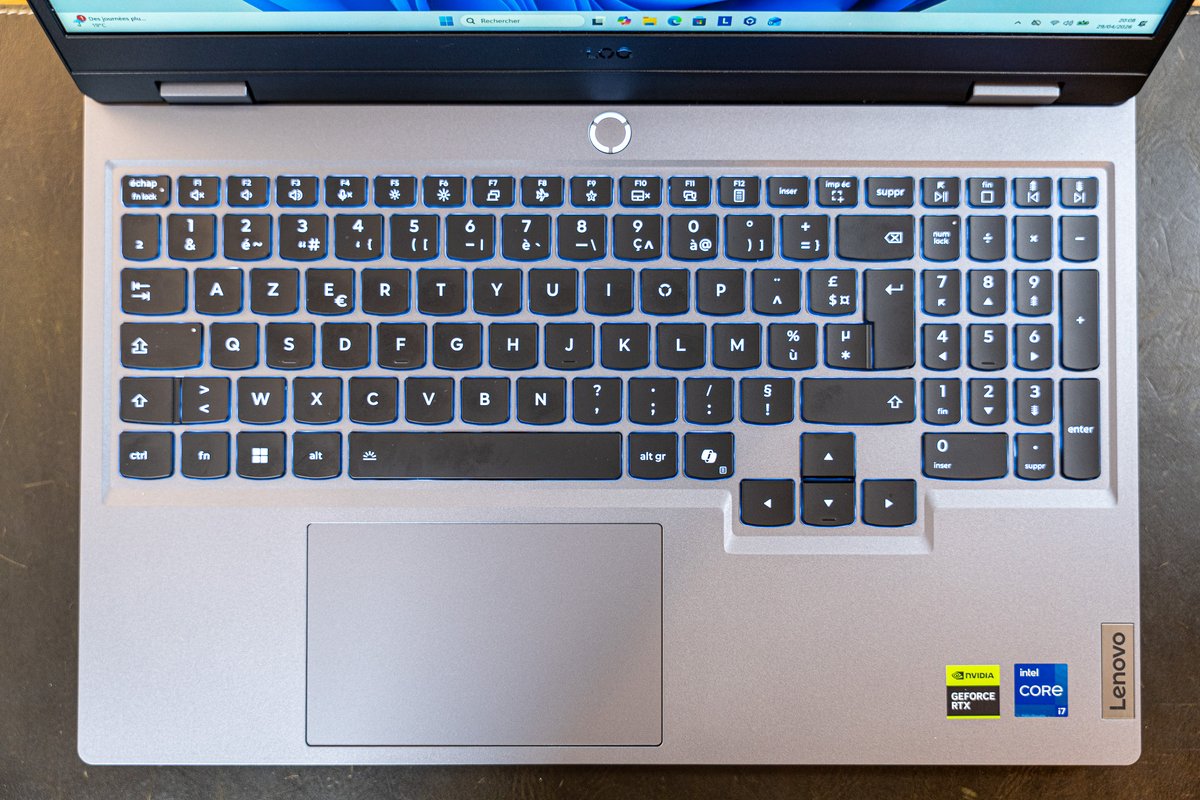
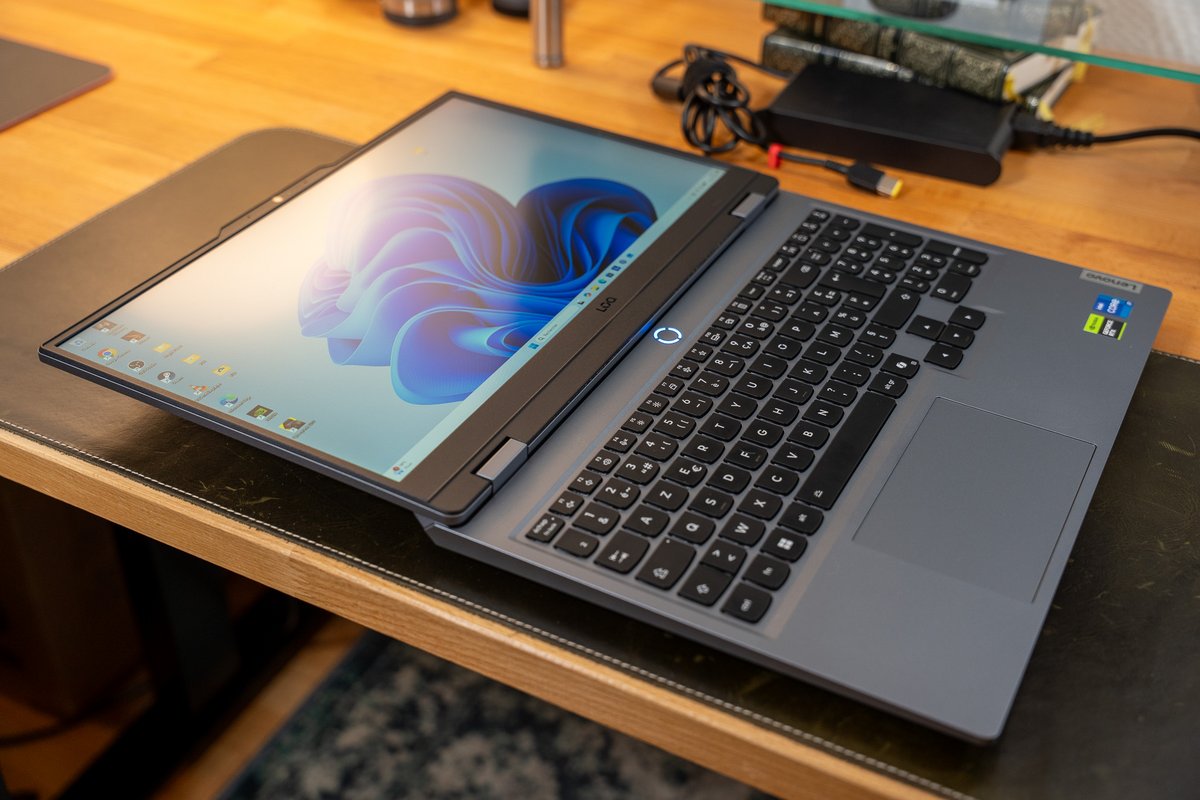
As we’re talking about the keyboard, let’s continue. Not terrible, the keyboard actually feels much more pleasant for office work than for gaming. The key travel is short, the rebound a bit soft. In short, it’s comfortable for daily typing and work, but not very pleasant for a nerve-wracking FPS. The numeric keypad and the office/multimedia shortcuts seem to confirm this approach—deliberate, it seems, on Lenovo’s part. We have a white backlight only… Quite unusual for a gaming model. Even for entry level.
Similarly, the touchpad is perfectly ordinary. Not good, not bad, it does the job as a fallback, but it will never replace an external mouse. It’s not there for that. As for the speakers installed under the chassis, they simply deliver a minimalist audio experience as well. Their purpose is only to let you play a YouTube video without headphones from time to time.


Puisque nous parlons du clavier, continuons. Sans être mauvais, ce dernier s’avère à vrai dire bien plus agréable en utilisation bureautique qu’il n’est appréciable en gaming. La course des touches est courte, le rebond un peu mou. Bref, c’est confortable pour écrire et travailler au quotidien, mais pas très plaisant à utiliser sur un FPS nerveux. Le pavé numérique et les raccourcis orientés bureautique / multimédia semblent d’ailleurs attester de cette approche — volontaire de la part de Lenovo, semble-t-il. Nous en voulons pour preuve le rétroéclairage blanc uniquement… Assez inhabituel pour un modèle gaming. Même d’entrée de gamme.
Dans la même veine, le pavé tactile est parfaitement commun. Ni bon, ni mauvais, il remplit son office en dépannage, mais ne remplacera jamais avantageusement une souris externe. Il n’est pas là pour ça. Quant aux haut-parleurs installés sous le châssis, ils se contentent de délivrer une expérience audio minimaliste là aussi. Leur but est uniquement de vous permettre de lancer une vidéo YouTube sans écouteurs, de temps à autre.
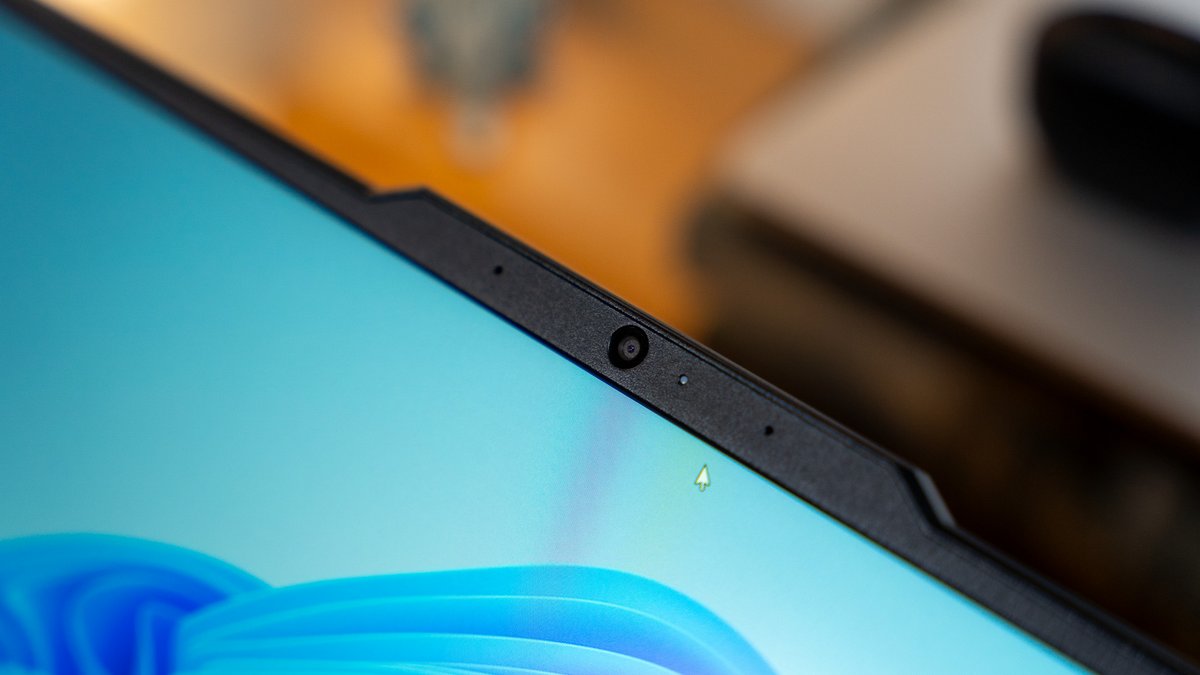
Fortunately, the webcam isn’t treated the same way. Lenovo opts for a 1440p-quality sensor, delivering a fairly natural image with good sharpness. Perfect for video calls, though it will still be a bit tight for aspiring streamers. This module also lacks the facial recognition sensors. Too bad, because with no fingerprint reader, there is no biometric identification system on the device. In 2025 (the product’s launch year) and now 2026, that looks out of place—even for an entry-level model.
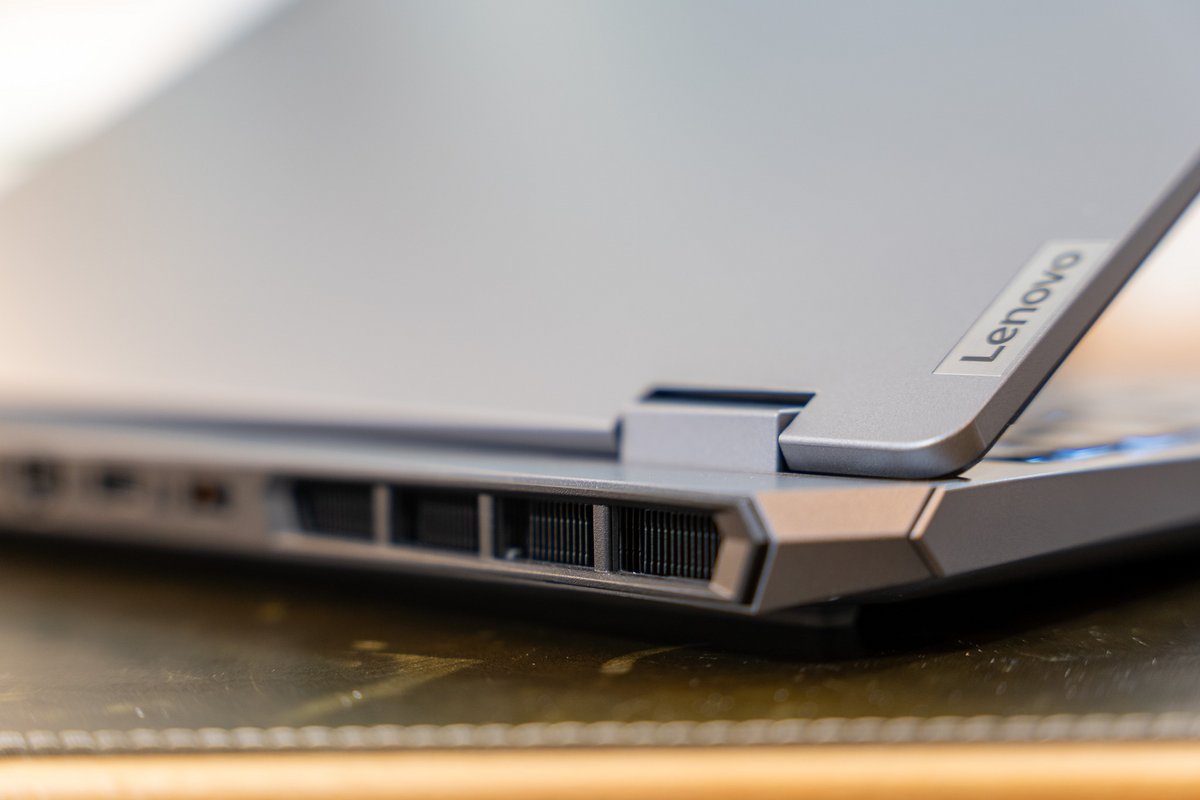
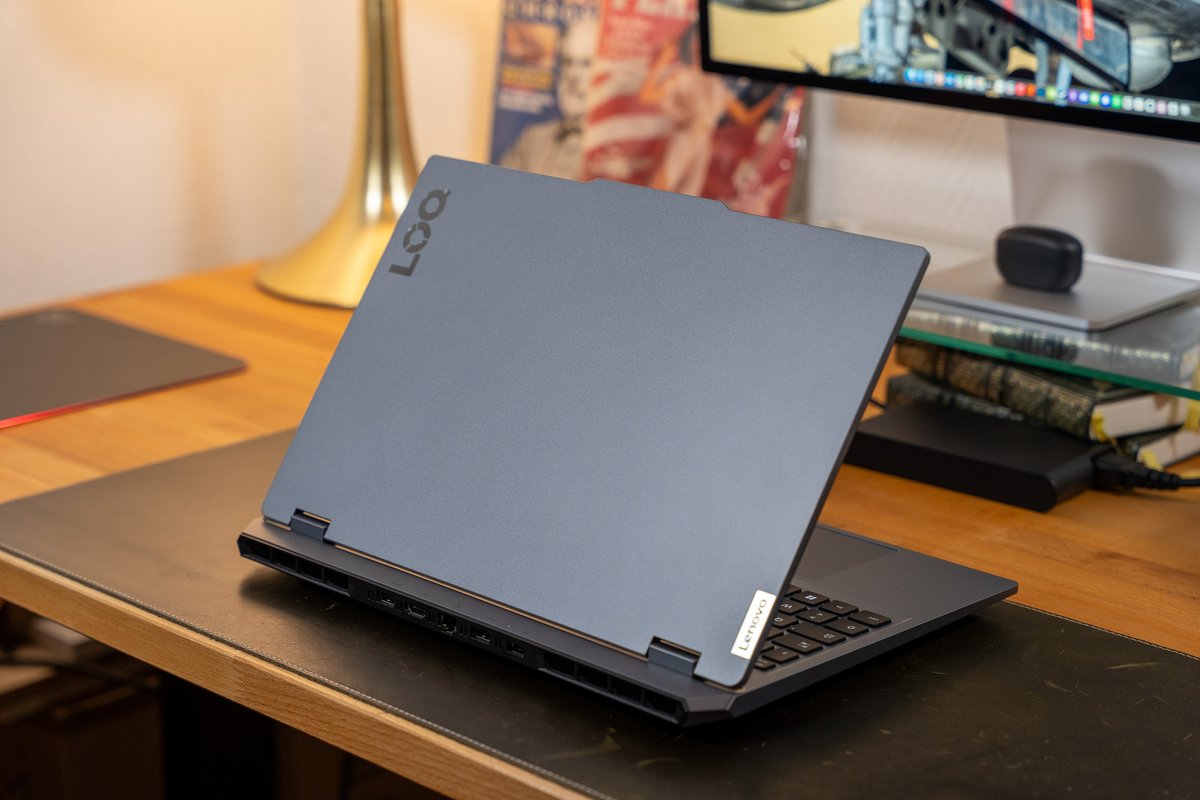
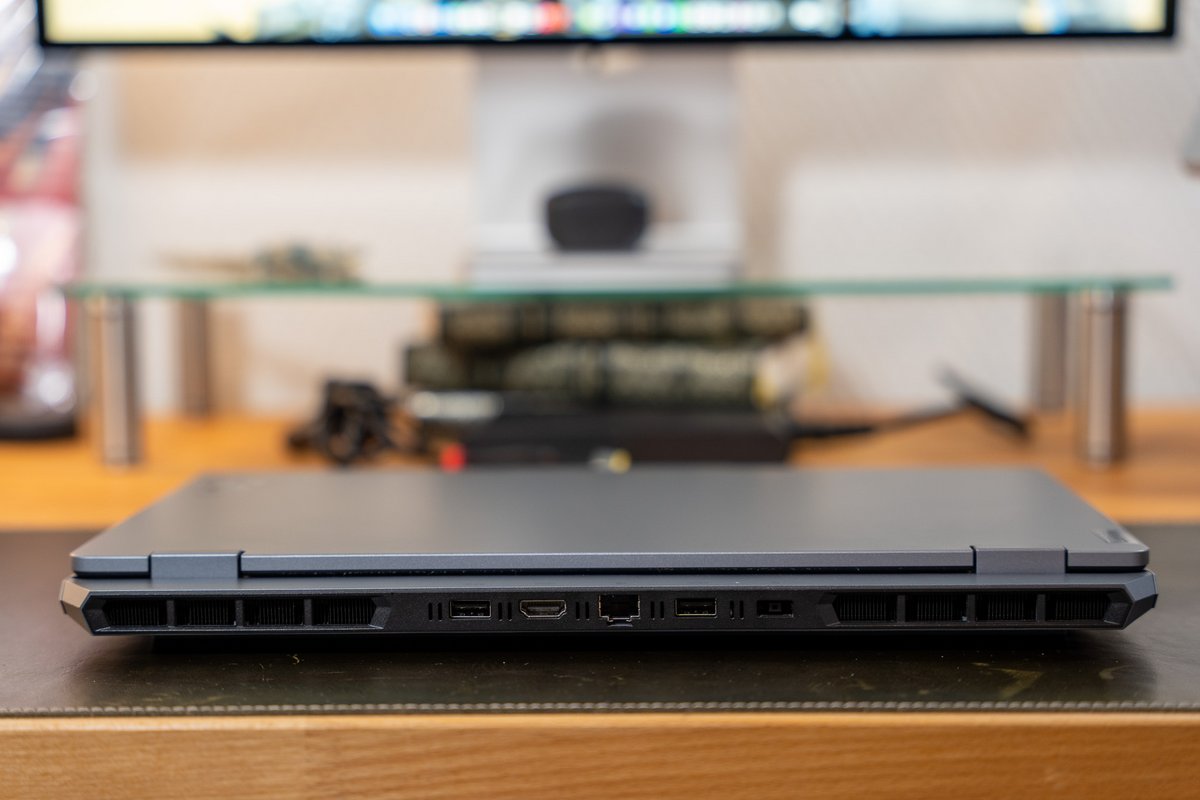
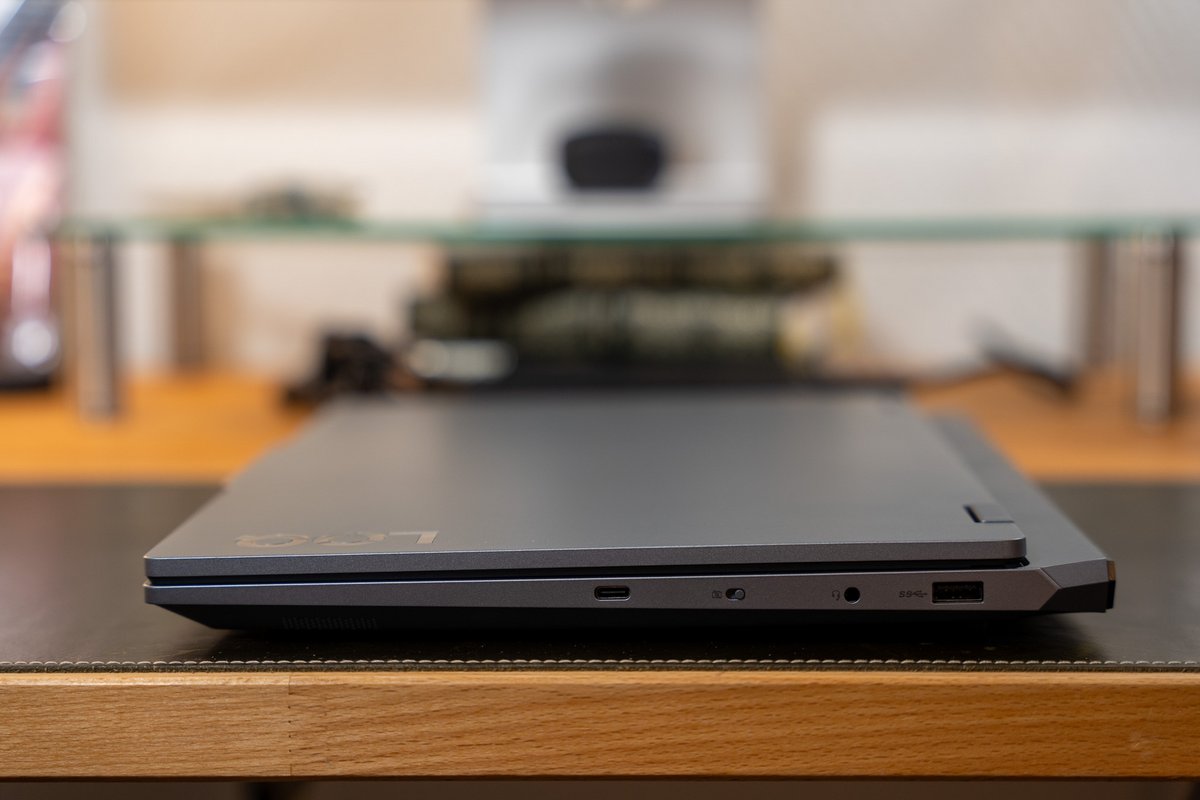
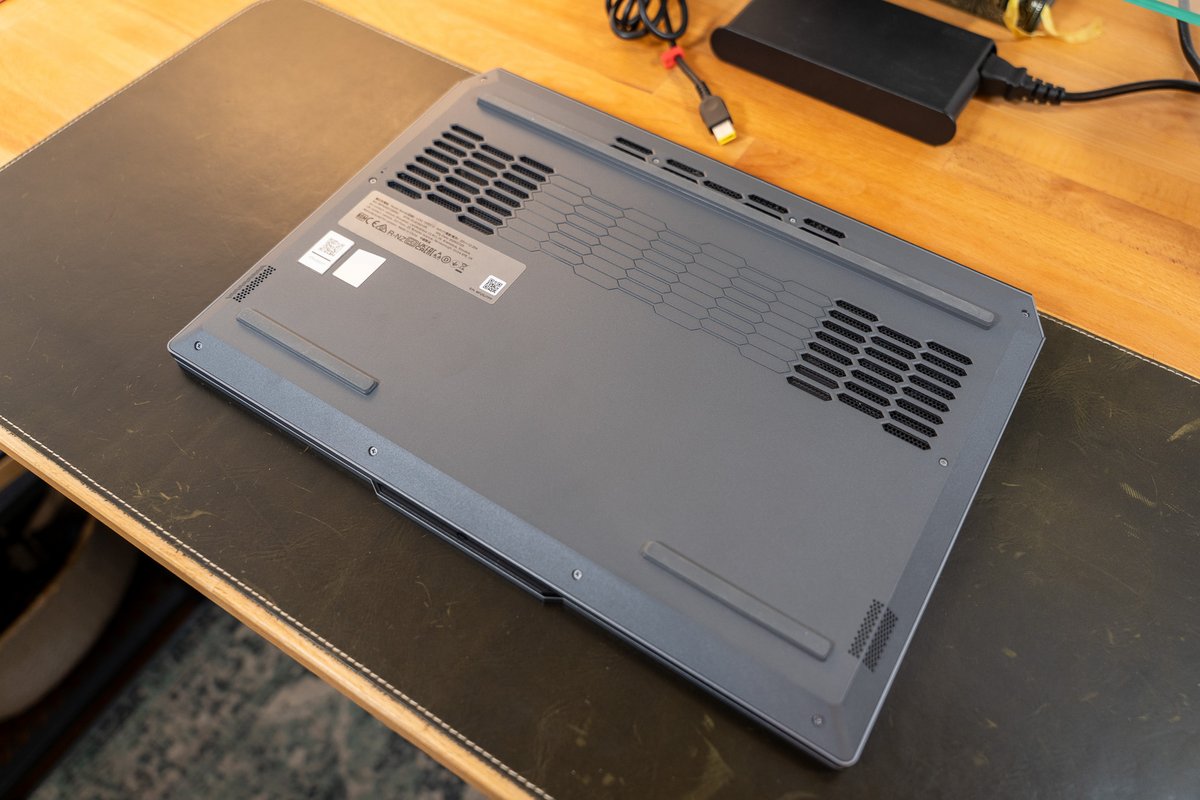
Another disappointment: the connectivity. While sufficiently numerous and varied, the ports are rather old (no USB 4 or Thunderbolt 4, for instance) and poorly distributed. You’ll find no ports on the left flank; everything is placed (at rather uneven intervals) on the right side and the rear of the chassis.

Then again, speaking of the keyboard, let’s continue. While not terrible, it is actually much more comfortable for office work than for gaming. The key travel is short, the rebound is a bit soft. In short, it’s comfortable for everyday writing and work, but not very pleasant to use in a high-strung FPS. The numeric keypad and the shortcuts oriented toward office/multimedia seem to confirm this approach—deliberate on Lenovo’s part, it seems. We prove this with the white backlighting only… Quite unusual for a gaming model. Even at entry level.
Similarly, the touchpad is perfectly ordinary. Neither good nor bad, it does the job in a pinch, but will never replace an external mouse advantageously. It isn’t there for that. As for the speakers installed under the chassis, they merely deliver a minimal audio experience too. Their purpose is solely to let you play a YouTube video without headphones from time to time.
Le ratio de contraste est par ailleurs estimé à 1722:1 par nos outils, soit dans le haut du panier de ce que permet la technologie LCD IPS. Sans égaler une dalle OLED ou Mini-LED, bien sûr, cet écran affiche donc des noirs relativement profonds. Quant à la fidélité des couleurs, elle est elle aussi au rendez-vous, avec un DeltaE donné à 0,8 (ce qui est parfait puisque cette valeur doit idéalement être égale ou inférieure à 3) et une température s’élevant à 6386 kelvins (proche des 6500 kelvins du standard vidéo). En clair, l’écran a été calibré avec soin.
This LCD panel finally covers 100% the sRGB spectrum and 71% the DCI-P3 gamut. We’re therefore dealing with an older-generation panel, tailored for everyday use and gaming, but not at all for creative work. A pity, but logical given this model’s positioning.
Performances: the RTX 5070 to deliver the show?
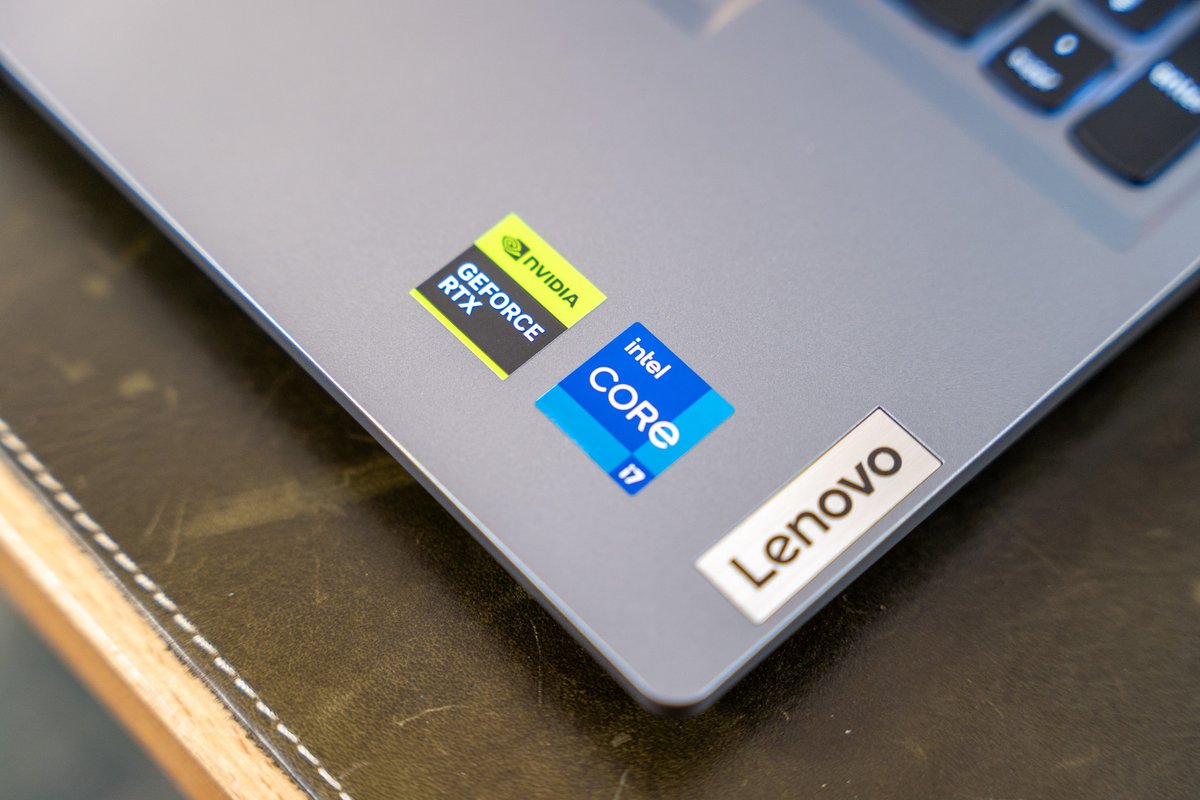
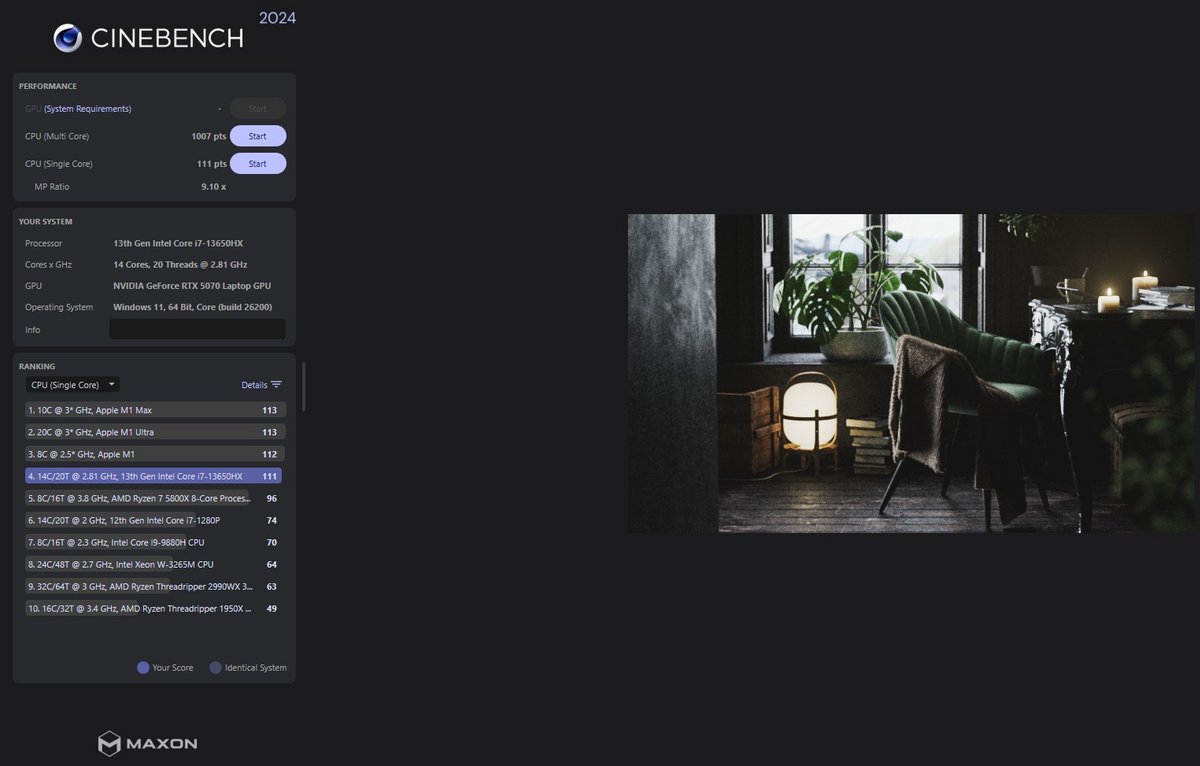
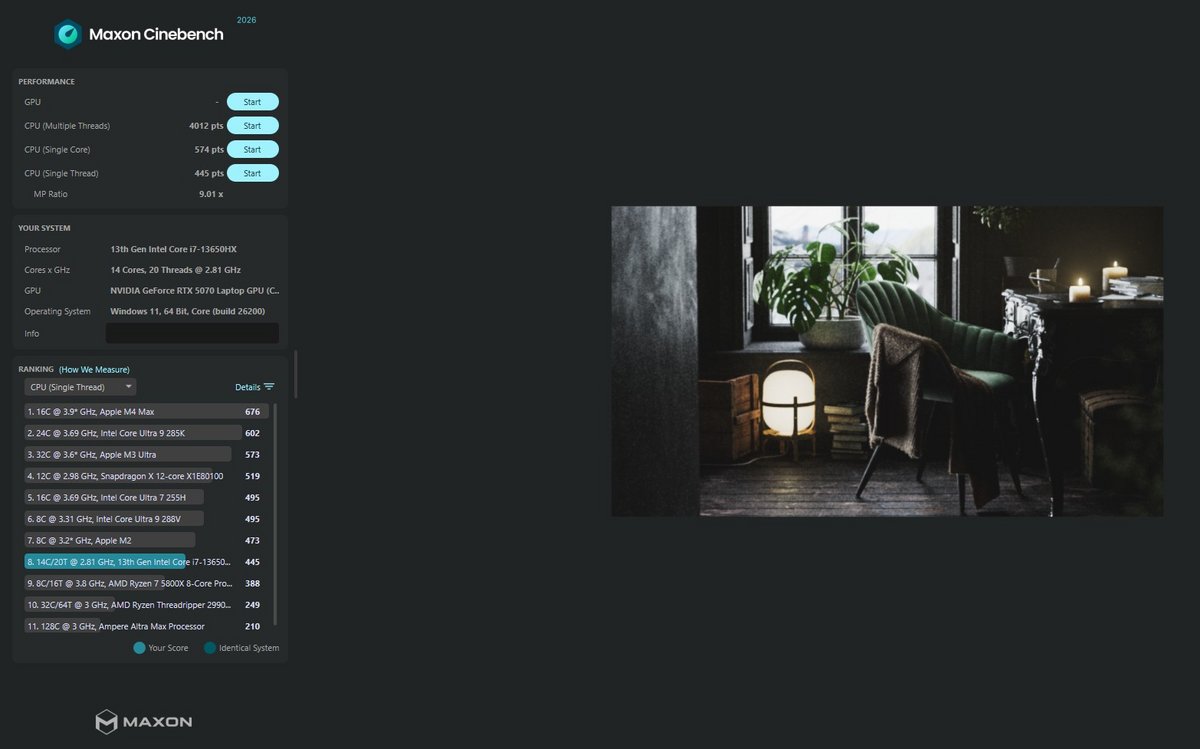
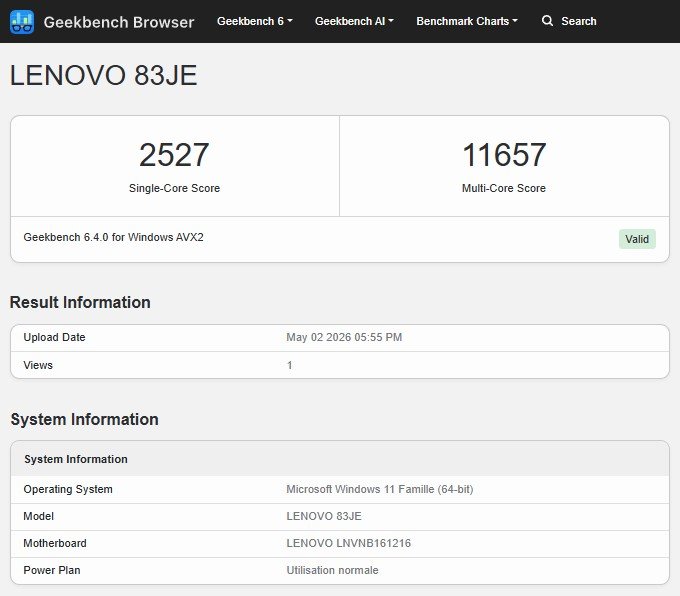
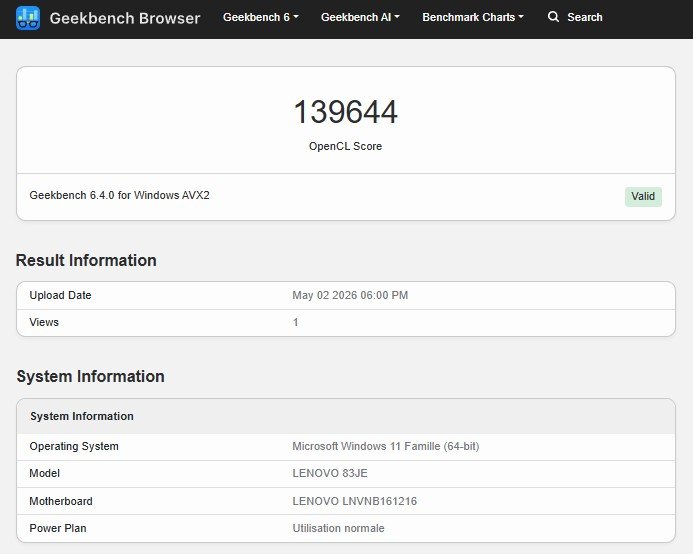
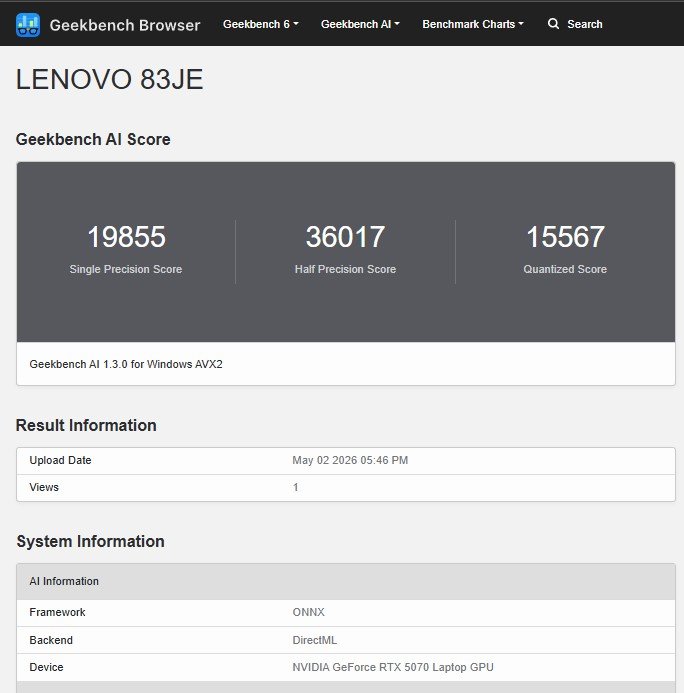
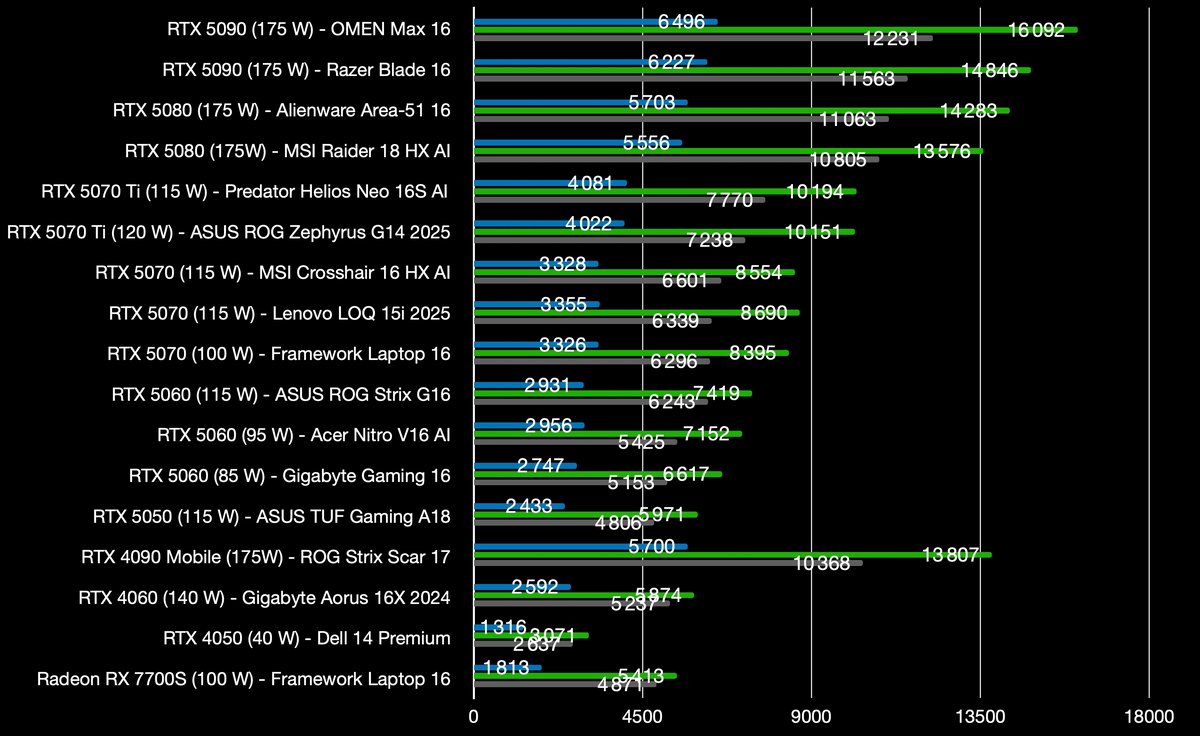
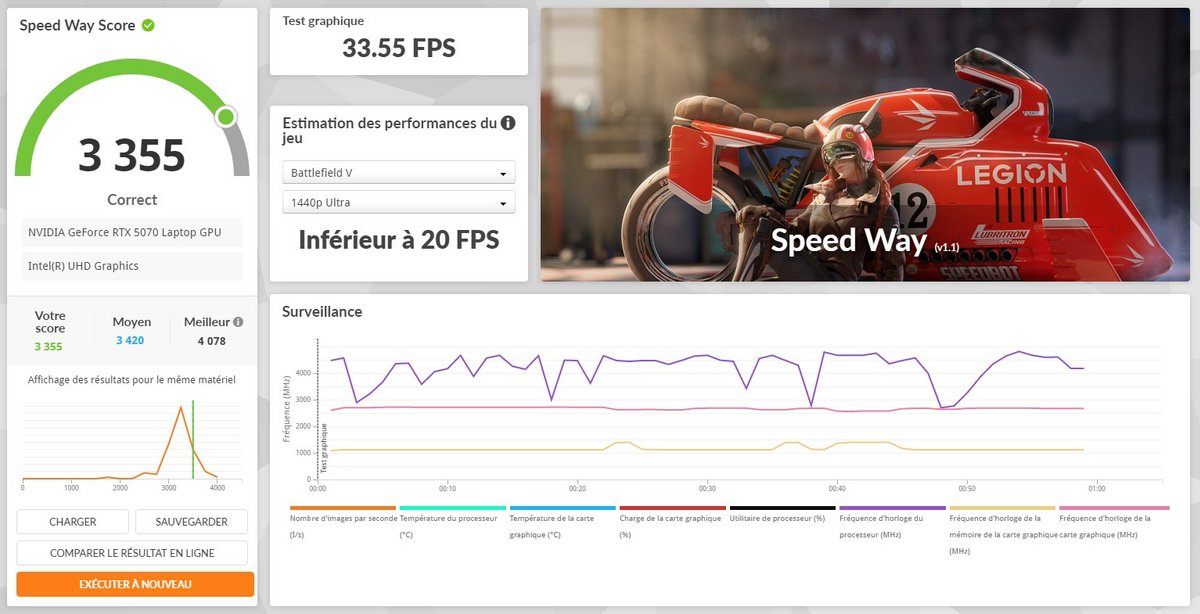
To keep the price attractive, the LOQ 15i ships with an older Intel Core i7 13th generation “Raptor Lake-HX,” released early 2023. This aging CPU is nevertheless offset by the presence on our loan unit of a powerful and fairly recent graphics card: the venerable RTX 5070. From this unbalanced—or even clearly mismatched—pairing, you can expect solid 1080p performance… although the high-end NVIDIA chip here feels somewhat superfluous and, above all, underutilized.
First of all, here is a quick recap of the tested configuration:
- Intel Core i7 13650HX (14 cores / 20 threads, up to 4.9 GHz, 24 MB cache, 55 W default TDP)
- 16 GB DDR5 RAM
- NVIDIA GeForce RTX 5070 (8 GB GDDR7 memory, 115 W TGP)
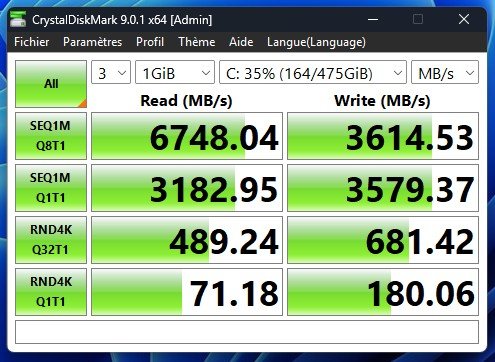
- 512 GB M.2 SSD