
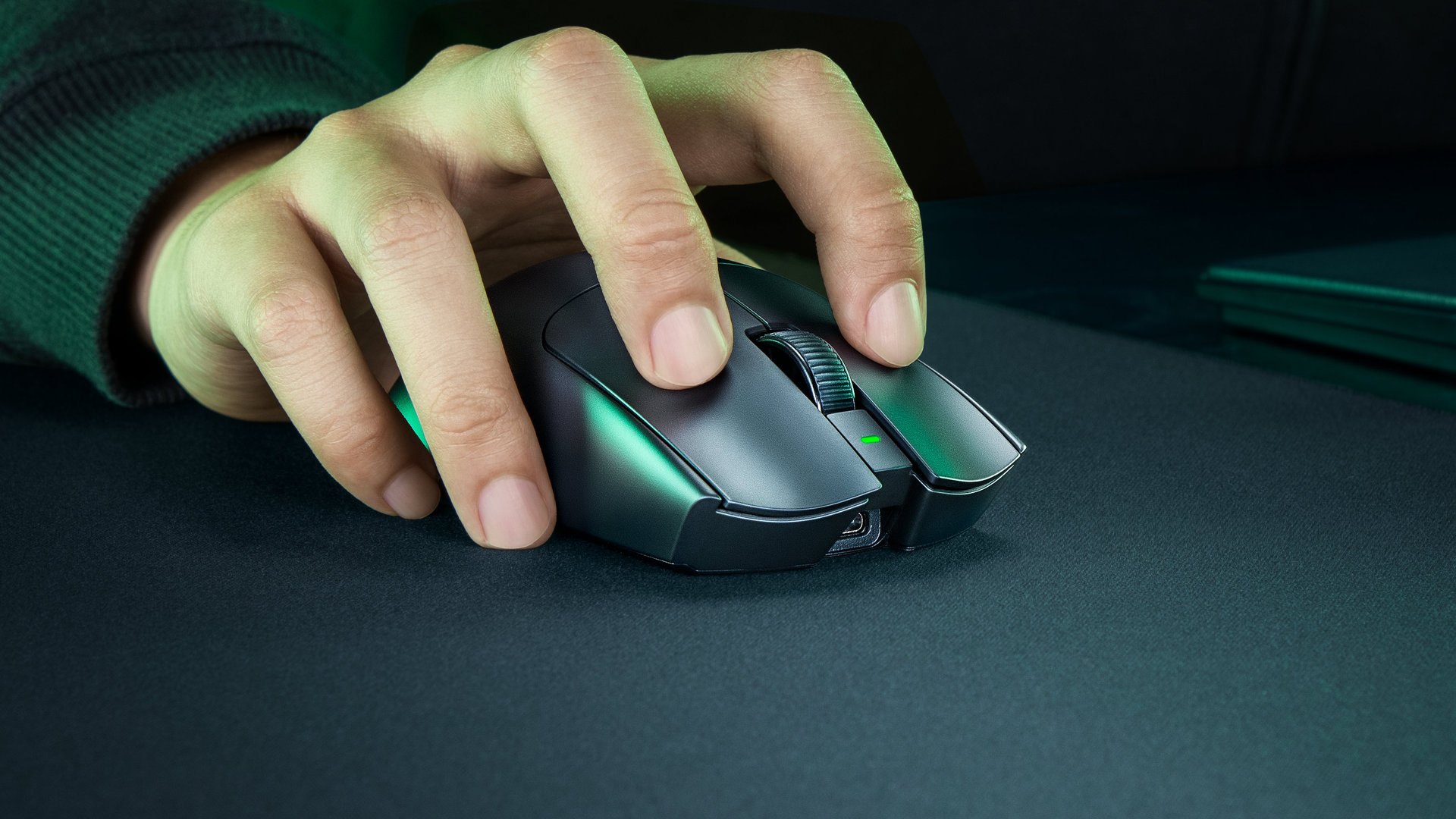
At Razer, the Viper Pro range represents the line of ultra-light models aimed at the most demanding players. The v4 is, of course, here to raise the bar a little further with an even lighter weight (49 g) and a new Focus Pro 50K sensor. Is that enough to justify a price tag that is equally premium?
9 / 10
- Razer Viper staying lighter than ever
- Perfect grip
- Reliability, build and design
- Fast optical wheel
- Capteur 50K, polling rate 8 KHz
- Excellent endurance
- Still right-handed only
- Noisy, “clicky” switches
- No Bluetooth
A design that isn’t fully ambidextrous
Launched in 2024, following an outstanding Viper v2 Pro, the Viper v3 Pro was lauded by critics and fans alike once again. The many awards the mouse has earned do not stop Razer from considering a successor, and so logically – about two years later – comes the Viper v4 Pro. There is no intent to revolutionize a proven concept, but rather to refine and modernize the proposition even further.
In reality, one could argue there are few changes to this mouse, and the first look seems to confirm that impression. The design is similar, with a perfectly symmetric shape and very slight hollowing at the middle. The mouse itself is fairly compact: 127.1 millimeters long, 63.9 mm wide, and 39.9 mm tall. Identical in dimensions to the Viper v3 Pro.
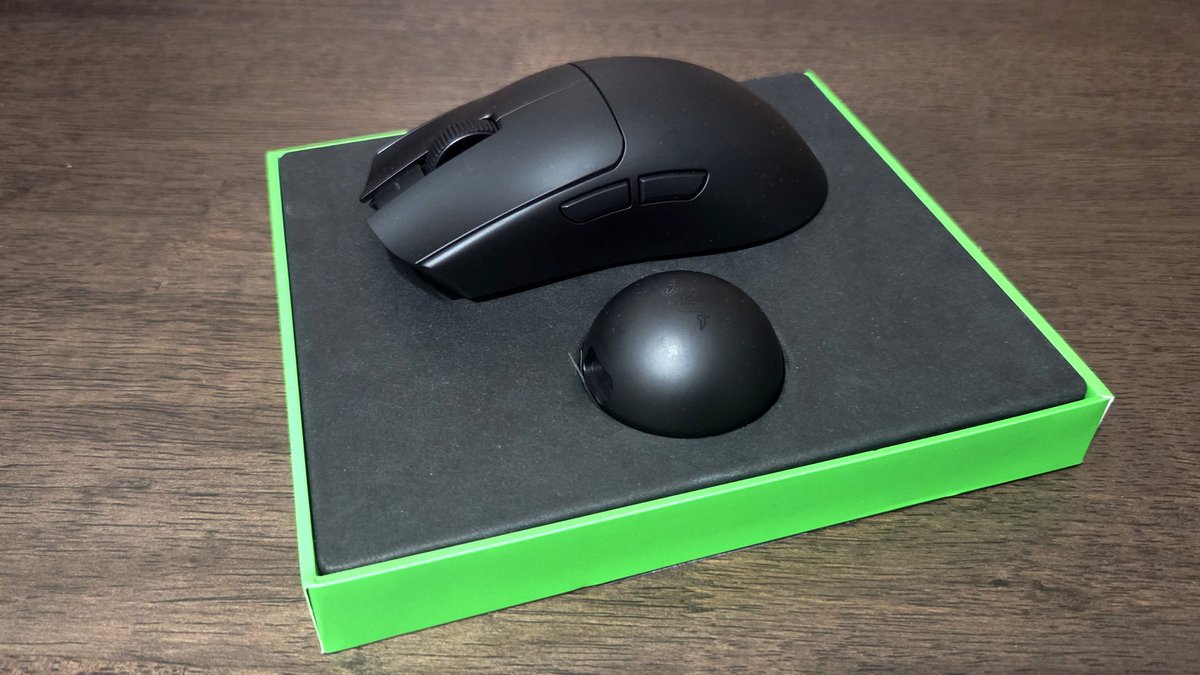
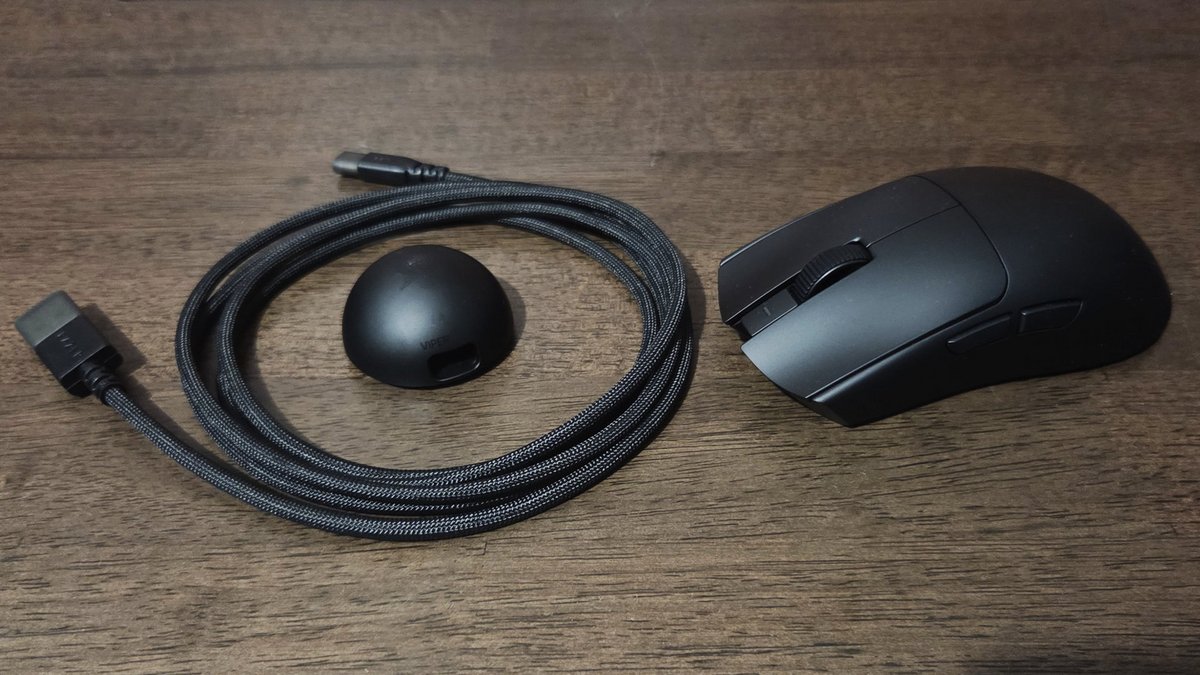
Maintaining the predecessor’s shape and dimensions, the Viper v4 Pro trims the weight by exactly five grams, dipping below the 50 g mark – not a common feat for a wireless mouse. Additionally, there’s no open-grid surface as some ultra-light models use; at no point did we feel a cheap build quality: the materials exude quality.
Of course, the mouse features a bidirectional scroll wheel and two thumb buttons along with the main ones. Under the scroll wheel, there is a button to switch the sensor’s sensitivity, while two large PTFE skates ensure smooth movement. Not much else to note beyond the USB-C port and a small puck that handles wireless connection while also serving as a charging dock.
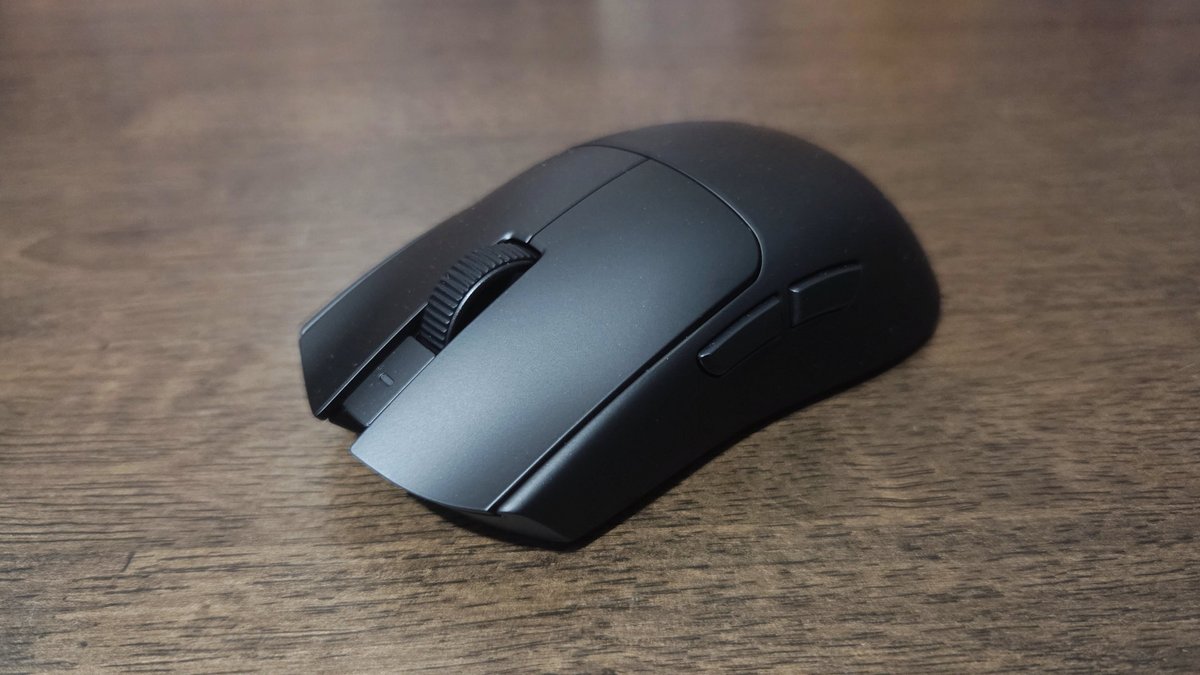
8 KHz polling rate and a 50 K sensor!
Those five extra grams will delight eSports players, but they don’t alter the mouse’s silhouette. Instead, the Viper v4 Pro’s spec sheet evolves with, first, a significantly upgraded sensor: Focus Pro 3rd generation, capable of reaching 50 K DPI per inch of sensitivity, up from 35 K on the previous model. Developed in-house at Razer, it’s rated for up to 930 IPS of maximum speed and 90 g of acceleration.
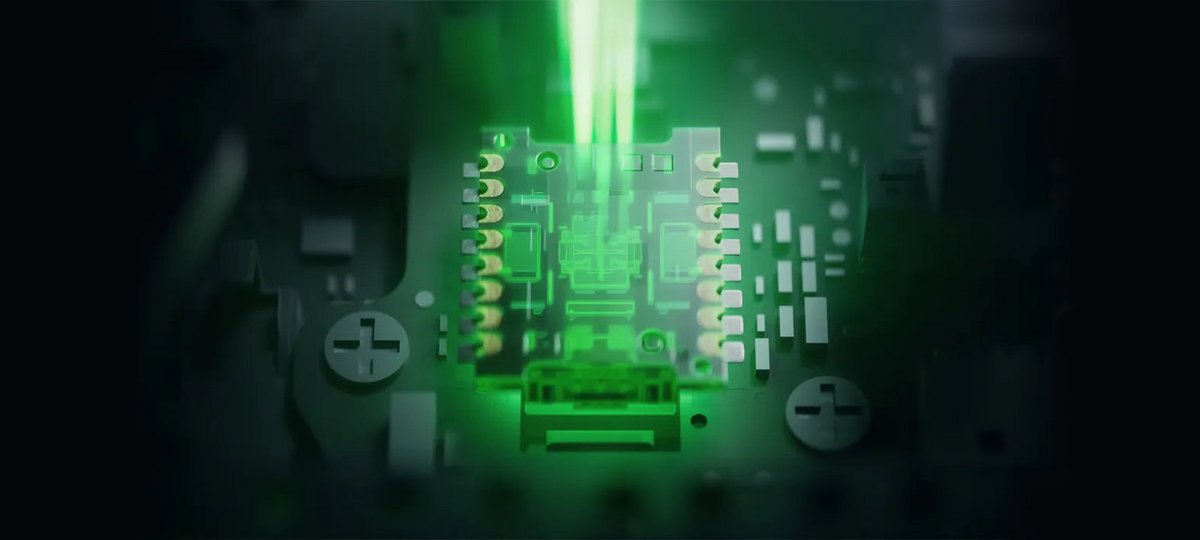
Technical figures rise clearly compared to the Viper v3 Pro, but Razer doesn’t stop at a few numbers. The brand has more to announce, and not the least interesting ones. Briefly, we’ll note the improved reliability of the switches used on the mouse buttons: with a 100 million click cycle life for this 4th generation, that’s ten million more than the 3rd generation.
Razer also focuses on upgrade in connectivity. If Bluetooth is absent – a pity – the mouse still features an optimized HyperSpeed wireless connection. The goal is to further minimize signal drop risks while delivering even lower latency. Of course, this is measured against wired latency. Note that while the USB cable is primarily for charging, it can also power the Viper v4 Pro.
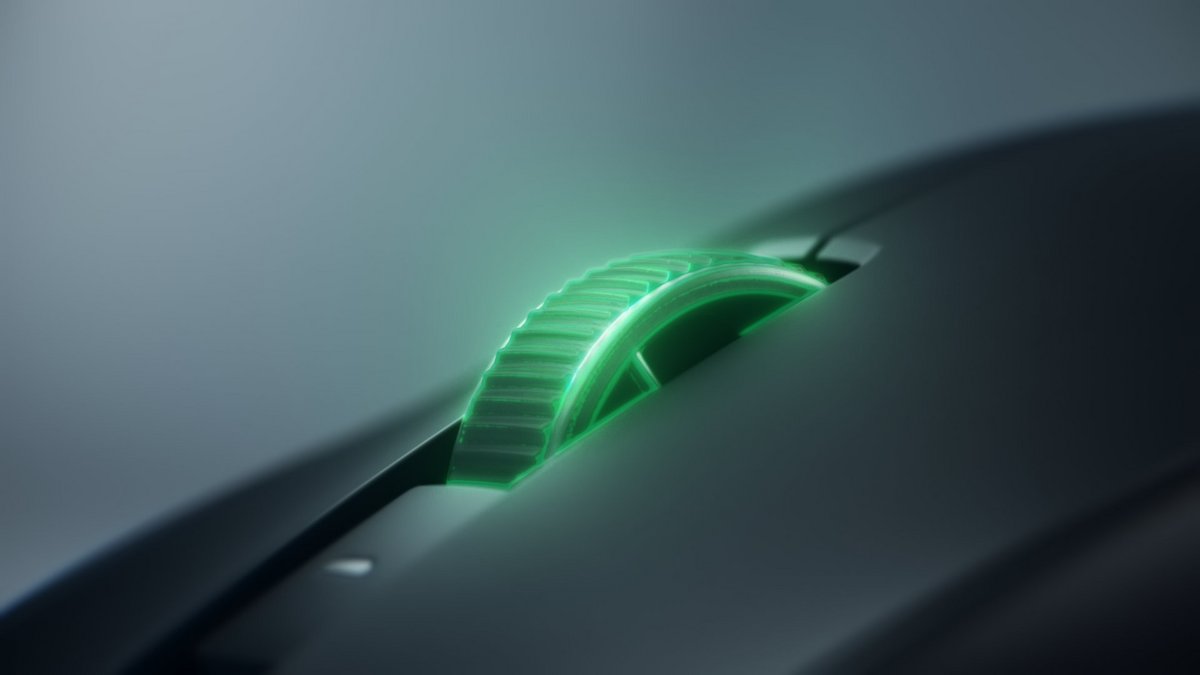
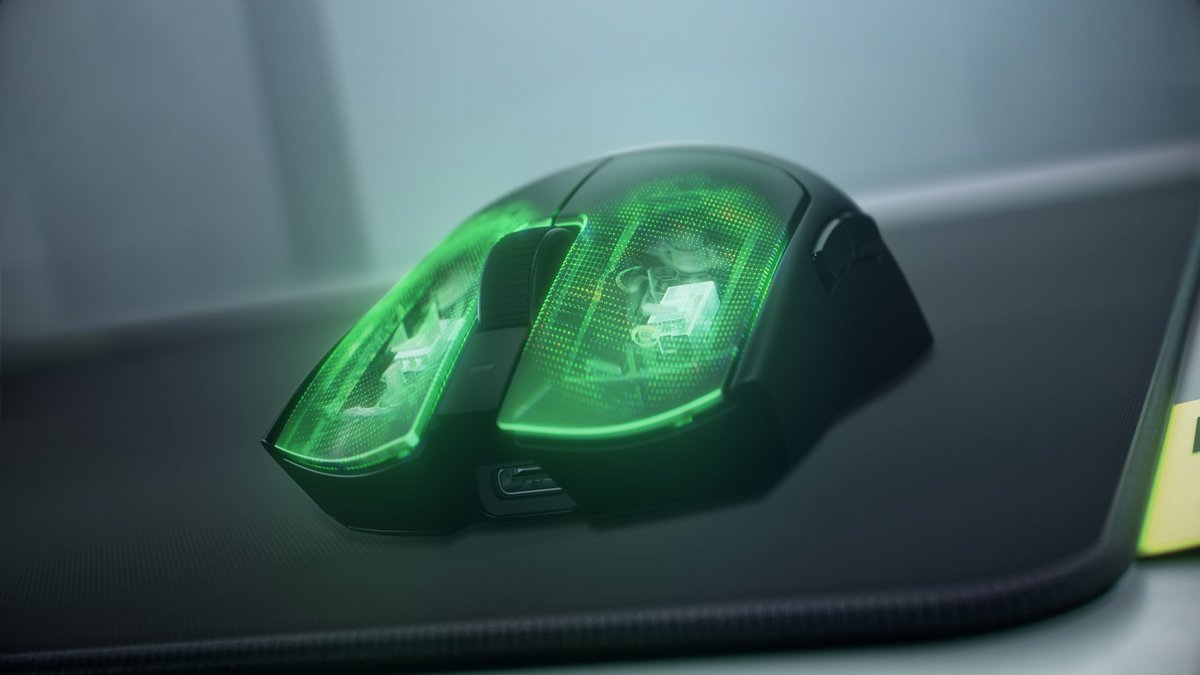
The optical scroll wheel and the button switches are impeccable. ©Razer
There is no improvement in the polling rate, but Razer already ranks among the best: it’s possible to reach a maximum of 8,000 Hz, though that’ll only benefit the very top players. As you’d expect, this figure affects the mouse’s battery life and it is, of course, adjustable from the software, just as the sensor sensitivity (Focus Pro) is.
And in practice, how does it feel?
All of these settings are accessible via the Synapse Web interface, which, like for most Razer peripherals, has replaced the original Synapse software. This shift to a browser-based interface offers simplicity: no software to install and the promise of settings accessible from any connected machine. Fortunately, if the Internet goes out, a profile (one only) is stored in the mouse’s memory.
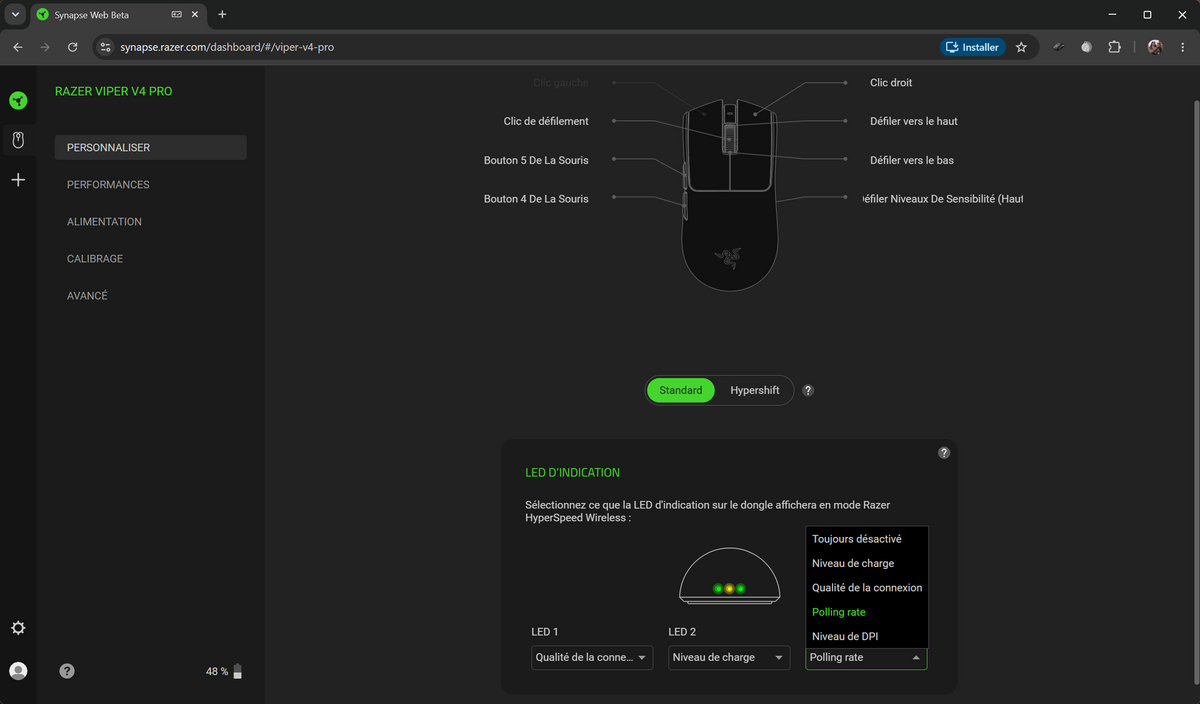
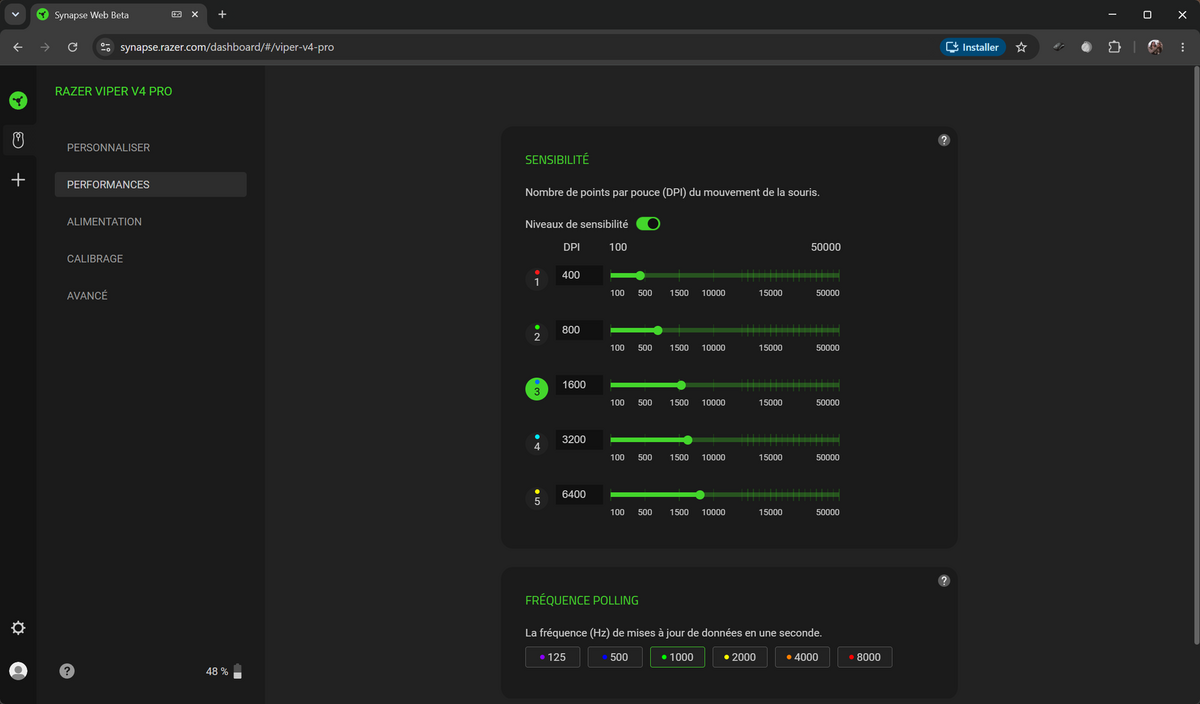
We won’t dive into endless specifics here, but know that all commands can be customized, whether they are primary or secondary features accessible via Hypershift. The Synapse interface allows adjusting sensor sensitivity from 100 to 50,000 ppp in 100 ppp steps. The polling rate can be set to six values: 125, 500, 1,000, 2,000, 4,000, or 8,000 Hz. You can also configure wake/sleep timings and a low-power mode.
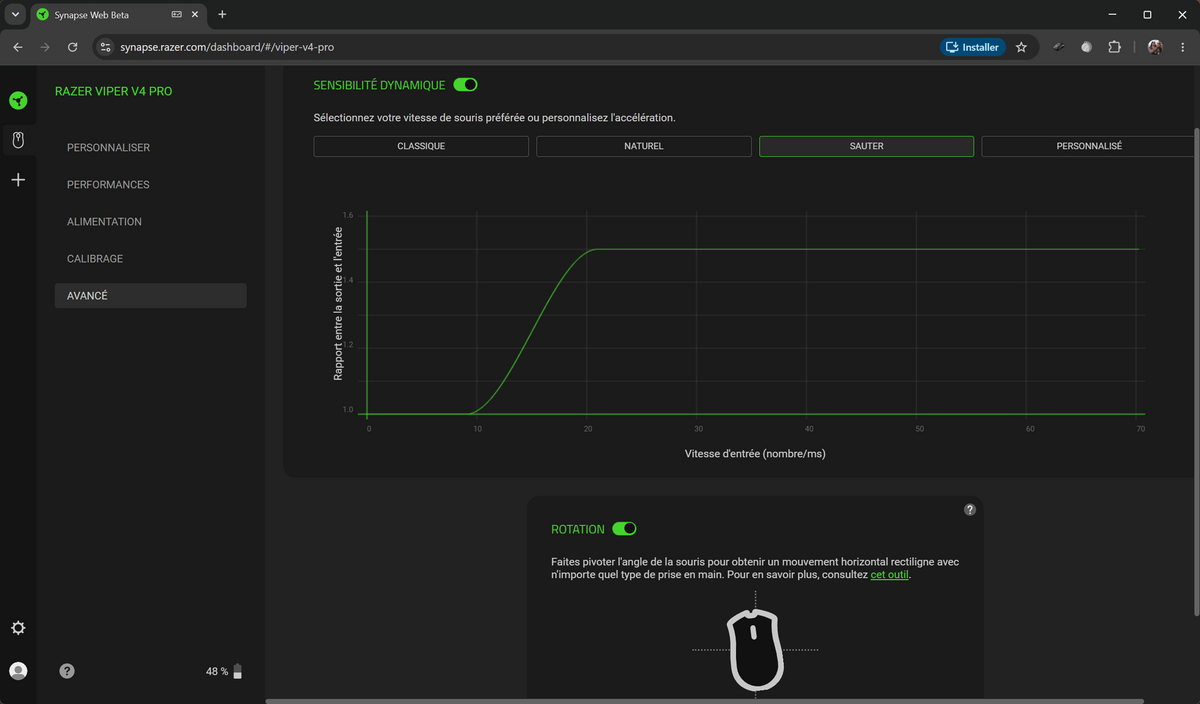
More original still, Razer integrates a “dynamic sensitivity” option that adjusts the mouse’s acceleration according to your habits. It’s handy. The rotation adjustment is also provided to achieve a straight horizontal movement, regardless of how you grip the mouse. Finally, Razer allows management of the puck’s LED lights: you can use them to display the battery level, but also the polling rate or sensitivity.
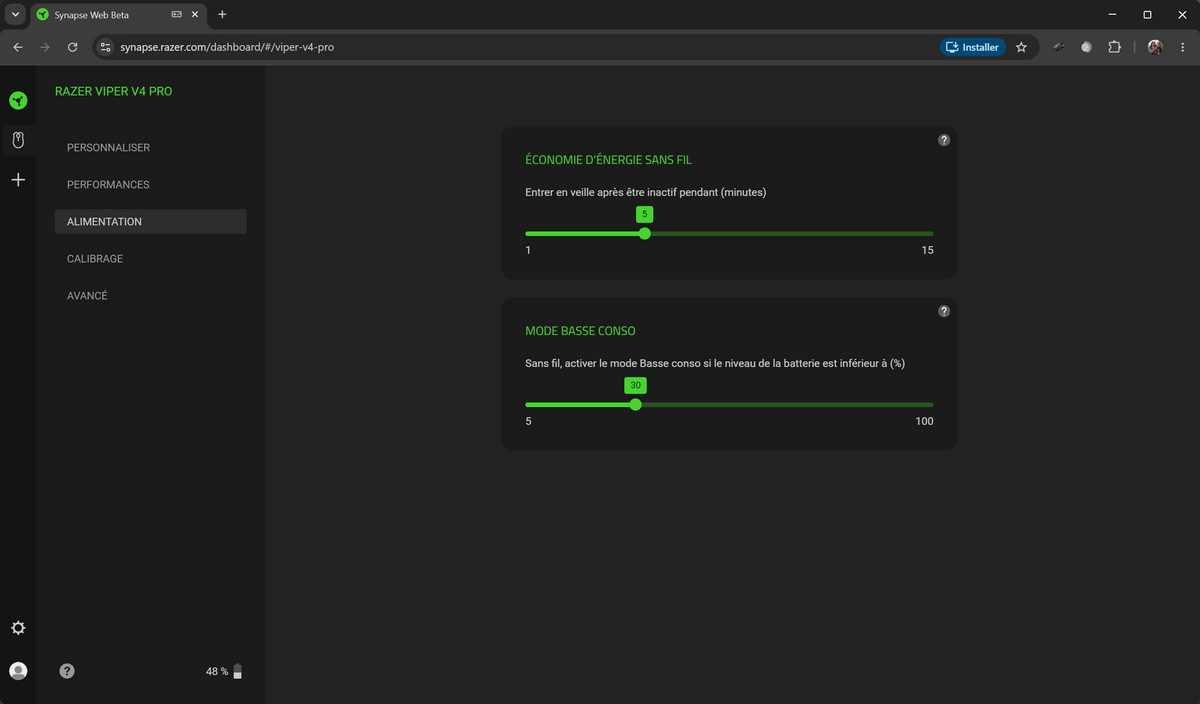
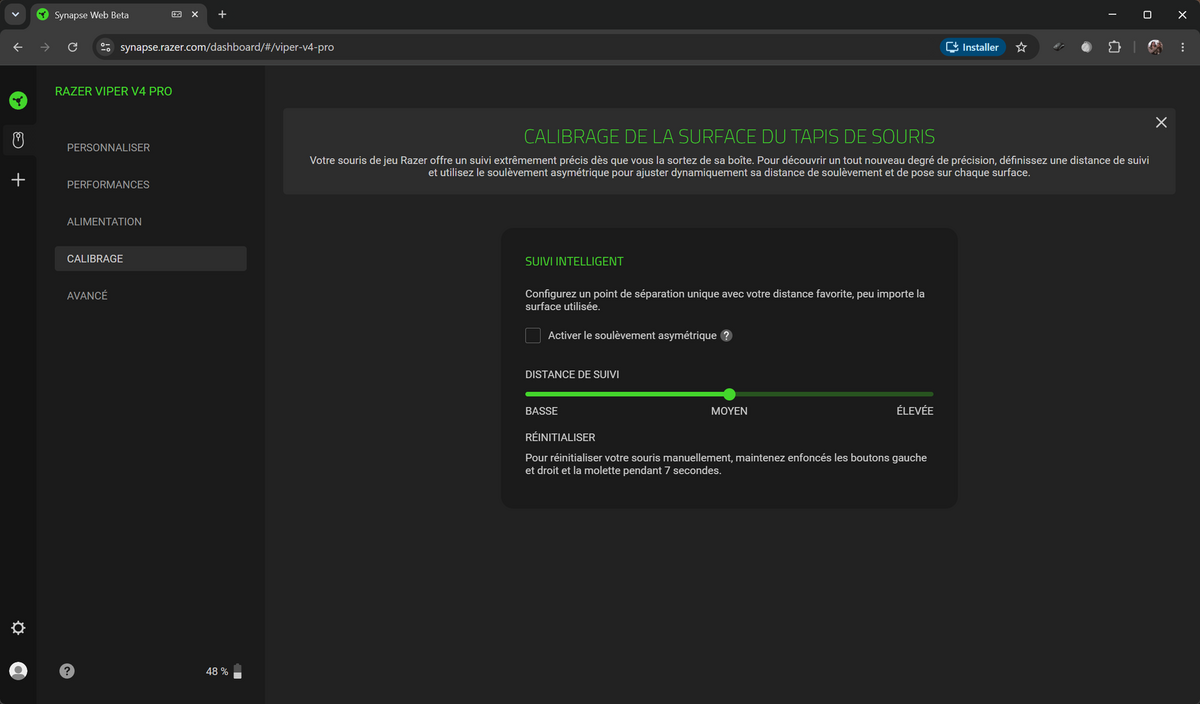
The Synapse interface should help you get the most out of the Viper v4 Pro, and honestly, the only real complaint is the necessity of an Internet connection to adjust profiles. The options offered by Razer are reassuring for gamers: they truly let you tailor the mouse to your own habits. In this sense, the Viper v4 Pro’s dimensions appeal to a broad audience: small, medium, or large hands will feel at ease.
Palm grip, claw grip, or fingertip grip are all possible, and Razer ships two small adhesive grips to place if you wish. We didn’t feel the need to use them, but know they’re there to secure the grip further. We have no criticisms; after hours of play, fatigue is not felt. The buttons are ideally placed, with only a remark about the sensitivity button under the mouse.
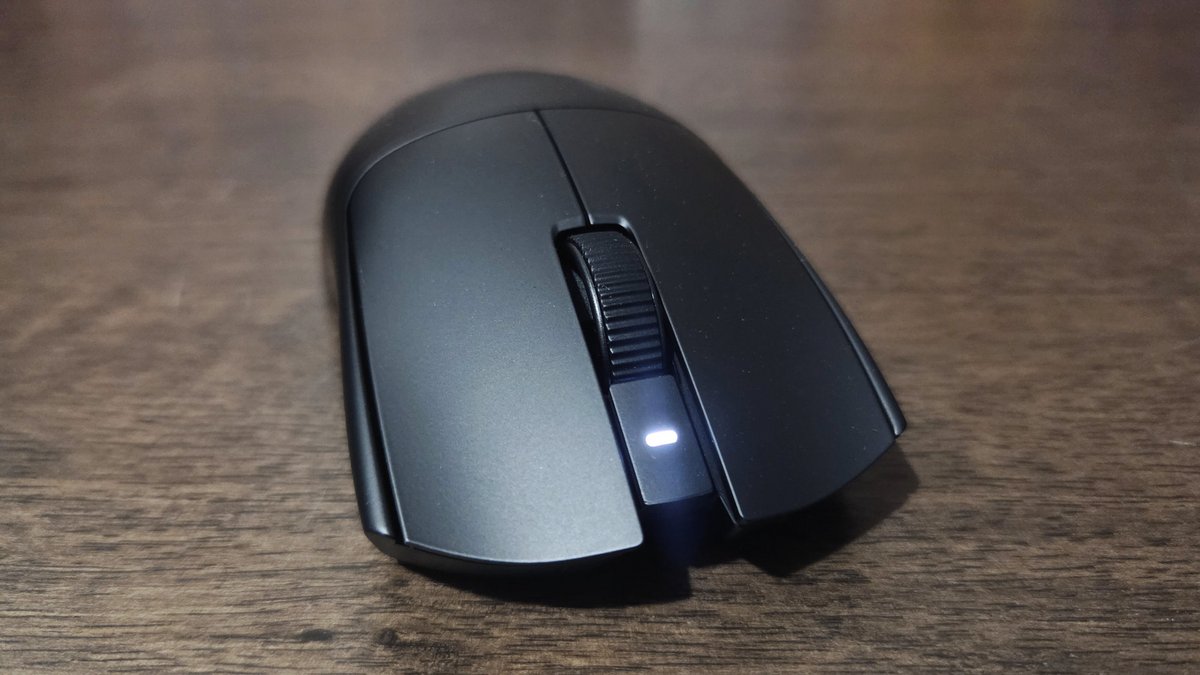
So, yes, in the heat of battle one rarely changes configuration, but that may not be the optimal place to tweak. A minor flaw beside the Viper v4 Pro’s many strengths: it’s comfortable, responsive, and precise, never losing pace, and the wireless connection is flawless. The absence of Bluetooth is the only downside, though it seems more useful to highlight the beast’s endurance.
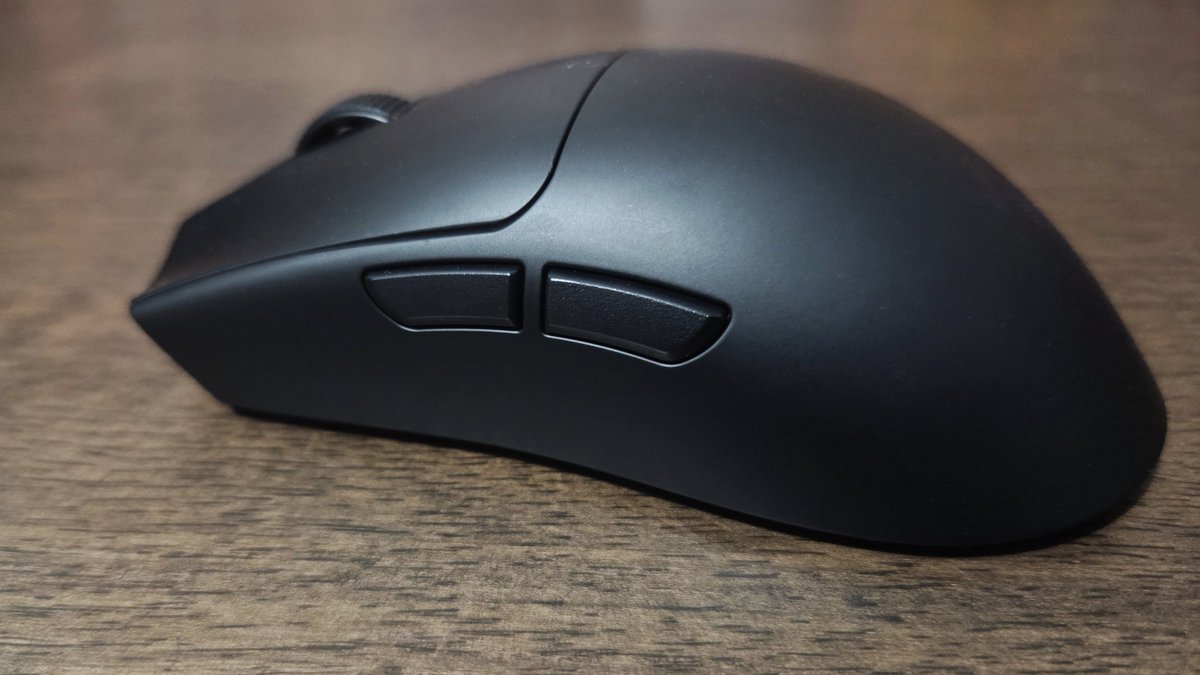
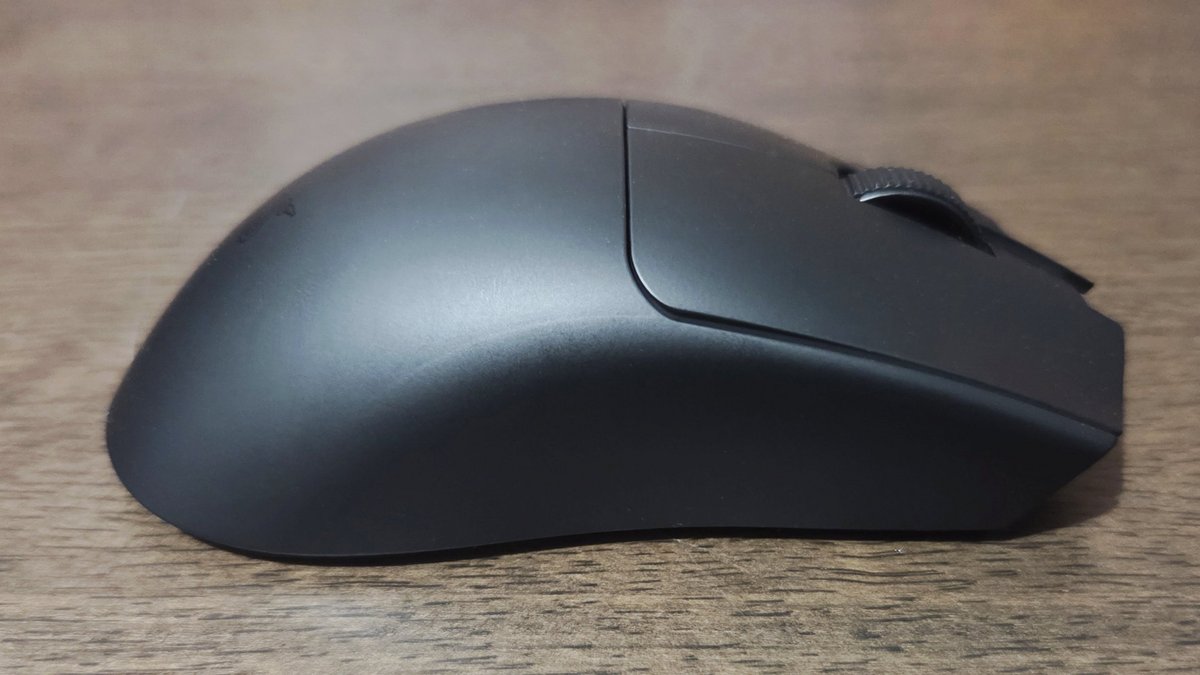
Indeed, Razer has made remarkable efforts to boost the Viper v3 Pro’s maximum 95 hours of endurance to a staggering 180 hours! Even at 8,000 Hz polling rate, the autonomy remains impressive at 45 hours, confirmed by our tests. Ah, one could fault the Viper v4 Pro on three points: despite a superficially ambidextrous design, it is effectively made for right-handed users due to the thumb-button placement.
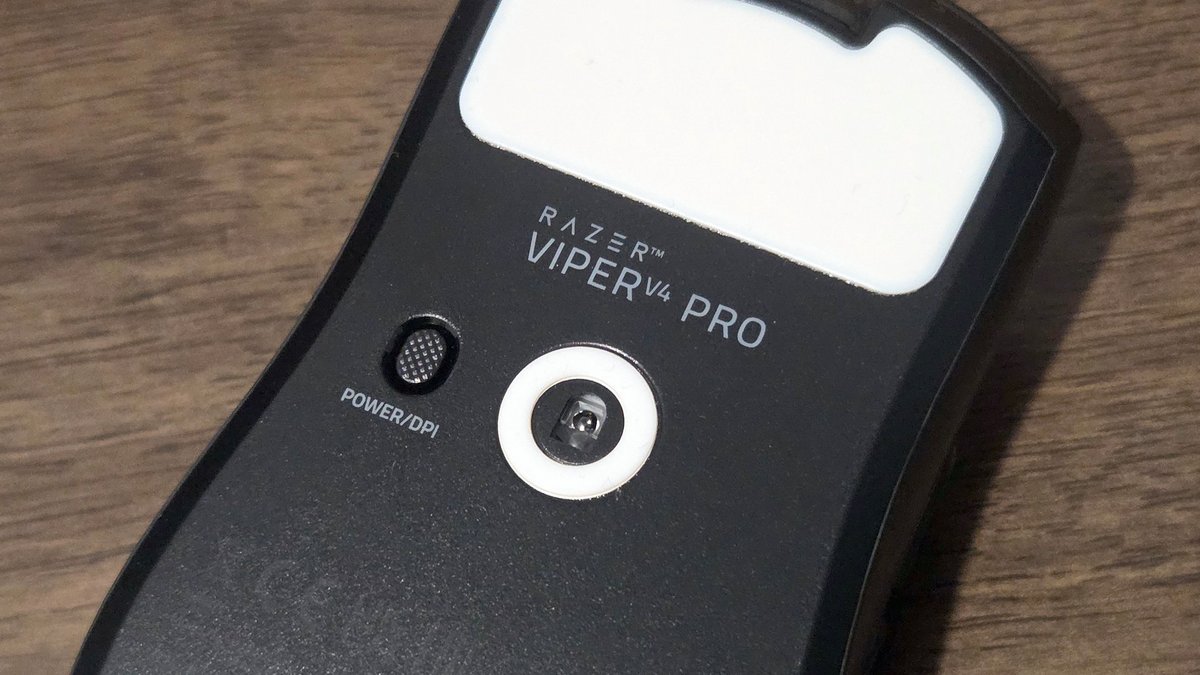
Moreover, the use of an optical wheel may prove disruptive. Precision and responsiveness aren’t in question, but the steps feel a bit too lax: not always easy to manage. We also note the somewhat “clicky” feel of Razer’s switches. Again, this is a matter of personal taste, but their somewhat loud nature is worth mentioning.
Razer Viper v4 Pro: Clubic’s verdict
Once again, Razer signs off with an exceptional mouse, but alas, once again it will be reserved for an affluent elite or, at least, for those willing to make such an investment. No matter how modern and capable it is, only a few players can or want to drop 180 euros on a mouse.
That said, beyond the price question, Razer delivers another very strong product. The Viper v3 Pro was already a reference in gaming mice; the Viper v4 Pro nudges the bar a little higher. The technical differences are evident, with a more sensitive sensor, improved wireless management, and notably better endurance. Yet the experience also improves a bit on the subjective level.
If you loved the Viper v3 Pro, you’ll love its successor, whose dimensions and shape are identical. The mouse is a touch lighter for a more comfortable grip, supported by optional grips. So not a radical innovation, but progress in every area for what will surely be another success for the brand.
- The Viper keeps getting lighter
- Flawless handling
- Reliability, build quality, and design
- Fast and precise optical wheel
- 50 K sensor, 8 KHz polling
- Remarkable autonomy
- Still right-handed only
- Clicky, loud switches
- No Bluetooth
Alternatives to the Viper v4 Pro from Razer:
- Clic haptique HITS innovant et silencieux
- Very comfortable in play
- Excellent precision (HERO 2, 8000 Hz)

Daniel Brooks
I cover everyday products with a practical eye, from kitchen tools and home essentials to smart gadgets and consumer trends. My goal is to help readers understand what is genuinely useful, what is worth the price, and what deserves a second look before buying.