
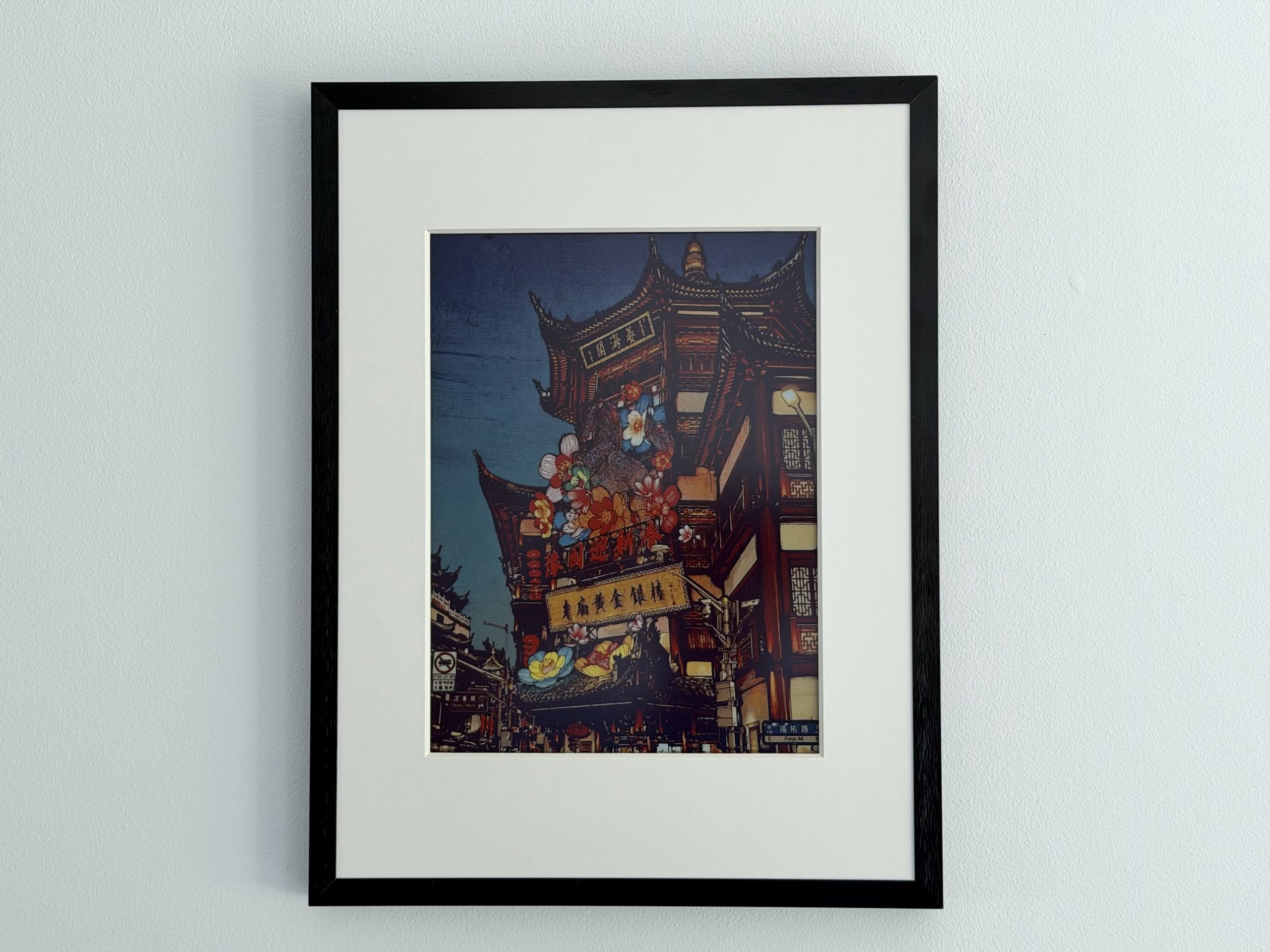
SwitchBot leaves the smart-home stage to tackle decoration with the AI Art Frame, a digital frame using electronic ink that promises to pass for a real painting. After several months hanging on my wall, the verdict is mixed, and I can’t help asking myself this simple question: “All this for that?”
7 / 10
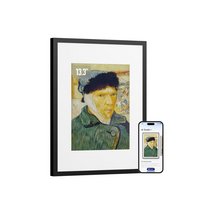
Best prices
amazon.fr
- The illusion of a real painting actually works
- Dalle E Ink without glare or blue light
- No visible cables, free-standing setup
- Image scheduling
- Quality AI image generation
- Very high price
- Monthly subscription for AI image generation
- Only 10 images can be stored locally
- Generic and repetitive AI styles
- Two-year autonomy based on weekly changes
The digital photo frame carries with it a long history of aesthetic flops. Too shiny, too plastic, and with a display quality that was often subpar, it invariably landed at the back of a dusty shelf rather than on a wall. Almost twenty years after that trend faded, SwitchBot tackles the problem from a different angle with the AI Art Frame: instead of a backlit LCD panel, the brand uses color E Ink, Spectra 6 technology, to mimic the texture of a real print.
The frame is available in three formats, from a 7.3-inch desktop version to a 31.5-inch model intended for large walls. I spent several months with the mid-size 13.3-inch version priced at €349.99, probably the most balanced in the lineup. Here’s what changes, and what it actually costs.
Test conducted on a unit loaned by the manufacturer.
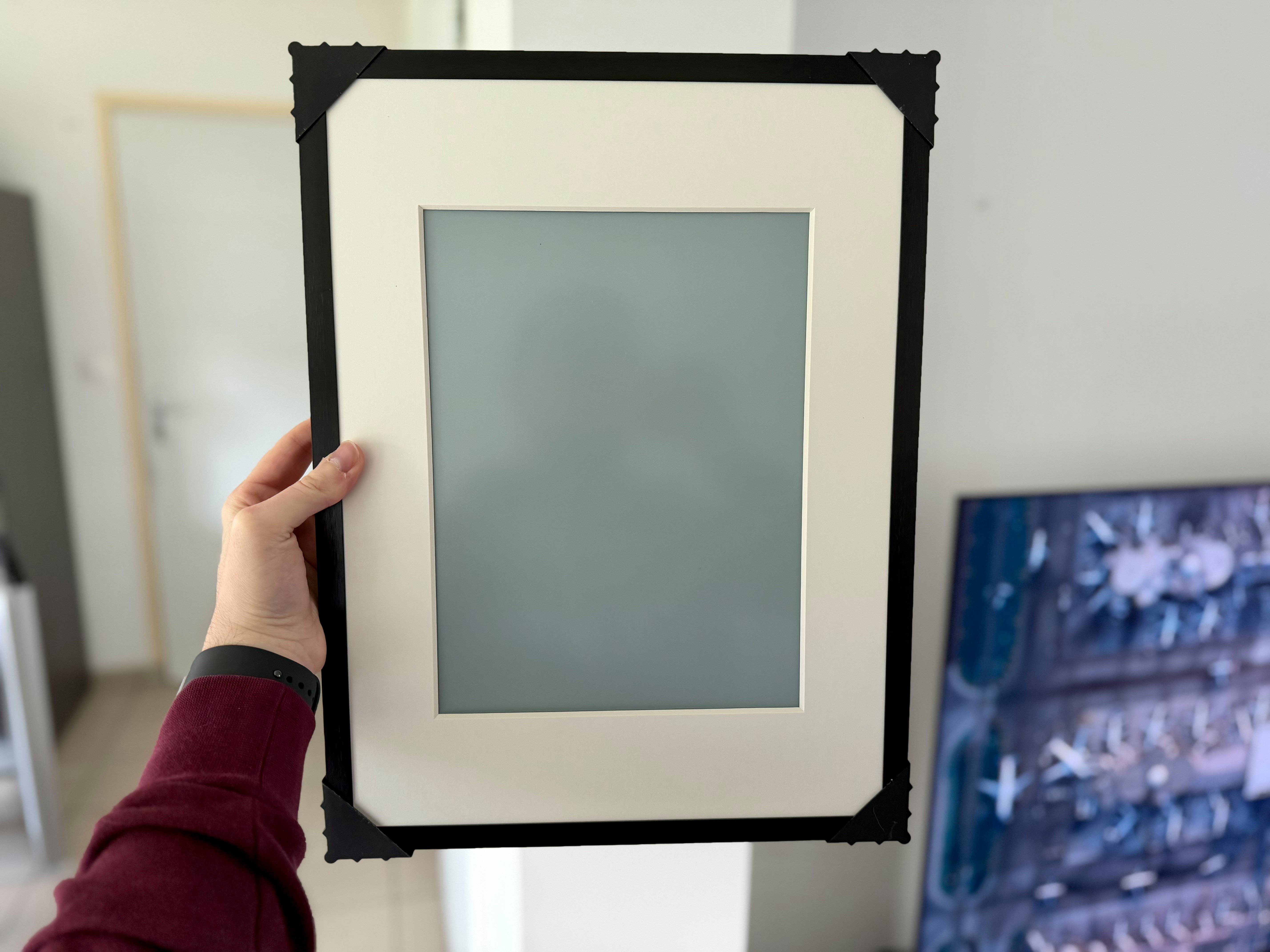
The illusion of a real painting, finally achieved
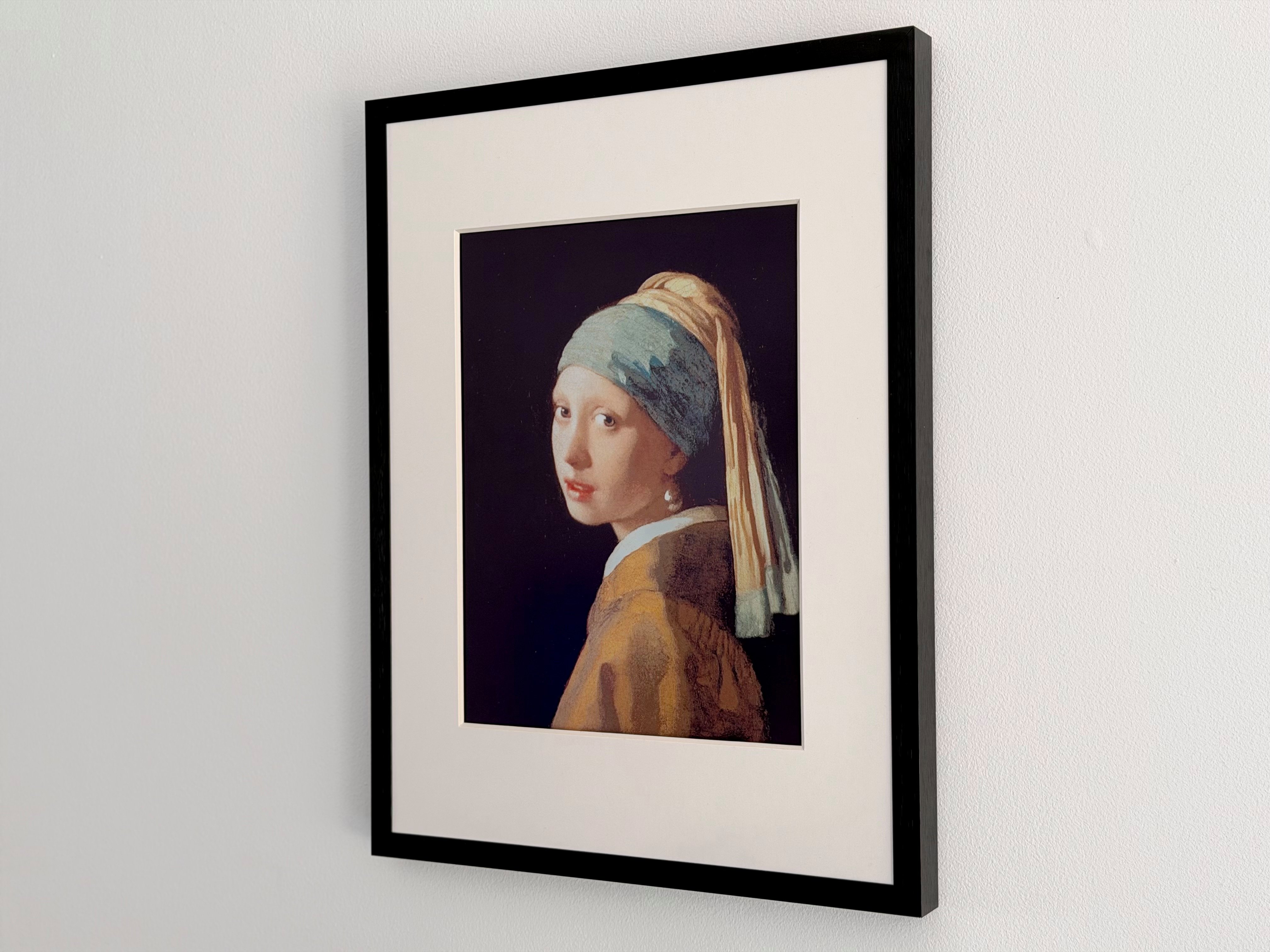
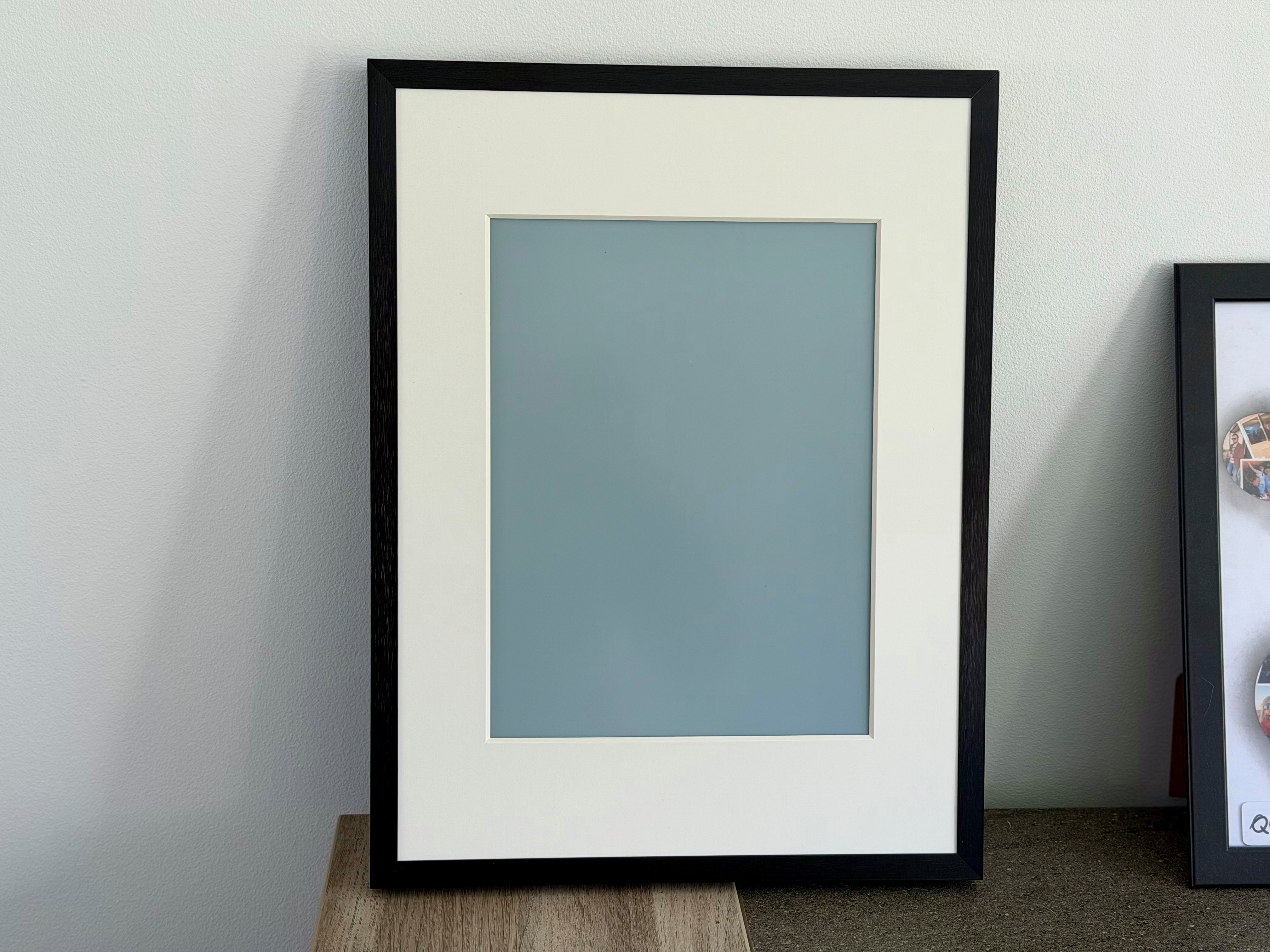
The first thing that strikes you, and it’s decisive: it works. Mounted on the wall, the SwitchBot AI Art Frame doesn’t resemble a screen. There’s no glare, no halo of light, no sense of a forgotten tablet hanging from a nail. The electronic ink renders images with a matte finish that genuinely evoke printed paper, and the aluminum alloy frame does the rest. Of course the photo or image is invisible in the dark due to the absence of backlighting. Some people have complained about that; for me, it’s a real strength. The object integrates into decor and quickly becomes unobtrusive. Many visitors took a moment to realize it was a connected device, until the image changed throughout the day. That remains the best compliment you can give to this kind of product.
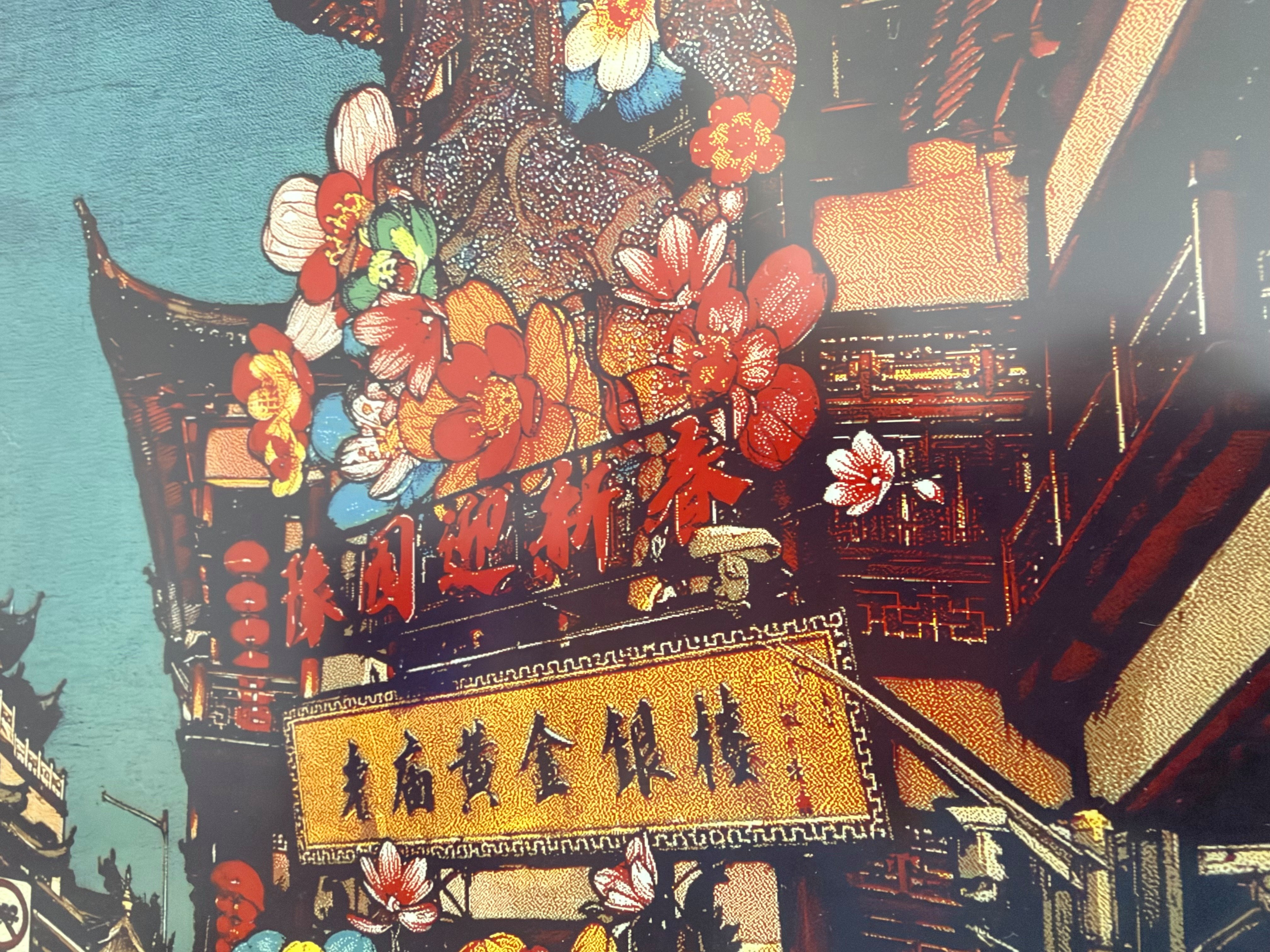
This success comes with a technical caveat. The panel displays 1600 x 1200 pixels at 150 ppi, a density far from what you’d find on any modern screen, and the pixels of E Ink are physically coarser. At thirty centimeters, you can notice the grain. But a painting isn’t meant to be studied nose-to-screen, and from a normal viewing distance the question doesn’t arise.
Another strength is the complete absence of visible cables. The frame runs on a 2000 mAh rechargeable USB-C battery, which lets you place it or mount it without worrying about a nearby outlet. SwitchBot even extends the decorative logic by making the product compatible with Ikea’s Rödalm frames for those who want it to match their interior.
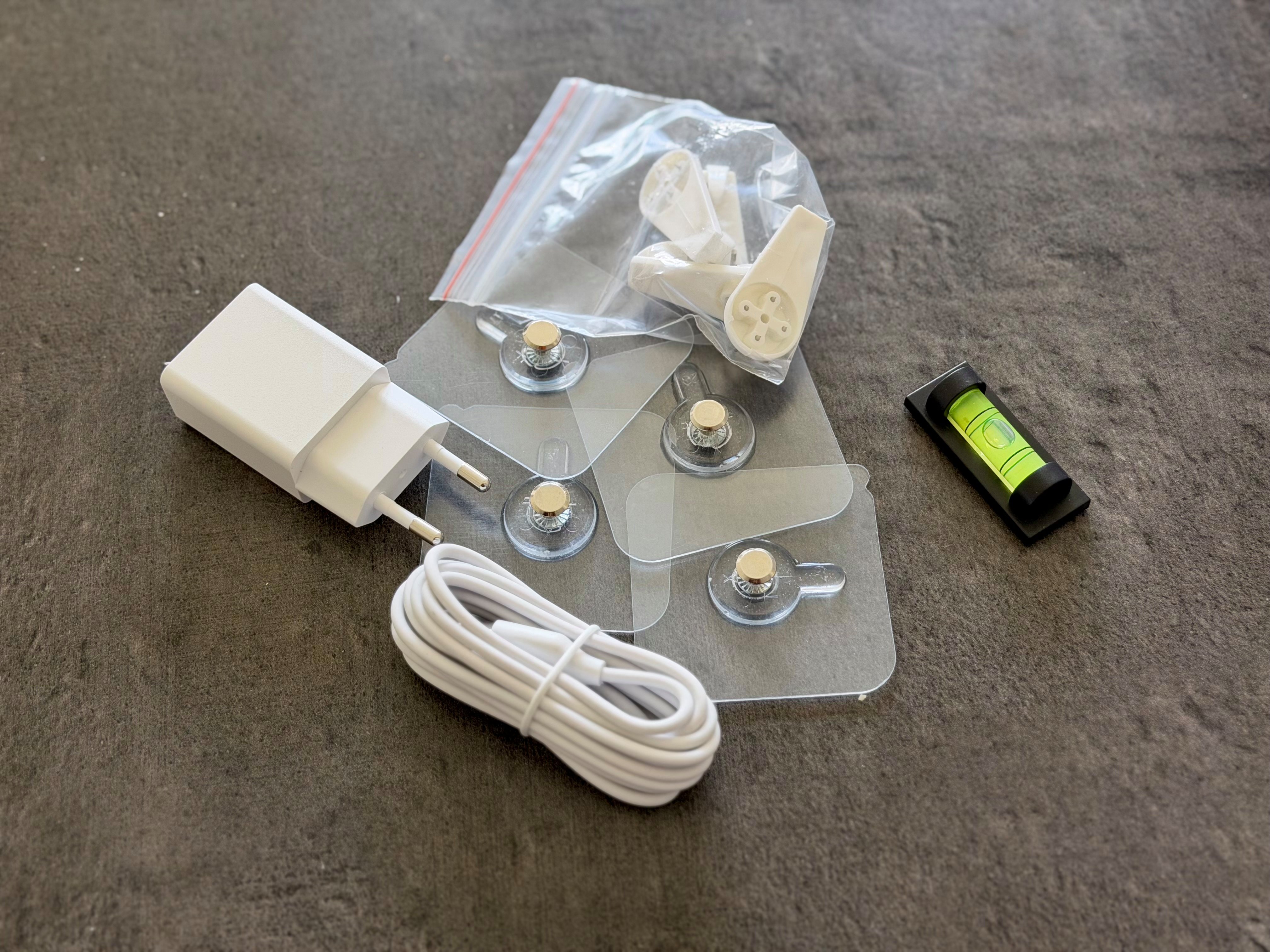
For installation at last, the maker has thought of everything. You can place it on a surface using the cardboard stand behind the device. To hang it on a wall, the brand provides several adhesive mounts that allow installation without drilling. A time-saver for the less handy among us, which I count myself among.
My photos and its artworks: a two-speed usage
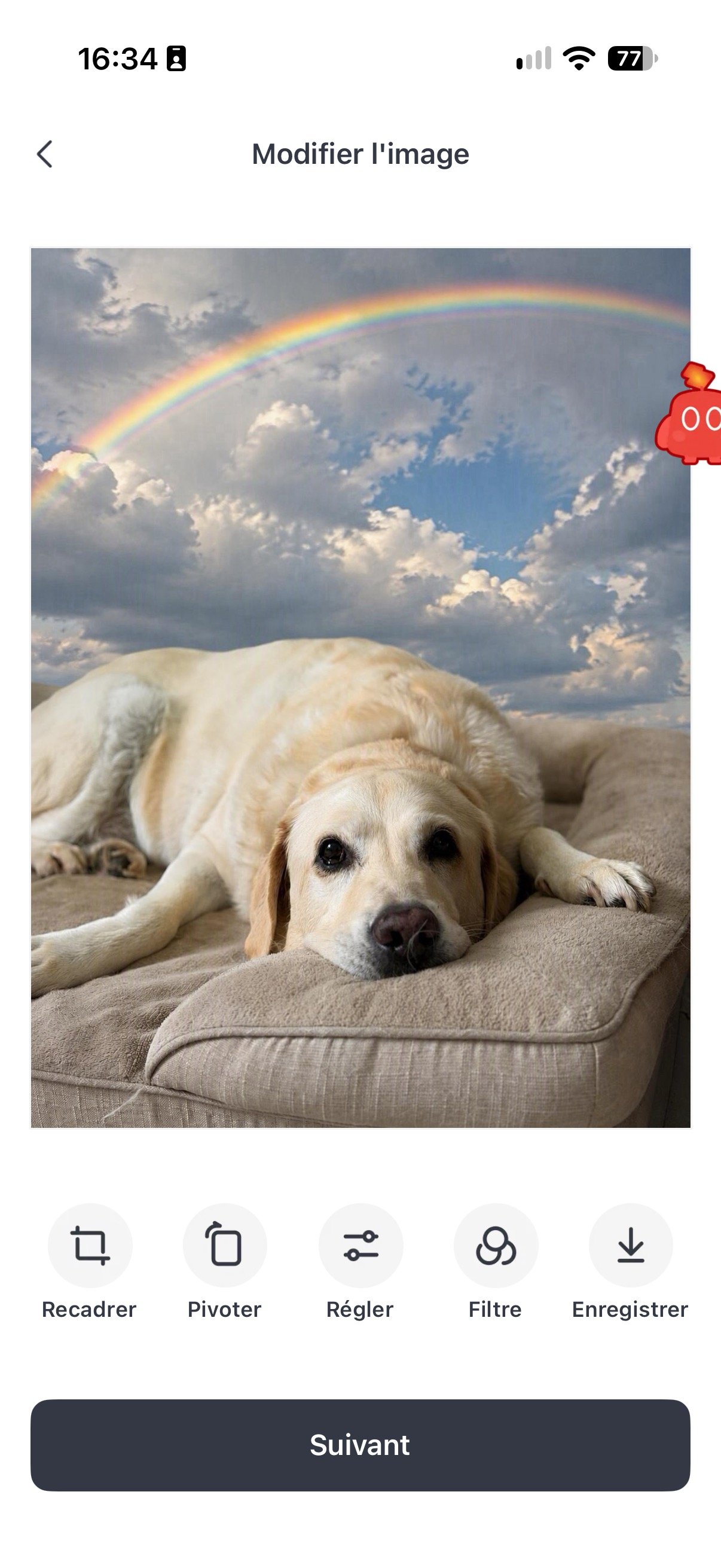
The frame accepts two content types, and I used them in equal measure. On the one hand, my own photos; on the other, AI-generated artwork from the in-house system. On paper, the promise is appealing: a personal gallery that constantly refreshes itself.
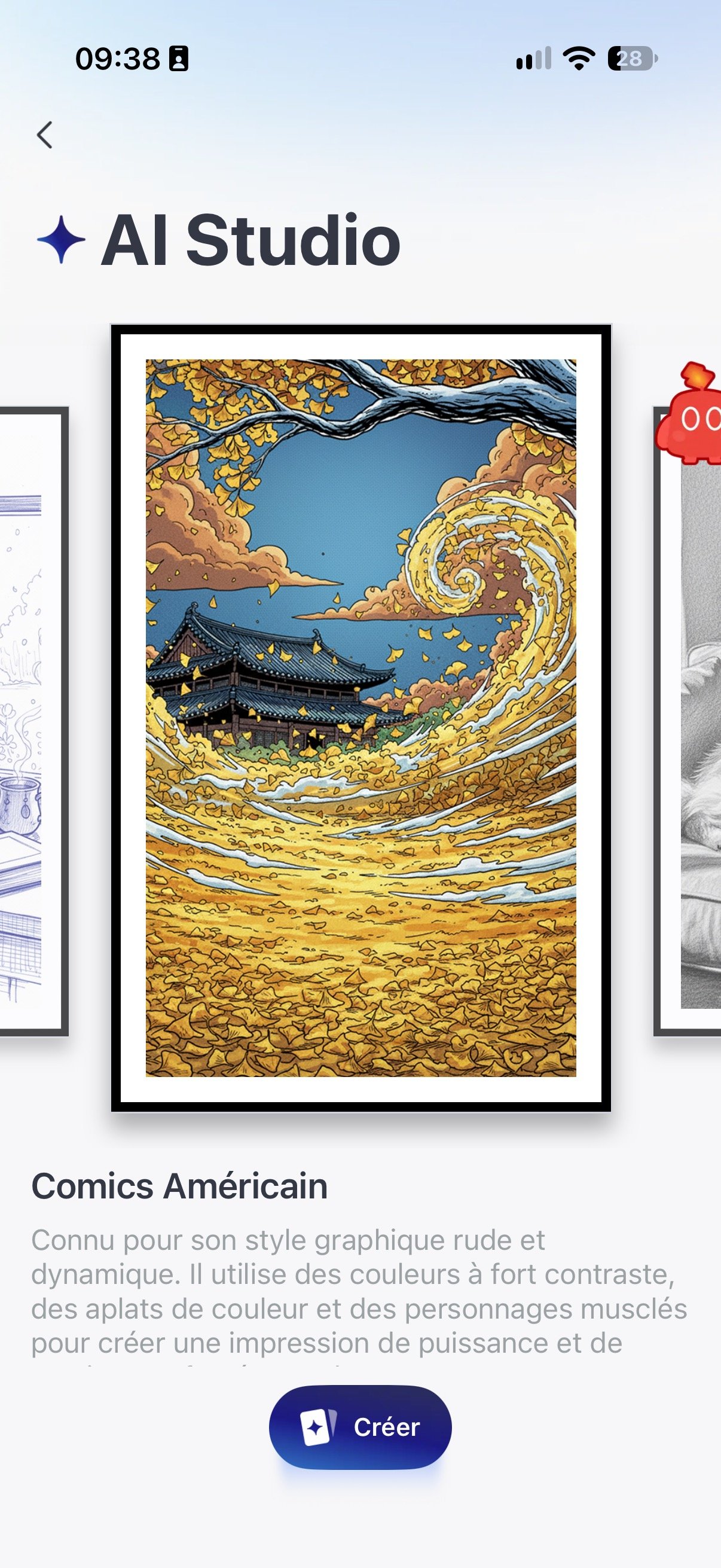
SwitchBot AI Art Frame offers two specific AI modes. The first remixes your own images by applying a particular style. The app provides several styles spanning oil painting, manga, American comics, or black-and-white doodling. Here, there are no commands offered—you add your photo and the AI handles the adaptation.
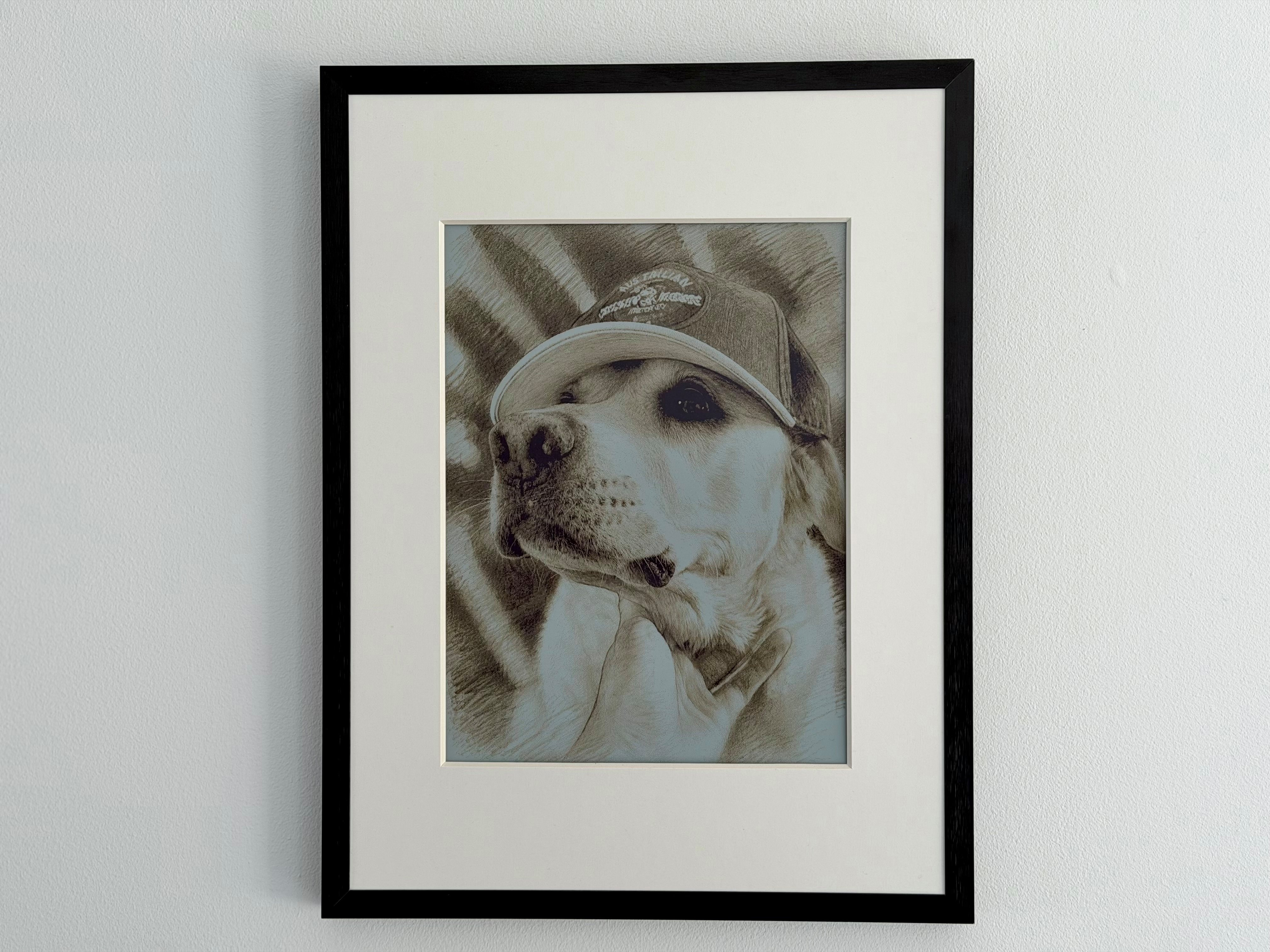
The results are decent and clean; they add some texture to vacation or evening photos, but the offered styles quickly become repetitive. There’s a recognizable generic, glossy finish common to many image generators that eventually lacks character when the display is meant to adorn a wall for weeks. My own photos, by contrast, often feel more impactful because they tell a story.
The second mode starts from a blank canvas and invites you to type a prompt to get the result you want. You can wander in any direction and produce the most improbable image. You can also use one of your own photos as a base to add elements or modify it. This time the creativity is pushed further, depending on your prompt. The more you detail the style, elements, or arrangement of people, animals, and objects, the more personalized the result will be.
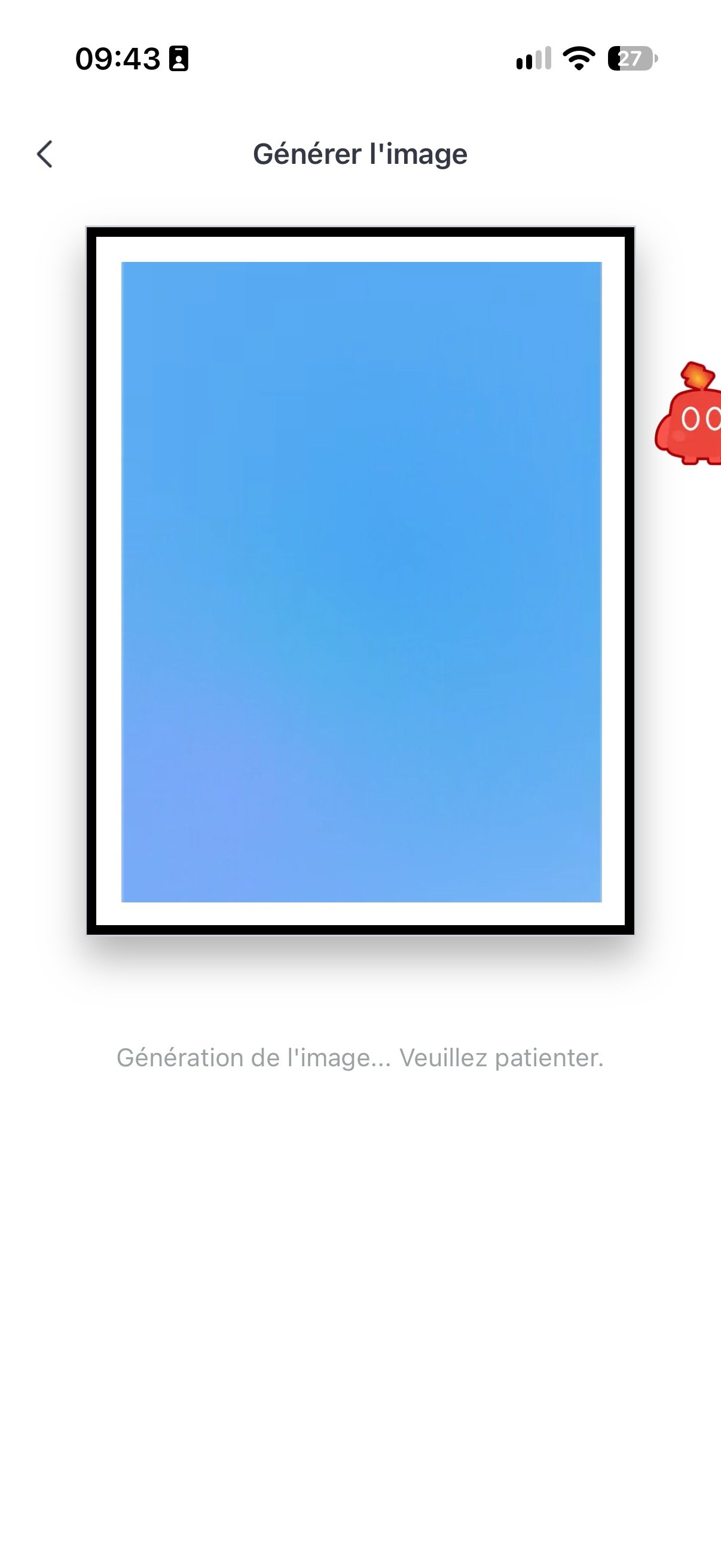
Since the frame is only a viewing tool, all AI sits in the cloud, and the image generation is handled by a SwitchBot-specific LLM, which takes a little time. For the more complex requests, expect roughly thirty seconds to a minute. And since I enjoy playing, I tried to coax more provocative images, but SwitchBot has safeguards to prevent generating visuals of a violent or sexual nature.
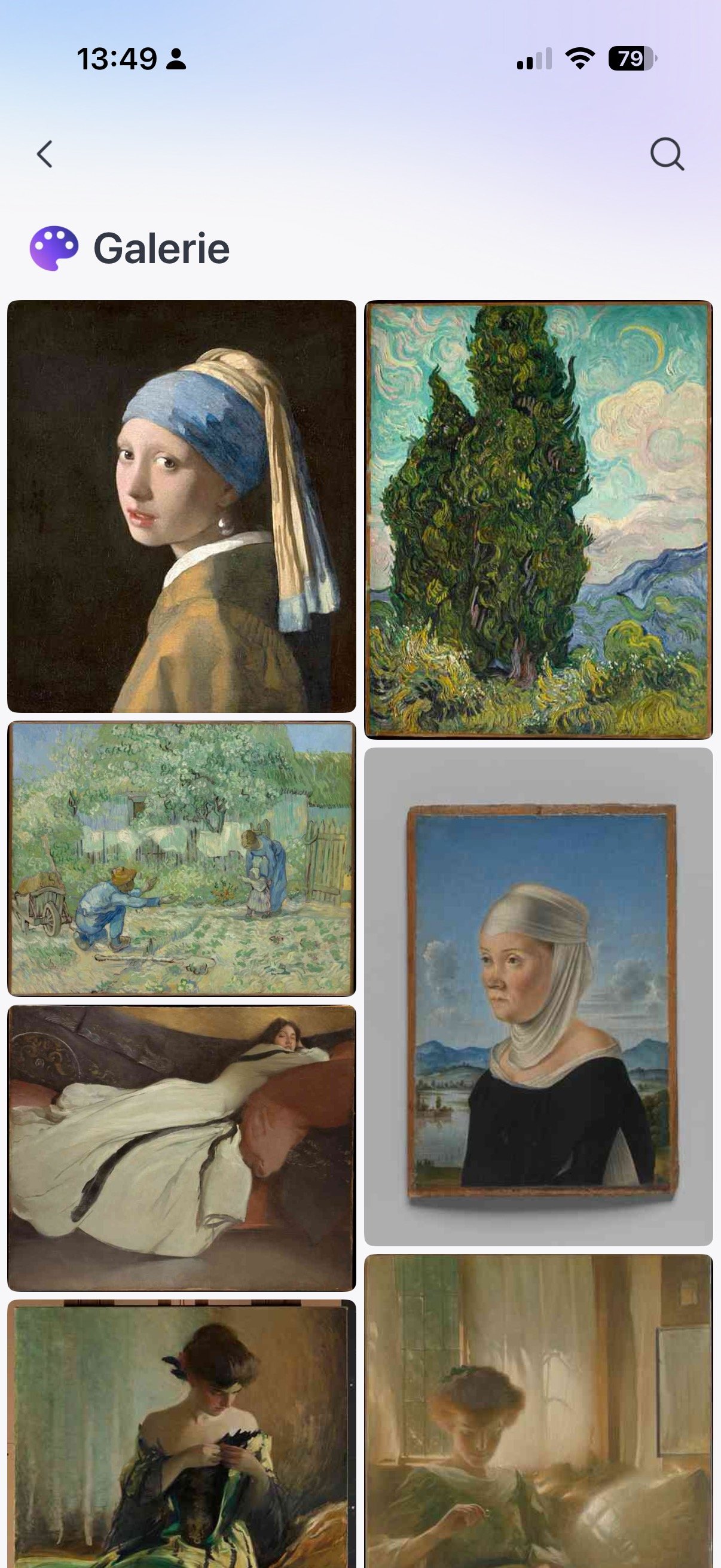
If you’re completely stuck for inspiration, you can browse the maker’s stock of artworks, including Vermeer’s The Girl with a Pearl Earring, a Cézanne painting collection, and dozens of other works. And no, there isn’t a Mona Lisa in the collection, I checked for you.
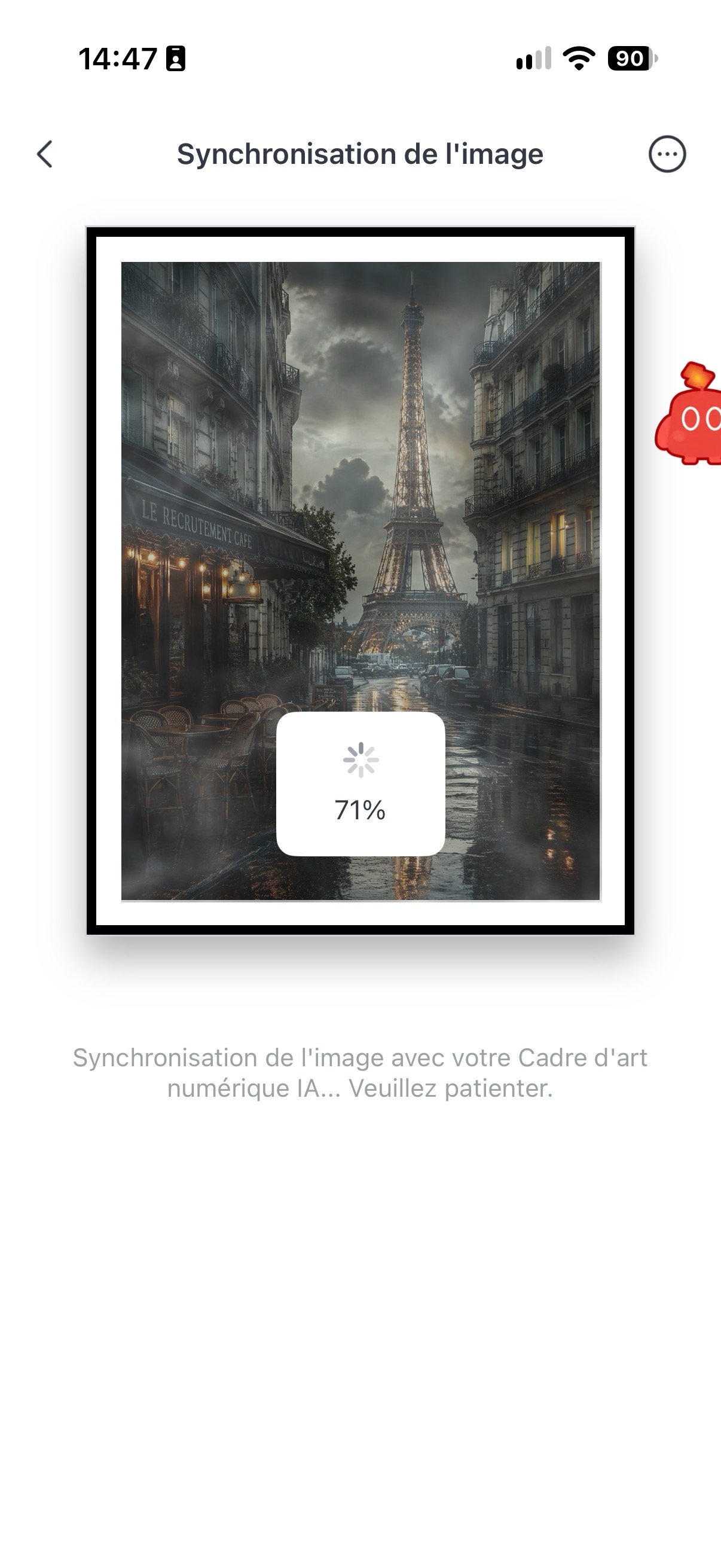
The practical bottleneck is elsewhere: the frame stores only ten images locally. That means you need to plan rotations in advance and regularly revisit the app to refresh the stock. It’s cumbersome, you adapt, but for a product priced as it is, a larger memory would not have been a luxury. Also, adding an image takes around one to two minutes. The online tool analyzes the image to convert it into a file suitable for the E Ink screen, then transfers it to the device. The same delay happens with every image change, during which a noticeable loading state appears for a good minute before the visual appears.
The SwitchBot app, which brings everything together, does the job overall. Scheduling image changes by time, day, or season works, and sending photos is straightforward. It suffers from a few clunkinesses, with a navigation that could be smoother. Understanding the difference between the gallery and local photo storage isn’t obvious the first time. Not blocking, but you can feel the software didn’t receive the same care as the device itself.
Two years of autonomy, provided you don’t change a thing
That’s the number SwitchBot highlights: up to two years of operation on a single charge. Impressive, and it’s accurate, provided you swap images at a very modest pace. The claim rests on changing the image once a week.
Yet the appeal of a digital frame is precisely its ability to refresh. In my use, I pushed the envelope by displaying a new image every two hours. Departing from the scenario the brand promotes, the autonomy noticeably suffers. Each refresh of an E Ink panel consumes power, and increasing rotations mechanically reduces the device’s endurance.
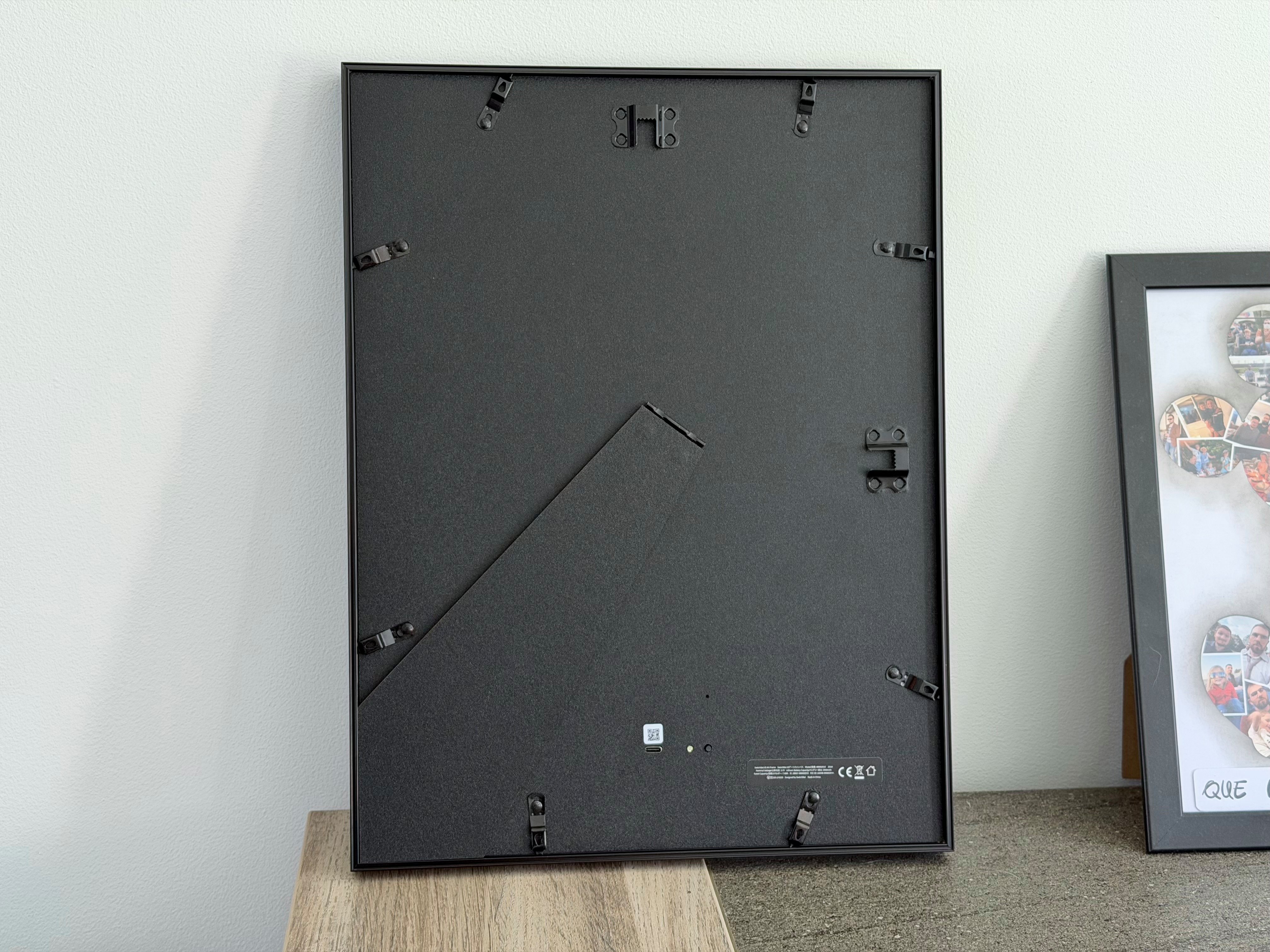
After about three months, I had to detach the frame from the living room to recharge it using the USB-C port on the back. To be completely honest, I only realized it a month after it died, when I noticed the wall image had stayed the same for several days.
The battery is more than sufficient to avoid making recharging a chore, but you have to take that two-year figure with a grain of salt: it’s a theoretical scenario, not a guaranteed usage reality.
The real issue is the price
At €349.99 for the 13.3-inch format, the SwitchBot AI Art Frame isn’t a trivial purchase. The smallest 7.3-inch model drops to €149.99, but the largest 31.5-inch version jumps to €1,499.99, a price tag aimed at a very particular clientele.
And that’s not all. The AI image generation, touted as the product’s central selling point, runs on a subscription after a 30-day trial, priced around €4 per month for 400 images per month. There is no higher-tier plan to go beyond this limit. It’s what frustrated me most over time (I’m noting for total transparency that the manufacturer gave me access to its AI during the test).
You could obviously make do with your own photos and the free gallery provided, but the feature that gives the product its name—the one that justifies the “AI” in “AI Art Frame”—is a subscription. After already paying 350 euros to own the device, the subscription tastes like a double charge.
SwitchBot AI Art Frame: Clubic’s verdict
The SwitchBot AI Art Frame succeeds where two decades of digital frames failed: it doesn’t look like a screen. The electronic ink works wonders, the cable-free format can be placed anywhere, and the object blends into an interior to the point that you forget its connected nature. It’s a real design success, and for a product whose sole mission is aesthetics, that’s what matters most.
But there are compromises. Ten images maximum stored locally, a fallible app, AI styles that are too smooth to leave a lasting impression, and a two-year autonomy that presumes changing the image only once per week. Most notably, the business model leaves a sour taste: paying a monthly subscription for the feature that gives the product its name after already spending €350 feels like double billing.
The SwitchBot AI Art Frame is therefore aimed at those who seek less of a gadget and more of a decorative object, and who are willing to pay for it. It’s very good, genuinely successful even, but it remains quite expensive for what it is: a frame that displays images.
- The illusion of a real painting actually works
- Dalle E Ink without glare or blue light
- No visible cables, free-standing
- Image scheduling
- AI image generation of high quality
amazon.fr

Daniel Brooks
I cover everyday products with a practical eye, from kitchen tools and home essentials to smart gadgets and consumer trends. My goal is to help readers understand what is genuinely useful, what is worth the price, and what deserves a second look before buying.