
After years of waiting, Infomaniak has finally introduced message encryption, this is an opportunity for us to update our opinion on this free email service and to revisit the service that positions itself as an alternative to Gmail, Outlook and, recently, Proton Mail.
VISIT INFOMANIAK MAIL →
Infomaniak, the Swiss company, was founded in Switzerland more than 30 years ago. Initially specializing in web hosting, it has evolved significantly and now offers many services, such as a file transfer tool, a website builder, cloud storage, and much more. It has also developed the Infomaniak Mail app, formerly known as kMail.
The Swiss company Infomaniak is doing very well indeed: it plans to inject 200 million Swiss francs into its data centers and AI capabilities, and it even announced, at the end of July 2026, its intention to list on the SIX Swiss Exchange, a move that should give it the financial means to accelerate this expansion without diluting capital to just anyone. With the arrival of message encryption for everyone, Infomaniak Mail, the email service, is transforming into a Swiss, secure alternative, treading on Proton’s turf.
Here is our review of Infomaniak Mail.
- storage20 GB of storage
- securityPartial native encryption
- alternate_emailCustom domain optional
- smartphoneiOS, Android apps
- push_pinSwiss jurisdiction
- Full email client, easy to use
- Geographic location of data centers
- Native encryption of messages
- Eco-friendly data centers
- Graphic integration with kSuite is redundant
Infomaniak Mail in brief: what you should know
Before diving into details, here are the essential points to know about Infomaniak Mail and how it distinguishes itself from its main competitors.
| Criterion | Infomaniak Mail | Gmail | Proton Mail |
| Email storage (free) | 20 GB | 15 GB (shared) | 1 GB |
| Advertising-free | ✓ | ✗ | ✓ |
| Message encryption | Partial (OpenPGP, manual activation) | ✗ | Full (native end-to-end) |
| Data location | Switzerland | USA | Switzerland |
| Custom domain | Paid | ✗ | Paid |
| Mobile apps | iOS and Android | iOS and Android | iOS and Android |
| Integrated AI | ✓ (Euria) | ✓ (Gemini) | ✗ |
| GDPR compliance | GDPR + Swiss nLPD | Partial | GDPR + Swiss nLPD |
| Base offer price | Free for life | Free | Free (limited) |
Infomaniak Mail positions itself between Gmail (broad audience, limited privacy) and Proton Mail (maximum privacy, more constraints). It is a solid option for anyone looking to leave American services without sacrificing usability.
Who is Infomaniak?
Based in Switzerland since 1994, Infomaniak began as a hosting provider and with the distribution of live audio and video streaming on the Internet. With over 30 years of experience, the company employs more than 200 people, hosts more than 200,000 websites, and has delivered live broadcasting for over 3,000 FM stations worldwide. It has earned the trust of major names over the years, allowing it to grow and gradually open up to individuals, notably via its free Etik.com plan, funded and made possible through the sale of its paid solutions.
At the end of July 2026, the company reached another milestone: its shareholders signed an agreement for a listing on the Swiss stock exchange (SIX Swiss Exchange) through a reverse takeover with Perrot Duval Holding, a company listed since 1905. The operation, still awaiting approval from Perrot Duval’s general meeting on September 24, 2026, is intended to provide Infomaniak with the financial means to accelerate its investments in data centers and artificial intelligence. The company remains reassuring on the essentials: Infomaniak Foundation, its major shareholder, will retain a majority of voting rights, excluding any external buyout without its consent. For Mail users, no changes are announced to the service, pricing, or data localization.
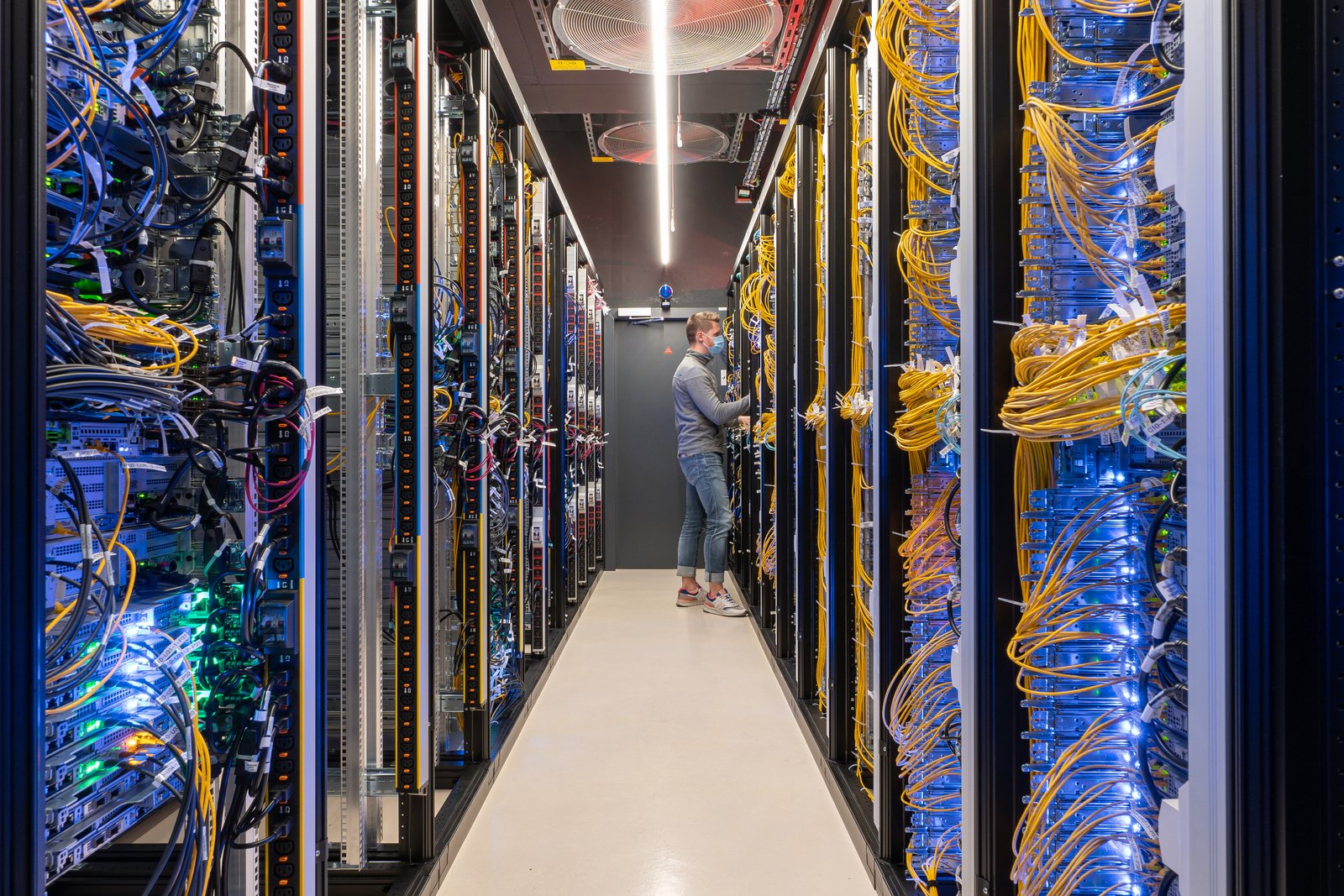
If the hosting provider can deliver efficient apps for professionals, that is not the only argument in its favor; it also emphasizes its independence and its preference for internal development or open-source solutions to design its products. Security and privacy are at the heart of the issue, two criteria reinforced by the Swiss localization of Infomaniak’s three data centers, each meeting strict standards and audited by external entities on a regular basis.
To crown it all, Infomaniak touts its environmental respectfulness. The company does not deny its CO2 emissions but claims to use technologies with the lowest impact based on ecological and social criteria. Finally, the company claims to compensate CO2 emissions by 200% and has an environmental charter that is relatively committed for a digital actor.
Latest Infomaniak Mail updates
Since our last analysis, Infomaniak has taken several important steps that concretely change what the service offers:
- Infomaniak now offers email encryption for all users, free and easily activatable.
- Labels have arrived in the mailbox, a long-awaited feature according to user feedback.
- Infomaniak unveiled Euria, a free, Switzerland-hosted AI designed to limit data collection. In web or mobile mail, Euria can draft, rephrase and structure emails directly from the Mail interface, with data remaining on Swiss servers.
No product update for Mail this summer 2026, but a major corporate development: the Swiss listing mentioned above.
The mail service
How to create a free Infomaniak Mail account
Account creation has recently changed and has become quite complex. By default, opening an Infomaniak account redirects to creating a kSuite ID, inviting the user to purchase a domain for the mailbox to migrate directly to kSuite Pro. But the free mail remains readily available. To access it, go to this page.
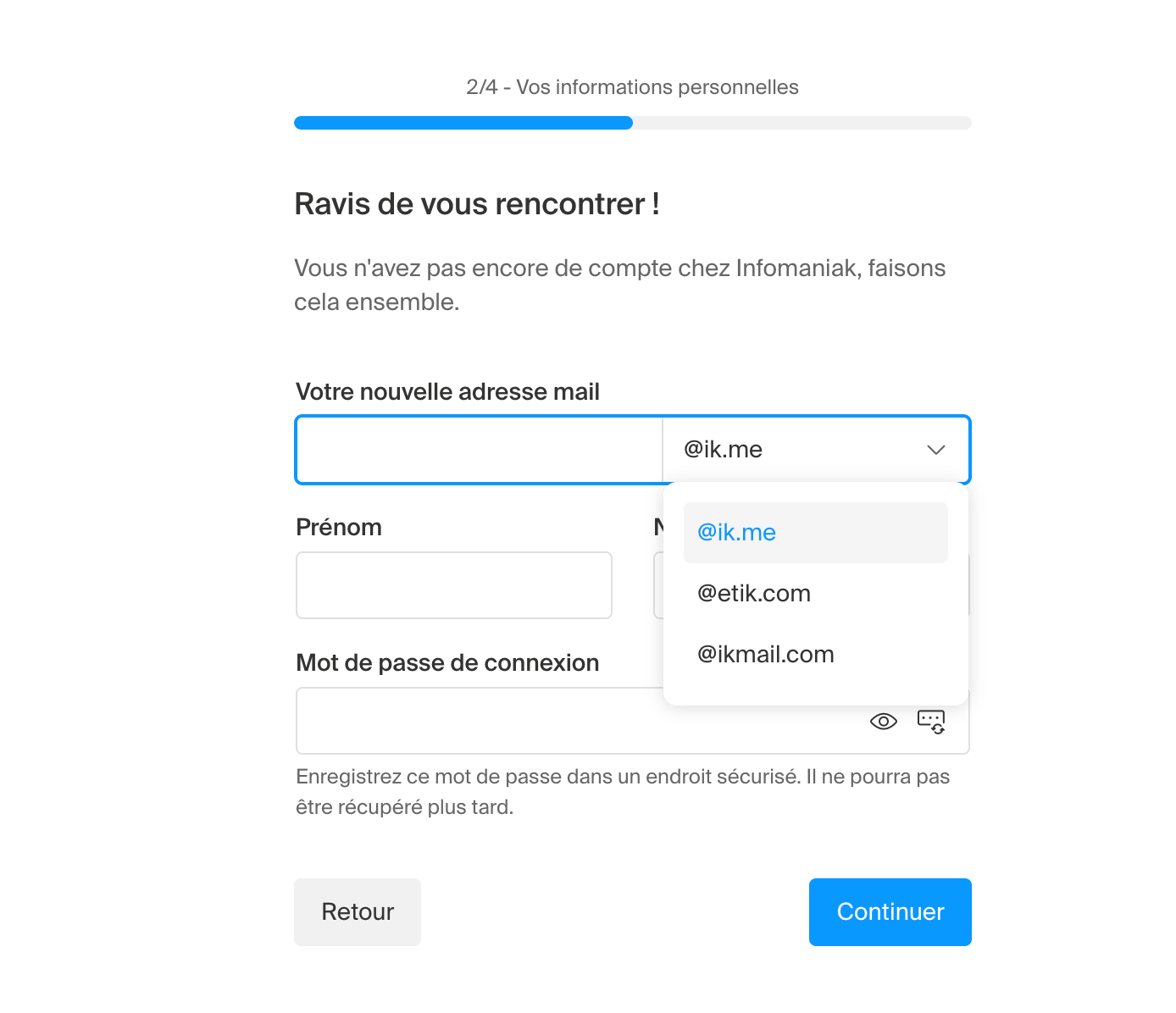
Here are the steps to follow to create a free address:
- Choose your domain from the three extensions offered: @etik.com, @ikmail.com or @ik.me.
- Enter your information: first name, last name and phone number (required for verification).
- Validate your account via the code received by SMS.
- Access your mailbox by going directly to mail.infomaniak.com.
This creates a free version of kSuite (my kSuite), which includes not only the mailbox but also 15 GB of kDrive storage, a calendar, an address book, and access to kMeet for video conferencing.
A functional and well-thought-out mailbox
The Etik.com plan gives access to a wide panel of apps, available as soon as the account is validated; however, the webmail is what concerns us here. Notably, it is now integrated into the kSuite environment with a left-hand panel that provides quick access to other services. We would have liked the option to hide this panel, as the folder pane already consumes considerable screen space when open and cannot be resized. And when it’s closed… it resembles a Photoshop-like interface….
You’ll notice two identical menus. For what purpose? For whom? How? No idea, but clearly this left-hand panel must disappear.

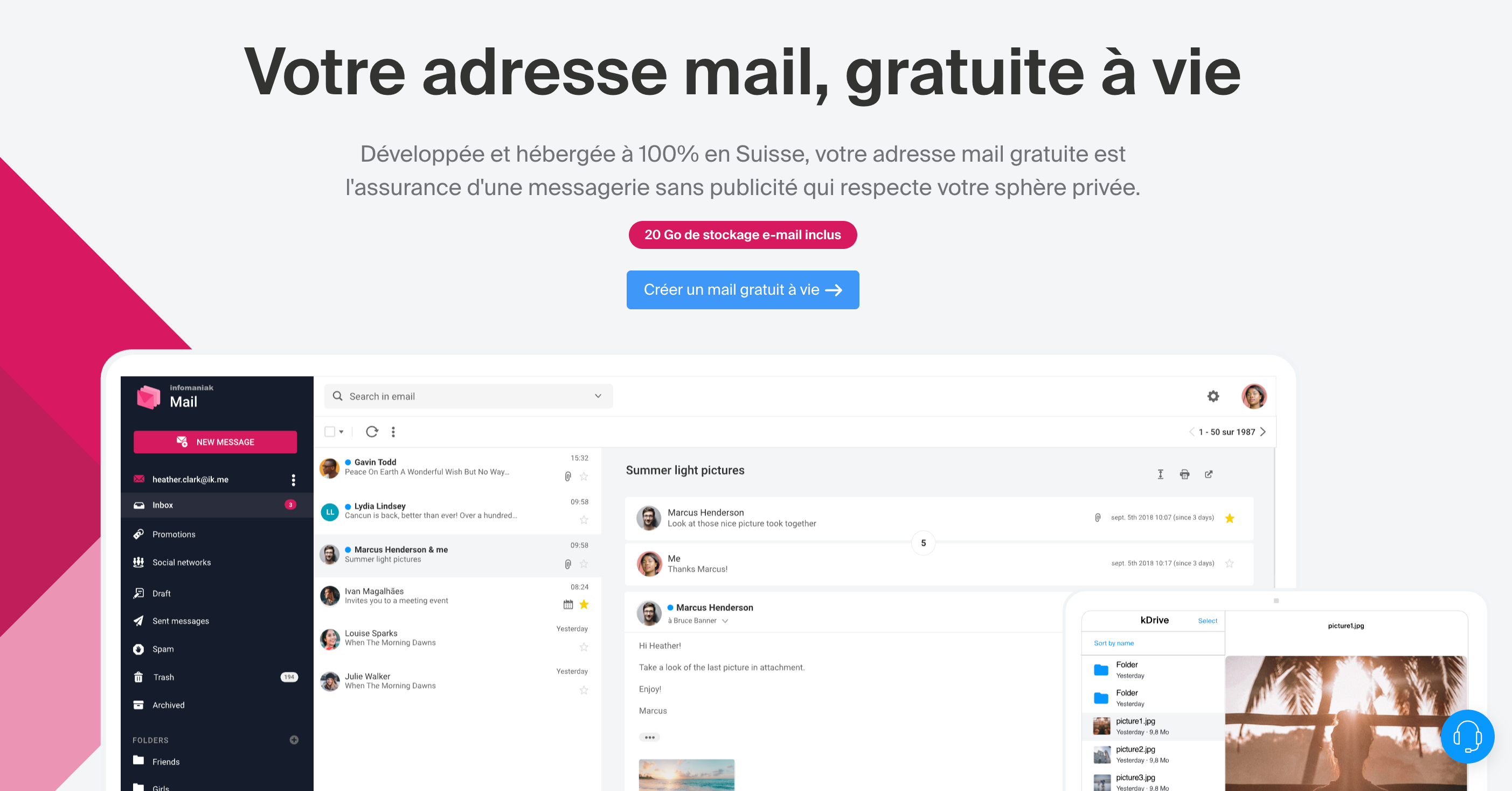
This aside, Infomaniak Mail features a clean, responsive interface free of ads (except for kSuite Pro…), and offers several display settings and themes that provide some flexibility depending on your needs.
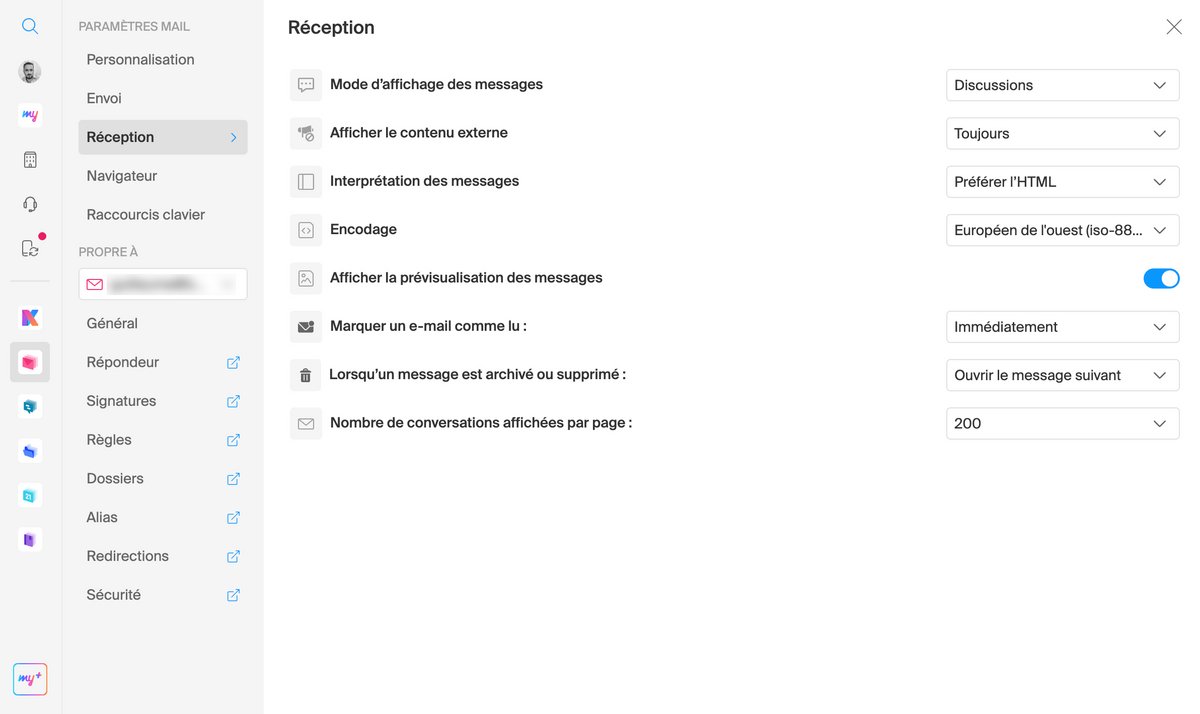
You’ll find the classic features of any mail client. With an easy-to-use interface, the tool guides you step by step and doesn’t break with the usage habits of any other mailbox. Among its strengths are practical functions, such as setting and activating an out-of-office responder, moving a selection of messages via drag-and-drop, and managing favorites and folders. New users should not be lost by the change.
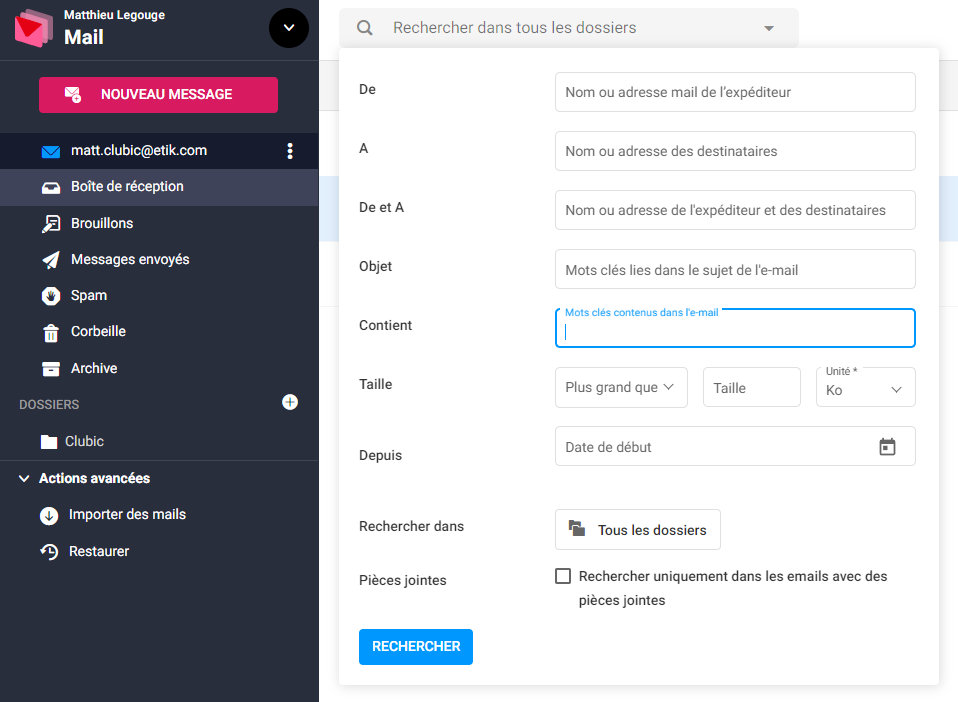
The search bar is particularly well thought out. It allows for quick queries by entering a keyword or a contact’s name, refined by filters: sender/recipients (or by groups), date, subject, and even size or presence of an attachment. Sorting emails and by folder is made easier, though it would be nice if contacts could be synchronized with this search feature.
Options
Mail offers a wide array of options and settings, starting with account security and the assistant that helps synchronize tools across devices, two topics we will come back to very soon.
Regarding the core Mail service, you get the essentials with standard features common to all mail services, plus 15 GB of storage: read receipts (but not read status), automatic draft saving, an out-of-office responder, signature management, rules to apply when a message arrives, etc. There is also an option to restore deleted emails, a feature reserved for paid plans, as the free my kSuite offer does not include any restoration. On paid plans, the restoration period rises to 30 days.
Some options are sadly part of the paid tier. This is to keep a clear value proposition when upgrading to a premium account. For example, forwarding or redirecting emails to other addresses, or creating aliases. This latter option is shown as included in the free plan, but we did not find it during our test. The company may have updated this point since, and Etik.com may evolve over time with such options, in both positive and negative ways.
Security and privacy
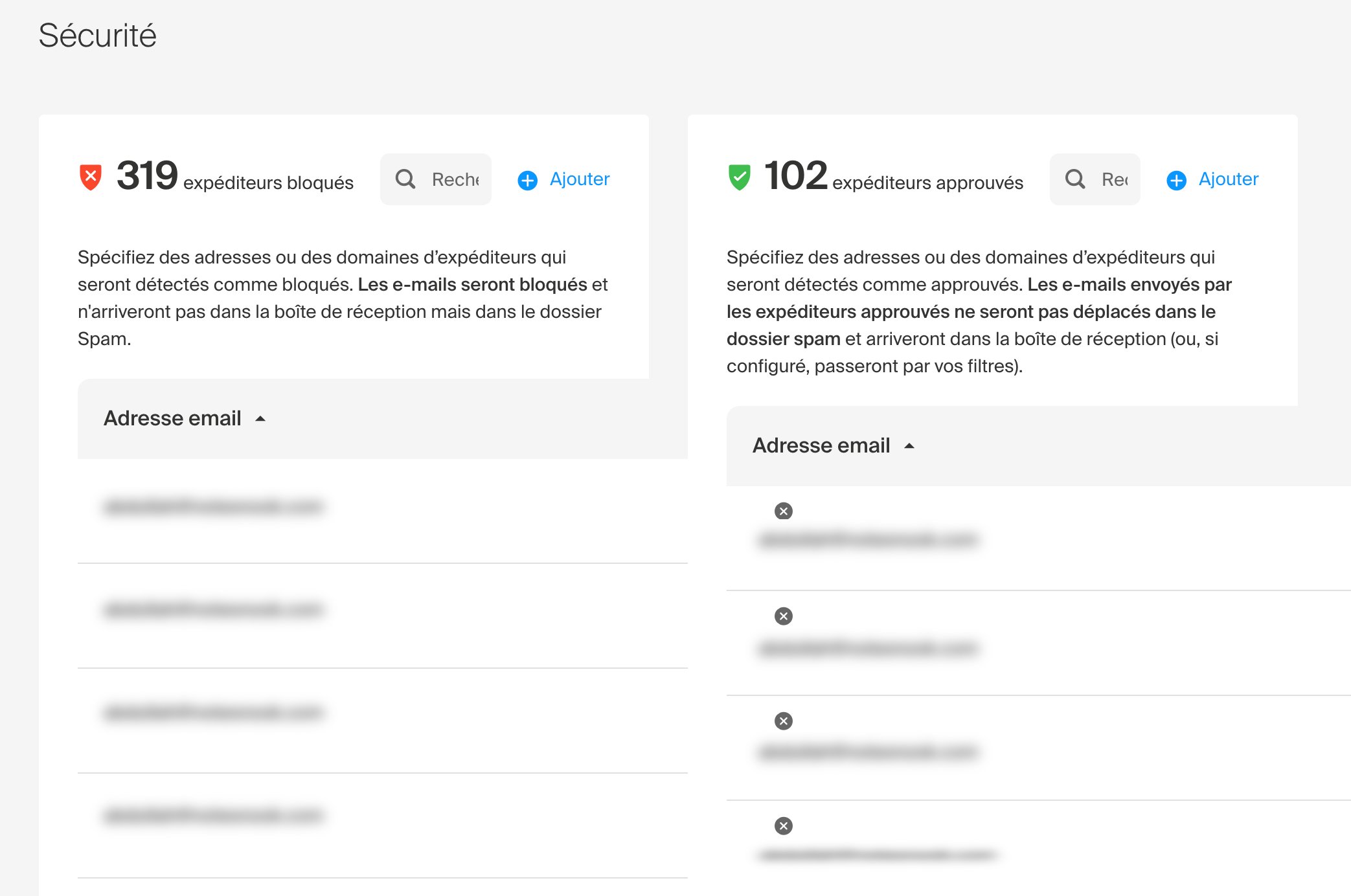
Infomaniak Mail includes an anti-spam filter that analyzes and automatically detects junk mail. It’s possible to create whitelists and blocked lists in case the filter becomes too aggressive. Disabled by default, the ad-blocking filter can hide marketing emails or messages from social networks.
Finally, there is no obstacle to two-factor authentication as well as various features to securely protect your account. Several two-factor authentication methods are offered. Naturally, the provider recommends authentication via its mobile app, but you can also use a third-party OTP app, a USB key, or simply have a one-time code sent by SMS.
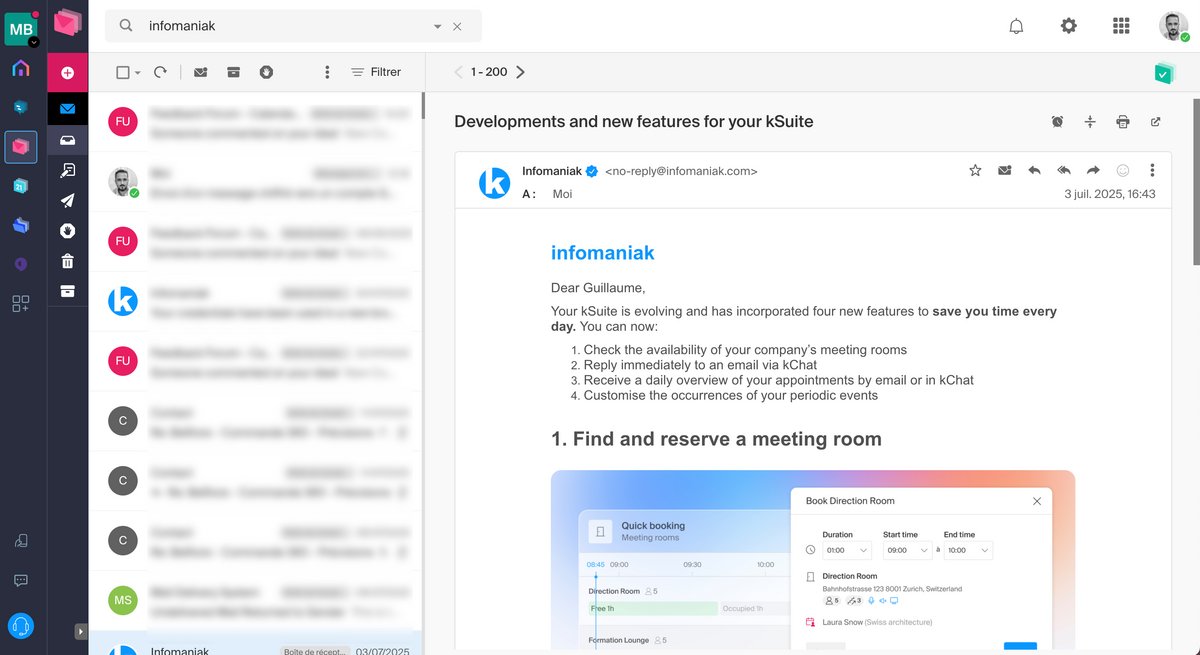
We find the classic compatibility: the envelope is clear and the design is straightforward to use; the left-hand panel and drag-and-drop operations are intuitive, and the interface remains responsive across devices.
Additionally, Infomaniak provides support for configuring Infomaniak services through third-party apps. On iOS, this involves installing two certificates: one for mail and one for calendar and contacts. These configure IMAP, CalDAV and CardDAV while handling two-factor authentication. The process, though unique, is quite effective.
On Android, you simply scan a QR code on the webmail interface to begin configuration. We tested the process with Outlook on Android. After entering the necessary connection details via IMAP, we found our mailbox and its folders in no time.
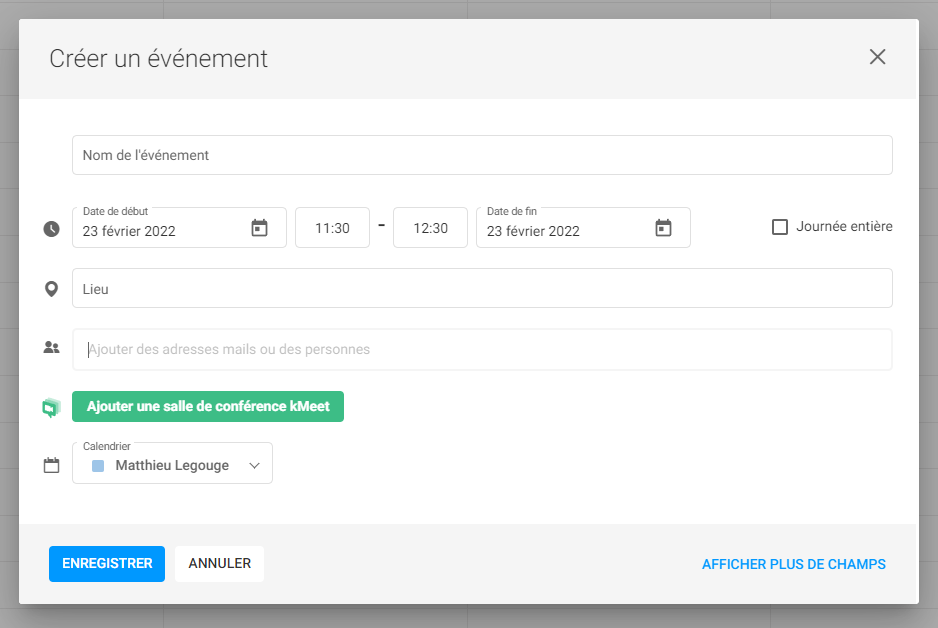
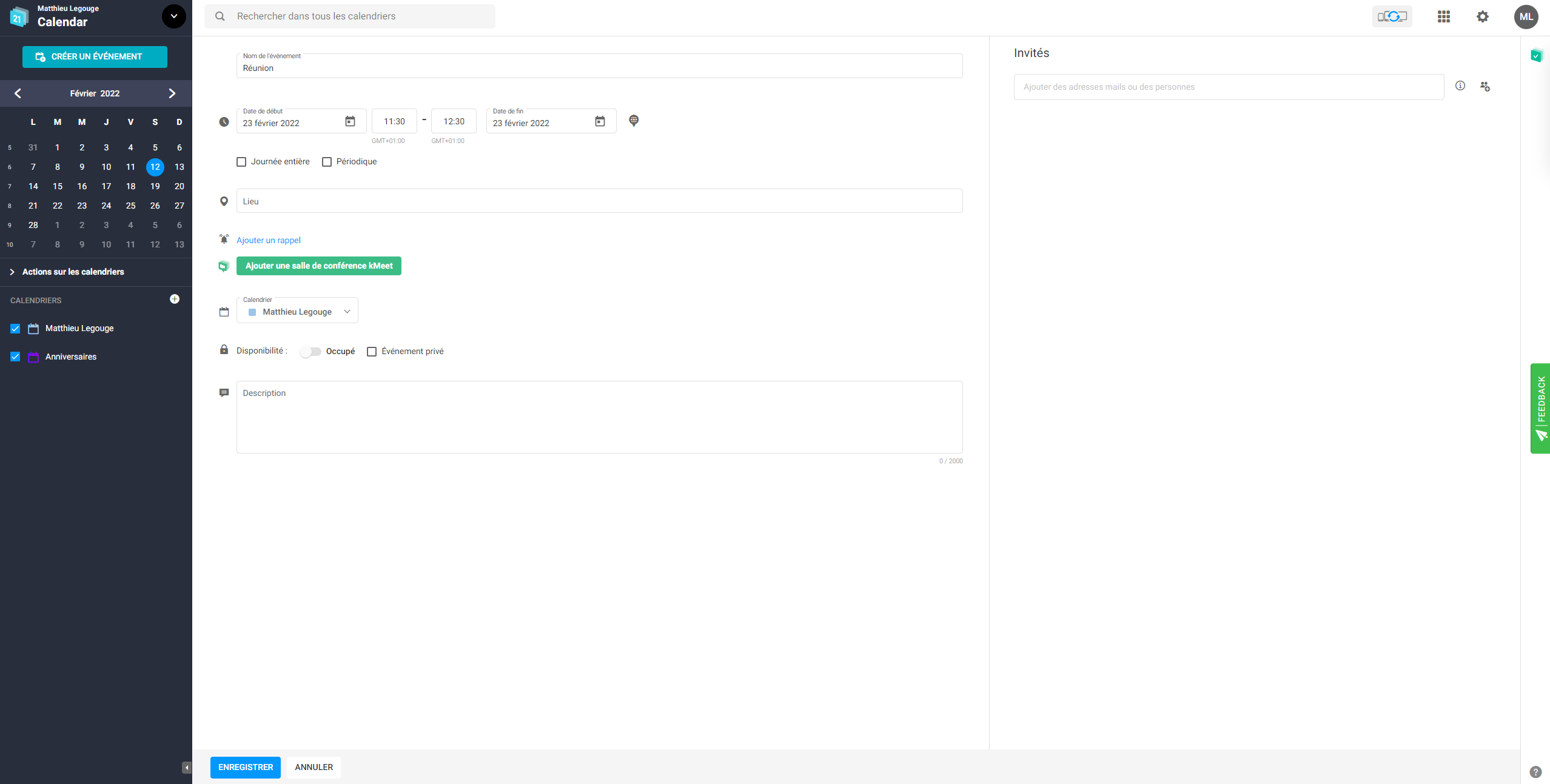
The free Calendar allows only two calendars, the second being a default “Birthdays” calendar. You cannot rename it, and adding a third calendar is not currently available.
Gmail users will find just as much freedom for managing contacts, groups, and favorites. Yet you face the same limitation as with the calendar: you cannot (yet) create multiple address books. Quick import of CSV or vCard files is welcome, which should pose no problem for those who use Gmail, Thunderbird, Outlook.com, and so on.
The search bar is particularly well thought out. It allows quick queries by entering a keyword or a contact’s name, which can be refined with filters: sender/recipients (or by groups), date, subject, and even size or presence of an attachment. Mail sort in folders is easier, though contacts are not synchronized with the search feature yet.
The options
Mail offers a broad range of options and settings, starting with account security and the assistant that enables synchronization of tools across devices, two topics we will revisit shortly.
Regarding the core Mail service, you get the essentials with common programs across all mail services, plus 15 GB of storage: read receipts (but not read confirmation), automatic draft saving, an out-of-office responder, signature management, use of rules to apply on incoming messages, etc. There is also the option to restore deleted emails, a feature reserved for paid offers; the free My kSuite offer does not provide any restoration. On paid plans, restoration spans up to 30 days.
Some options are unfortunately part of the paid tier. These include, for instance, transferring or redirecting emails to other addresses, or creating aliases. This last option is shown as included in the plan without cost, but we did not find it during our test. The company may have updated this point since, and Etik.com may continue to evolve over time with this kind of option, in both positive and negative directions.
Security and privacy
A spam filter protects Mail, with automatic analysis of unwanted messages. You can create allow and block lists if the filter becomes too aggressive. Disabled by default, the advertisement filter hides ads or messages from social networks.
To finish, there is no obstacle to two-factor authentication or to various functions that properly secure your account. Several two-factor authentication methods are proposed.
Naturally, the provider recommends authentication via its mobile app, but you can also use a third-party OTP app, a USB key, or simply receive a one-time code by SMS.
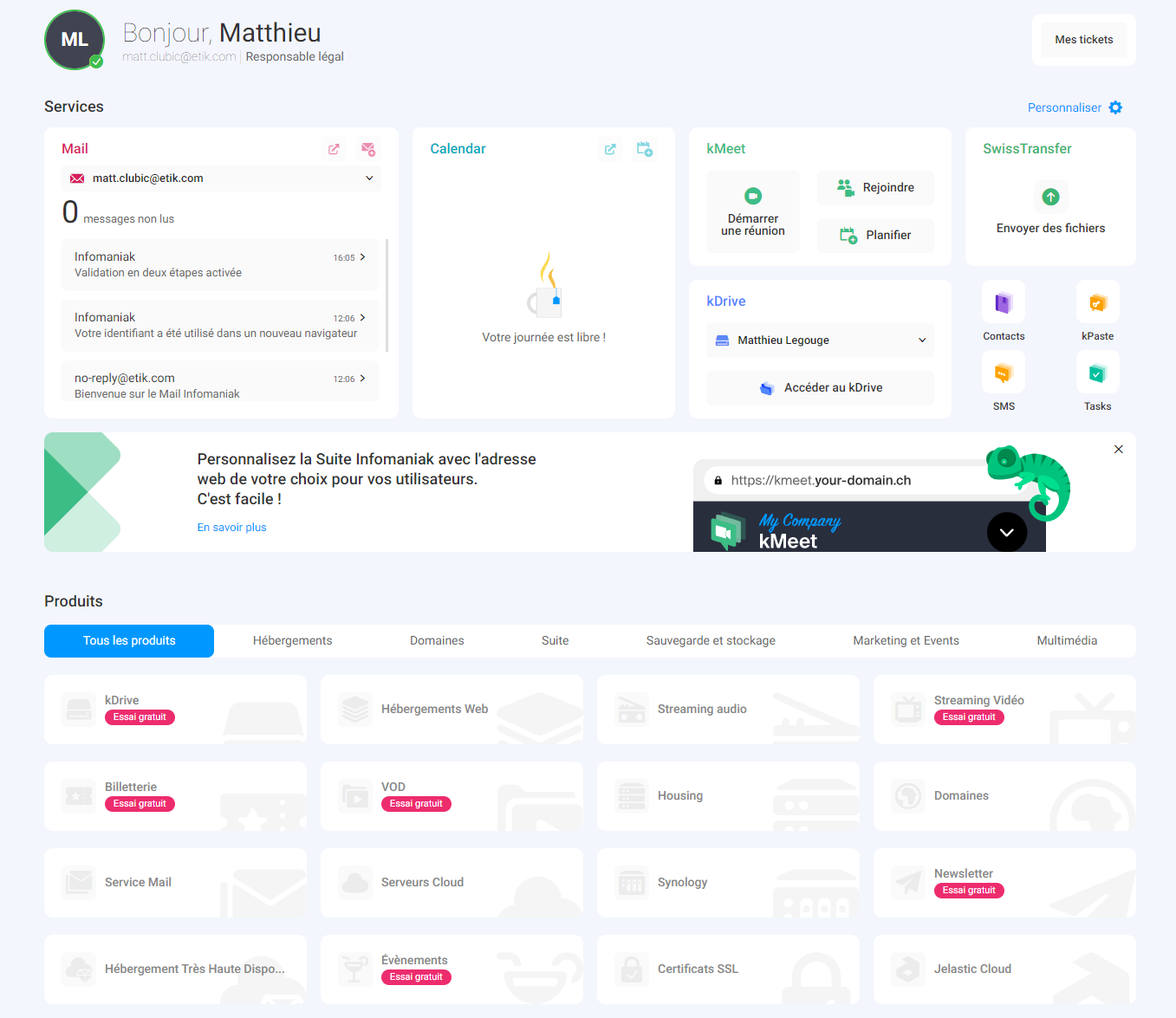
You can view, edit, and manage the core of your personal data as well as protection and recovery options through a single interface named “Manager.”

It is possible to view, modify, and manage essential personal information as well as protection and recovery options through a single interface named “Manager.”
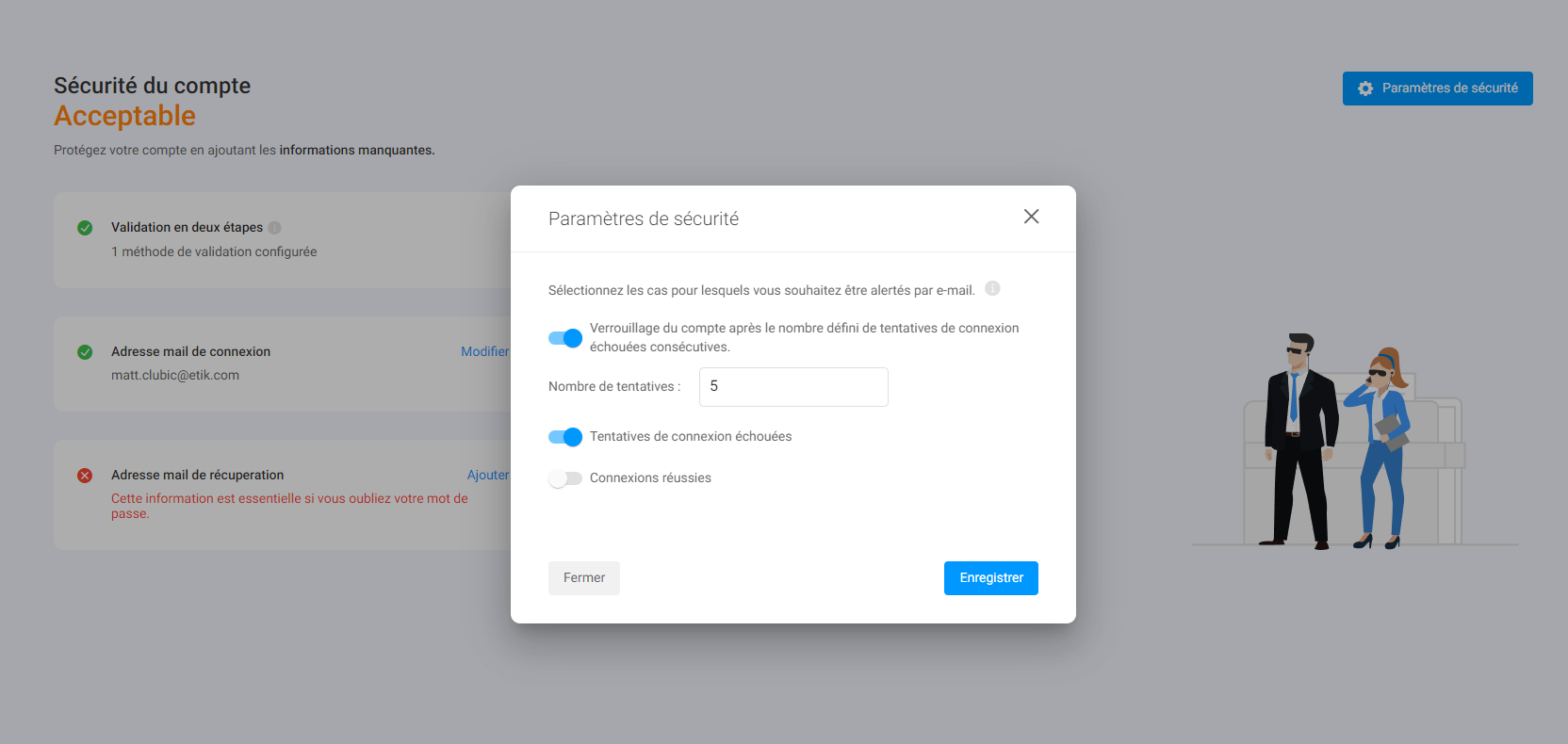
This is where we enable two-factor authentication, adjust login settings, app passwords (for syncing contacts and calendars, for example), or temporary access permissions that are useful mainly when dealing with support. The Manager interface also provides a broader view of all apps, as shown in the capture above.
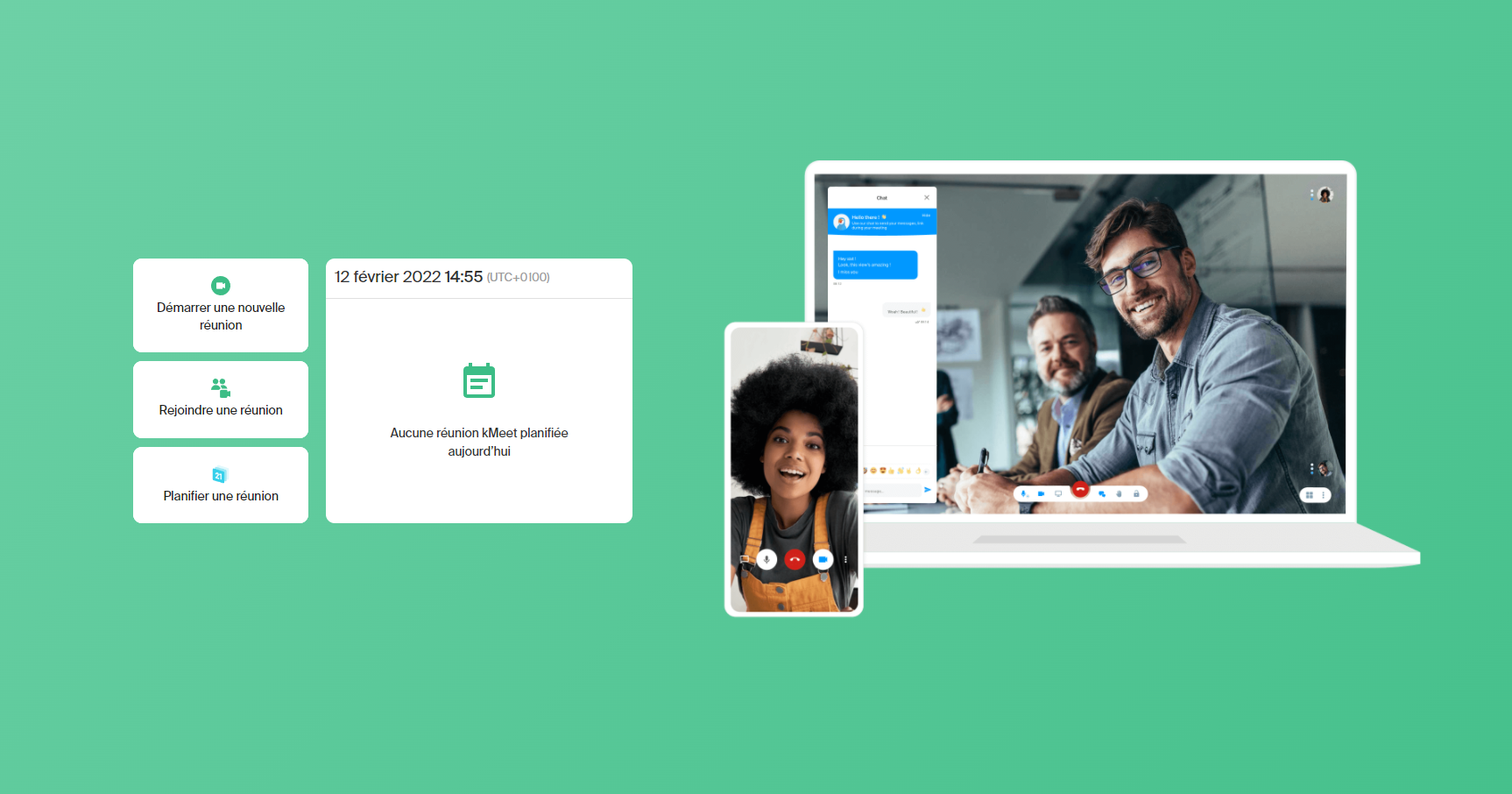
Among its strengths is the possibility to use kMeet via a browser without prior registration, as well as productivity tools that favor remote work (screen drawing, screen sharing, meeting recording to the cloud, virtual backgrounds, waiting room, annotations, etc.).
kPaste: sending encrypted messages
For several years, kPaste has allowed sending encrypted messages. While this technology is now integrated into the webmail, its use differs somewhat. These are ephemeral messages, whose validity can be set from 5 minutes to 1 month.
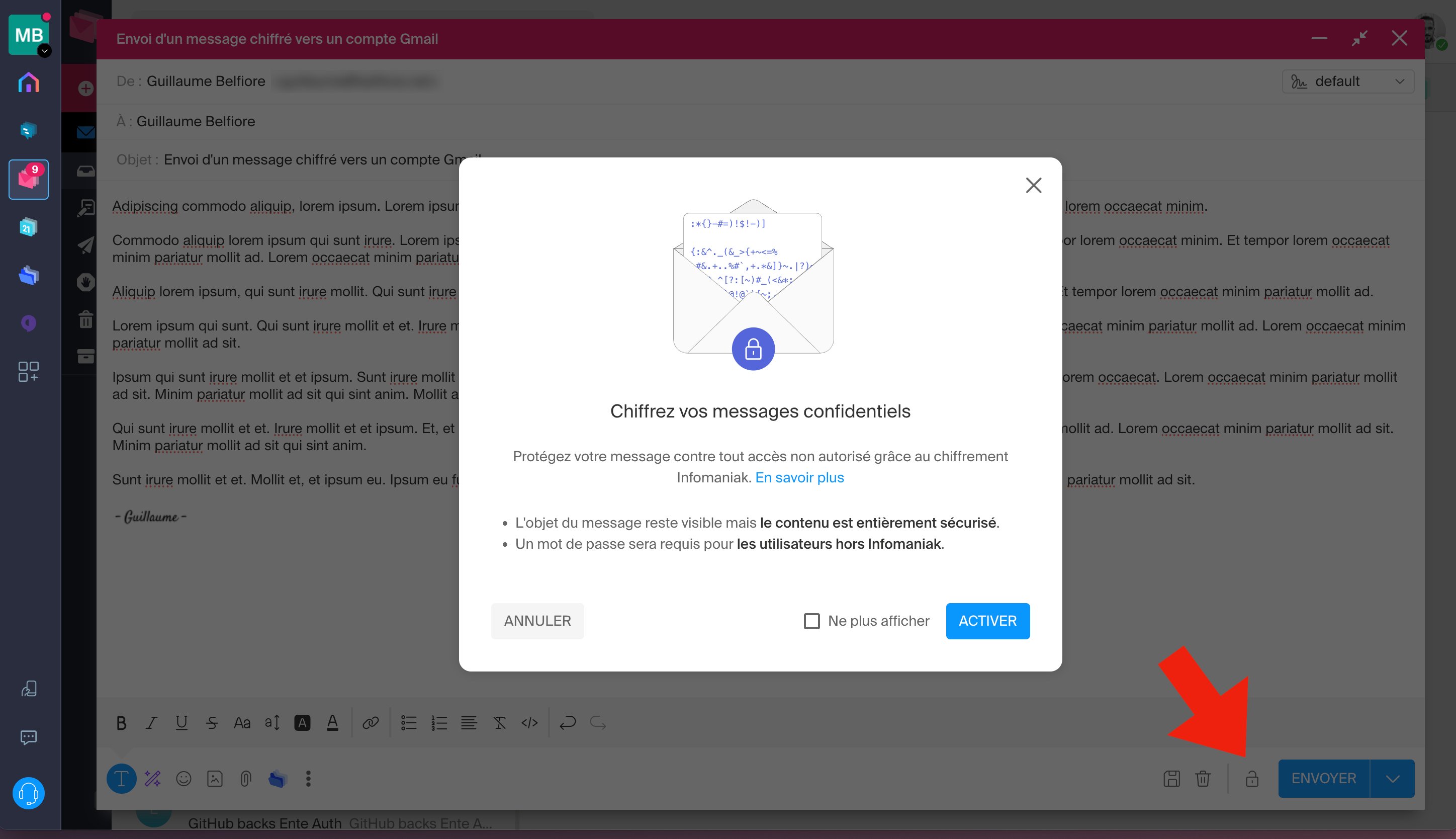
As with Proton Mail, when both correspondents use Infomaniak addresses to send encrypted emails, everything happens automatically. The message is encrypted in transit and decrypted in the recipient’s inbox. Infomaniak can identify the sender’s email address and, if the recipient is another user in its database, fetch the public key tied to that account to secure the message.
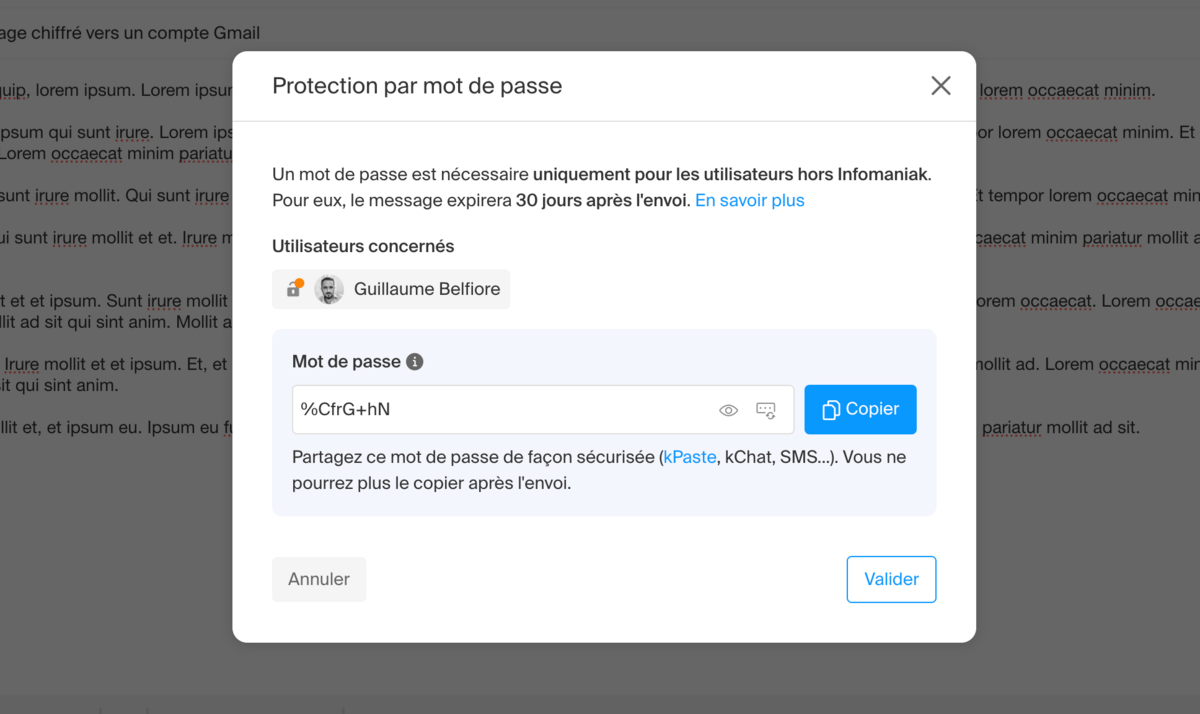
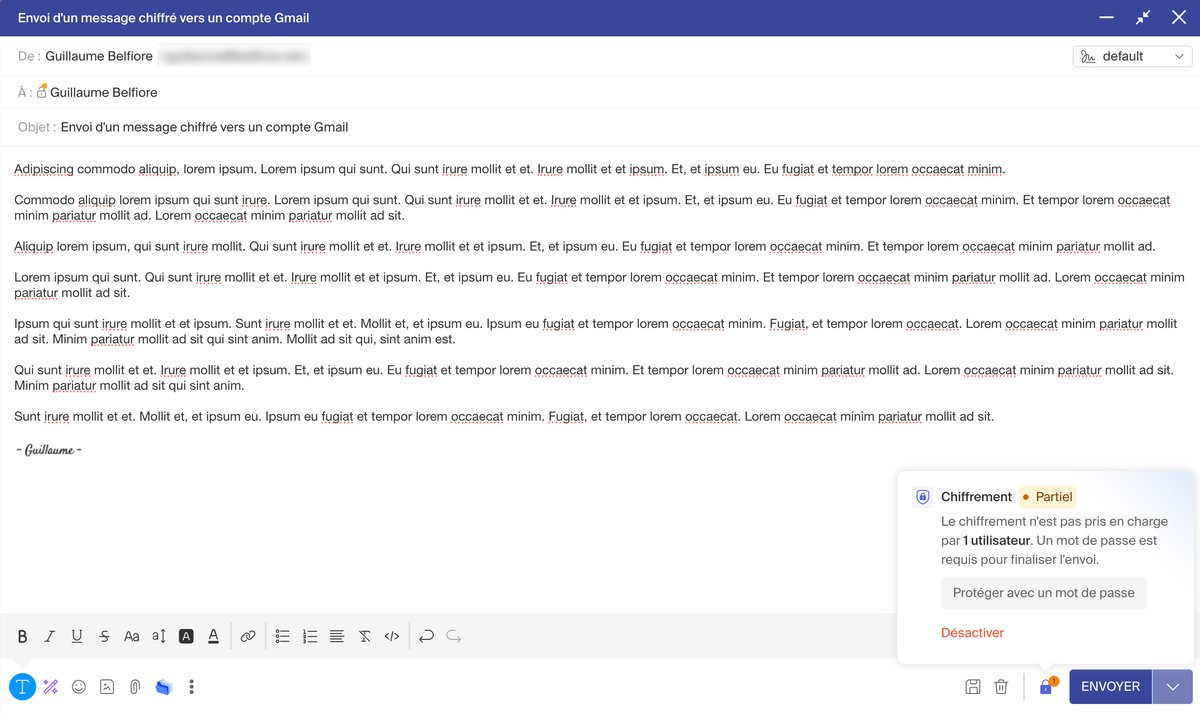
For a sender to a Gmail or Outlook account, Infomaniak provides steps to follow and offers fairly good user guidance. This starts with the generation of a password that the sender can customize. Infomaniak notes that the sender must share this password with the recipient beforehand.

We find the classic functionality of a mail client. The tool is easy to use and guides you at every step, and it doesn’t break with common mail habits. Among its advantages are very practical features, such as a ready-to-use away message, moving multiple messages with drag-and-drop, and managing favorites and folders. New users should not be lost by the change.
The experience is somewhat more tedious with kSync, Infomaniak’s Android app for bidirectional data synchronization between devices using CalDAV and CardDAV. Several configuration steps must be followed closely, especially regarding background tasks and disabling battery optimization, which varies from one device to another.
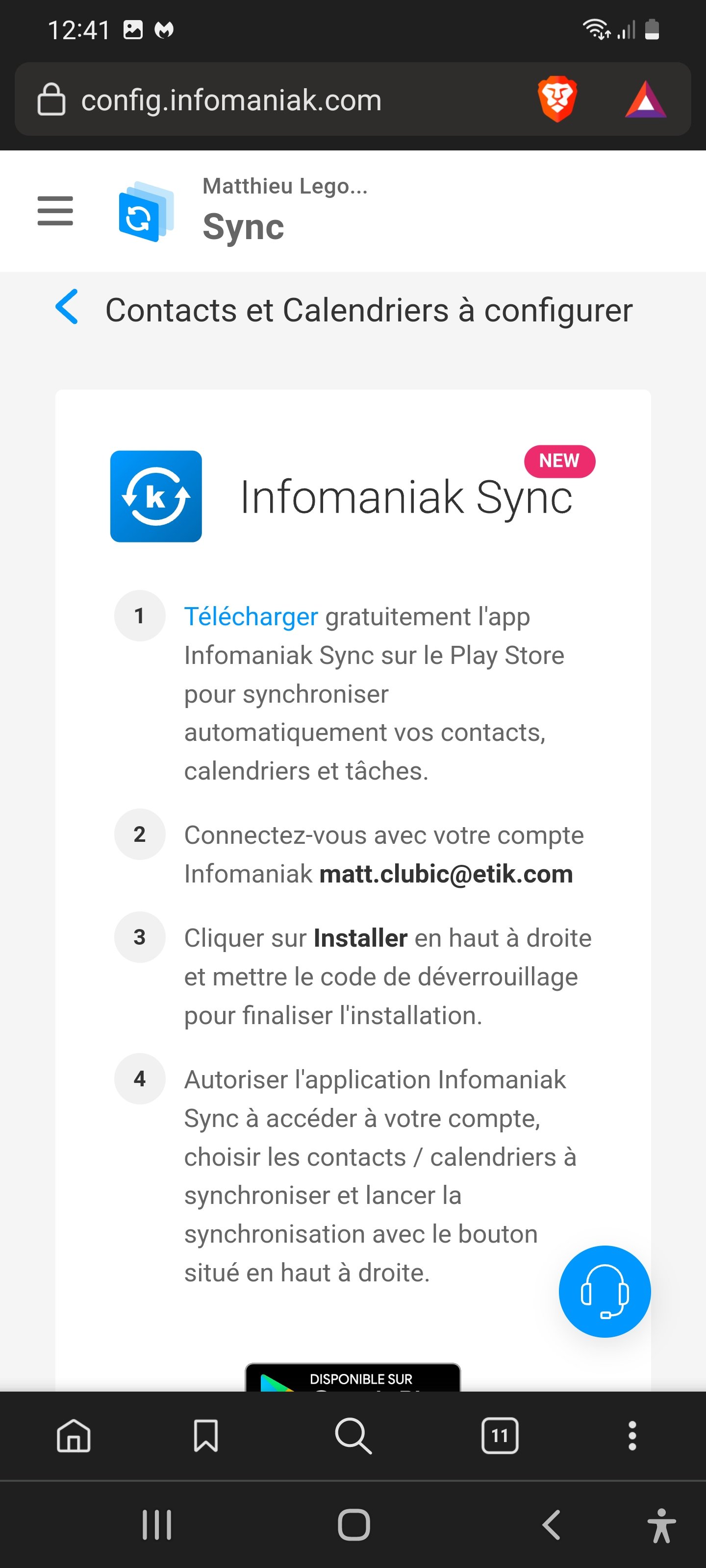
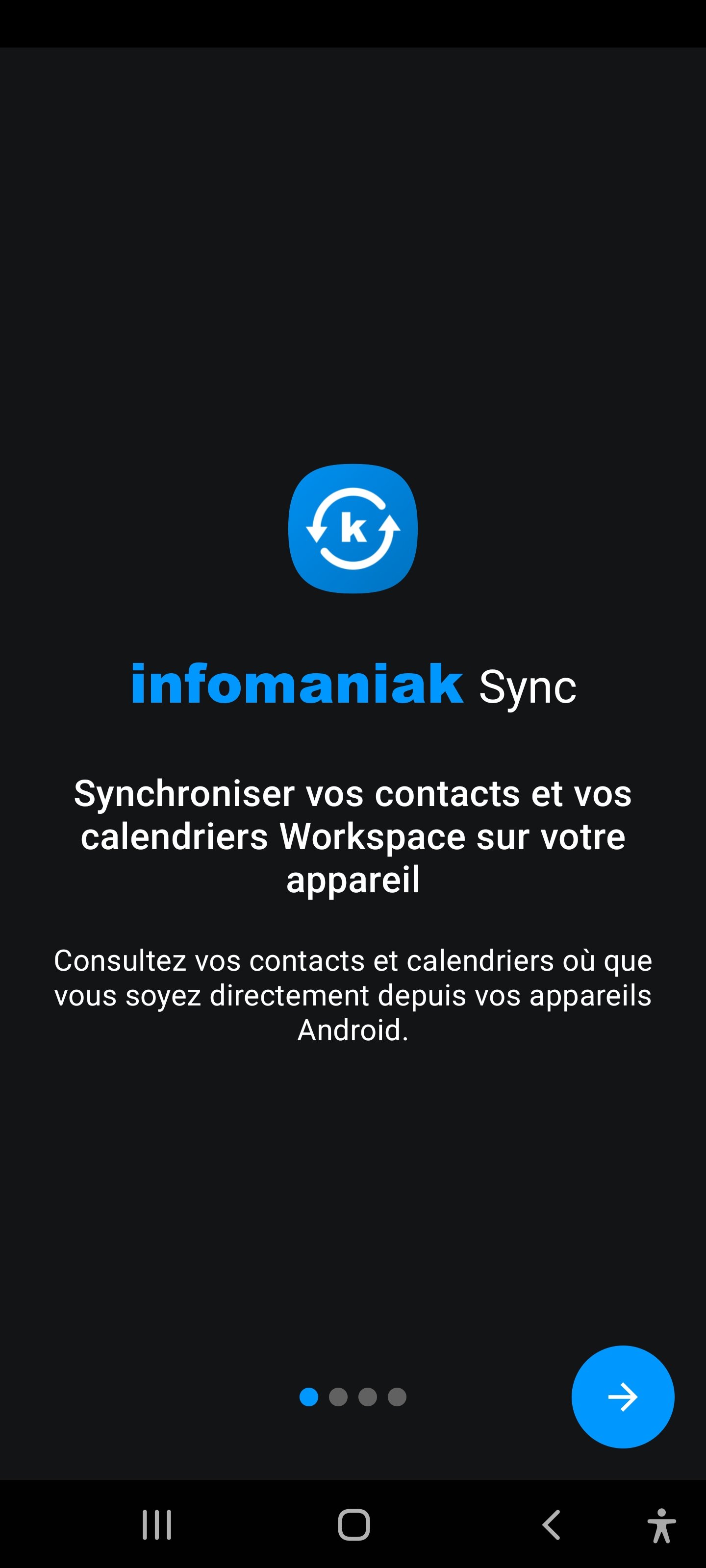
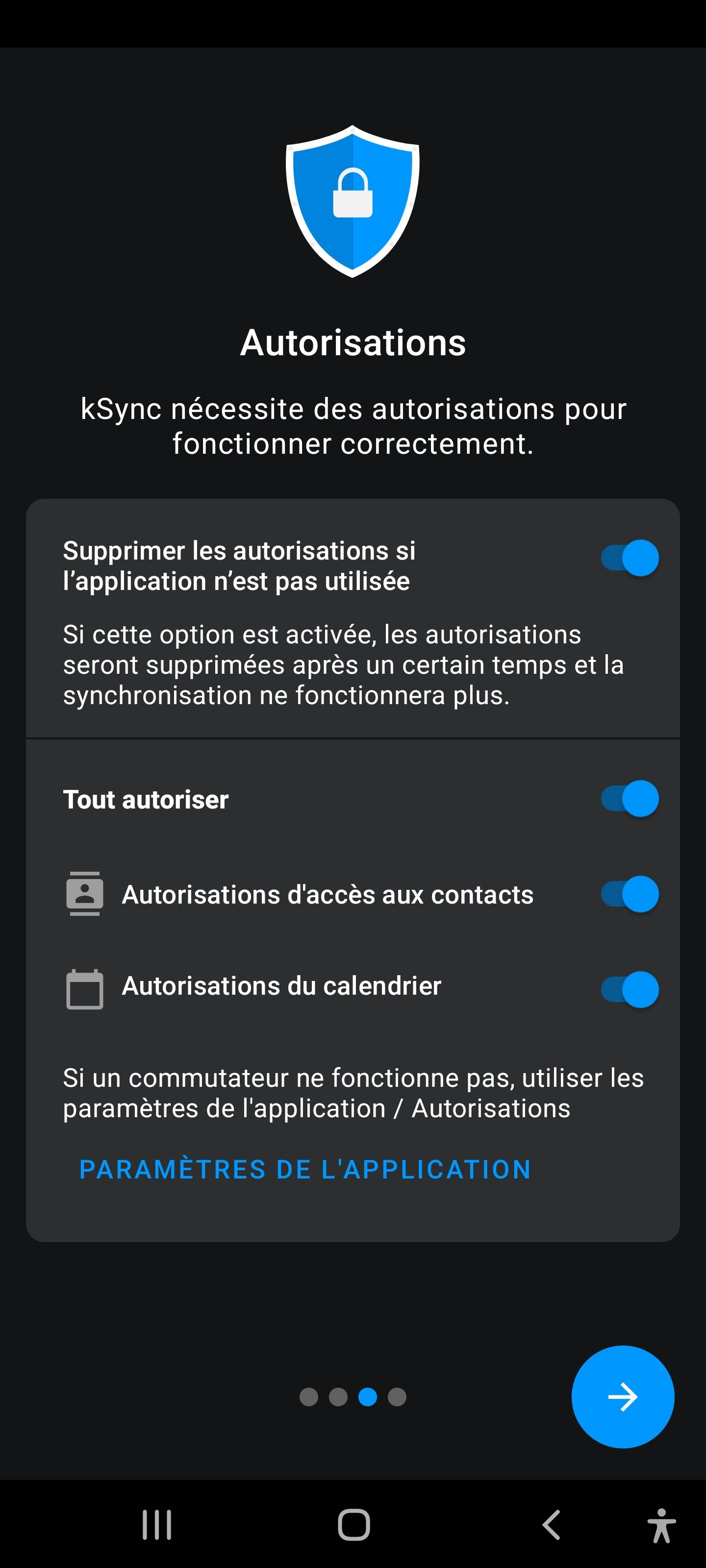
However, what is the point of this app if other services are not also available as mobile apps? Calendars or address books, in particular, are missing despite user feedback. So you must juggling between Infomaniak’s app and the OS-native applications on your phone.
Nevertheless, you can configure Infomaniak services on third-party apps. On iOS, this involves installing two certificates: one for messages and another for calendar and contacts. They configure IMAP, CalDAV and CardDAV, while accommodating two-factor authentication. And the process, although unique, is fairly effective.
On Android, simply scan a QR code on the webmail interface to begin configuration. We attempted the setup with Outlook on Android. After entering the details required for IMAP, we found our mailbox and its folders in no time.
But here, what is the point of this app if the other services are not also available as mobile apps? The calendar or address book, in particular, are missing despite user feedback. So you must switch between Infomaniak’s app and the platform’s native OS apps.
On the whole, Infomaniak Mail shows two identical side panels, which is redundant. Why? For whom? How? No idea, but clearly the left panel should disappear.
Message encryption
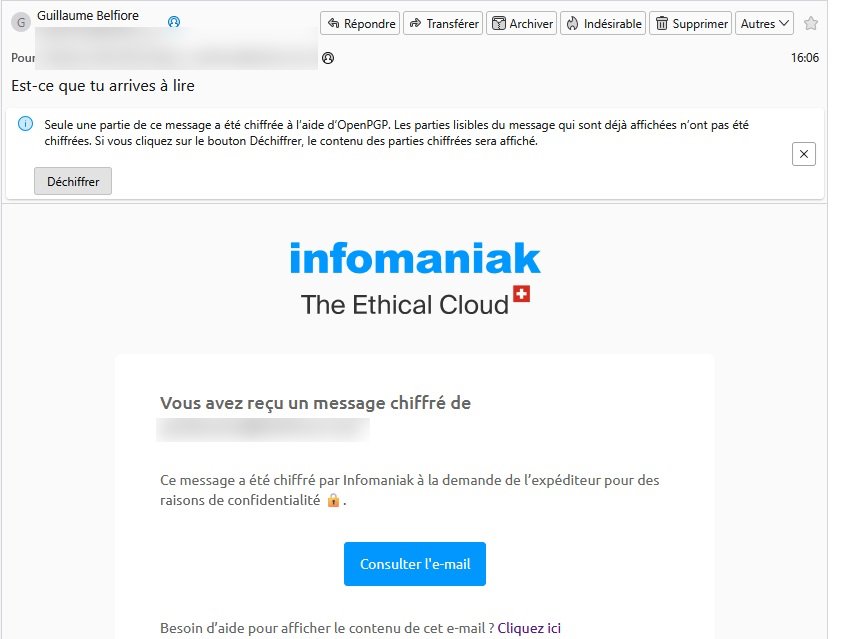
But what interests us in this update is, of course, the support for message encryption. The company has announced that this new device is now “available on all Infomaniak addresses,” and at no cost. Based on OpenPGP, ECC and AES-256-GCM standards, the new protection complies with applicable regulations, whether it’s the LPD, LPED or the GDPR.
How does encryption work?
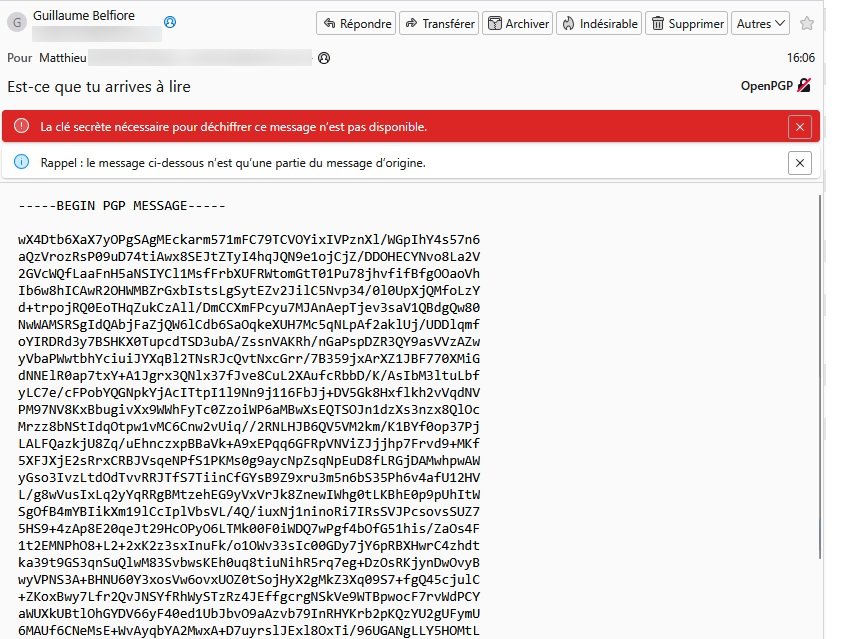
Encryption is activated with a single click: simply press a lock icon next to the send button.
In the same way as Proton Mail, when both correspondents use Infomaniak addresses to send encrypted emails, everything happens automatically. The message is encrypted in transit and decrypted in the recipient’s mailbox. Infomaniak can identify the sender’s address and, if the recipient is a user within its database, retrieve the public key linked to that account to secure the message.
For a sending to a Gmail or Outlook account, Infomaniak provides steps and guides the user fairly well. It starts with generating a password that the sender can customize. Infomaniak notes that this password must be shared in advance with the recipient.
The encryption of messages is the primary improvement; however, protection of metadata remains an area where Infomaniak is less stringent. The Swiss data protection environment is evolving, and Infomaniak asserts it will comply with forthcoming rules that require large providers (over 5,000 users) to share metadata. This metadata includes information such as email addresses, recipients, geolocation, sending dates and times, subject lines, attached file names, email size, format, encoding, etc.
Infomaniak vs Proton Mail: Which level of security?
The question often arises: is Infomaniak Mail as secure as Proton Mail? The honest answer is: not exactly, but for the vast majority of uses, the difference is not very significant.
Here is what distinguishes the two approaches:
- Proton Mail uses end-to-end encryption on the client side: private keys never leave the user’s device, and Proton cannot technically read message contents. Metadata is also protected to a greater extent. In return, access via a third-party client (Thunderbird, Apple Mail) requires installing a dedicated bridge.
- Infomaniak Mail encrypts messages using OpenPGP, ECC and AES-256-GCM standards, but private keys remain on Infomaniak’s servers, a fundamental difference from Proton’s zero-knowledge approach. In case of a legal requisition, metadata (sender, recipient, subject, date, geolocation, etc.) is accessible to authorities. The company openly accepts this and intends to comply with future Swiss communications regulations.
For the vast majority of users, Infomaniak’s encryption is sufficient: family communications, exchanges with a doctor, a accountant or a lawyer, or other sensitive professional correspondence. End-to-end protection of message contents already represents a significantly higher level of privacy than Gmail or Outlook.
It is less suitable for journalists, activists, or anyone for whom metadata privacy is an absolute imperative. In that case, Proton Mail remains the reference.
Calendar and contacts
A simple management of calendars and address books
Nothing surprising in Calendar: it’s functional and classic, and you can create events directly with kMeet, the video-conferencing tool.
Calendar management didn’t pose any problems, from ICS file import to invitations that allow guests to indicate their attendance or absence. We also have a calendar restore function, but this is only available on paid offers: no restore on the free offer, 30 days on the My kSuite+ and kSuite Pro plans.
The free Calendar offers only two calendars, the second being a default “Birthdays” calendar. It is not possible to rename it, and adding a third calendar is currently unavailable.
Gmail enthusiasts will also enjoy the freedom to manage contacts, groups, and favorites. However, there is the same limitation as with Calendar: multiple address books cannot be created (at the moment). The quick import of CSV or vCard files is appreciated, which should not pose problems to users coming from Gmail, Thunderbird, Outlook.com, and so forth.
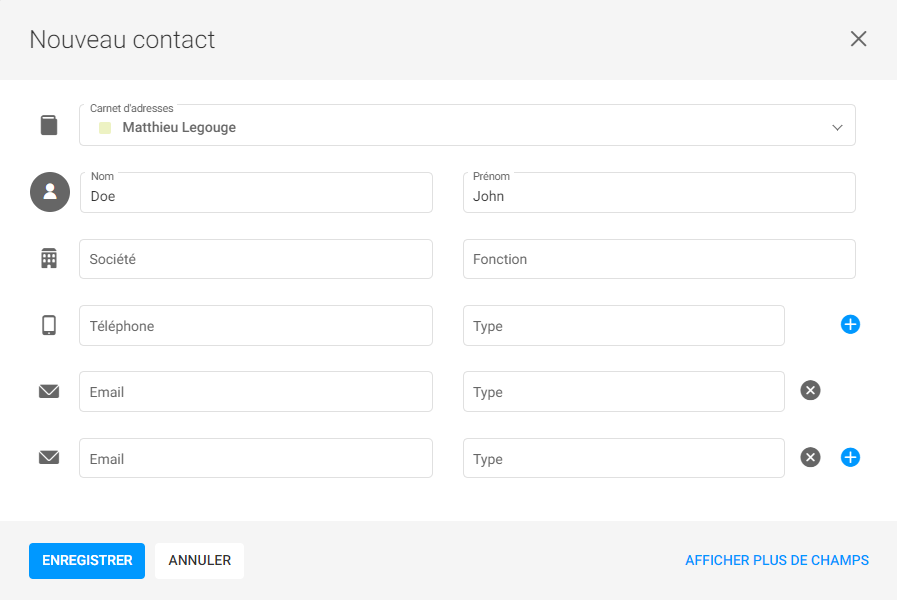
Finally, the address book restoration follows the same logic: unavailable on the free offer, available for a month with a paid plan, and there is a very effective system to manage and merge duplicates. The features accessible from the address book are numerous, including the possibility to organize events with contacts or groups and to integrate them directly into the calendar, or to retrieve all exchanges with a given contact.
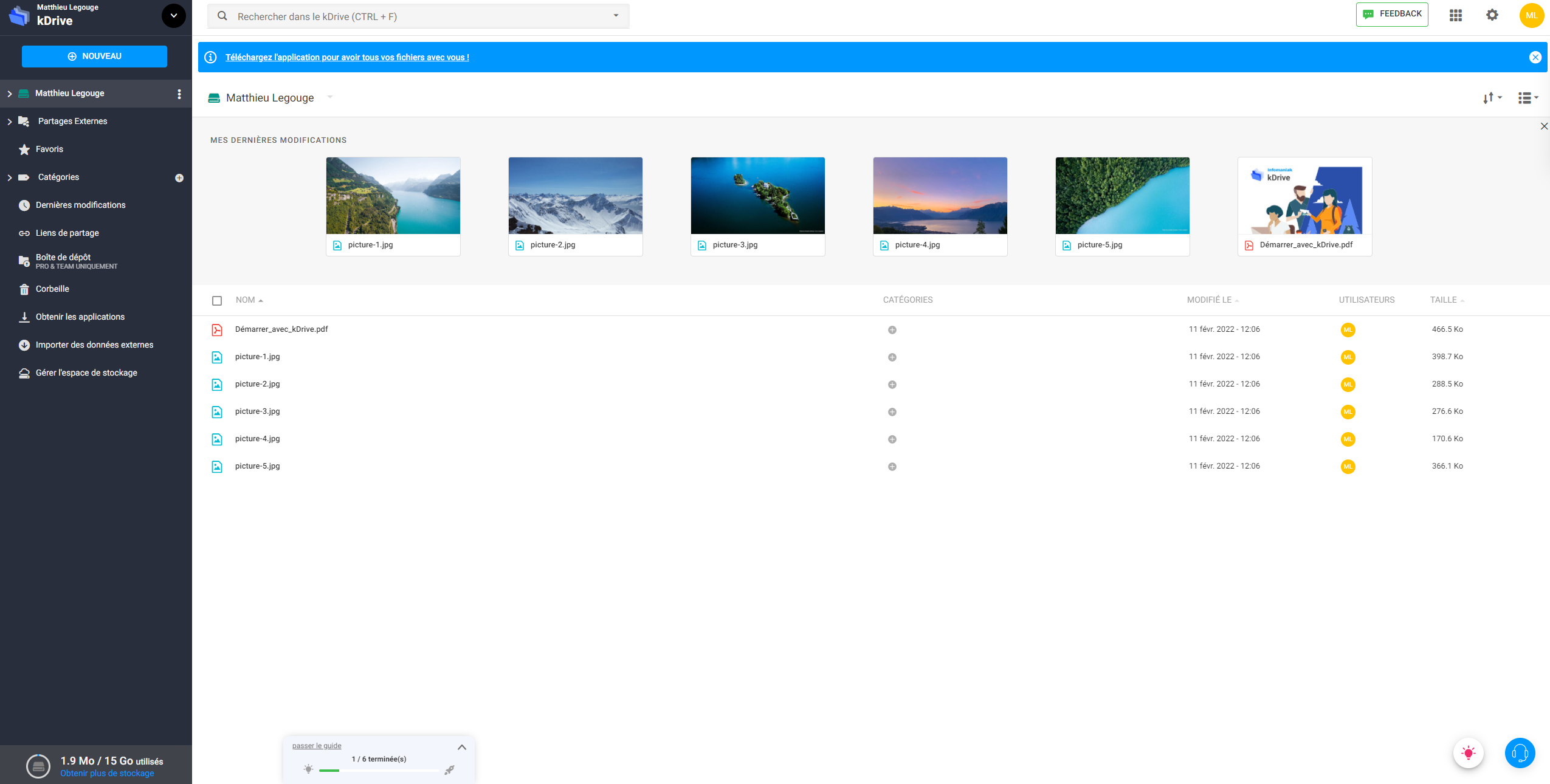
Alternatively, you can use kDrive, Infomaniak’s alternative to Google Drive. This Swiss cloud space has undergone improvements, and its available storage has increased from 3 GB to 15 GB.
Infomaniak on smartphone and Mail client
The Infomaniak Mail mobile app is especially successful. It’s fast, readable, and quite ergonomic.
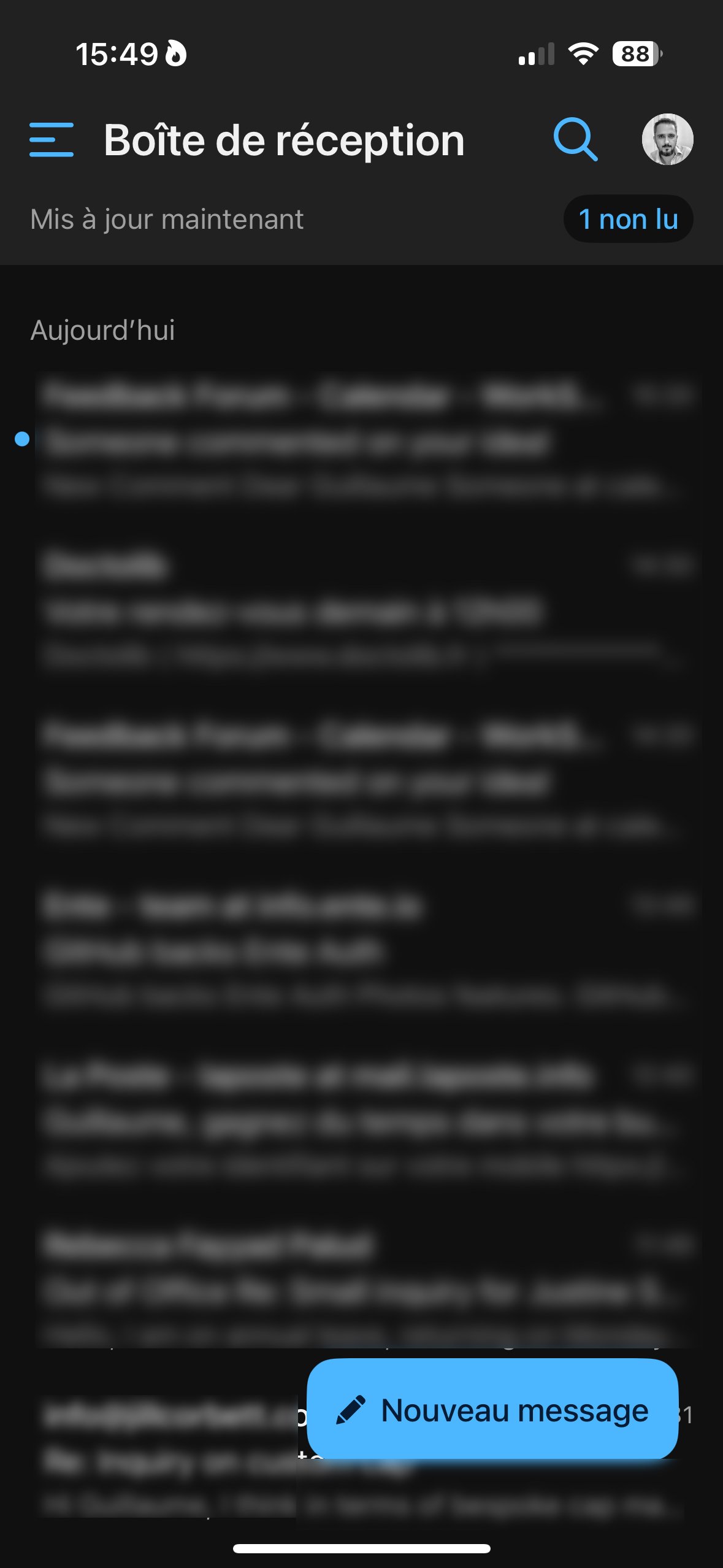
But what about the usefulness of this app if other services aren’t available in mobile app form? The calendar or the address book are missing, despite user feedback. You must therefore bounce between Infomaniak’s app and the OS-native apps on your phone.
Still, it is possible to configure Infomaniak services on third-party apps. On iOS, this involves installing two certificates: one for messages and another for calendar and contacts. They configure IMAP, CalDAV and CardDAV, while also taking into account two-factor authentication. The process, although unique, is fairly effective.
On Android, you simply scan a QR code on the webmail interface to begin configuration. We tried the experience with Outlook on Android. After providing the necessary login details for IMAP, we found our mailbox and folders in no time.
Infomaniak Auth: the Swiss host’s 2FA
Nothing to complain about with Infomaniak’s 2FA app. It generates a code every 30 seconds and, like with other apps of this kind, you simply scan a QR code to link an account. It enables secure login, and two-factor authentication activation is performed via the Manager workspace, as mentioned earlier.
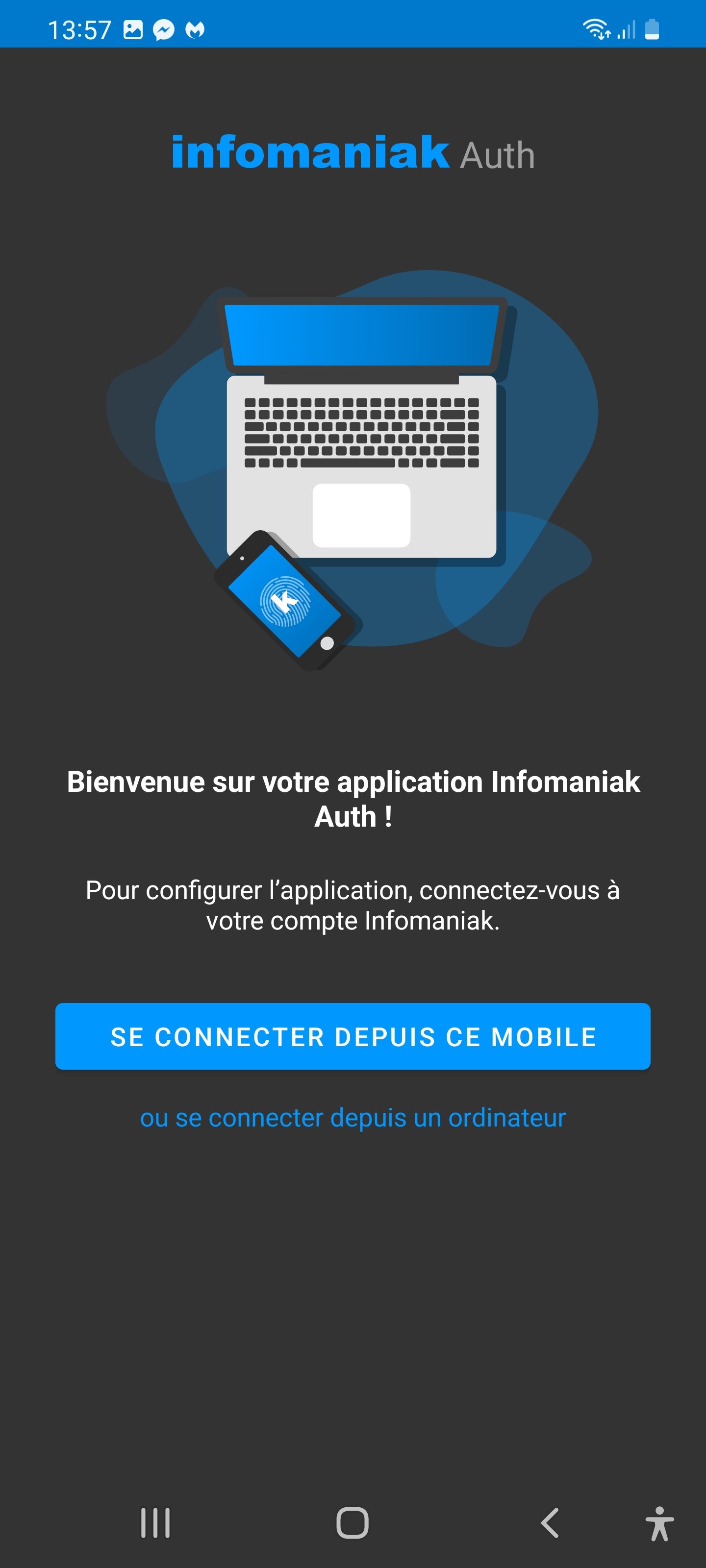
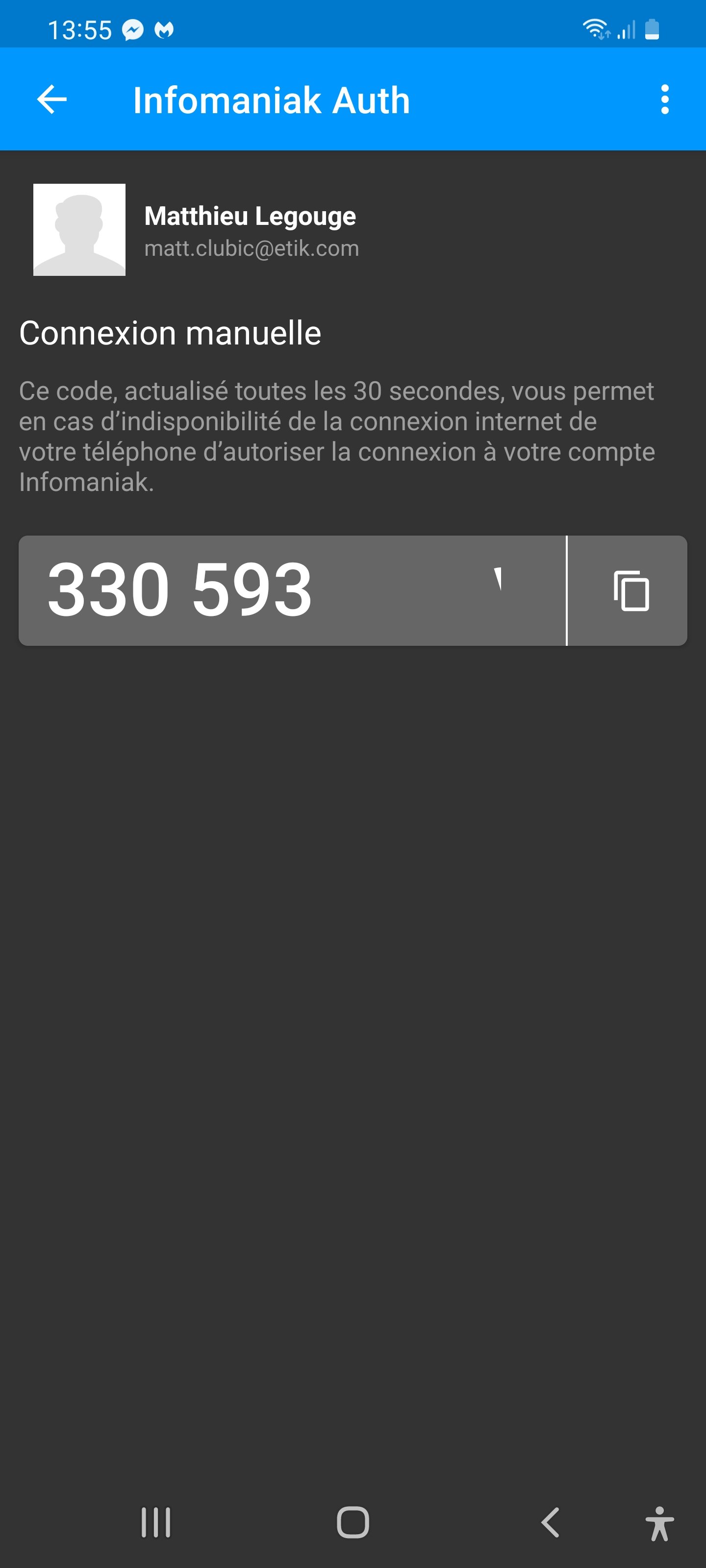
The 2FA app is available on the App Store (iOS) and Google Play (Android). It’s also accessible via F-Droid for Android users who want to avoid the Play Store. It is designed specifically for Infomaniak-hosted addresses and cannot be used as a general-purpose client for Gmail or Outlook. A full version for Android is available via the Play Store, and a lighter alternative via F-Droid is offered for privacy-minded users.
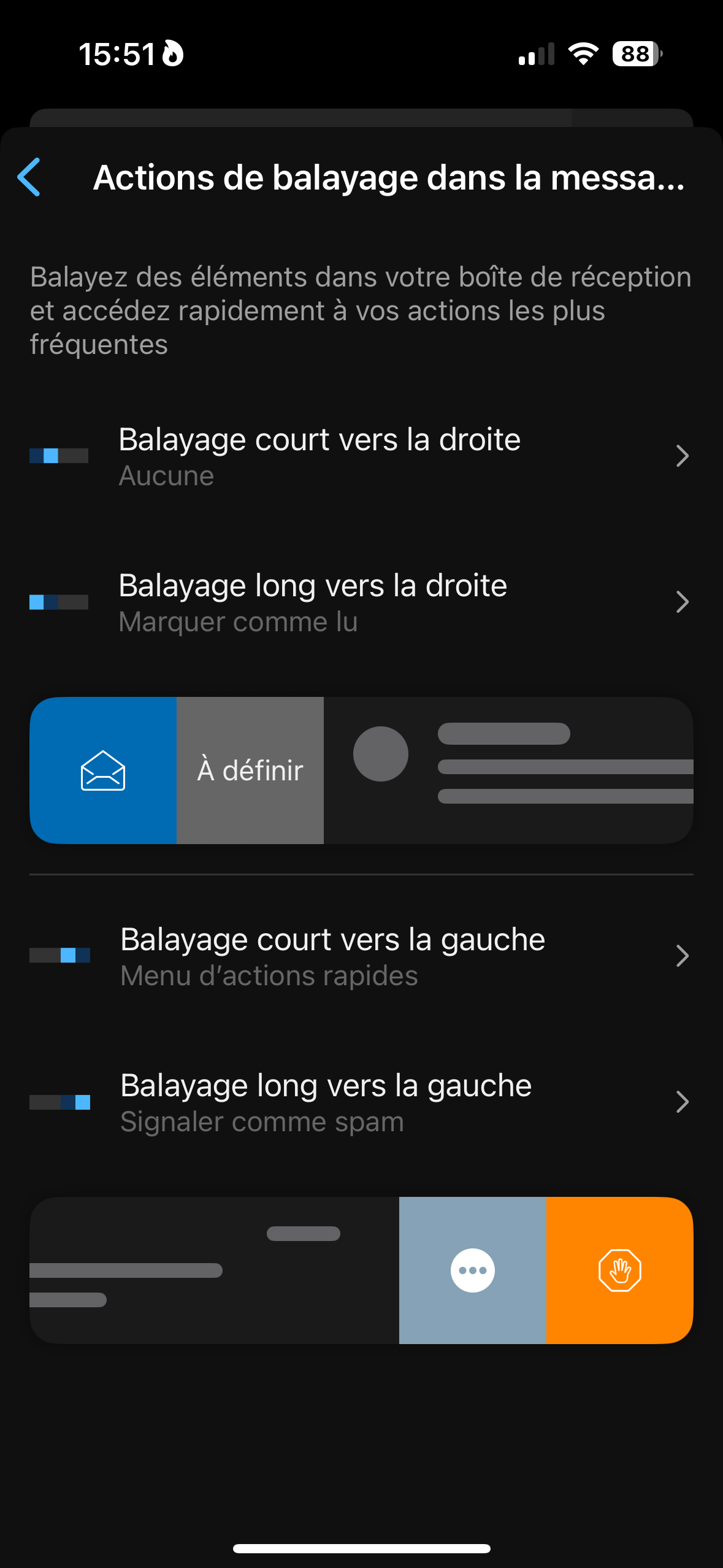
There are classic features with a handy swipe gesture that lets you move a message to spam directly.
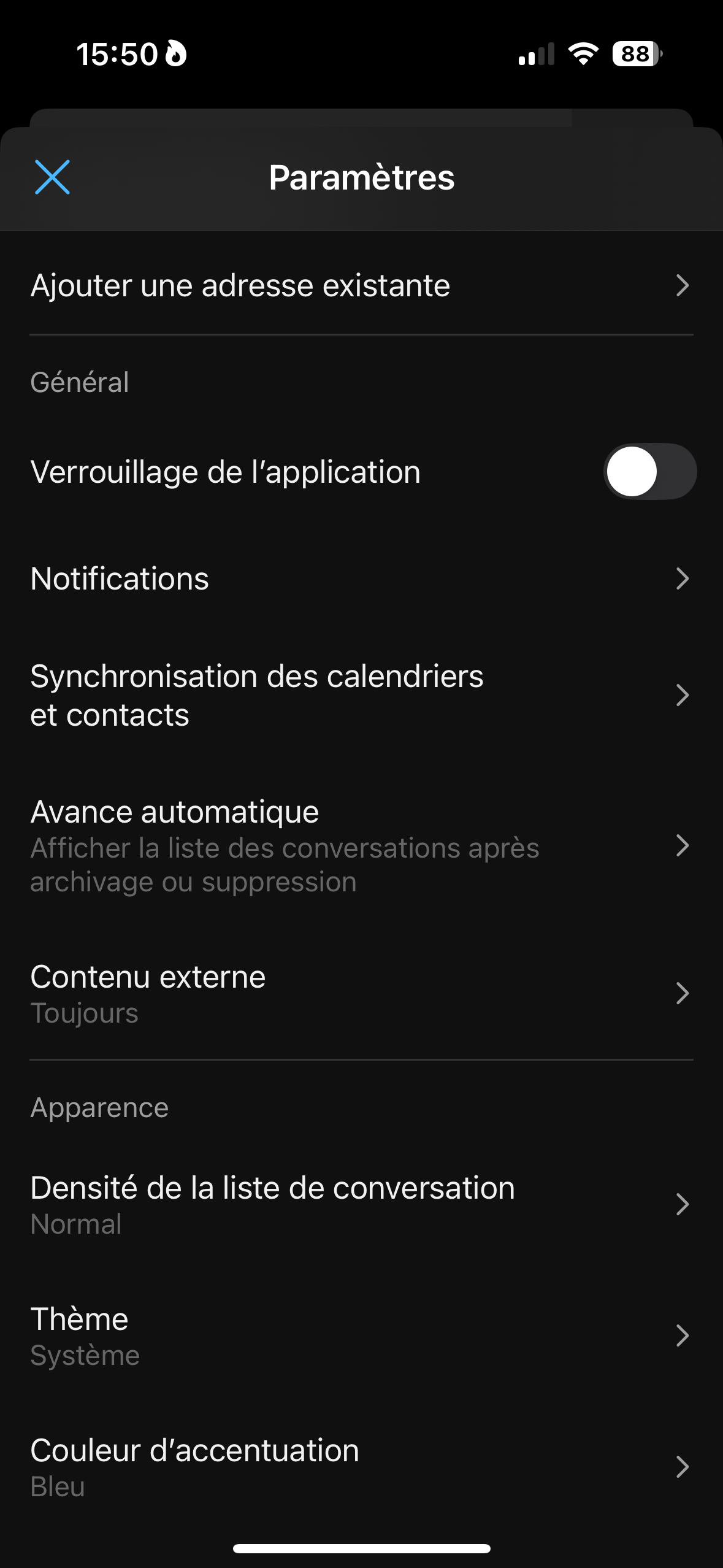
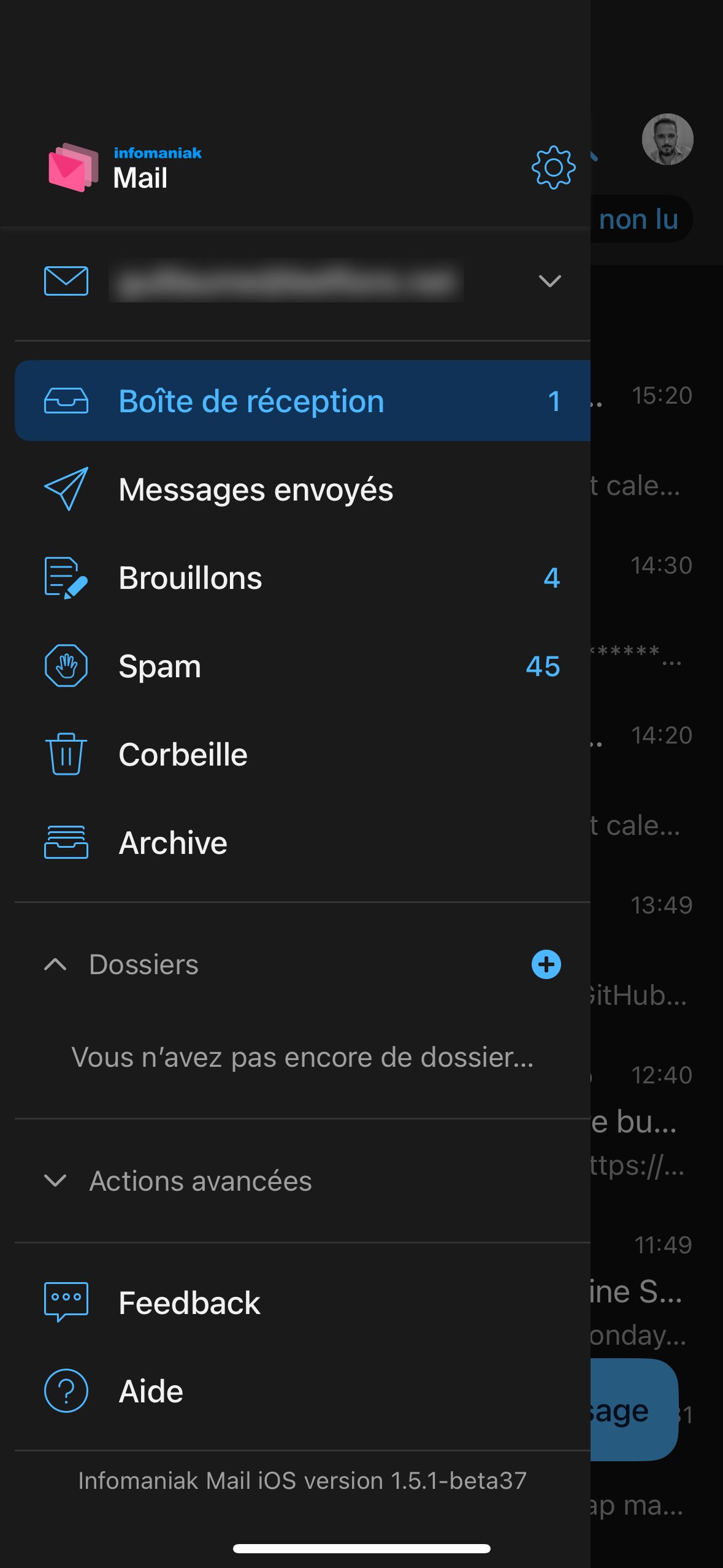
You’ll find standard options with a swipe action that allows sending a message directly to spam.
But you might wonder what is the point of this app if the other services aren’t also available as apps? The Calendar and the address book are missing, which means you have to switch between Infomaniak’s app and the OS-native apps on your device.
However, what is the benefit of this app if the other services aren’t also present as mobile apps? The calendar and the address book are missing despite user feedback. You must switch between Infomaniak’s app and the OS-native apps on your device.
This completes the overview. The Infomaniak Mail offering is robust and reliable, providing a solid alternative to American giants, backed by their Swiss data protection and a strong environmental stance. The encryption addition is welcome, though the new interface feels somewhat redundant and unnecessary.
Not much is missing from Infomaniak Mail for it to fully satisfy us and keep us away from the American giants for good. It’s reassuring to see it hosted in Switzerland and to have a privacy-forward approach to data management, as well as an ecological conscience in its data centers. The encryption is welcome, but the new interface feels redundant and unnecessary.
- Full mailbox and easy to use
- Geographic location of data centers
- End-to-end encryption of messages
- Housed in ecological data centers
- Redundant graphic integration with kSuite

Daniel Brooks
I cover everyday products with a practical eye, from kitchen tools and home essentials to smart gadgets and consumer trends. My goal is to help readers understand what is genuinely useful, what is worth the price, and what deserves a second look before buying.