macOS 27.2 will offer users the new version of Siri, named Siri AI. We managed to obtain the beta to test the revamped, LLM-powered assistant and to see what it’s really capable of.
Siri AI is both Apple’s biggest software novelty in 2026 and a painful moment. A quick look back: on June 8, Apple unveiled Siri AI at WWDC, its marquee event for software, and it left a sour taste. After about half an hour of presentations, the company announced that the long-awaited Siri, anticipated for ages, would not be available on iPhone and iPad in Europe. The stated reason: European regulations would prevent them from launching the product without violating privacy commitments.
Fortunately for us Europeans, Siri AI will still arrive on Mac (and on Apple Vision Pro) in October, and in French, please. Apple has been offering a beta of macOS 27.2 for a few days. I downloaded it as soon as it went live, then waited patiently to move beyond the waitlist, to finally discover the (real) first steps of Apple’s foray into artificial intelligence.
A First Contact Focused on Conversation
Siri AI doesn’t just change the engine; it reinvents the chassis too. Once the update is installed, you can’t miss the new Siri app, which sits directly in the Dock.

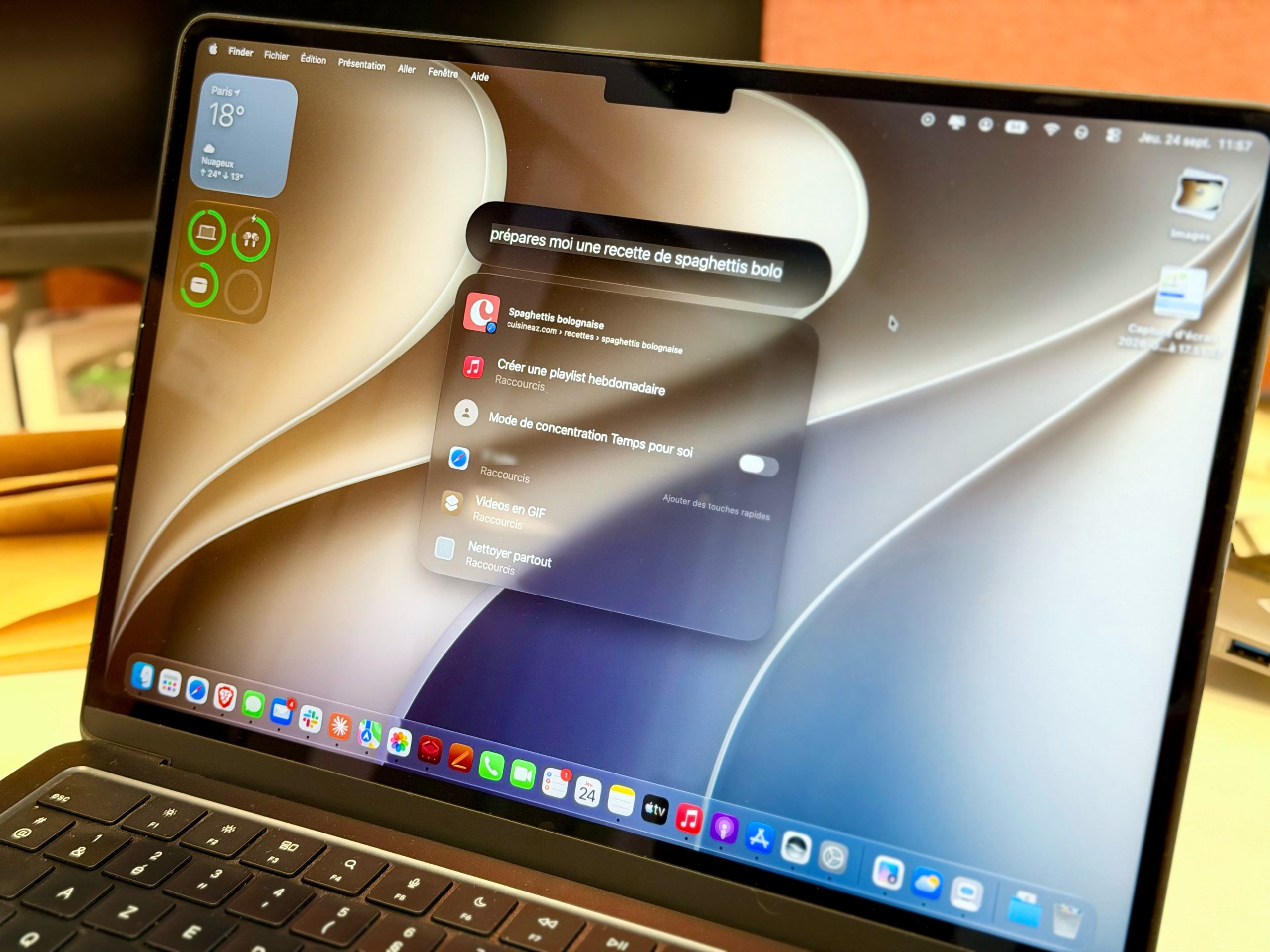
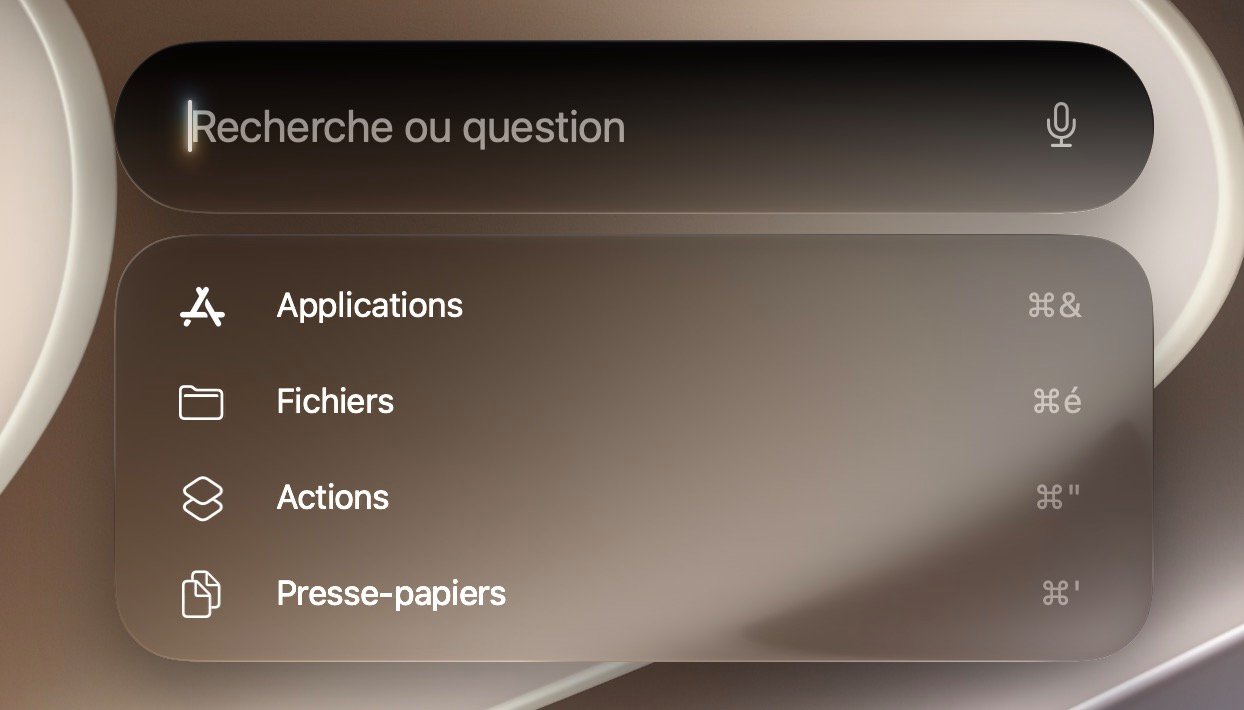
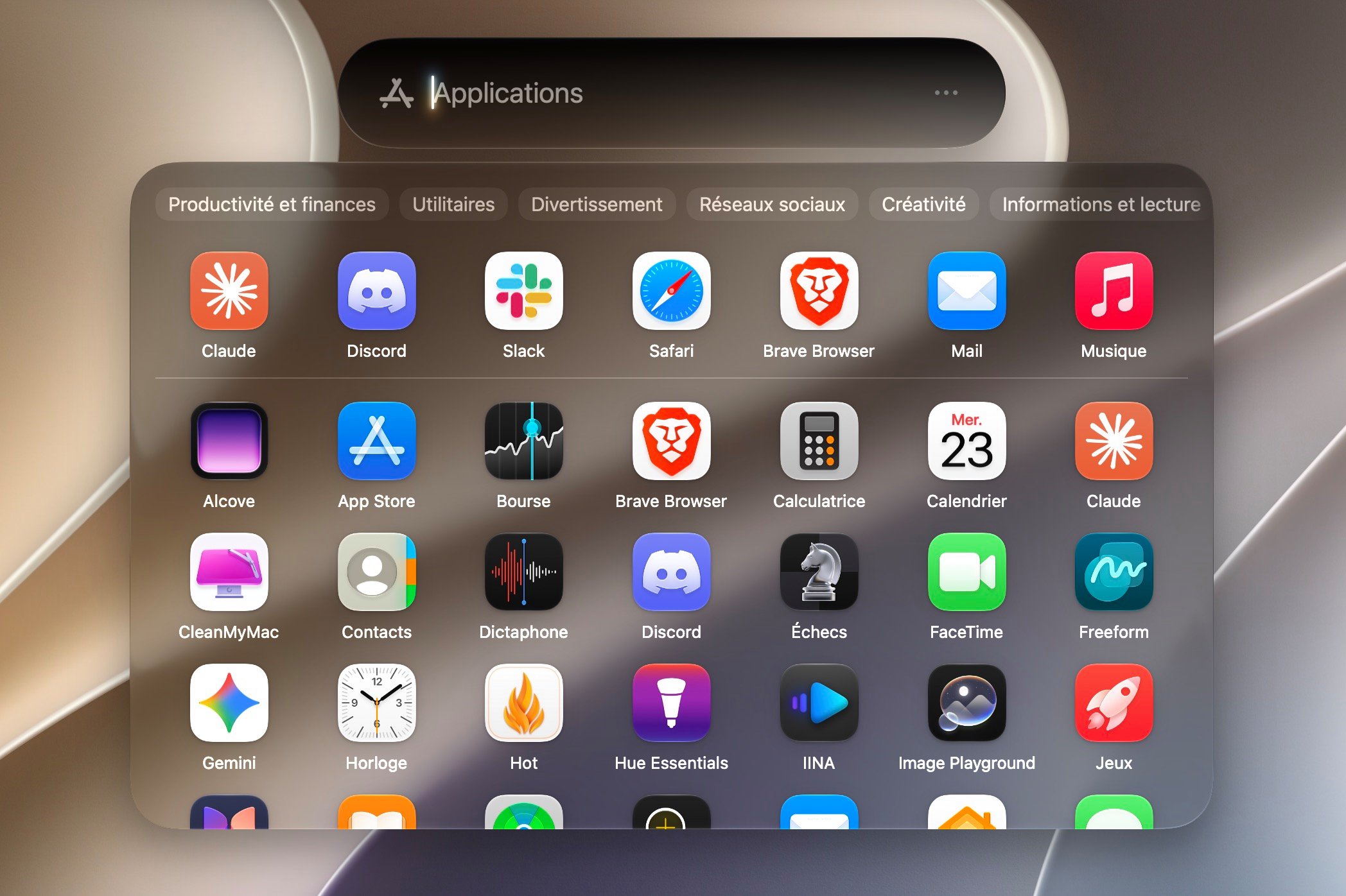
There are other ways to reach Siri. Its icon still sits at the top-right, in the menu bar. The Cmd + Space shortcut works as well, since Siri now merges with Spotlight. This is the most perplexing change for longtime Mac users: the system’s traditional search engine becomes the doorway to the assistant. You search there for an app, a file, or the answer to a more complex question.
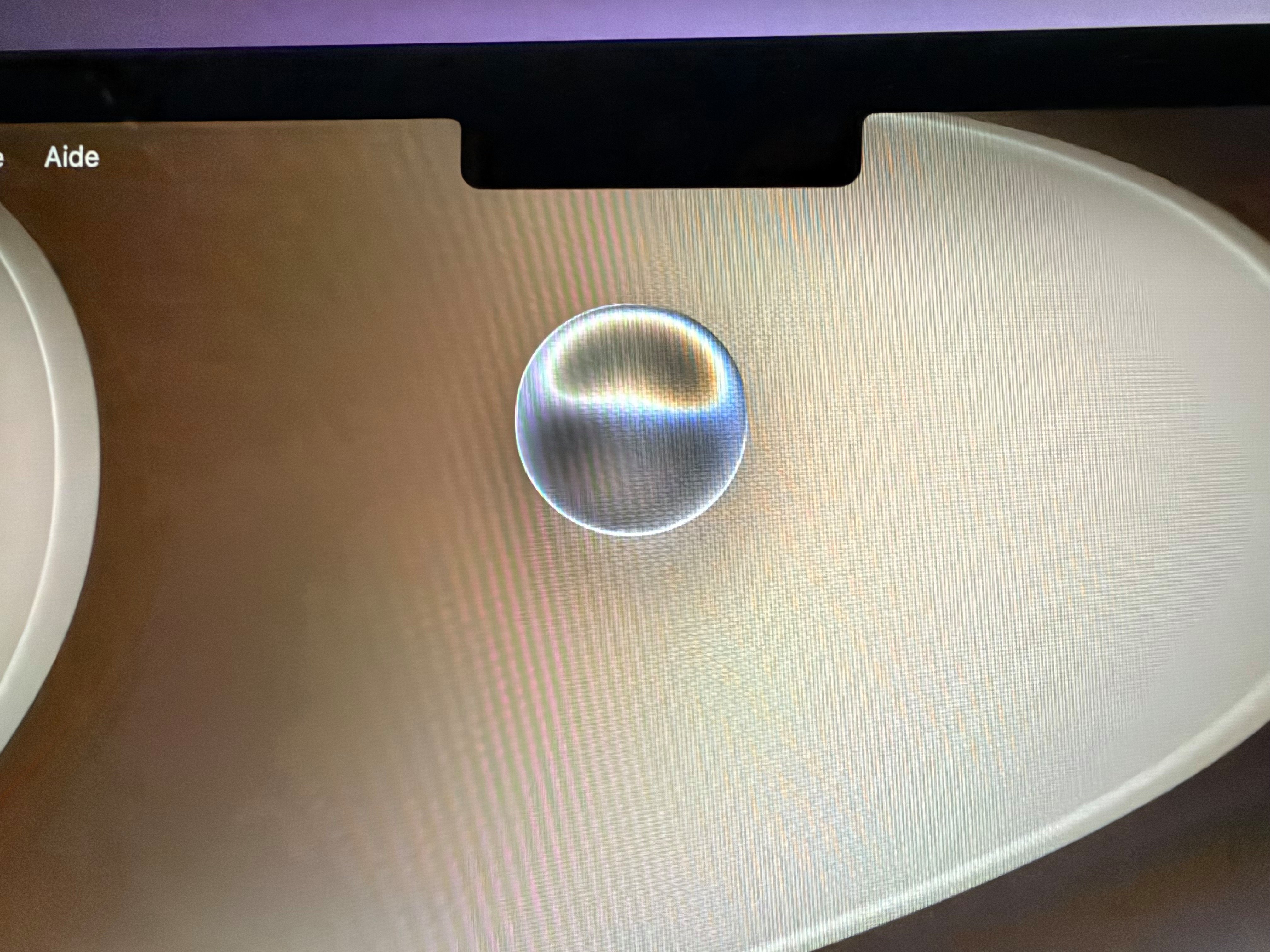
You can type your reply, or use the voice mode by long-pressing the keyboard microphone key (the F5 key) or the corresponding icon in the app’s interface. Siri is now represented as a floating orb that appears on screen, and it’s rather pretty, all told.
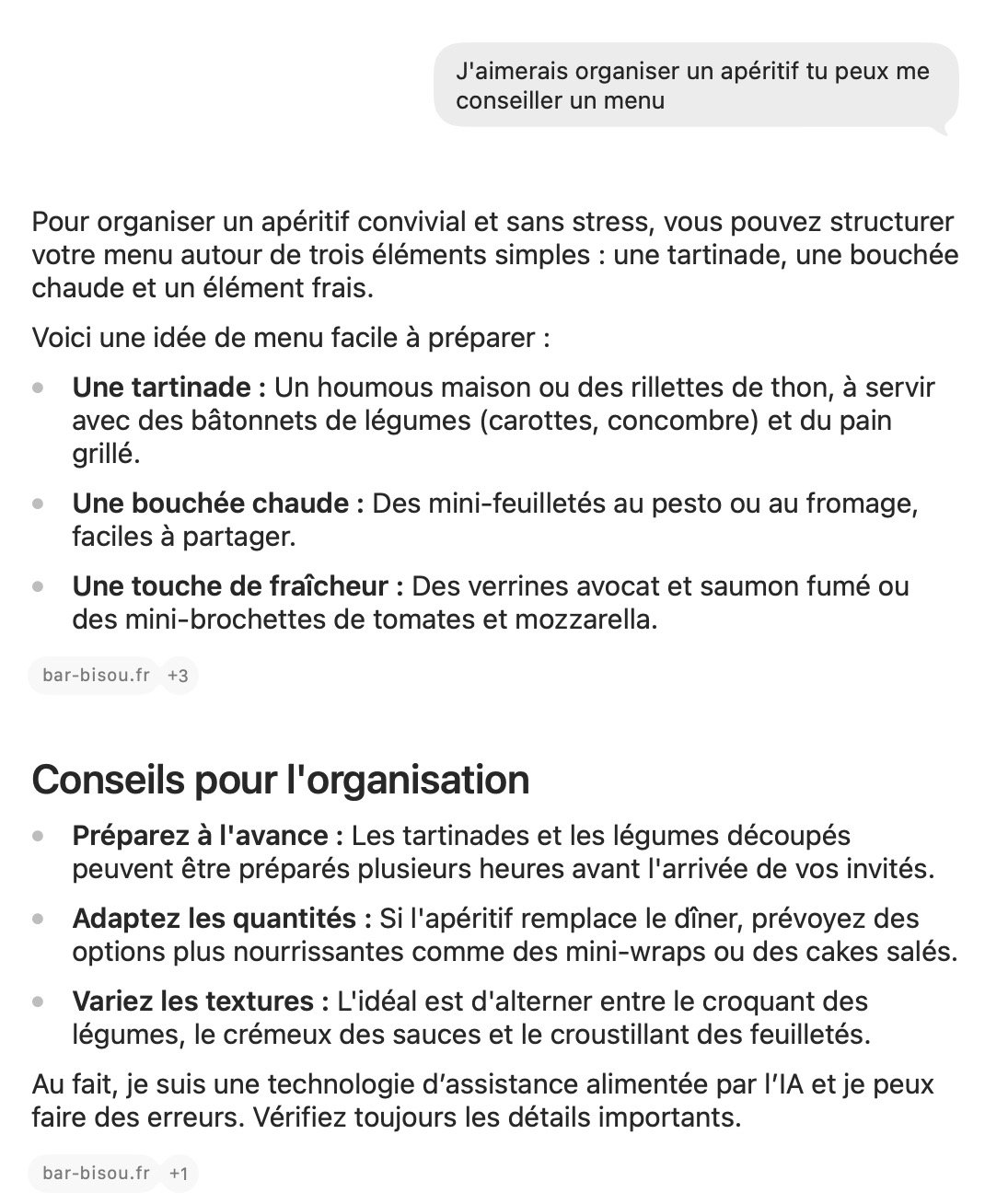
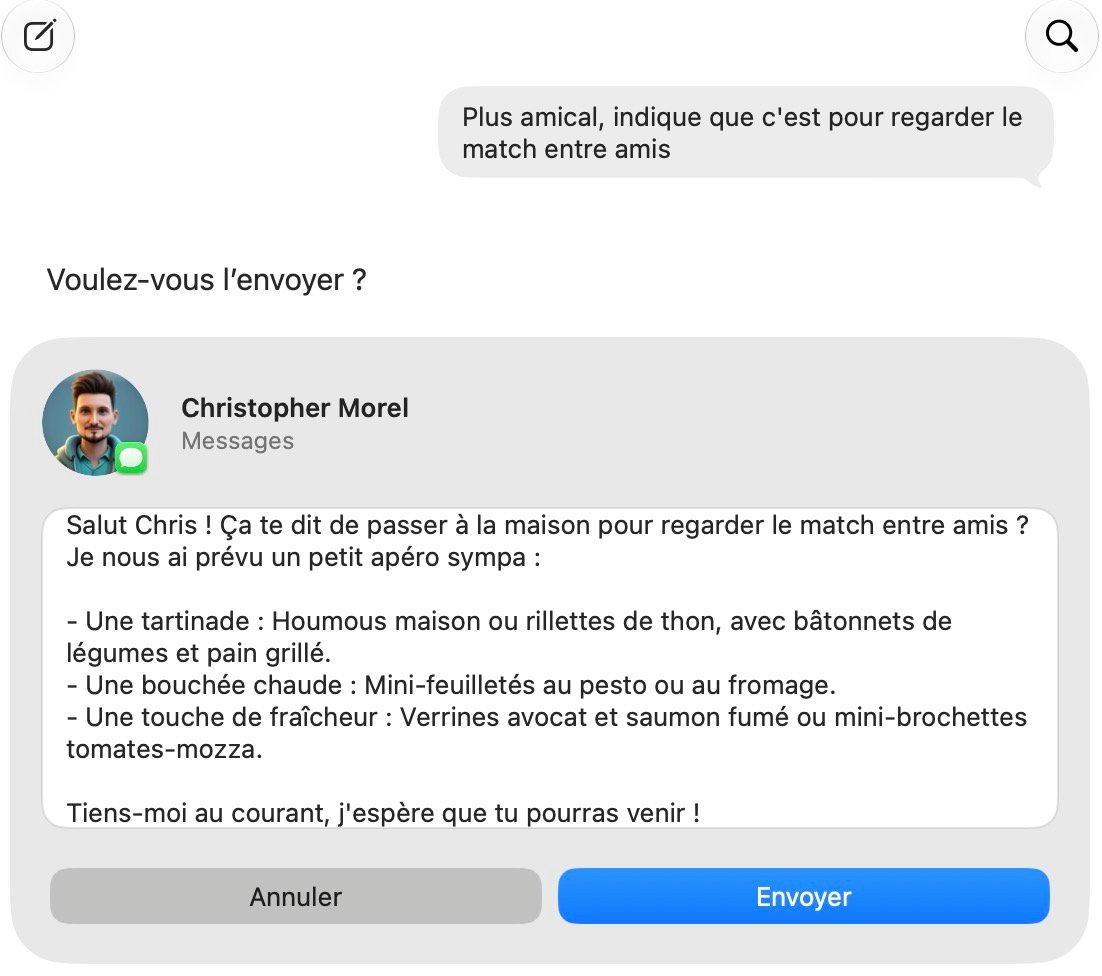
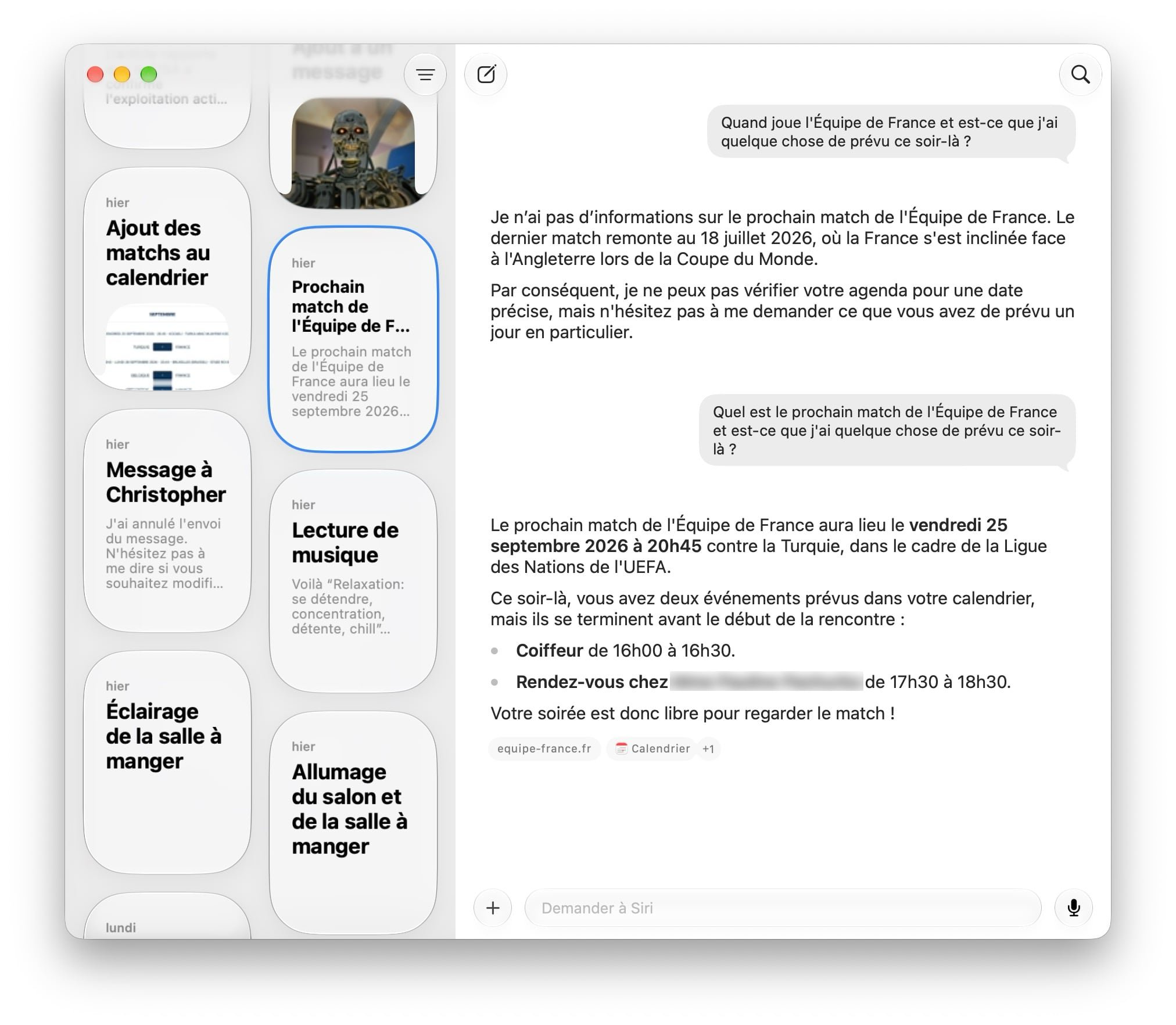
I obviously put Siri to the test with a few questions. Unlike the old assistant, which was apt to misfire every other time, Siri AI preserves the context of the conversation, even when I wander off with a completely unrelated sentence. I ask a follow-up question, and it picks up right where we left off, never losing sight of the core thread. Not revolutionary in 2026, I’ll admit. But for a Siri user since 2011, the switch is spectacular. We settle for what we have.

The Mac as the ideal playground
Where OpenAI and Anthropic chase the most powerful model, Apple plays a different card: personal AI tailored for everyday life. For this, Siri AI can access, if you consent, all of your personal data to quickly grasp your context and tailor its responses.
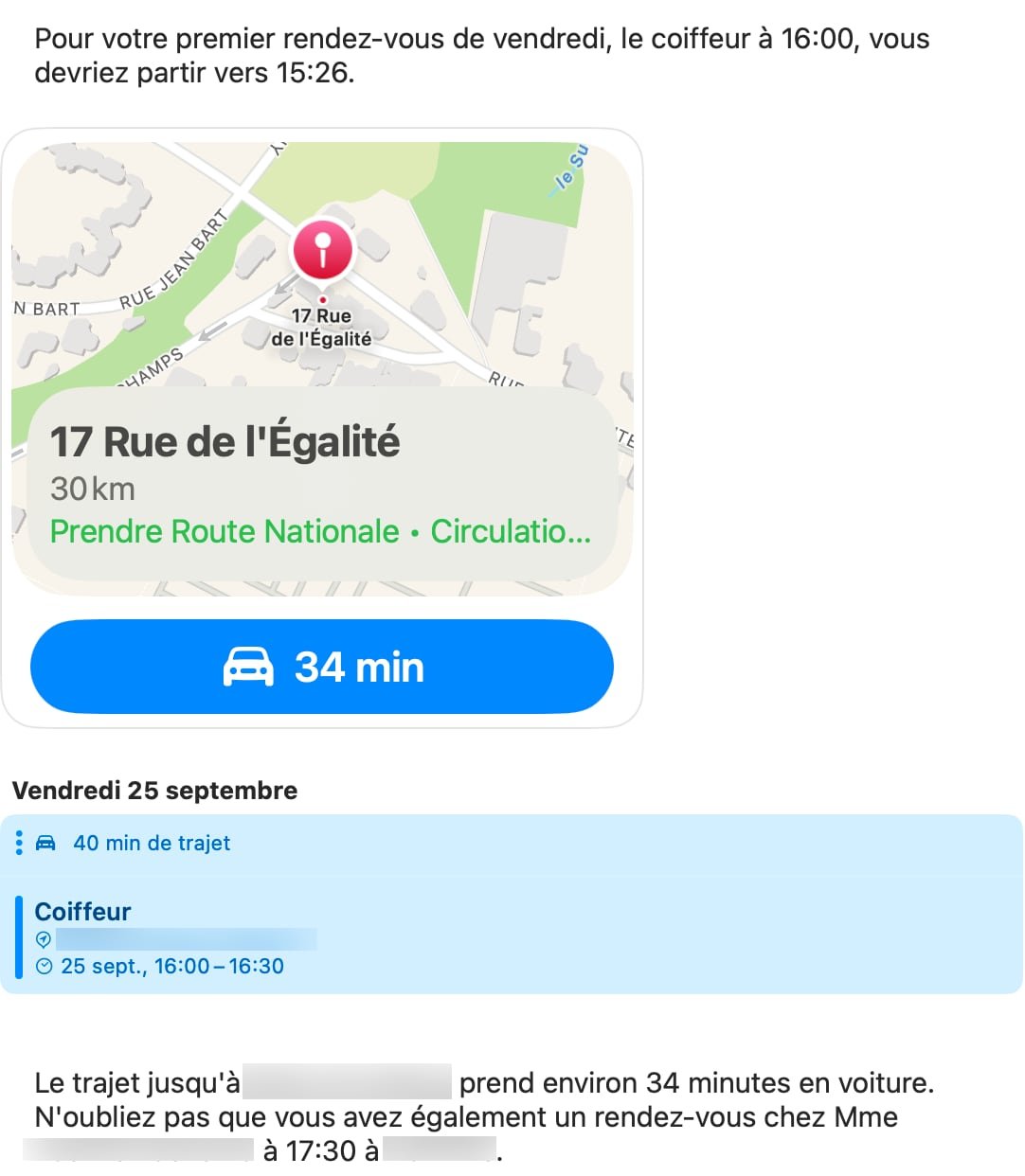
For example, I can ask what time I should leave to be on time for my Friday first appointment. Siri AI pulls from my calendar, then from Maps to calculate the route, and returns a departure time. One question, multiple actions. The same logic also applies to finding photos of me in a red T-shirt: the request is generally respected, with a few missteps (a black T-shirt with a red badge slipped in), but overall it works.
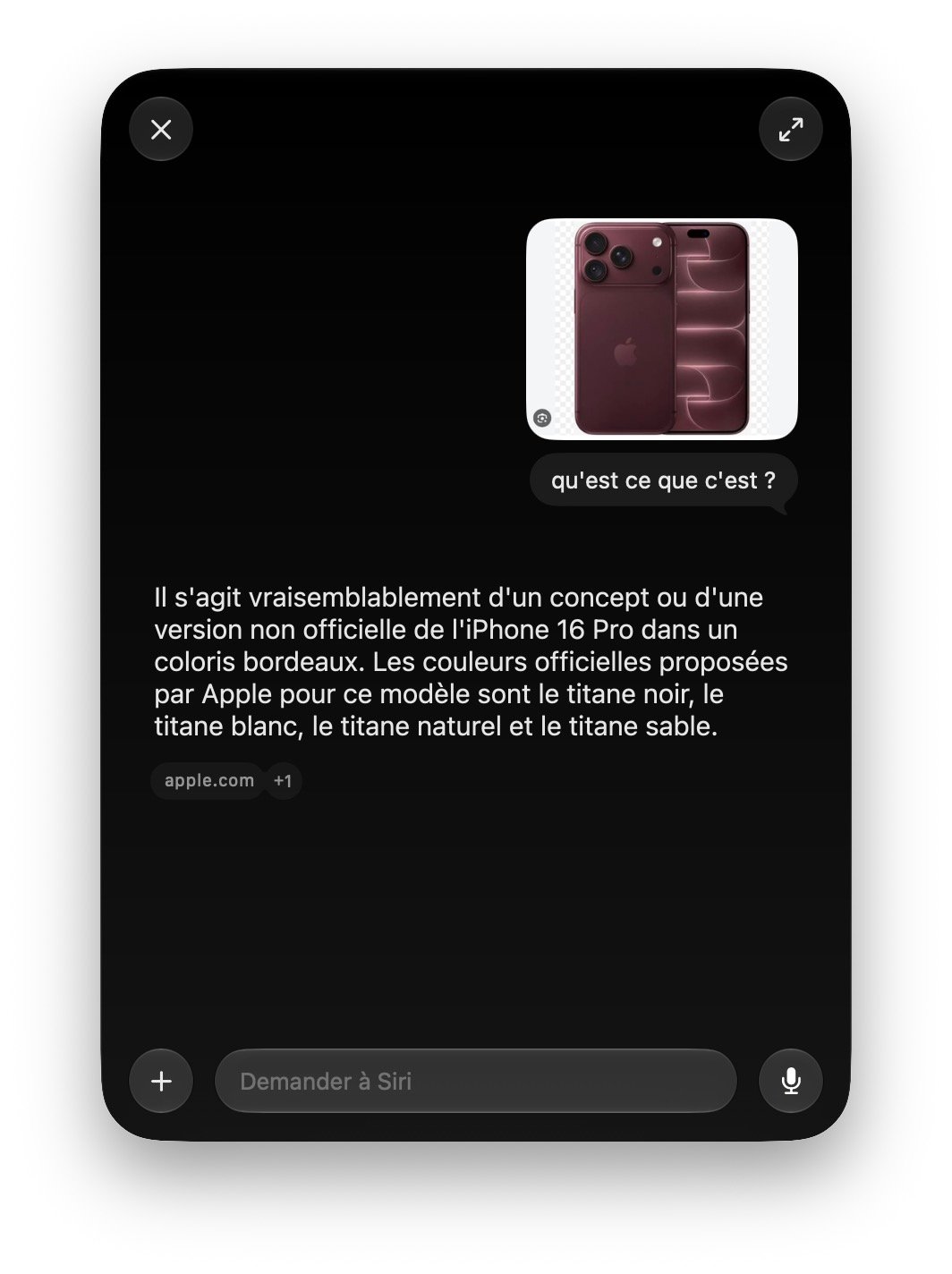
Remainder of the most impressive beta feature: understanding what’s on the screen. A keyboard shortcut [Shift + Cmd + 6], and a crosshair lets you capture any area you choose, which Siri analyzes instantly. I selected the France’s next matches schedule on the FFF site, then asked the assistant to add the events to my calendar. One sentence is enough, and the appointments appear in the calendar. No more copy-paste of dates. For once, Apple’s promise is kept without an asterisk.
You can type your reply, or use the voice mode by long-pressing the microphone key on the keyboard (F5) or the corresponding icon within the app’s interface. Siri is now represented as a floating orb that appears on screen, quite pretty all things considered.
I naturally subjected Siri to a few questions. Unlike the old assistant, which could misfire at random, Siri AI retains the context even if I drift with a sentence that has no relation to the topic. I ask a follow-up in quick succession, and it picks up the thread without ever losing sight of the main conversation. Not groundbreaking in 2026, I admit. But for a Siri user since 2011, the switch is spectacular. We settle for what we have.