
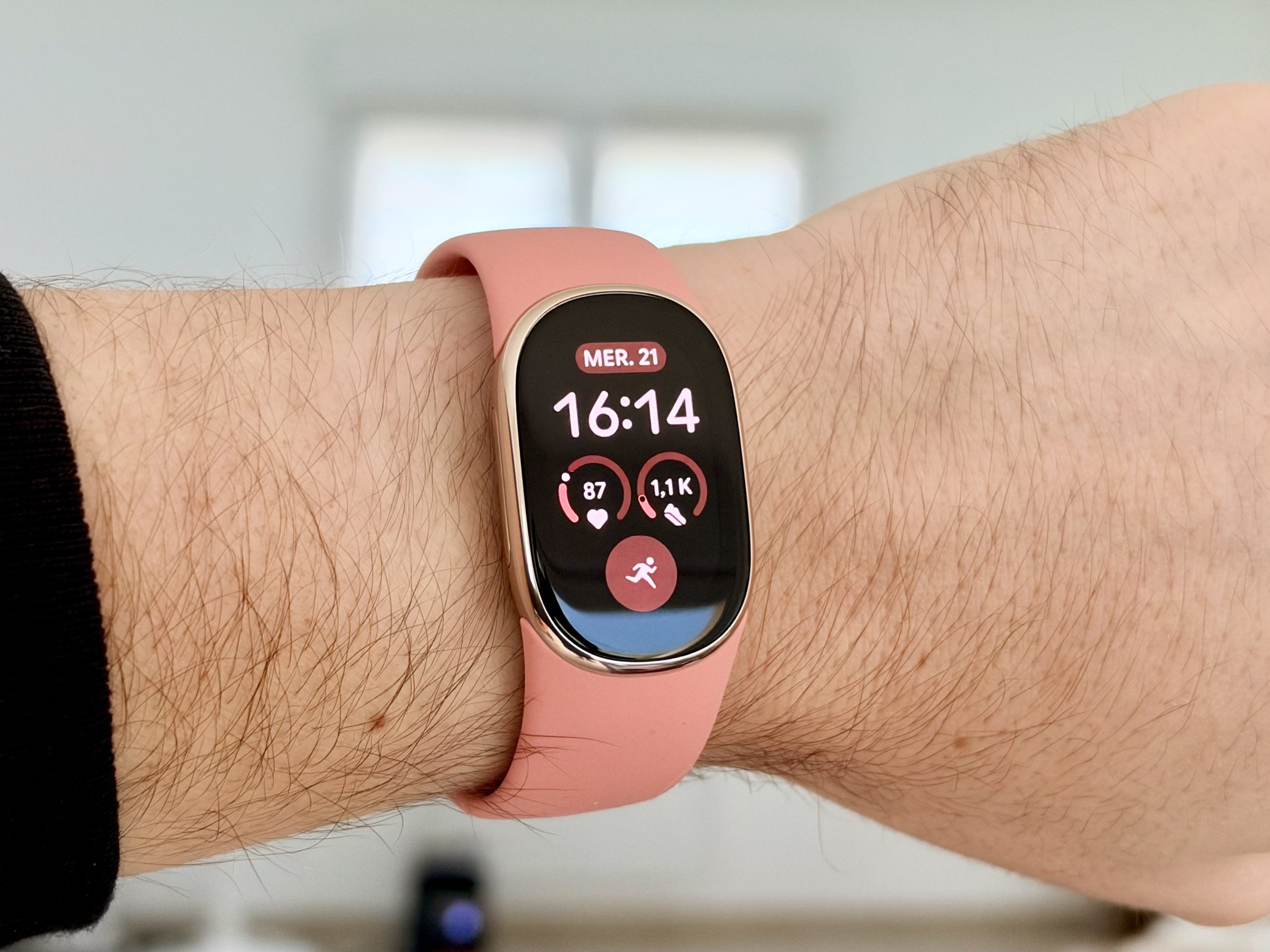
With the Fitbit Edge, Google puts a screen on the wrist again and enriches its health tracking with several features borrowed from smartwatches. After several days of use, this new band impressed me with its comfort and simplicity, but also made me question the usefulness of some of its novelties.
8 / 10

Design and Comfort: a bracelet that easily disappears under your skin
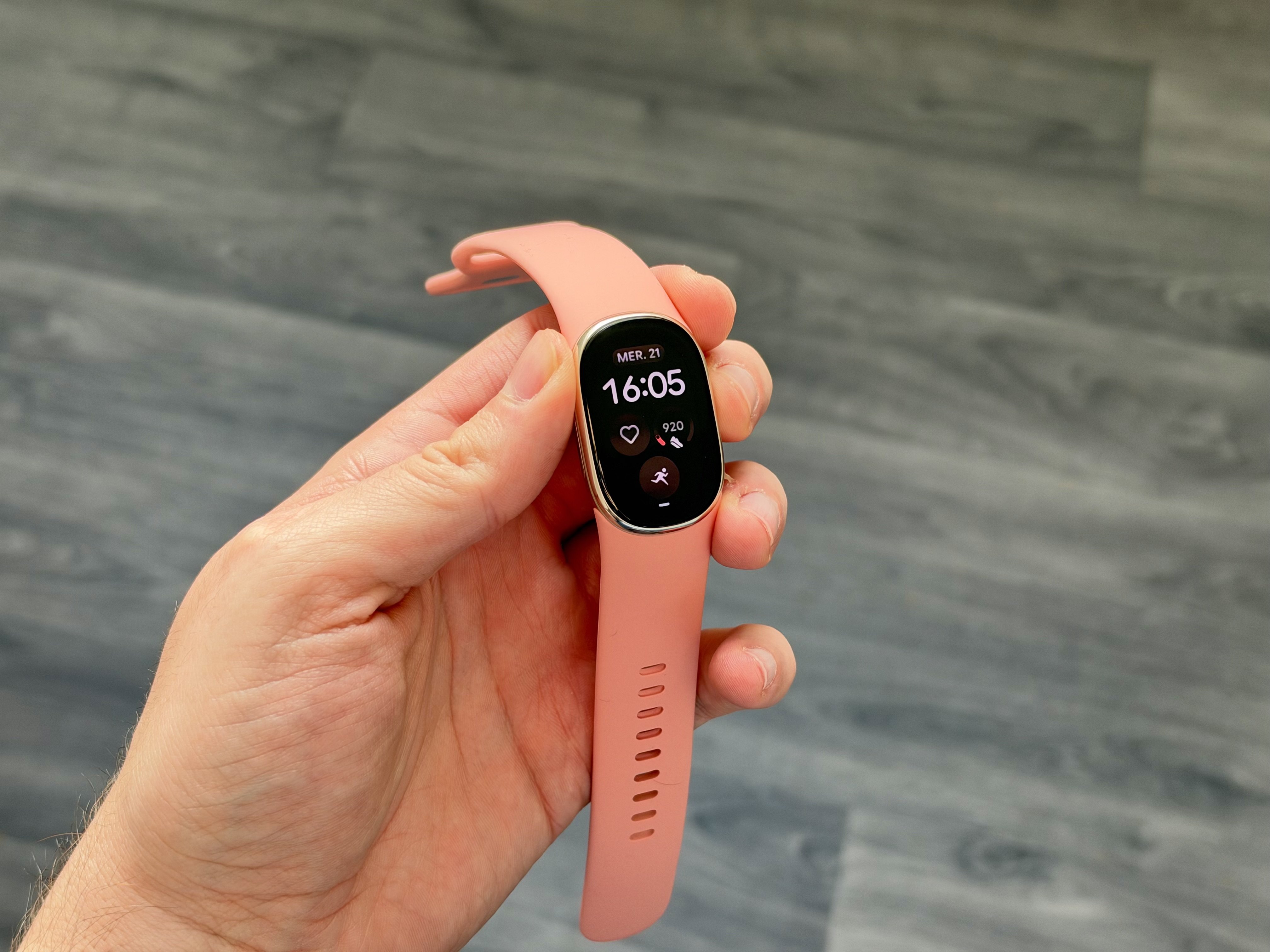
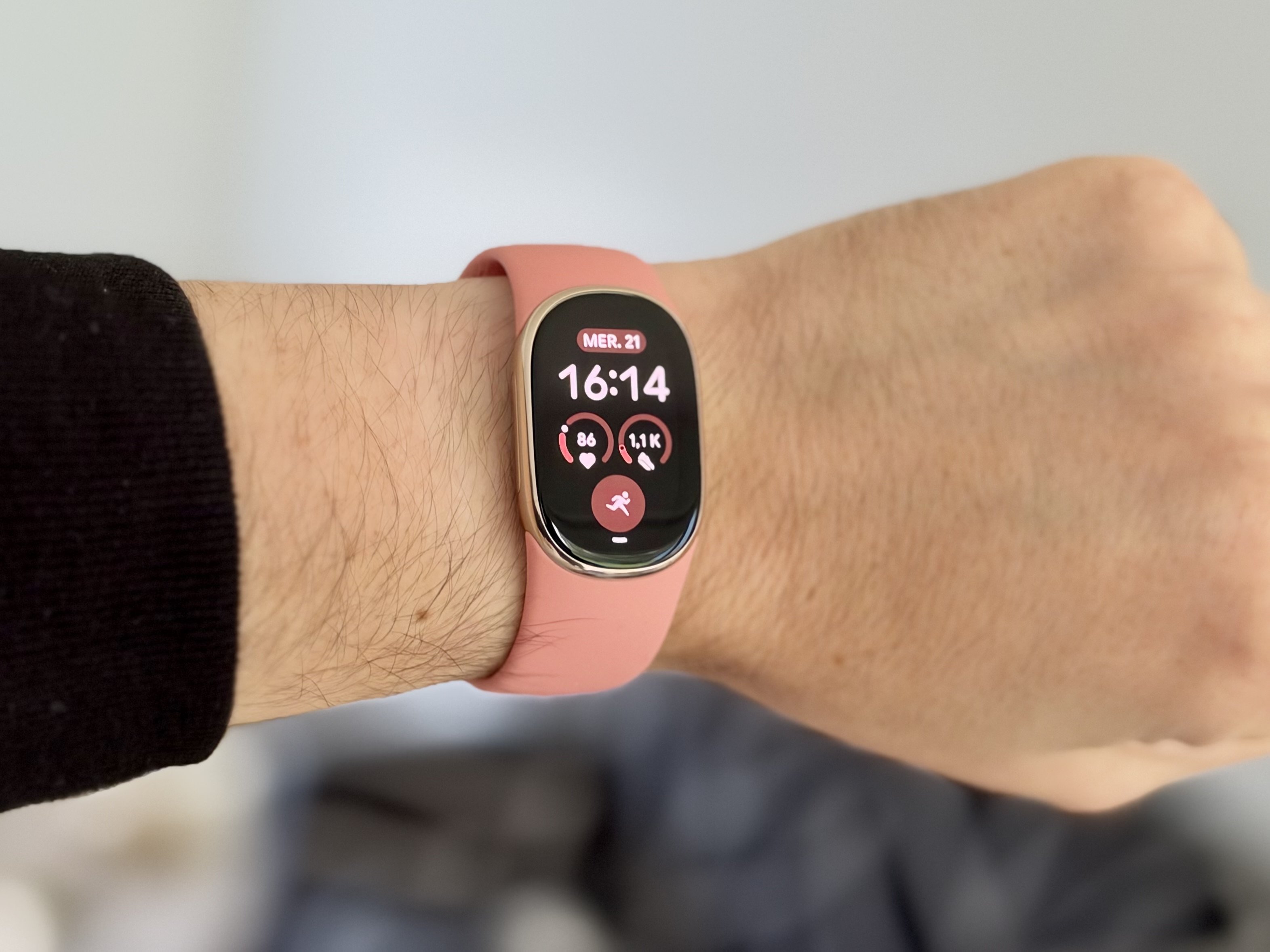
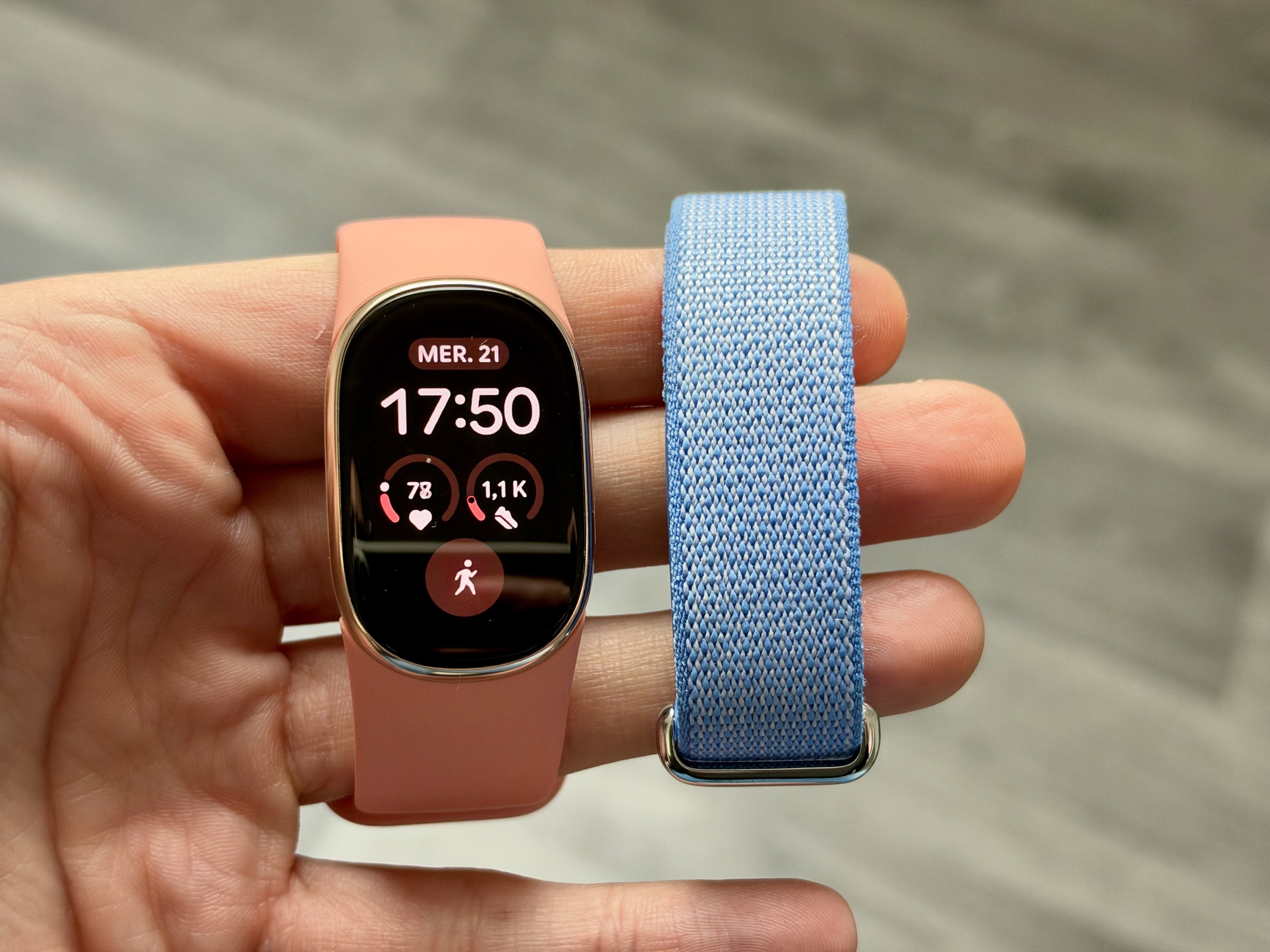
Google sent us a Champagne Gold version of the Fitbit Edge, paired with a Peach Pink strap. Clearly, someone at Google decided to add a splash of color to my tests, and not just a little. The combination is charming, though I would have naturally chosen something more understated. The aluminum case is compact, with a listed thickness of 11.58 mm and a weight of only 17.7 grams, excluding the band. It slips easily under a sleeve and doesn’t take up much room on the wrist.
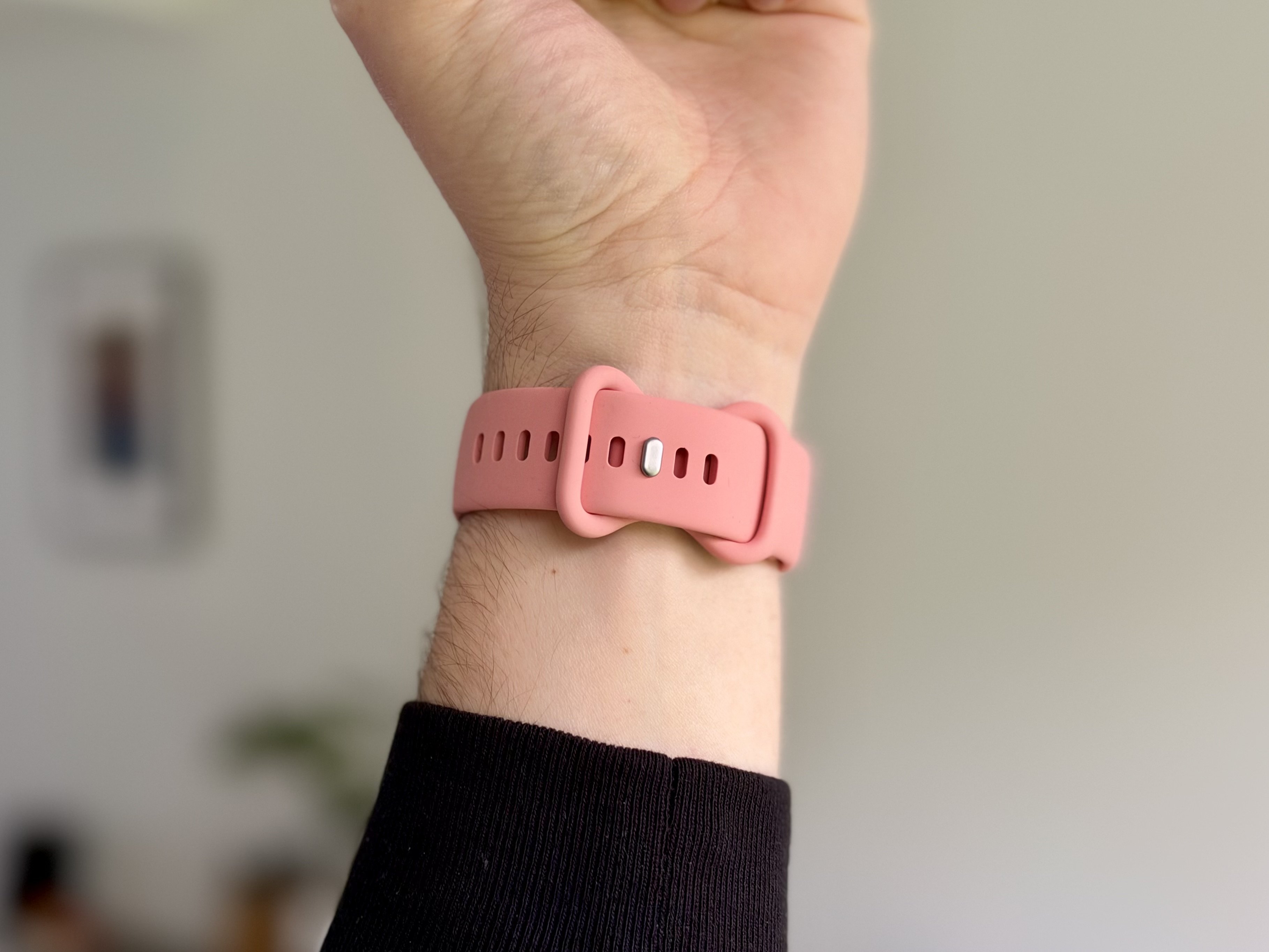
From the first minutes, I appreciated its lightness. The Fitbit Edge doesn’t hinder movement and quickly becomes forgettable. The included strap is comfortable to wear and caused no irritation during my test. Google ships two sizes and offers a simple mechanical clasp: a press is enough to lock the band, with no tools or complicated handling.
It’s especially appreciated at night. I regularly wear smartwatches for tests, and sleeping with a relatively thick device isn’t always pleasant. Here, the Edge remains sufficiently discreet that I hardly notice it, even as I change positions. A major advantage for a device intended to track sleep and recovery every night. Google thus preserves one of the Fitbit Air’s strengths, despite adding a display and a bulkier case.
Screen: pleasant to use, but not essential in my view
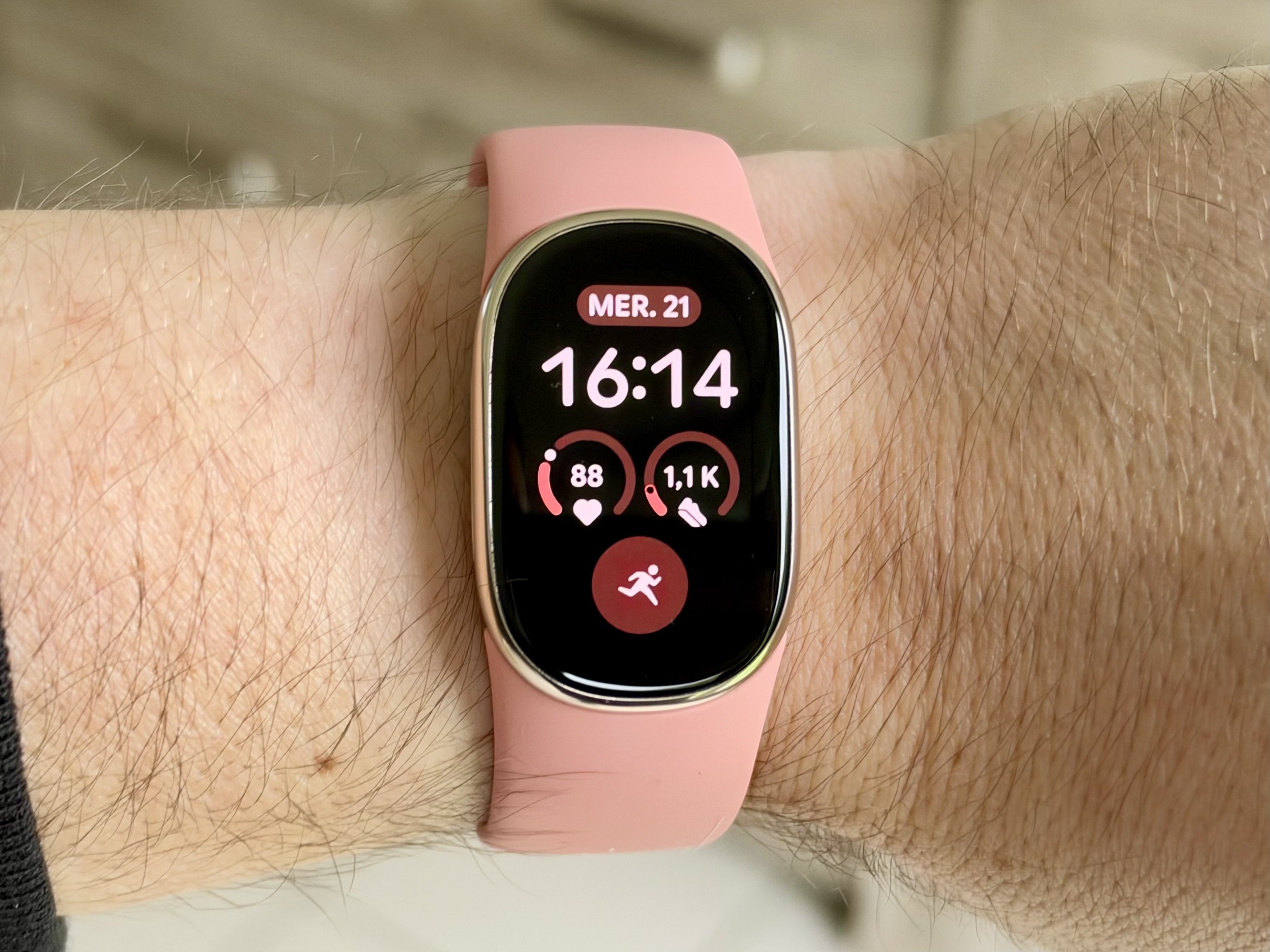
The Fitbit Edge features a 34 mm color AMOLED display with an always-on mode. My first impression was positive: colors are well-rendered, the display is legible, and information remains easy to read despite the bracelet’s size. Navigation is straightforward as well, with a swipe down to access controls and side-to-side motions to scroll widgets. Several watch faces are available, their customization largely through Google Health if you want extra information. For my part, I kept the default face, with just enough elements for quick reading.
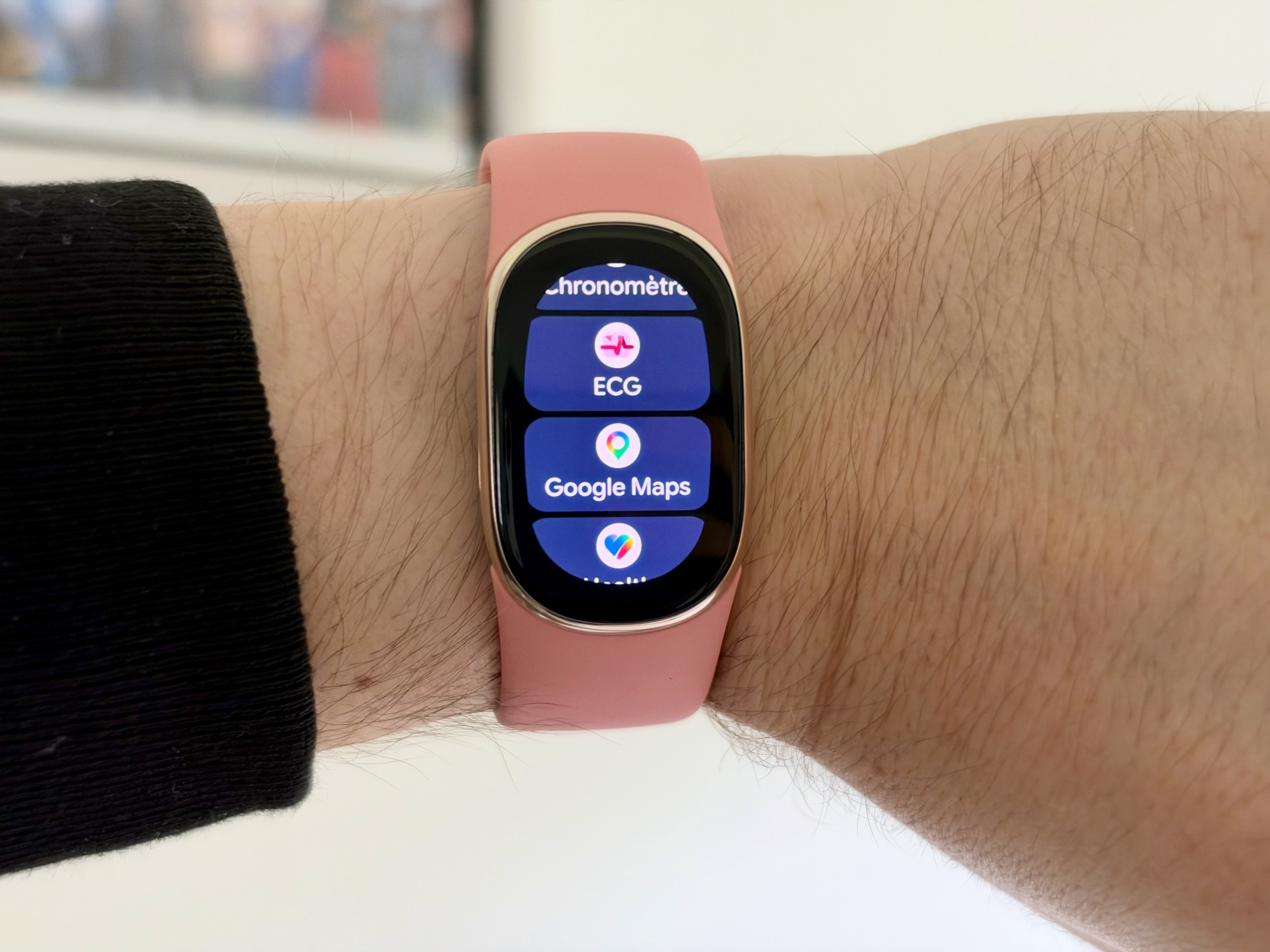
Google has, however, kept a relatively closed approach. The Fitbit Edge does not include an app store, and you’ll have to rely on the built-in functions provided by the manufacturer. You’ll find the fitness tools, alarms, media controls, and notifications, with the possibility to respond quickly to certain messages from a compatible smartphone. On iPhone, you can only read messages on the wrist. Navigation hints with Google Maps are also announced, but I couldn’t test them during this review. Overall it covers essential use cases, but it doesn’t offer the versatility of an Apple Watch or a Pixel Watch. During workouts, the information displayed remains fairly limited, requiring you to scroll through screens to view several indicators.
One last, more personal note. The lack of a display was precisely what bothered me about the Fitbit Air, especially when checking the time. The Fitbit Edge solves that problem, but I realized I end up using its display for surprisingly little else. A notification, a quick glance at my heart rate, and that’s about it. To consult my statistics and Google Health analyses, I still prefer grabbing my smartphone. The screen improves daily comfort, but it hasn’t fundamentally changed how I use the band.
Sport Tracking: an autonomous GPS and convincing measurements
The Fitbit Edge features a built-in GPS, an optical heart-rate sensor, and various motion sensors. It offers many sports modes, along with automatic activity recognition. For my tests, I performed two walks with GPS enabled, without taking my smartphone along. The first lasted a little over 20 minutes, covering 1.52 km. The second was 2.08 km in just under 28 minutes. In both cases, the bracelet logged the route and heart-rate data throughout the activity. This autonomy from the phone is a welcome advantage compared to the Fitbit Air.
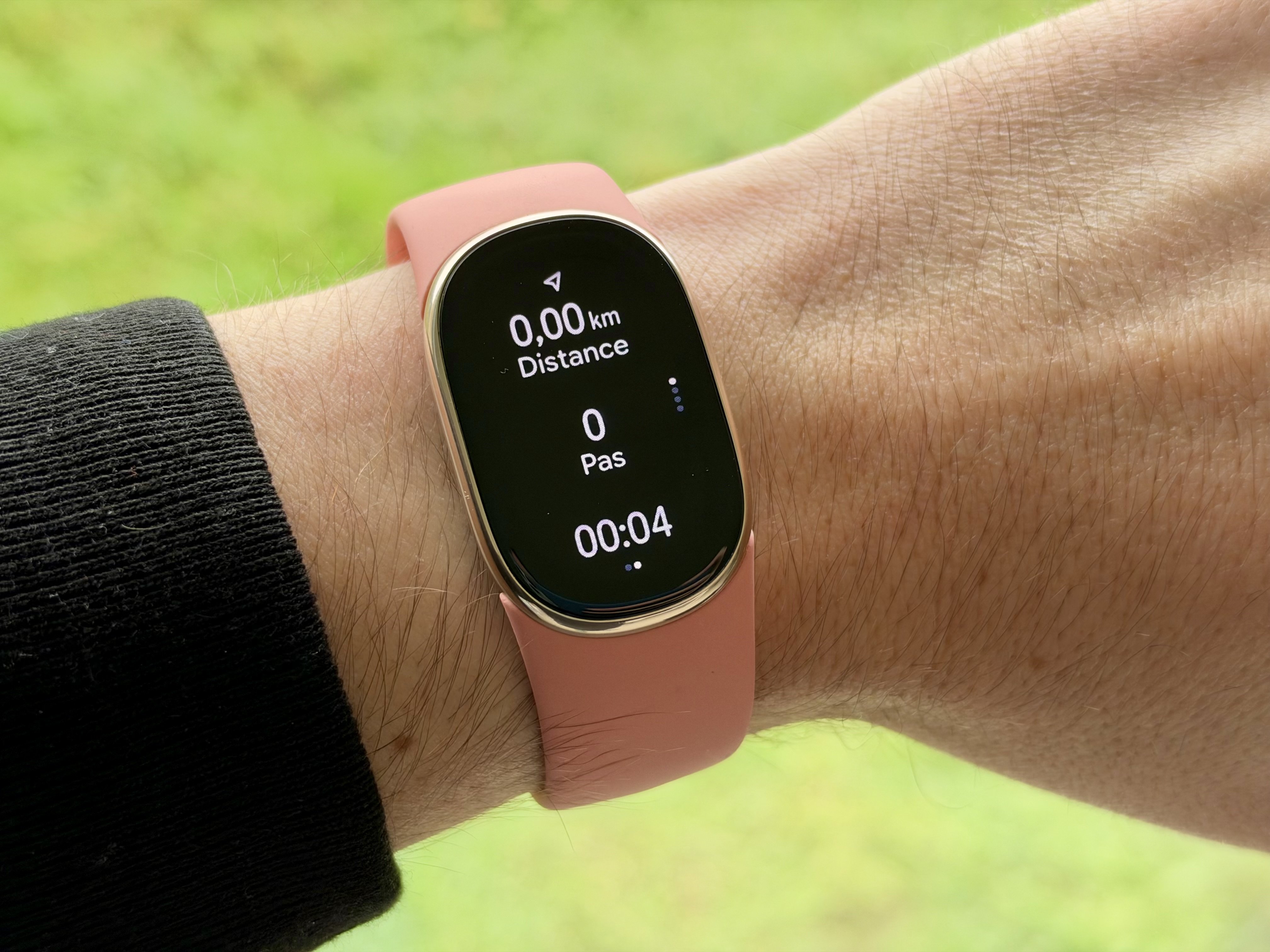
The heart-rate tracking left a strong impression. Fluctuations were quickly reflected on the screen and I didn’t notice any particularly odd behavior during my walks. I also compared the results with those from my Apple Watch Series 12. The values are fairly close, although Apple’s watch seemed more consistent in following heart-rate variations. This comparison is only indicative: without a reference chest strap, it’s impossible to determine which device provides more accurate measurements.
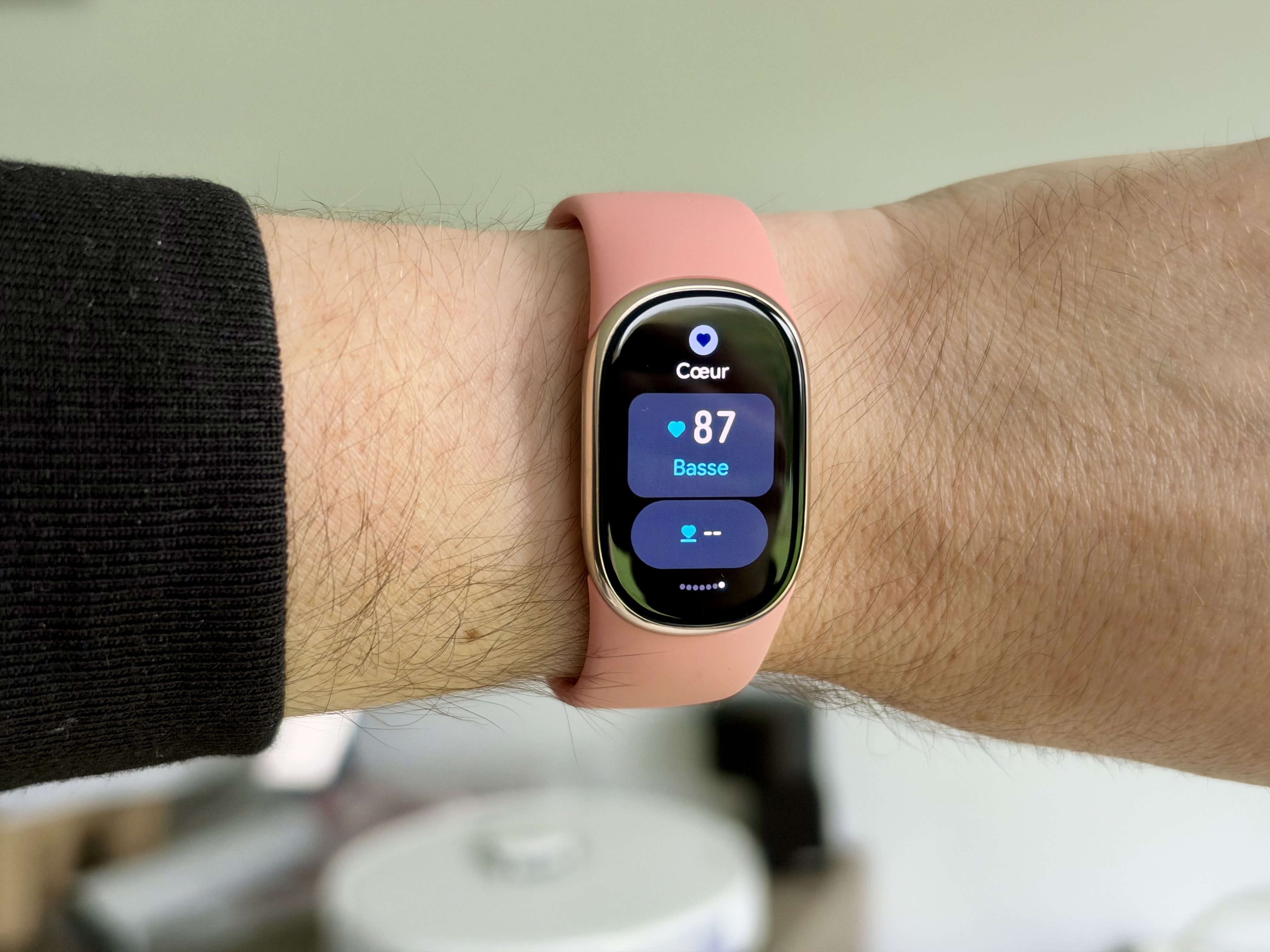
For daily sports activities, the Fitbit Edge feels reactive and complete enough. It isn’t necessarily aimed at the most demanding athletes, but it makes it easy to track walks, workouts, and progress. Google also offers programs created with Health Coach, which can tailor sessions to the user’s goals. The autonomous GPS remains the most interesting novelty compared to the Fitbit Air, especially for those who enjoy going for a walk or run without their phone.
Sleep and health: a welcome smart alarm
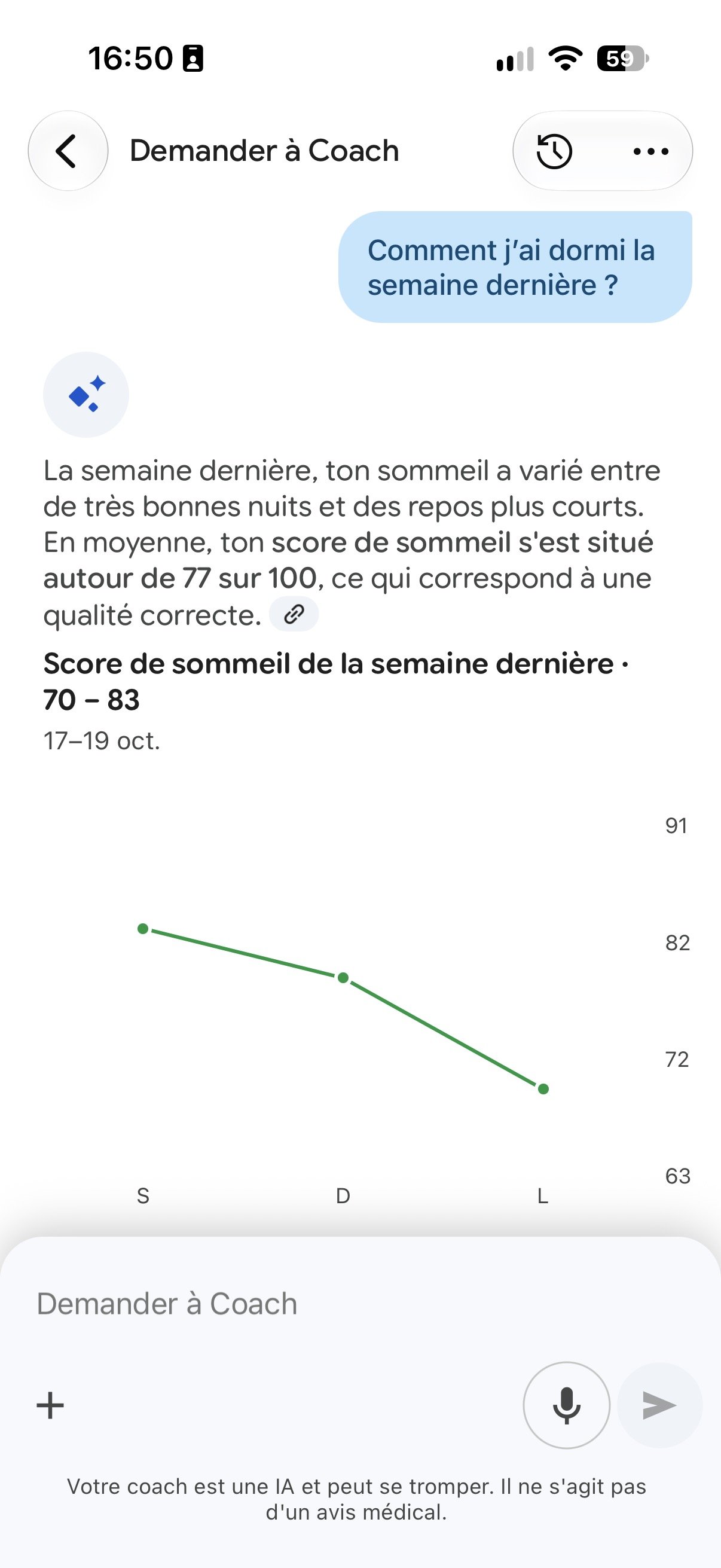
Sleep tracking remains one of the Fitbit Edge’s selling points. Google analyzes sleep duration, sleep stages, nighttime heart rate, and its variability. After several nights, the results seemed consistent with how I felt in the morning. A night of 8 hours 10 minutes yielded a score of 83/100, labeled “Good” by Google Health, with a resting heart rate of 66 bpm and a variability of 46 ms. Interesting data for observing habits, so long as you don’t let a score decide how you feel about your day.
I especially appreciated the smart wake-up. Rather than triggering an alarm at a fixed time, the band can vibrate at a favorable moment within a 30-minute window before the scheduled hour. The wake-up is gentle, far less jarring than a phone ringtone. I obviously can’t verify that the algorithm always picks the best moment, but the experience is pleasant, especially since the band hardly interferes with sleep.
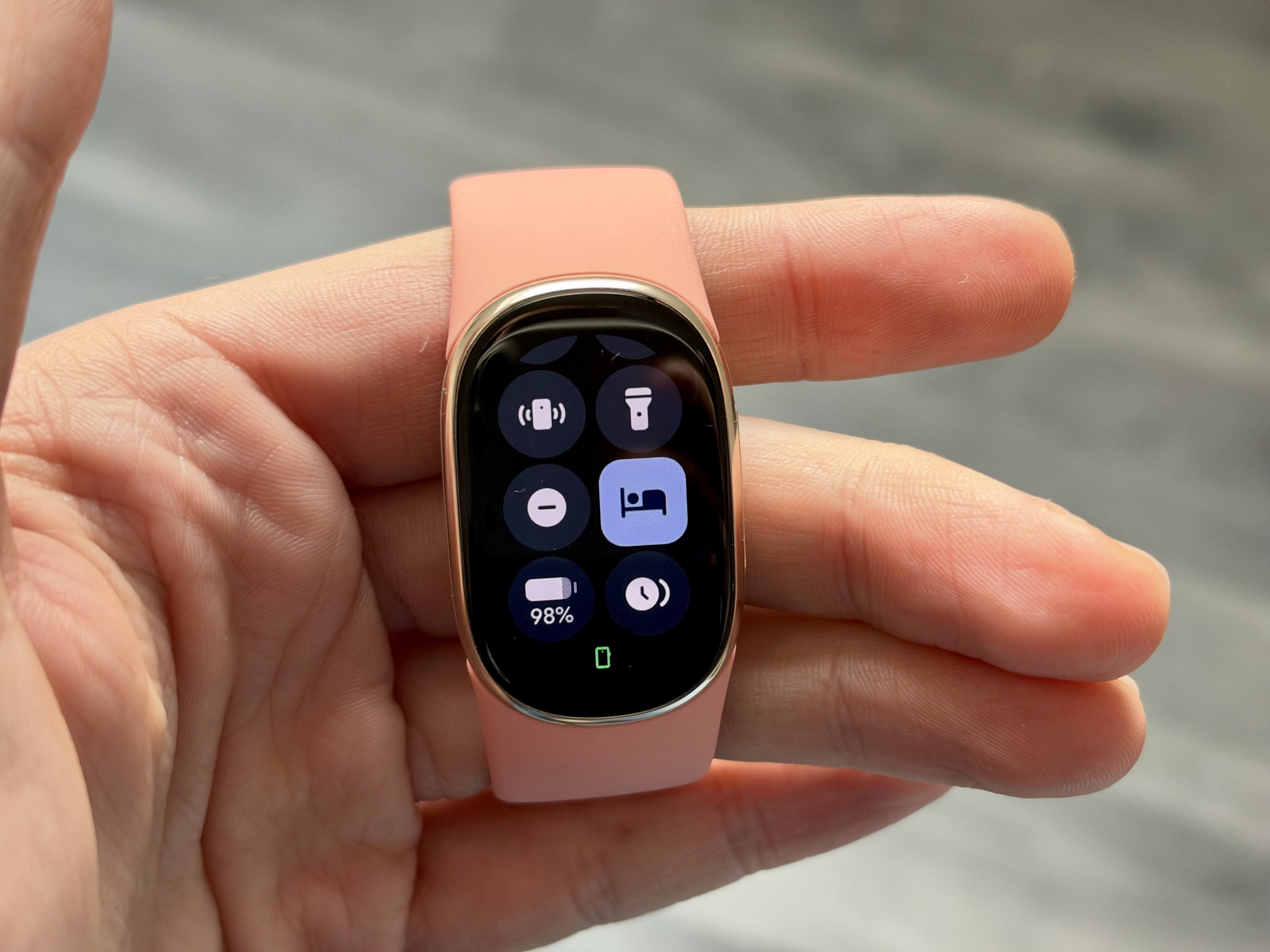
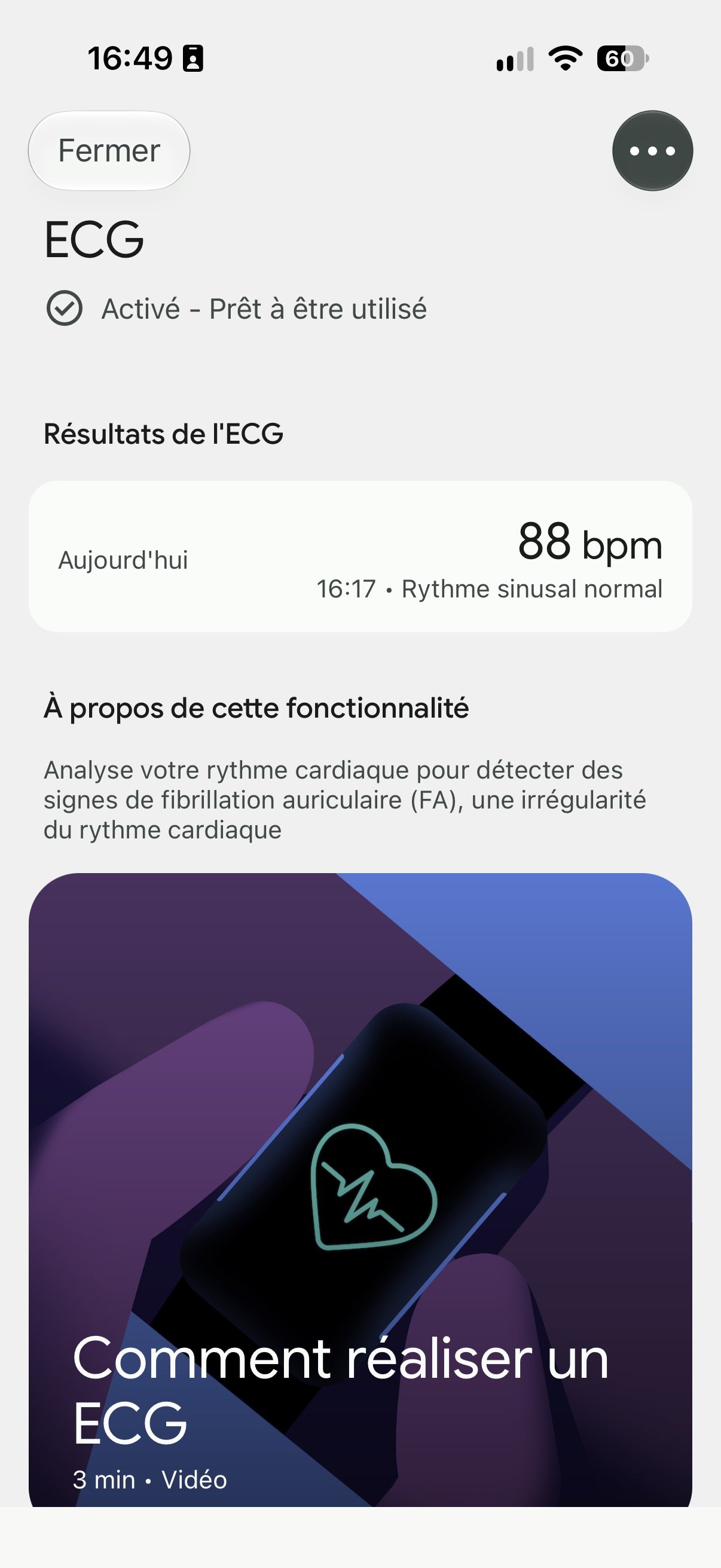
On the health side, Google also offers continuous monitoring of heart rate, blood oxygen saturation, and several advanced indicators. An ECG is also on the program to look for signs of atrial fibrillation. The feature was activated during testing, and I could perform one quickly by placing the thumb and index finger on opposite sides of the device for 30 seconds. Google reports about 98% reliability for its sensor; this can be useful from time to time to check that everything is fine.
Similarly cautious with Health Guardian, which promises to track certain trends related notably to blood pressure and insulin resistance. These features are not direct medical measurements and require more than a few days of testing to gauge their value.
Google Health and Gemini: a familiar experience
The real control center of the Fitbit Edge remains Google Health, the app aggregating fitness and health data. Initial setup went smoothly, even if the first software update was fairly lengthy on our unit with early access. With Google Health Premium, Gemini analyzes the gathered information to offer personalized recommendations. After my walks, the coach summarized the sessions in natural language, while commenting on my sleep and suggesting activities suited to my recovery. It is also possible to continue the conversation for more details.
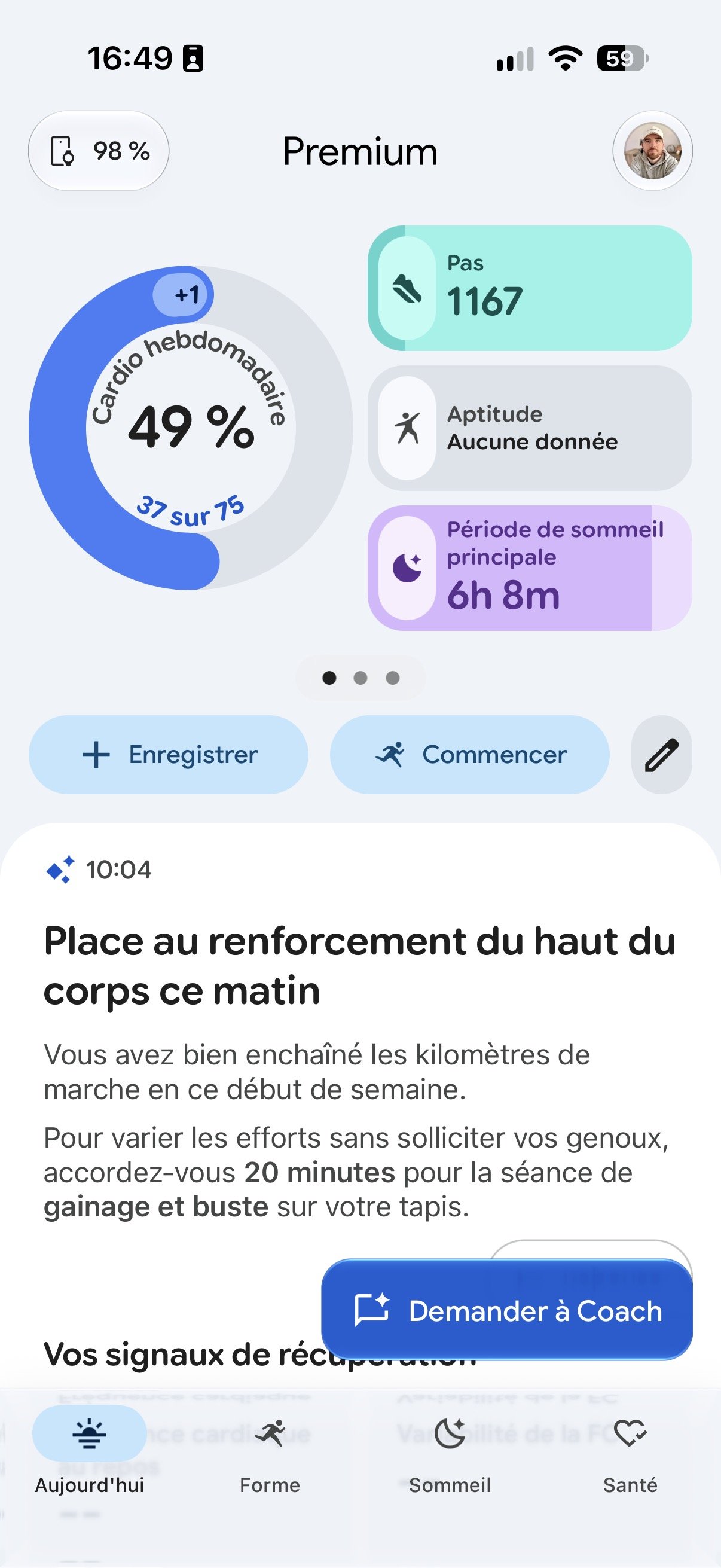
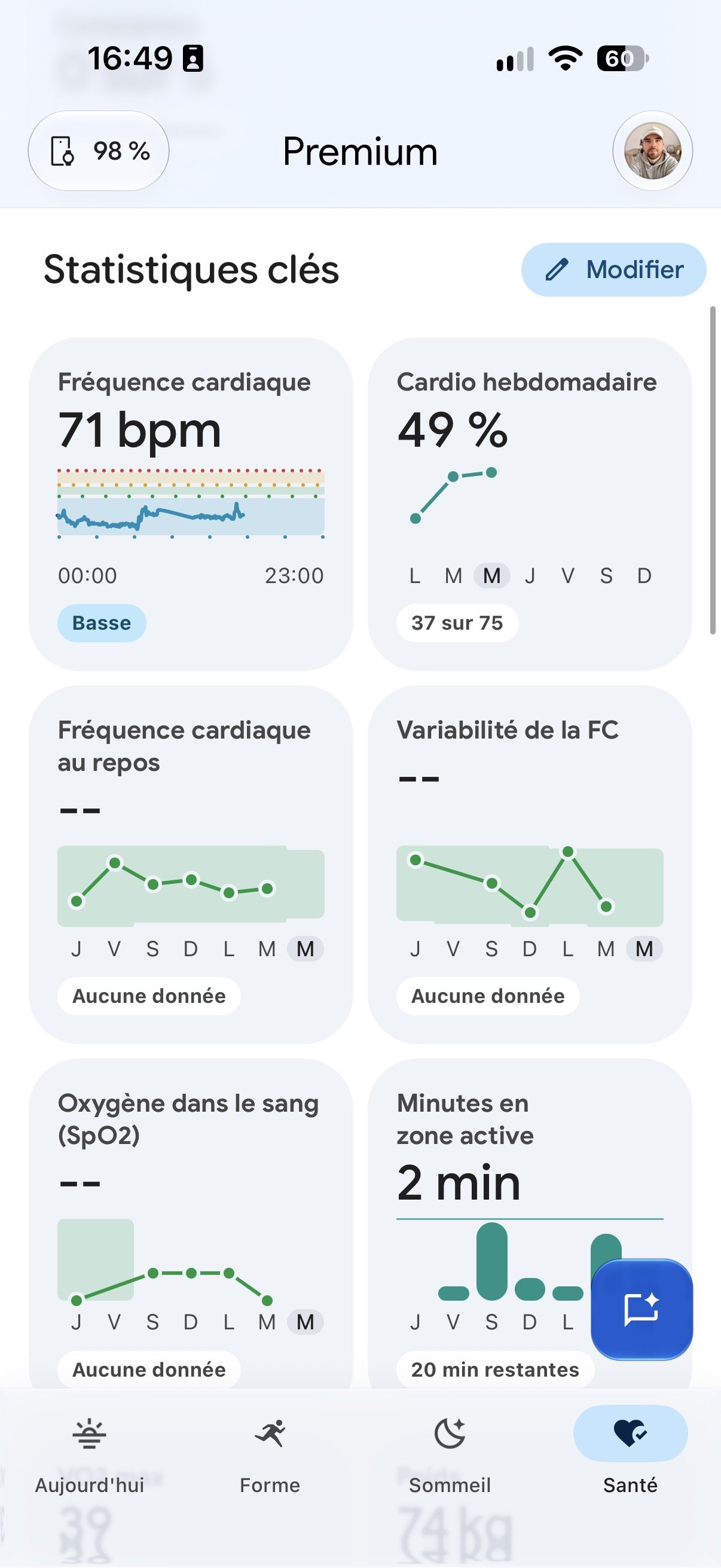
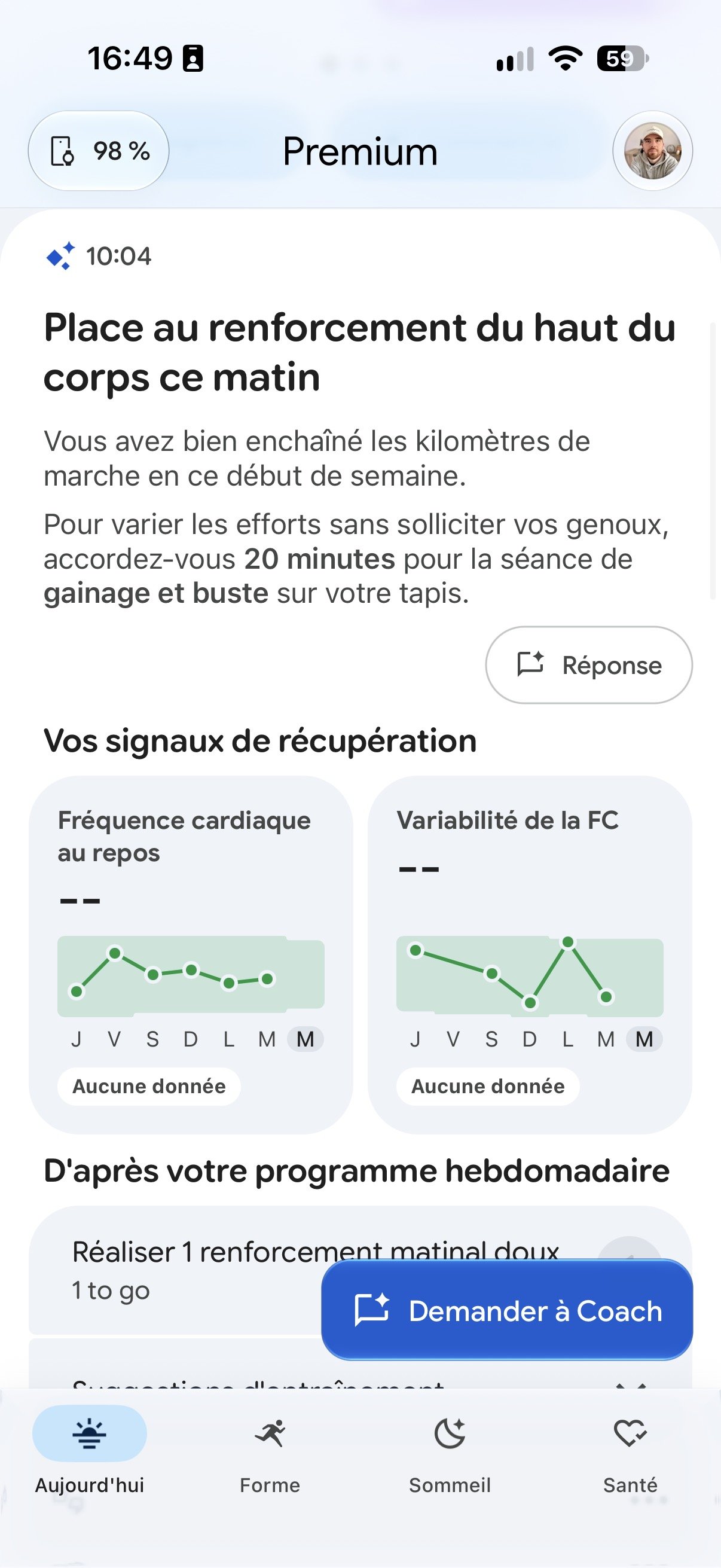
I will not go into more detail about Google Health Coach, which I’ve already explored in my Fitbit Air review. The experience is largely the same on both bracelets and I didn’t notice major differences in the analyses offered. To access the advanced features, you need to subscribe to Google Health Premium, priced at €8.99 per month after the three months included with purchase. The subscription isn’t mandatory to view essential statistics, but it adds a cost to fully enjoy the AI coaching. Google AI Pro and Ultra subscribers can benefit without an extra charge.
Battery life: around five days in our use
Google advertises up to seven days of autonomy for the Fitbit Edge. I began my test on October 16 at 2:00 PM with 87% battery, and the bracelet powered off on October 20 at 10:00 PM, four days and eight hours later. During this period, I logged several GPS activities, tracked sleep each night, and temporarily enabled the always-on display. This mode contributed to the battery dropping from 57% to 45% in a little over 14 hours, though activity differences make it hard to measure its exact impact.
After turning off the Always-on mode, the battery dropped from 45% to 13% in 48 hours. Extrapolating these early results, you might expect about five days of autonomy, varying with GPS usage and display use. This is not a measurement from a full cycle with identical settings, but it lags behind Google’s seven-day claim. The Fitbit Air lasted eight days in my previous test. So, the Edge’s versatility gain comes with more modest endurance.
Fortunately, charging is fast. After completely draining the battery, I reached 100% in 90 minutes, exactly the time Google states. Another interesting feature: the battery is user-replaceable, a welcome step toward extending the bracelet’s lifespan. I did not test this operation, and its cost remains to be clarified.
Fitbit Edge or Fitbit Air: which should you pick?
The Edge delivers tangible improvements over the Air. Its screen allows you to check the time, notifications, and the main stats without pulling out your phone. The built-in GPS enables recording a route autonomously, while health features like ECG enrich its toolkit. For someone who regularly engages in outdoor activity or wants more information directly on the wrist, the extra €80 may be worth it.
By contrast, I couldn’t replace my current Apple Watch Series 12 with the Fitbit Edge. I would miss contactless payments, third‑party apps, and advanced messaging features, even though you can view notifications and respond to some messages. But that isn’t its goal. For the general public who mainly wants to monitor health and activity, Google’s bracelet can work perfectly, without the complexity of a smart watch.
If the aim is simply to collect your data and access Gemini analyses in Google Health, the Fitbit Air remains an interesting alternative. It offers roughly the same software experience, with better battery life in our tests, at €99.99 at launch compared to €179.99 for the Edge. It ultimately depends on how much you value the screen, the built-in GPS, and the other extra features.
Google Fitbit Edge: Clubic’s verdict
The Fitbit Edge succeeds in its bet: delivering a bracelet that is more feature-rich than the Fitbit Air without sacrificing comfort. We appreciate its discreetness, especially at night, its smart wake-up, and its integrated GPS, which lets you go out without a phone. The heart-rate tracking was convincing in our tests, while Google Health and Gemini continue to offer a rich experience for tracking health and activity.
Not everything is perfect, though. Autonomy, at five days, remains short against Google’s seven-day claim and against the eight days achieved with the Fitbit Air in our previous test. The Edge’s versatility comes with somewhat more modest endurance.
Fortunately, charging is fast. After completely draining the battery, I reached 100% in 90 minutes, exactly the time Google states. Another notable point: the battery is user-replaceable, a welcome move to extend the bracelet’s lifespan. I did not test this operation, and its cost remains to be clarified.
Google Fitbit Edge: the price and choice
The Fitbit Edge brings concrete improvements over the Fitbit Air. Its screen lets you check the time, notifications, and key statistics without taking out your smartphone. The built-in GPS enables tracking a route autonomously, while health features such as ECG enrich its toolkit. For someone who regularly exercises outdoors or wants more information right on the wrist, the €80 premium may be justified.
On the other hand, I couldn’t swap my current Apple Watch Series 12 for the Fitbit Edge. I would miss contactless payments, third-party apps, and advanced messaging features, even though you can view notifications and respond to some messages. But that’s not really its aim. For the general public who mainly wants to track health and activity, Google’s bracelet can do the job, without the complexity of a connected watch.
If the goal is simply to collect data and access Gemini analyses in Google Health, the Fitbit Air remains an interesting alternative. It offers roughly the same software experience, with better battery life in our tests, at €99.99 at launch versus €179.99 for the Edge. It ultimately comes down to how much you value the screen, the built-in GPS, and the other extra features.
Google Fitbit Edge: Clubic’s verdict
The Google Fitbit Edge successfully achieves its goal: offering a bracelet that’s more complete than the Fitbit Air, without sacrificing comfort. We appreciate its discretion, especially at night, its smart wake-up, and its GPS that allows you to head out without a phone. The heart tracking performed convincingly during our tests, while Google Health and Gemini continue to provide a rich experience for monitoring your health and activities.
Not everything is perfect, though. Autonomy, promised at seven days, remains behind, and the absence of contactless payments and an app store limits its versatility. At €179.99, with the possible addition of Google Health Premium, Edge asks you to carefully consider which features you truly need.
The screen is the lingering question. It was precisely what we missed on the Fitbit Air, and after several days with Edge, we realize it mainly serves to tell the time. GPS and health features will justify the €80 premium for some, but the model without a screen still holds strong arguments. Google has found a convincing compromise between a health bracelet and a connected watch. It remains to be seen whether you truly need what it brings.

Daniel Brooks
I cover everyday products with a practical eye, from kitchen tools and home essentials to smart gadgets and consumer trends. My goal is to help readers understand what is genuinely useful, what is worth the price, and what deserves a second look before buying.