
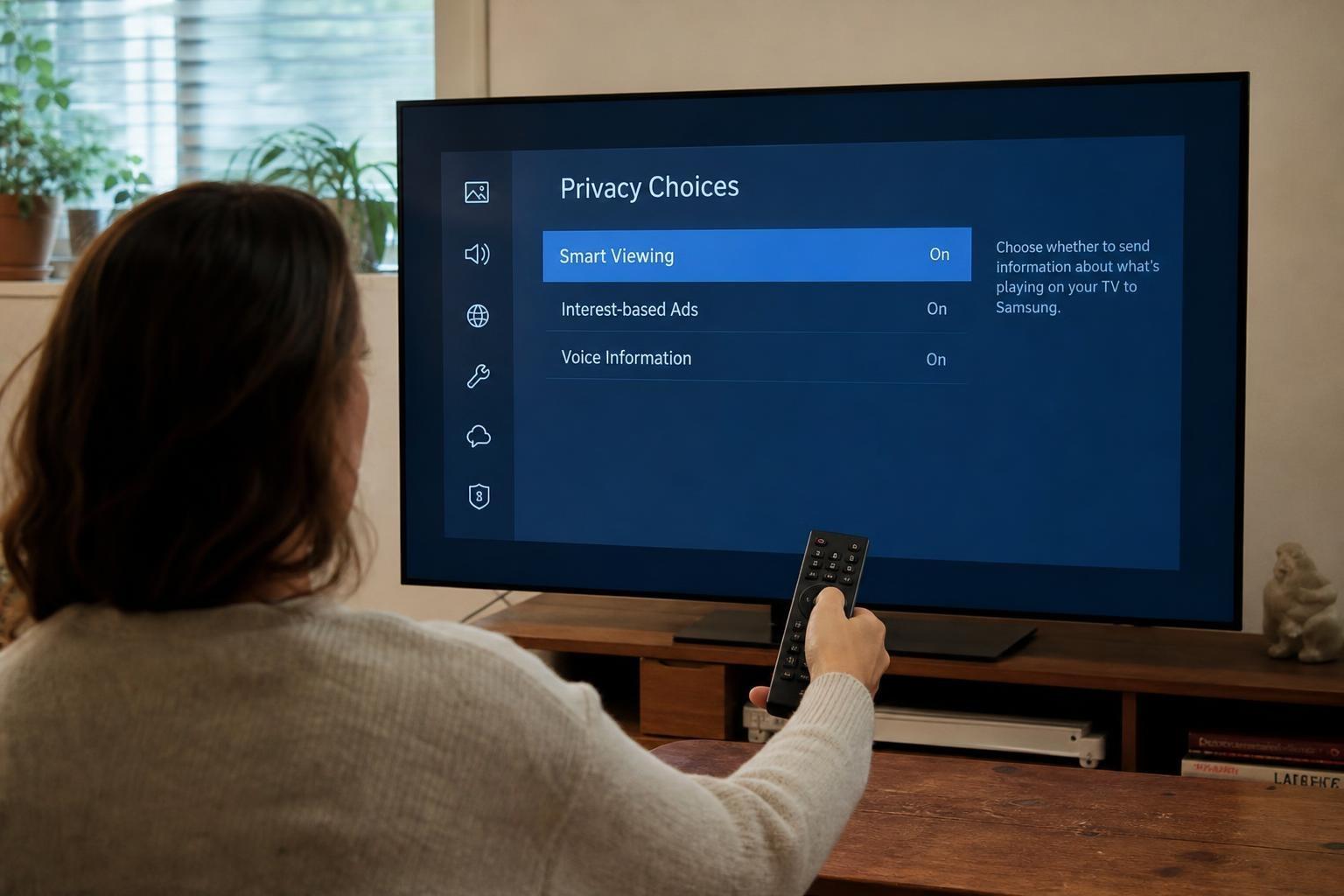
Your living room’s biggest screen is quietly becoming a powerful sensor, and it’s doing more than showing you movies. Many TVs now analyze what’s playing to feed advertisers, recommend content, and measure audiences every few seconds. That practice runs through a technology called ACR, and there’s a single setting you can flip to stop it.
What ACR actually does
ACR, or Automatic Content Recognition, scans on-screen pixels and matches them to a massive library of shows, ads, and apps. It works whether you’re using an antenna, a cable box, a console, or a streaming stick. The TV then sends viewership data to analytics partners, creating a minute-by-minute portrait of your habits.
“Think of it as a constant fingerprint of your screen,” goes a common way to describe ACR. It’s not about a single show you watch—it’s about patterns over time.
Why this tracking matters
With ACR on, your set becomes a comprehensive logger, which can be combined with other identifiers for ad targeting and measurement across devices. Even if your name isn’t attached, granular timelines of what you’ve watched can feel deeply revealing. As one privacy maxim puts it, “If a service is free, then your attention is what’s being sold.”
You might also notice eerily aligned ads or recommendations that reflect last night’s binge, even if you never searched for that title. That’s the subtle power of persistent telemetry.
The switch you’re looking for
Every major brand buries a toggle that disables ACR or “viewing data.” Find your maker below and flip the specific option. Menu names can vary by model, but these will get you extremely close:
- Samsung (Tizen): Settings > Support > Terms & Privacy > Privacy Choices > Viewing Information Services > Off. Also consider: Interest-Based Ads > Off, and Reset Advertising ID.
- LG (webOS): Settings > All Settings > General > System > Additional Settings > Live Plus > Off. Also check General > About This TV > User Agreements > Ad Personalization > Off.
- Vizio: Menu > Admin & Privacy > Viewing Data > Off.
- Roku TV (TCL/Hisense/others): Settings > Privacy > Smart TV Experience > Use info from TV inputs > Off. Also: Settings > Privacy > Advertising > Limit ad tracking.
- Google TV / Android TV (Sony, TCL, Hisense): Settings > Privacy > Usage & diagnostics > Off, and Ads > Opt out of Ads Personalization > On. Look under Apps for “Samba TV” or “ACR” and turn that off.
- Amazon Fire TV (Fire TV Edition sets): Settings > Preferences > Privacy Settings > Interest-based Ads > Off, and Collect App & Over-the-air Usage Data > Off.
“If you can find ‘Viewing Data’ or ‘Live Plus,’ that’s your target,” is a reliable rule of thumb. Some regions rename ACR to “Viewing Information Services” or “Smart TV Experience.”
What breaks when you disable it
Turning it off may reduce hyper-personalized rows, fewer “Because you watched…” rails, and toned-down ads tied to live TV or HDMI inputs. You’ll still stream, still use apps, and still watch your channels—just with less passive surveillance. Many people find the trade-off for privacy well worth it.
Go a step further
Beyond ACR, you can reduce other quiet signals. Reset your TV’s advertising ID, decline optional privacy agreements, and disable “Improve TV” diagnostics or crash reports. Consider using a dedicated streaming device you control tightly, and sign out of unused apps.
One expert mantra fits here: “Minimize what you share, and you minimize what can be misused.”
If the menu doesn’t match
Manufacturers shuffle settings across years and regions, so your path may look slightly different. Use the remote’s search to find “viewing data,” “ACR,” or “privacy,” or check the brand’s support site. As a last resort, revisit setup prompts by performing a privacy reset, and opt out with deliberate clicks.
If your set prompts for a third‑party service such as Samba TV during setup, choose “No, thanks” or disable it in Apps later.
Network-level safety nets
If you want belt-and-suspenders privacy, block tracking domains at your router or with tools like Pi‑hole. That can reduce outbound analytics even if a TV toggle gets re-enabled. Be aware: aggressive blocking might break recommendations or certain features, so test and tune with a light touch.
The habit that actually works
Make it routine: new TV, new audit. Walk through privacy menus, disable ACR, and review ad settings first. It’s a two-minute ritual that buys back years of quiet time in your living room.
As one line worth remembering goes, “Your home screen should serve you, not the other way around.” Flip that one switch, and your big screen goes back to being just a great screen.