
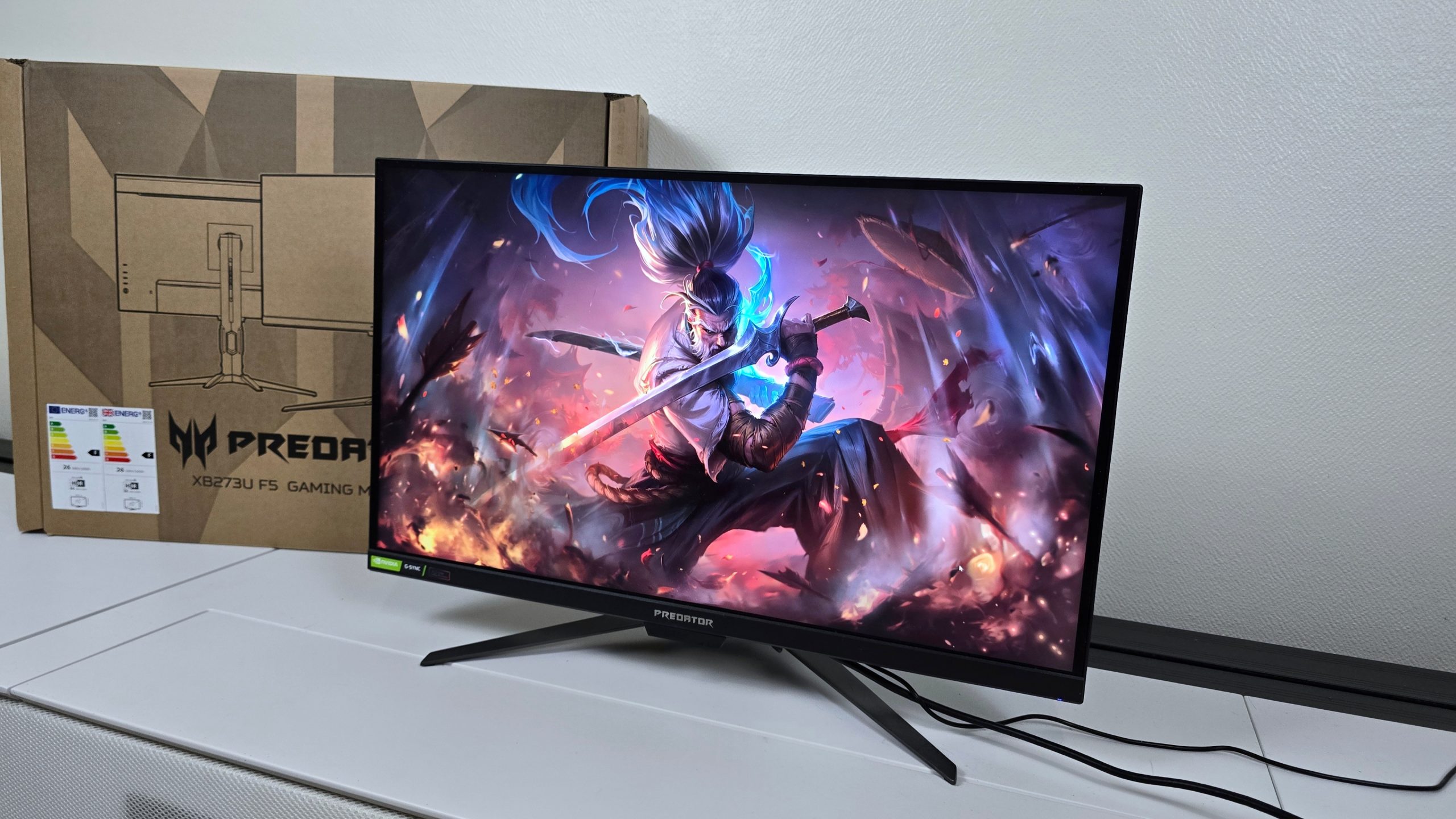
With its 27-inch IPS panel, its QHD resolution, and its 360 Hz, the Acer Predator XB273U F5 could easily be mistaken for a gaming monitor “like so many others”. Its real peculiarity lies elsewhere: it belongs to the very first wave of monitors equipped with G-SYNC Pulsar, the technology through which NVIDIA finally aims to reconcile variable refresh rate and aggressive motion blur reduction.
That is obviously what grabbed my attention most when receiving this screen. I spent a lot of time trying to understand what Pulsar actually changes, both with my eyes and with our measurement tools. With one simple question in mind: is it a real improvement noticeable while gaming, or just a new technological layer added to a screen that is already extremely fast?
8 / 10

Best prices
amazon.fr
amazon.fr
RDC
PC Componentes
Voir plus de prix
The best prices across retailers.
- Sharper movement with G-SYNC Pulsar
- VRR preserved with strobing
- Hardly any brightness loss with Pulsar
- 360 Hz in QHD / Great factory calibration
- Sharper motion clarity with G-SYNC Pulsar
- VRR preserved with strobing
- Practically no brightness loss with Pulsar
- 360 Hz at QHD / Excellent factory calibration
- Limited IPS panel contrast
- Precise but not spectacular HDR
- Ordinary DCI-P3/BT.2020 coverage
amazon.fr
amazon.fr
RDC
PC Componentes
Boulanger
Voir plus de prix
All measurements in this test were recorded with the CalMAN Ultimate software, a Calibrite Display Plus HL probe and a Leo Bodnar input lag box used for measurements.
Technical sheet Test Acer Predator XB273U F5 : Does G-Sync Pulsar really change the game?

What are the best PC gaming monitors in 2026?
We have already published a comprehensive dossier on G-SYNC Pulsar, its operation and the technologies used by NVIDIA. I will not redo the entire demonstration here. Simply note that Pulsar aims to solve one of LCD screens’ old dilemmata: delivering both VRR and a stroboscopic backlight capable of greatly boosting motion clarity.
Technologies like ULMB already reduced image persistence by briefly turning off the backlight between frames. But they worked much better at fixed frequencies and often came with a noticeable drop in brightness. Pulsar adds a progressive backlight scan, a compensation pulse when the frequency varies, and the variable overdrive of G-SYNC to operate with VRR. On paper, it’s appealing. The question was how it performs in real life.
A Predator fairly conventional in daily use
Once placed on the desk, the XB273U F5 turns out to be far less exotic than its technology might imply. The Predator design remains relatively restrained and the ergonomics pose no particular issues. The stand offers easy height adjustment up to 150 mm, and the screen can tilt, swivel, or even switch to portrait mode. A 100 x 100 mm VESA mount is also provided. Nothing too exotic, but the overall package adequately covers the needs of a gaming monitor in this tier.
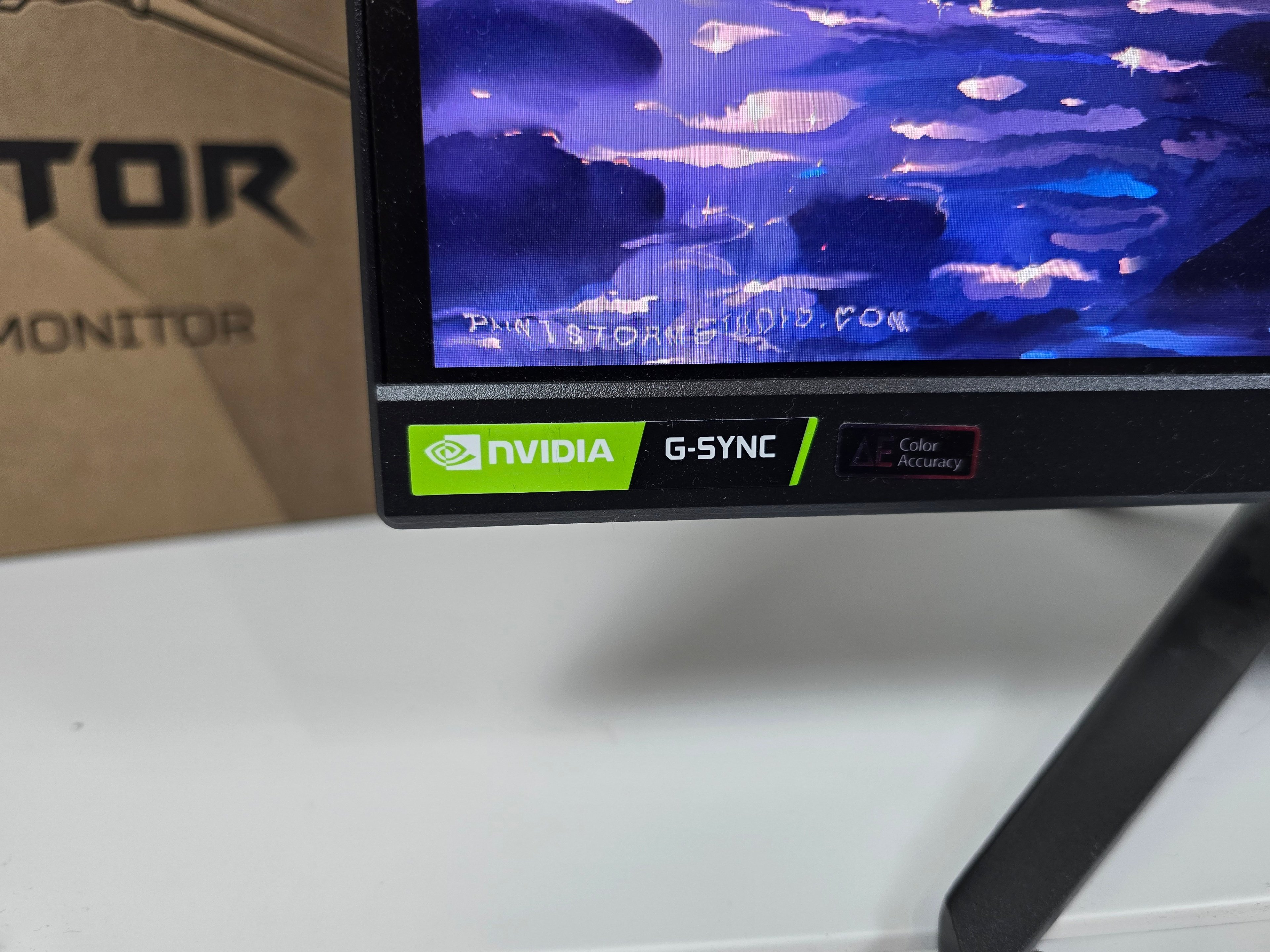
What makes this Predator far from ordinary is obviously the inclusion of G-SYNC Pulsar. The technology remains quite rare. Acer is among the four manufacturers who kicked off Pulsar at the start of the year alongside AOC, ASUS, and MSI. And the first four displays largely followed the same formula: 27 inches, IPS panel, QHD, and 360 Hz. Since then, AOC has unveiled a fifth model, much more unconventional, with a 31.5-inch diagonal, a 5K resolution, and 144 Hz. Pulsar is thus beginning to step out of the field of esports QHD, but the XB273U F5 clearly belongs to its very first generation.
In other words, an IPS QHD 360 Hz screen no longer has much to surprise in 2026. If this Predator deserves attention, it’s because it shows what NVIDIA has managed to achieve with its new blur-reduction system.

G-SYNC Pulsar: the promise of remarkable clarity and absolute fluidity!
We have already devoted a full feature on G-SYNC Pulsar, how it works and the technologies used by NVIDIA. I won’t re-run the entire demonstration here. Let’s simply note that Pulsar seeks to solve an old LCD dilemma: enabling both VRR and a strobed backlight capable of greatly improving motion clarity.
Technologies like ULMB already reduced image persistence by briefly turning off the backlight between frames. But they worked best at fixed frequencies and typically came with a significant brightness drop. Pulsar adds a progressive backlight scan, a compensation pulse when the frequency varies, and G-SYNC’s variable overdrive to make it work with VRR. On paper, it’s alluring. The question remained: how does it behave in real use?
Pulsar: easier to see than to measure
This is obviously where I spent the most time with the XB273U F5.
And this is also where this test deviates from our usual practice. Our gaming display protocol normally includes a comprehensive battery of measurements for response times, overshoot, and latency. This test does not include our standard GtG table: I did not obtain a sufficiently complete and representative set of readings to publish under the same conditions as our other screens.
That doesn’t mean Pulsar escapes the instruments. Nor, above all, that its effects are hard to observe.
Counter-Strike, Apex, Anno: the gain isn’t the same everywhere
To move beyond the dials and judge what Pulsar truly changes, I alternated primarily between Counter-Strike 2, Apex Legends, Black Myth: Wukong, and Anno 117: Pax Romana. And it’s probably this comparison that helped me understand the technology best.
At 360 Hz, the XB273U F5 is already incredibly smooth and sharp. Each refresh lasts only 2.78 ms. Activating Pulsar further improves readability during motion, but keep in mind the baseline is already excellent. It’s when you drop to 120 Hz that the difference becomes much easier to perceive. The refresh rate drops naturally (though 120 frames per second remains 120 FPS), but objects retain more legibility when Pulsar is enabled.
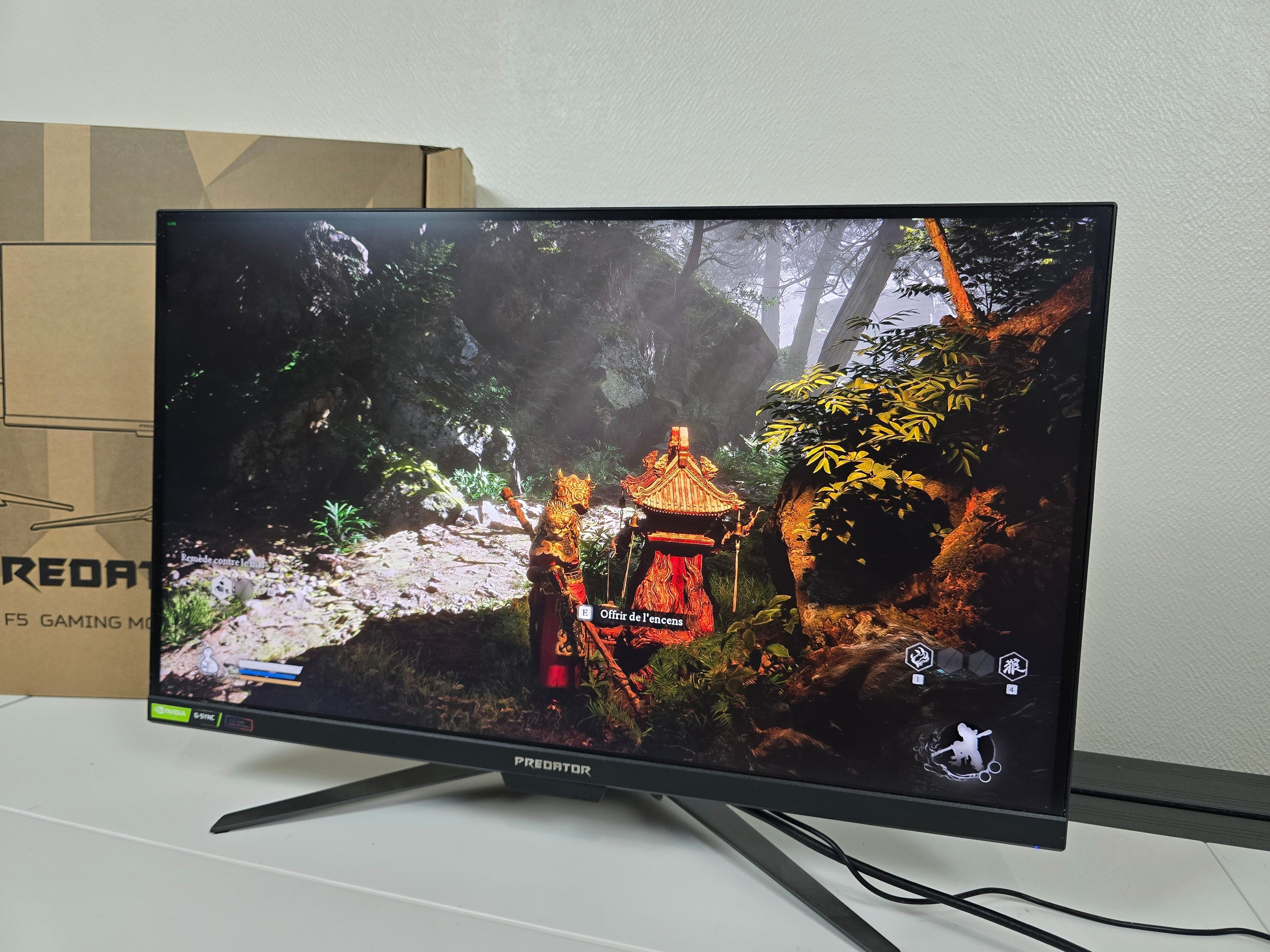
This already gives an important hint: Pulsar is not a miracle technology that can be applied in every situation. It remains crafted for a machine capable of maintaining a relatively high framerate. In my case, the XB273U F5 was paired with a GeForce RTX 5080, which allowed me to quite easily enjoy the various frequency ranges that are interesting for this test.
A very clean image, albeit not a spectacular HDR
Even before Pulsar, the XB273U F5 already offers a notable quality: its factory tuning is very convincing. We measured an average color temperature of 6,413 K, very close to the reference 6,500 K. The gamma is likewise measured at an average of 2.175 versus a target of 2.2. The grayscale shows a Delta E average of 1.6. On our SDR color measurements, the Delta E average reaches 2.09, with a maximum of 4.15. Some divergences become perceptible on certain hues, but overall it remains accurate enough to enjoy the screen without needing to calibrate it immediately. This is obviously not a monitor intended for mastering or color-critical work. For a model designed primarily for competitive gaming, the result is nonetheless very satisfactory.
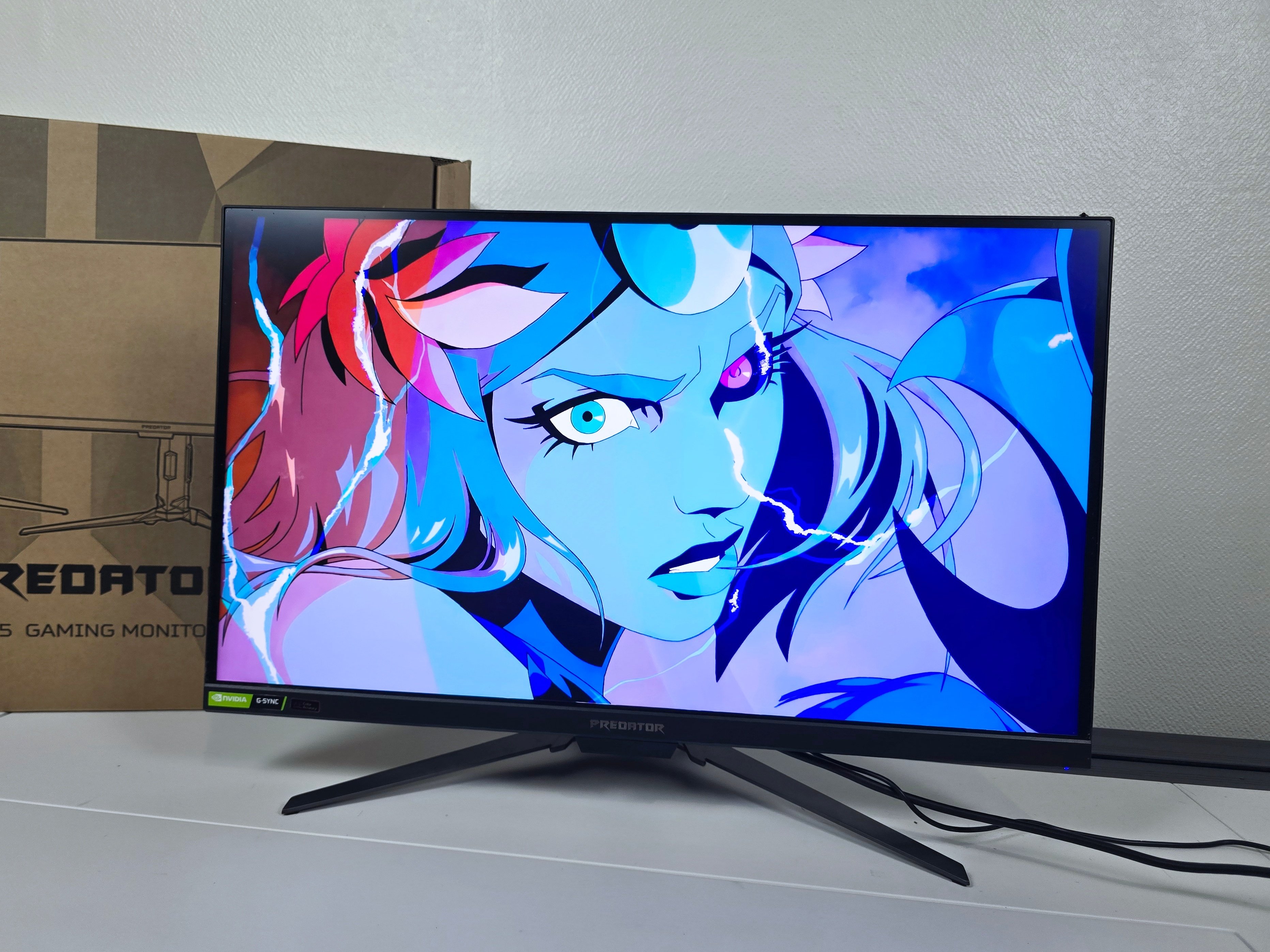
Brightness is another strong point. We measured 498 cd/m². The contrast, however, immediately reminds us that we are looking at an ordinary IPS panel. With a black level of 0.51 cd/m², the resulting contrast ratio is 984:1. Not unusual for the technology, but the difference with an OLED is obviously substantial as the room darkens or a game features many night scenes.
Color space coverage is not the main argument for the Predator either. We measured 93.11% of DCI-P3 and 68.75% of BT.2020. It’s sufficient for gaming and everyday usage, but fairly ordinary today for a premium monitor in 2026. The best OLEDs and some quantum-dot-enhanced panels cover substantially more of these spaces.
In HDR, peak brightness remains close to 500 cd/m². Color accuracy, however, is excellent: we measured an average Delta E of 0.9, with a maximum of 2.35. The EOTF curve shows the image being slightly darker than reference in some midtones before gradually matching the target in the highlights. In the end, HDR is clean and well controlled, but it never delivers the spectacular effect you might get from a display with very high brightness peaks and much deeper blacks. The primary limiting factor remains the display’s native contrast. So, this Predator can produce a bright and accurate image, but its HDR isn’t what justifies its price.
Pulsar: much easier to see than to measure
This is clearly where I spent the most time with the XB273U F5.
And this is where this review deviates from our usual approach. Our gaming monitor protocol normally includes a full suite of measurements for response times, overshoot and latency. This test does not include our standard GtG table; I did not obtain a complete and representative set of readings to publish under the same conditions as our other displays.
That doesn’t mean Pulsar escapes measurement tools. It simply means the full GtG table isn’t present here. Nevertheless, you can still observe its effects clearly.
Counter-Strike, Apex, Anno: the gain isn’t the same everywhere
To escape the fog and judge what Pulsar truly changes, I especially alternated between Counter-Strike 2, Apex Legends, Black Myth: Wukong, and Anno 117: Pax Romana. And it’s probably this comparison that helped me define the technology most clearly.
At 360 Hz, the XB273U F5 already feels incredibly fluid and precise. Each frame is only 2.78 ms apart. Turning Pulsar on further improves readability during motion, but you must bear in mind the baseline is superb. The noticeable difference becomes much easier to perceive when you drop to 120 Hz. The fluidity declines naturally (though 120 FPS is still 120 FPS), but objects retain more legibility with Pulsar enabled.
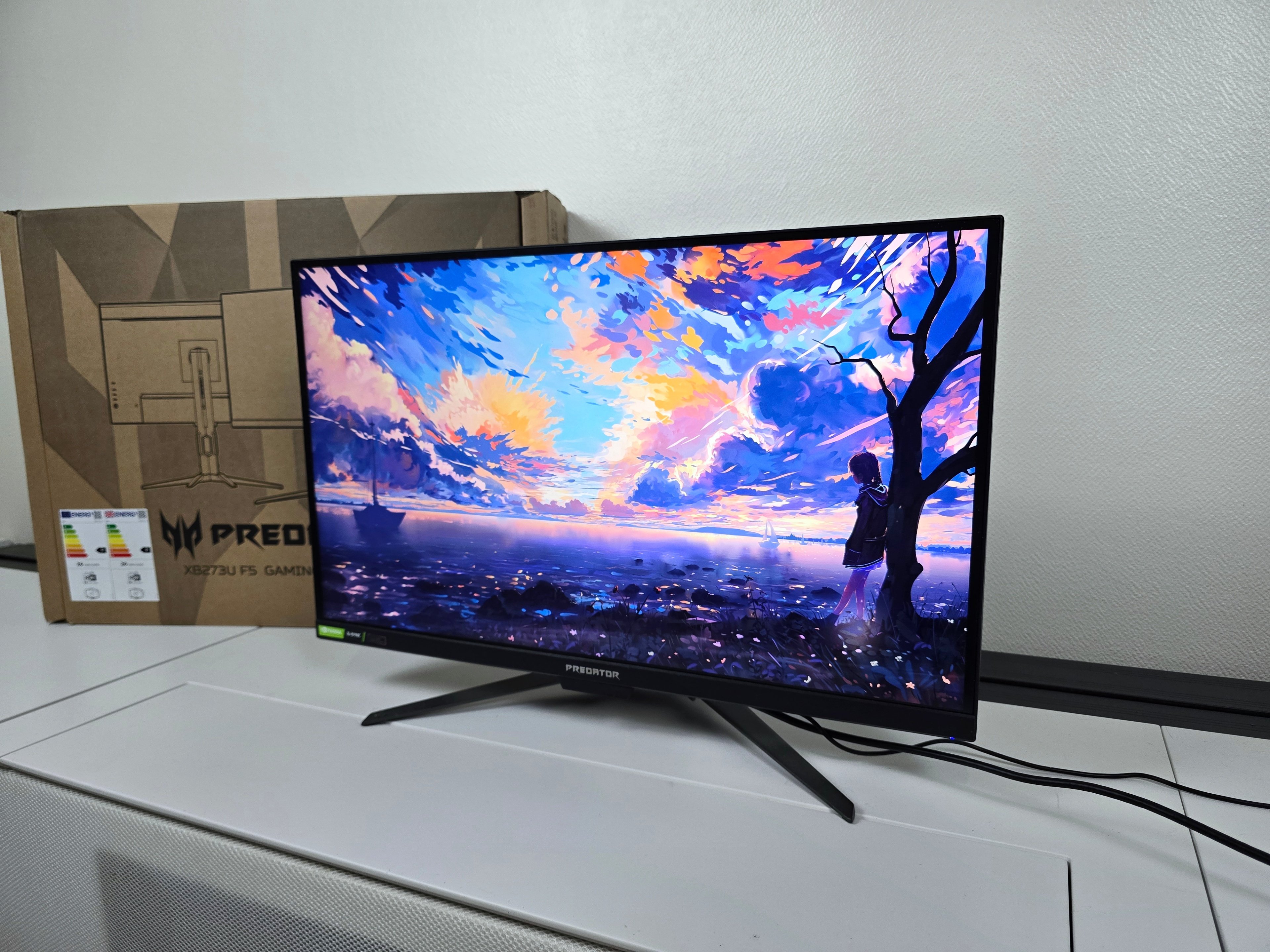
On Counter-Strike 2, the effect is especially noticeable during rapid turns or when an opponent crosses the field of view. Your gaze more easily follows the edges during movement. It obviously didn’t turn me into the best player of the day, but once you adjust to Pulsar, returning to the classic mode makes motion blur more conspicuous.
I observed something very similar in Apex Legends. Movements are wider, camera rotations are frequent, and fights regularly force you to track highly mobile targets. Again, it’s not more fluid; it’s a more usable image during such motions.
