
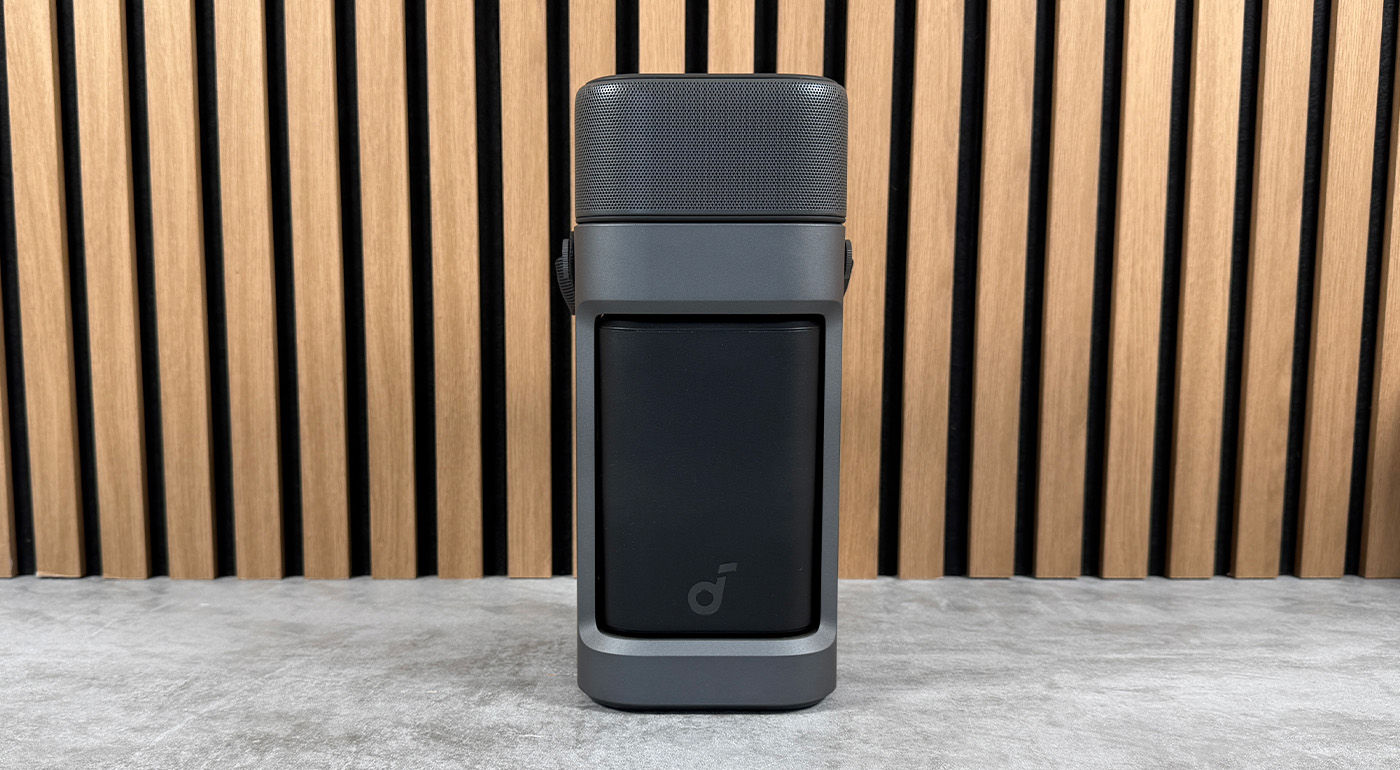
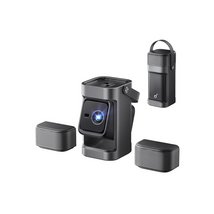
The Nebula P1 starts from a simple yet clever idea: to make the sound come from the right place. On this Full HD projector, the two speakers aren’t fixed to the chassis. They detach, run on battery, and can be placed on either side of the screen, like small stereo speakers.
On paper, the concept addresses a real issue. A conventional projector often sits in front of you on a coffee table, or sometimes behind the sofa. In either case, the sound does not necessarily come from the image. With its detachable satellites, Anker thus attempts to fix this weakness without forcing the purchase of a soundbar or external speakers.
The idea is sound, and quite rare in this category. The question remains whether it’s enough to make the Nebula P1 truly convincing as a projector. After all, a good concept doesn’t automatically compensate for image quality, brightness, or connectivity limits. We tested it for a week to see whether these detachable speakers genuinely change the experience… or if they mainly mask the projector’s trade-offs.
7 / 10
- Detachable speakers truly useful
- More convincing stereo scene than average
- Full HD image that is pleasant in a dark room
- Excellent battery life for satellites
- Backlit remote control
- USB-C power with detachable cable
- Brightness too modest for this price point
- Usage heavily limited to dark rooms
- Blacks and dark scenes lack depth
- Minimalist connectivity
- Warm air flow can be bothersome depending on installation
- No advanced on-screen adjustment features
Unboxing and first impressions
The Nebula P1 cuts straight to the chase. In the box you’ll find the projector, its remote control, two AAA batteries, and a USB-C power adapter with a detachable cable. This last point is welcome: if there’s a problem with the power brick or the cable, replacing it will be easier than with a proprietary power supply.
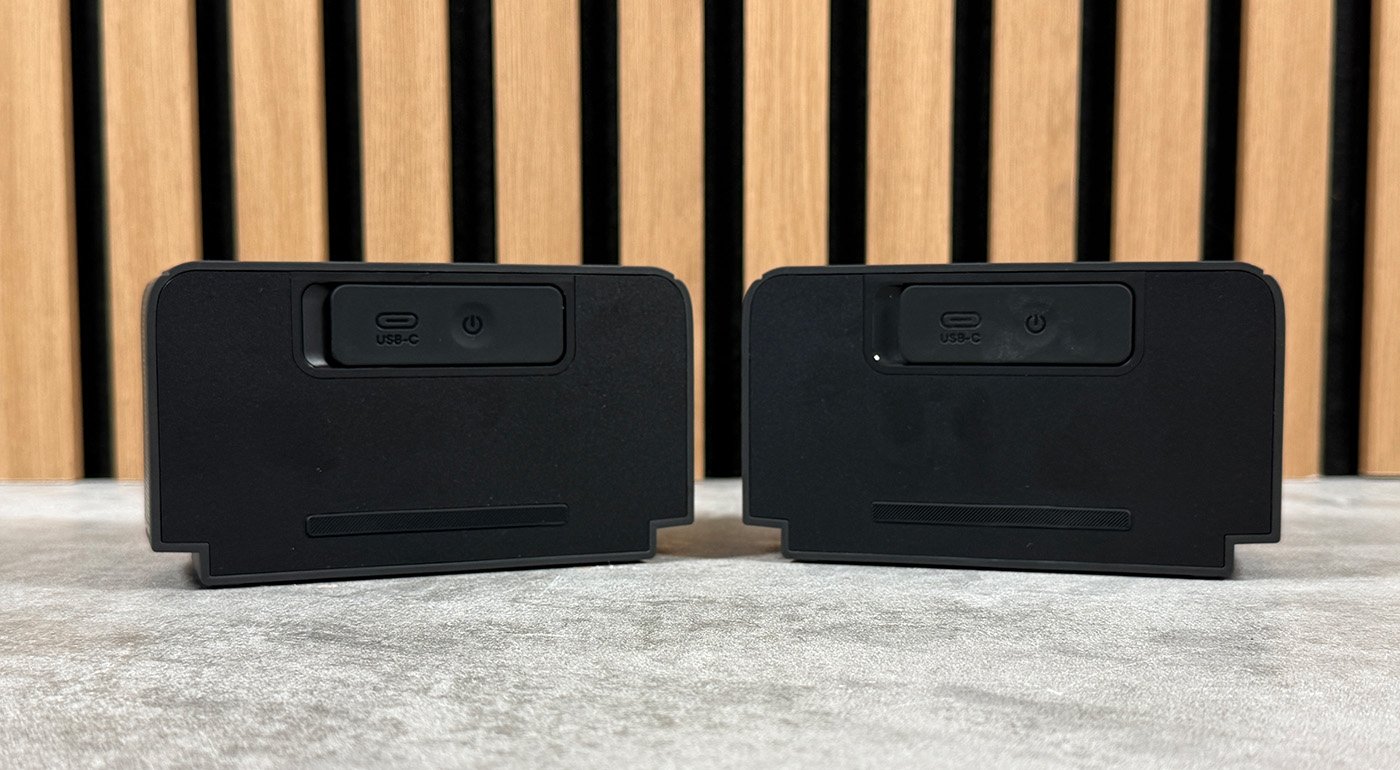
The real standout element is of course on the sides of the device. The two speakers detach from the chassis and run on battery. They can also be recharged separately via USB-C, which makes it possible to reposition them around the screen without always having to mount them back on the projector between viewing sessions.
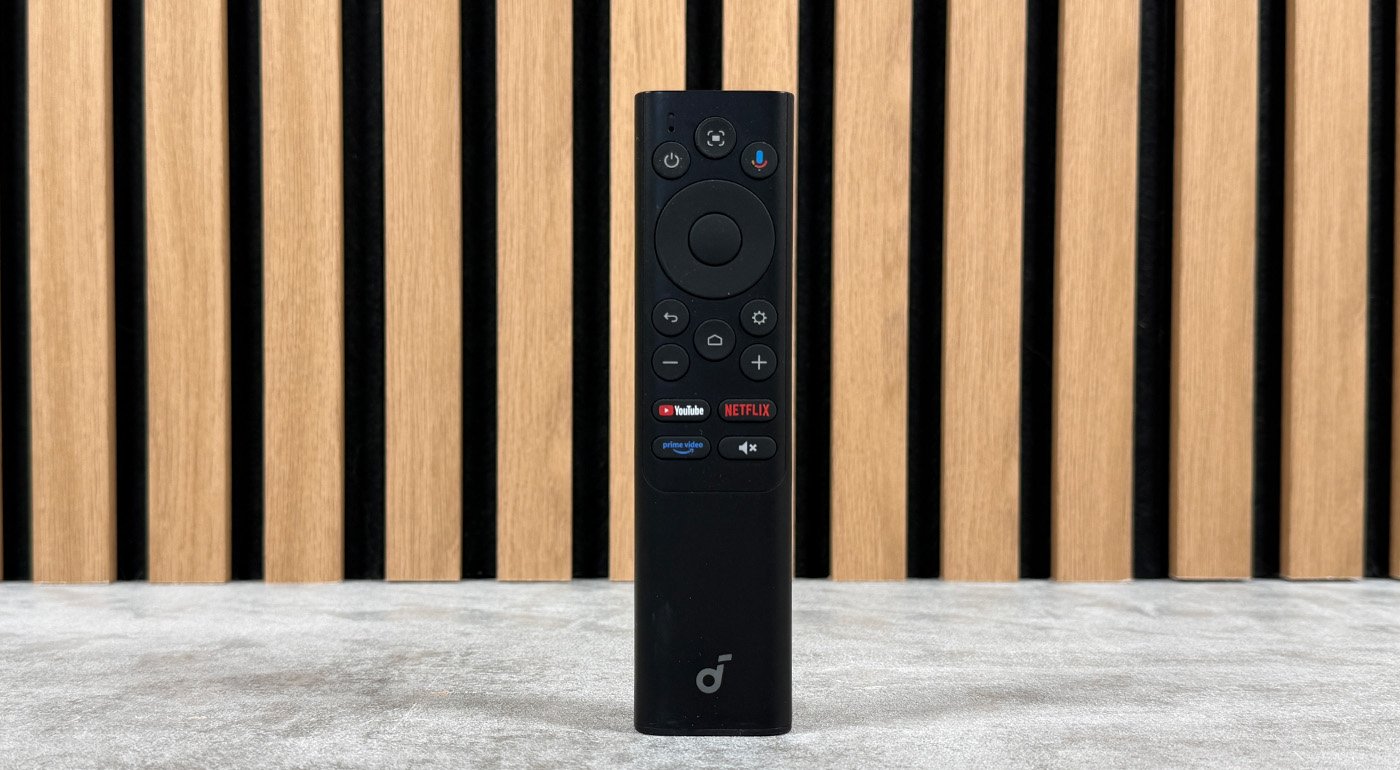
The remote control also leaves a good impression. It’s simple, with shortcuts to the main streaming platforms, and above all backlit on most of its keys. It’s a small detail, but in a projector that’s often used in low light, it counts more than it might appear.
The Nebula P1’s design intrigues at first glance. The device takes the form of a tall vertical block, but its footprint changes when the speakers are removed. The central module tilts to reveal, on one side, the projection lens, and on the other, the ports. The unit appears well assembled, with parts that lock securely and a solid finish for this price range.
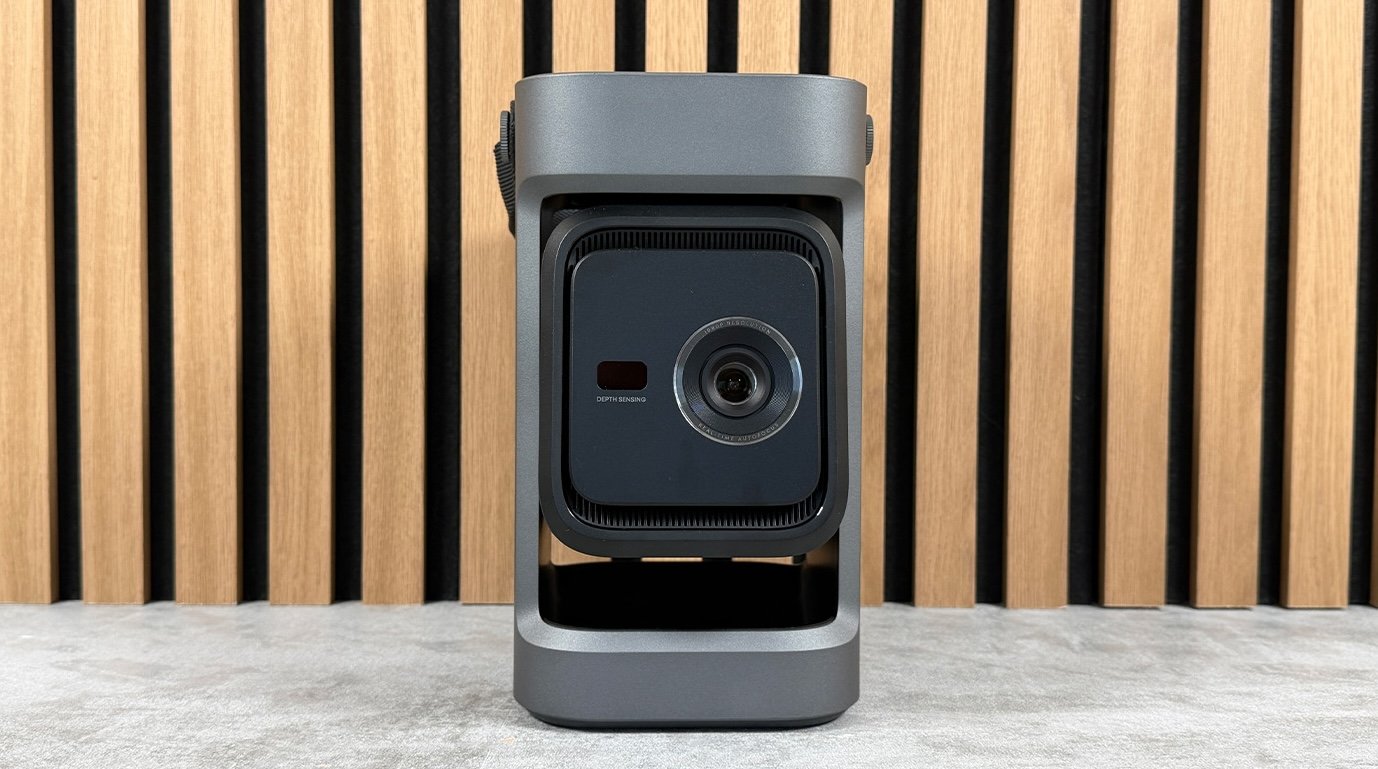
This unconventional design isn’t just about style. It also dictates how you install the projector, place the speakers, and, more broadly, how you use it on a daily basis.
Image quality
The Nebula P1 relies on a 0.23-inch DLP chip paired with a four-LED light source. It’s a fairly classic setup for compact projectors: it helps minimize heat, fan noise, and footprint while preserving a comfortable lifespan for the light source. In return, it doesn’t let the P1 compete with larger models, sometimes equipped with a larger DLP chip or a more powerful light source.
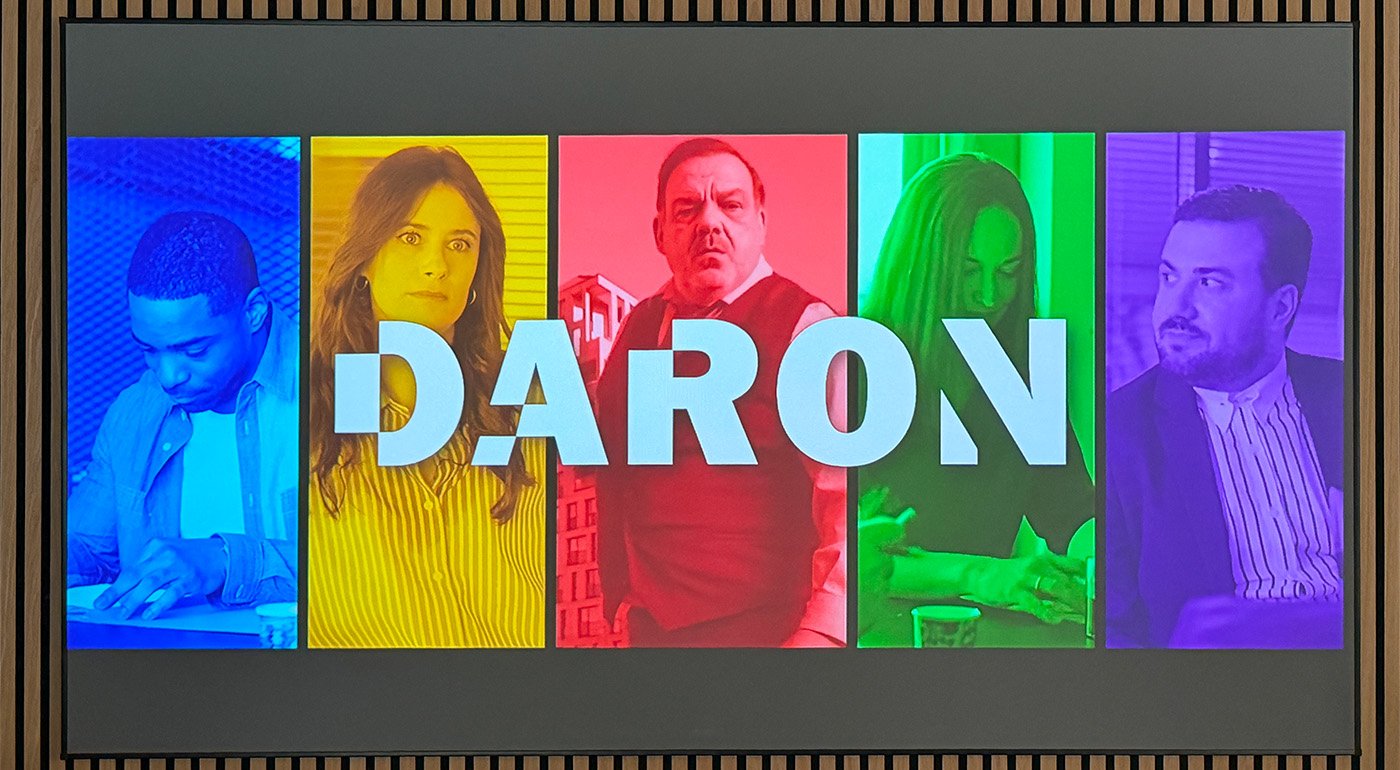
That said, brightness is where the Nebula P1 most quickly reveals its limits. Anker claims 650 ANSI lumens, but in practice you must quickly manage ambient light to obtain a convincing image. In a daytime room, even with brightness set to 100%, the image lacks impact and looks washed out fairly quickly. To properly enjoy a movie or series, you need to close the blinds, switch off most lights, and settle for, at best, a small reading light. It’s a pity, because at times we felt we were comparing it to the Dangbei N2 Mini, a device much cheaper with notably lower brightness.

The 1920×1080 resolution is enough to enjoy a large diagonal without feeling excessive blur, provided you don’t push the image size too far. In our setup, placing the projector about 2.7 meters from the screen yielded a 100-inch image. At that diagonal, the sharpness remains reasonable, though you won’t match the finesse of 4K or a projector with better optics.
Color accuracy is one of the Nebula P1’s strengths. Colors are well-balanced for a device in this category, with a generally natural rendering in bright scenes. Faces don’t turn orange, light tones stay clean, and the image avoids the too-cold or overly saturated look that still plagues some compact projectors. The P1 is thus quite pleasant for bright content, animated films, series, or TV programs watched in a dark room.
That said, the brightness remains the main limit. The P1 requires a dark room, very low ambient light, and a modest diagonal to perform at its best. In a bright room, the image lacks impact and quickly appears washed out. This is a notable concession at this price, especially since some rivals push for a brighter image, even if they are less compelling on the audio side.

The limits appear more in dark scenes. Blacks lack depth, backgrounds sometimes lose readability, and some details fade into the denser areas. This isn’t surprising for a compact LED projector in this class, but it serves as a reminder that the P1 isn’t built for a true, cinema-grade viewing experience. For highly contrasted films or those with many night scenes, the image remains viewable but lacks texture.
Is an screen necessary with the Nebula P1?
Using a projection screen isn’t mandatory, but it’s preferable if you want to get the most out of the device. A clean white wall can suffice for occasional use, provided it’s flat and neutral. With a screen, the image gains more uniformity and comfort, even though the P1 doesn’t have enough brightness headroom to dramatically transform the experience. In any case, the rule stays the same: the darker the room and the more modest the diagonal, the more convincing the Nebula P1 becomes.
What does the Anker Nebula P1 hold for everyday use?
Audio
Obviously, it’s in the audio department that the Nebula P1 clearly distinguishes itself from the competition. The two detachable speakers are far from a gimmick: they genuinely change how you set up and use the projector. Once unlocked, the satellites can be placed on either side of the screen, on a TV stand or shelf, bringing the sound closer to the image instead of letting it originate from the projector itself.
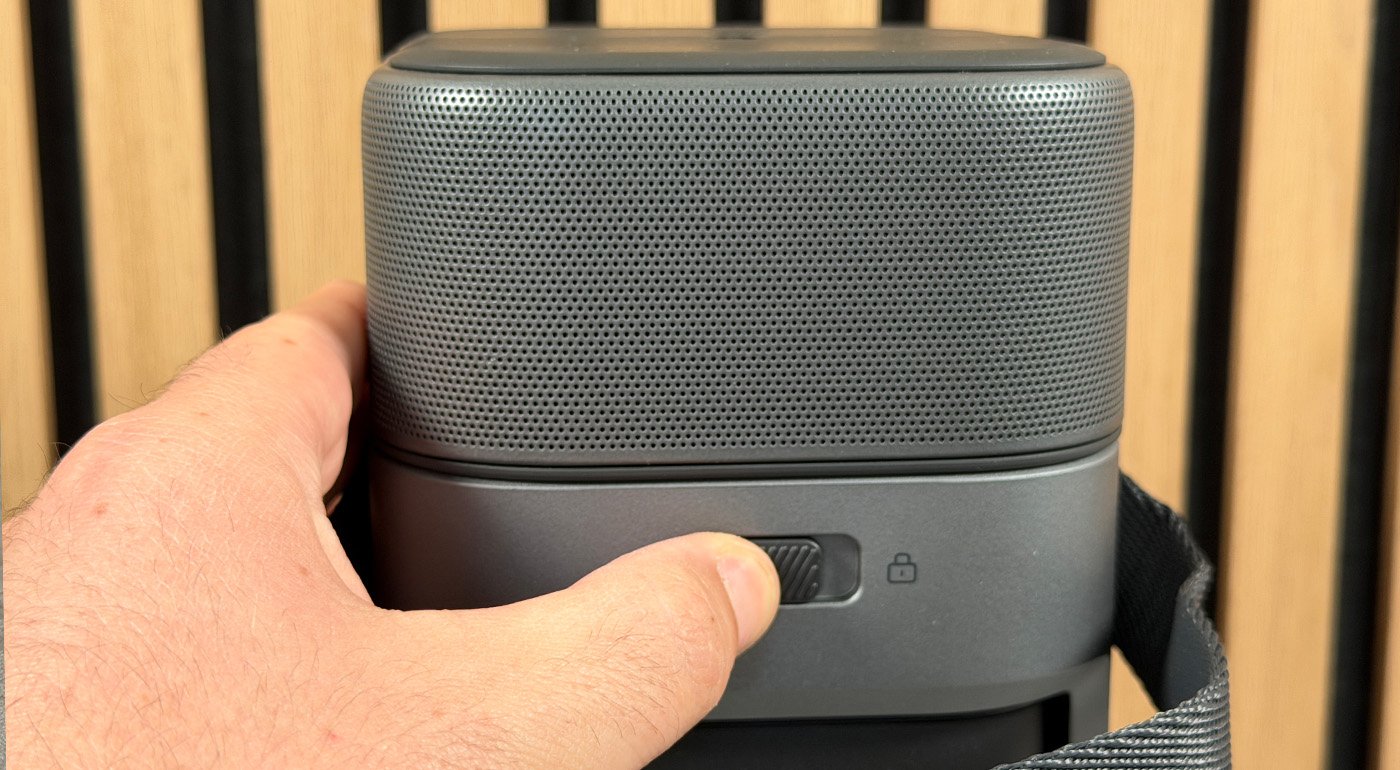
The benefit is especially noticeable in small rooms, where the projector is often placed in front of the sofa on a coffee table, or alternatively behind the audience. In both setups, the detachable speakers prevent sound from coming from the wrong place. When positioned properly, they deliver a true stereo soundstage, wider and more natural than that of a typical compact projector.

Connectivity, however, remains minimal. You’ll find an HDMI input, a USB-A port, and a 3.5 mm headphone output. The latter can help in a pinch, but its relevance is limited on a projector meant to be placed at some distance from the screen. For attaching a soundbar or external audio system, you’ll prefer HDMI or a wireless solution when possible.
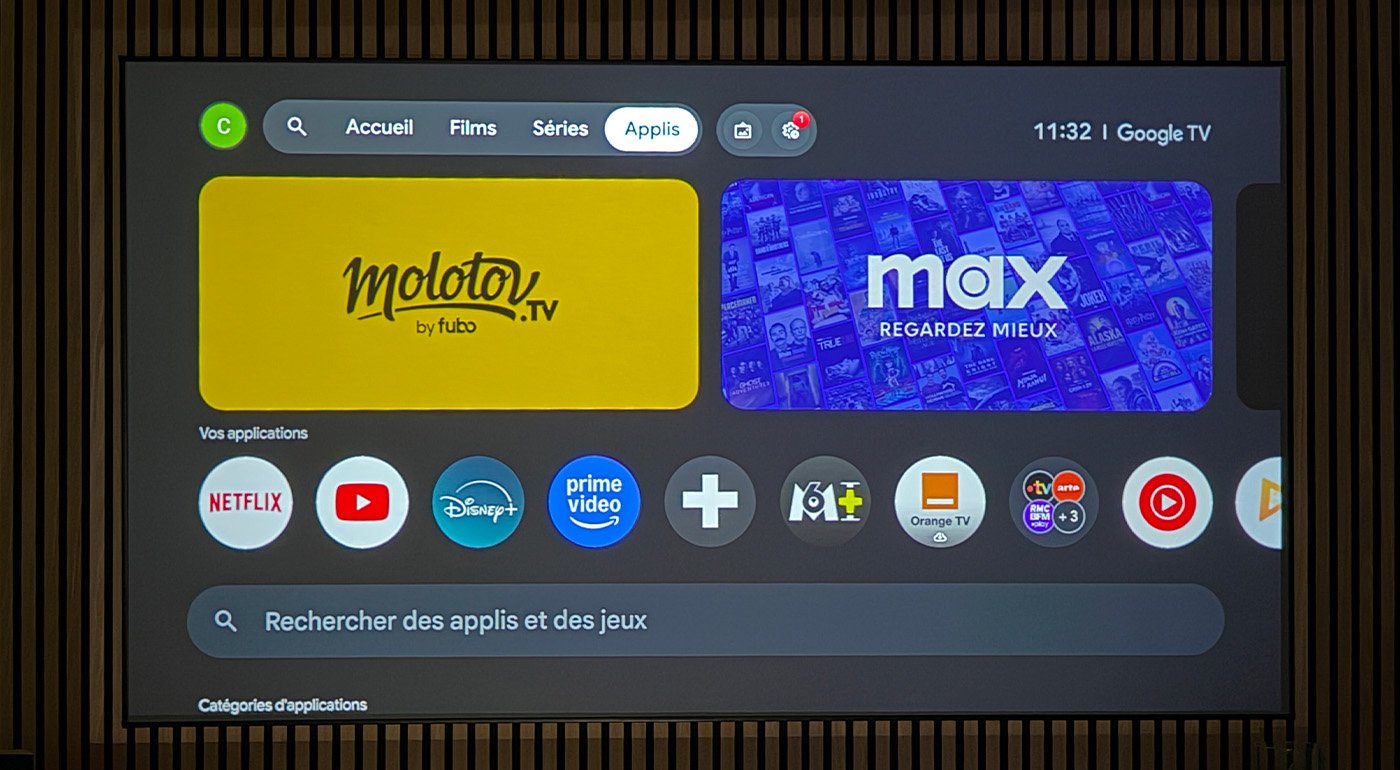
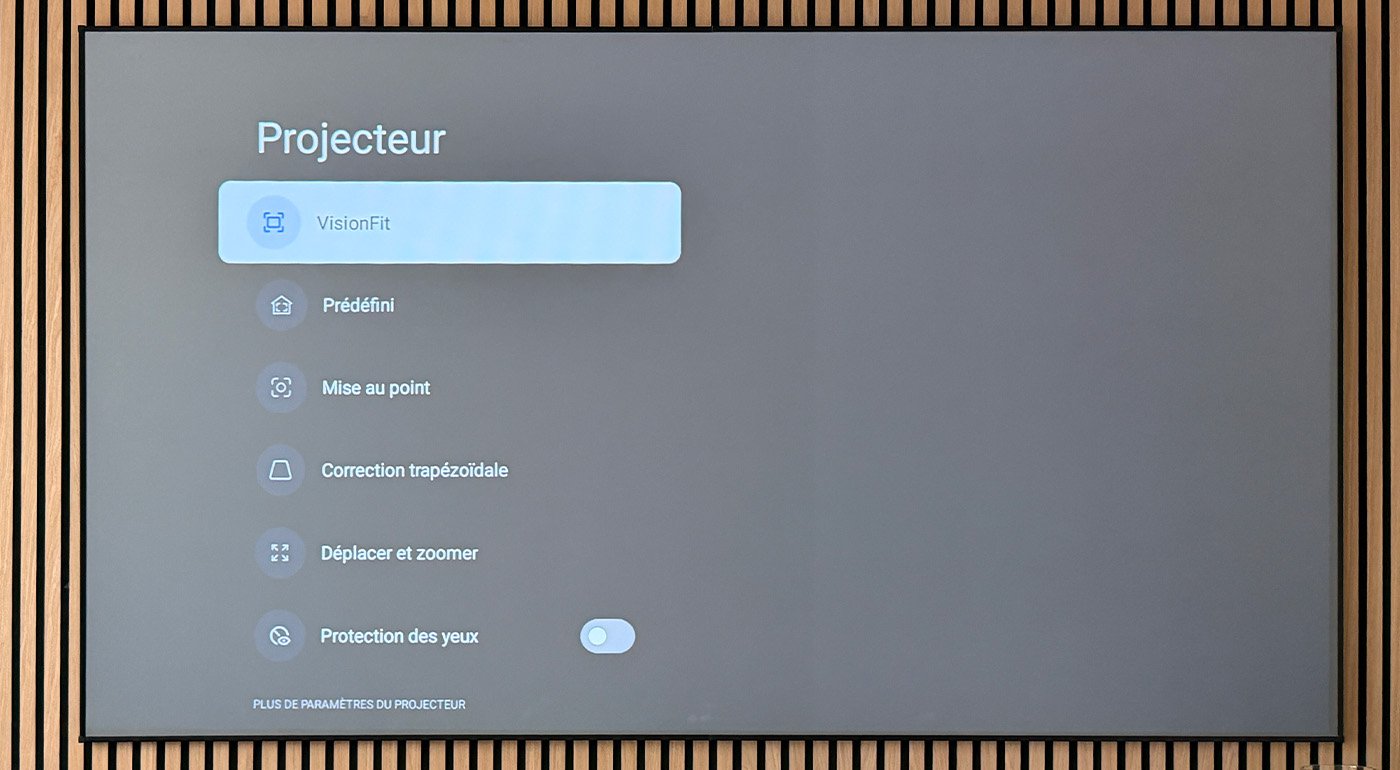
Installation is eased by autofocus and automatic trapezoid correction, which allow a sharp image and proper alignment in a few seconds. The Nebula P1 doesn’t offer the refinements of some higher-end models, such as automatic edge correction or obstacle avoidance. It isn’t necessarily a problem for casual or domestic use, but it reminds that the P1 remains a compact projector designed primarily for simplicity.
Test Anker Nebula P1: Clubic’s verdict
The Nebula P1 is one of those products you feel compelled to praise for the idea, even before judging its execution. By betting on two detachable speakers, Anker doesn’t merely add a quirky feature to its projector: it addresses a real usage problem. The sound no longer necessarily comes from the projector, but can be drawn closer to the image, which truly changes the daily experience.
- Detachable speakers that are genuinely useful
- More convincing stereo scene than average
- Full HD image remains pleasant in a dark room
- Very good satellite autonomy
- Stable and complete Google TV
- Télécommande rétroéclairée
- USB-C power with detachable cable
- Brightness too modest for this price point
- Usage heavily limited to dark rooms
- Noirs et scènes sombres peu profonds
- Minimalist wiring
- Airflow sometimes intrusive depending on setup
- No advanced on-screen adjustment features
7
8
8
7
amazon.fr
Fnac
Darty
EasyLounge.com
Soundcore FR

Daniel Brooks
I cover everyday products with a practical eye, from kitchen tools and home essentials to smart gadgets and consumer trends. My goal is to help readers understand what is genuinely useful, what is worth the price, and what deserves a second look before buying.