

A well-established service that has stood the test of time, Dashlane remains one of the best choices among password managers. To learn everything about this essential service, here is our review of Dashlane in 2026.
- moodNo free version
- databaseUnlimited storage
- browse_activityBreach alert
- lockAES-256 encryption
Since late 2023, Dashlane has been rolling out changes to its offers. The free plan has been reduced to a bare minimum, prices have been adjusted in some countries, and all subscriptions have shifted to annual billing. These changes have been frequent. The latest casualty in this spring cleaning is the Dashlane Authenticator app, which is no longer available.
Dashlane: Overview
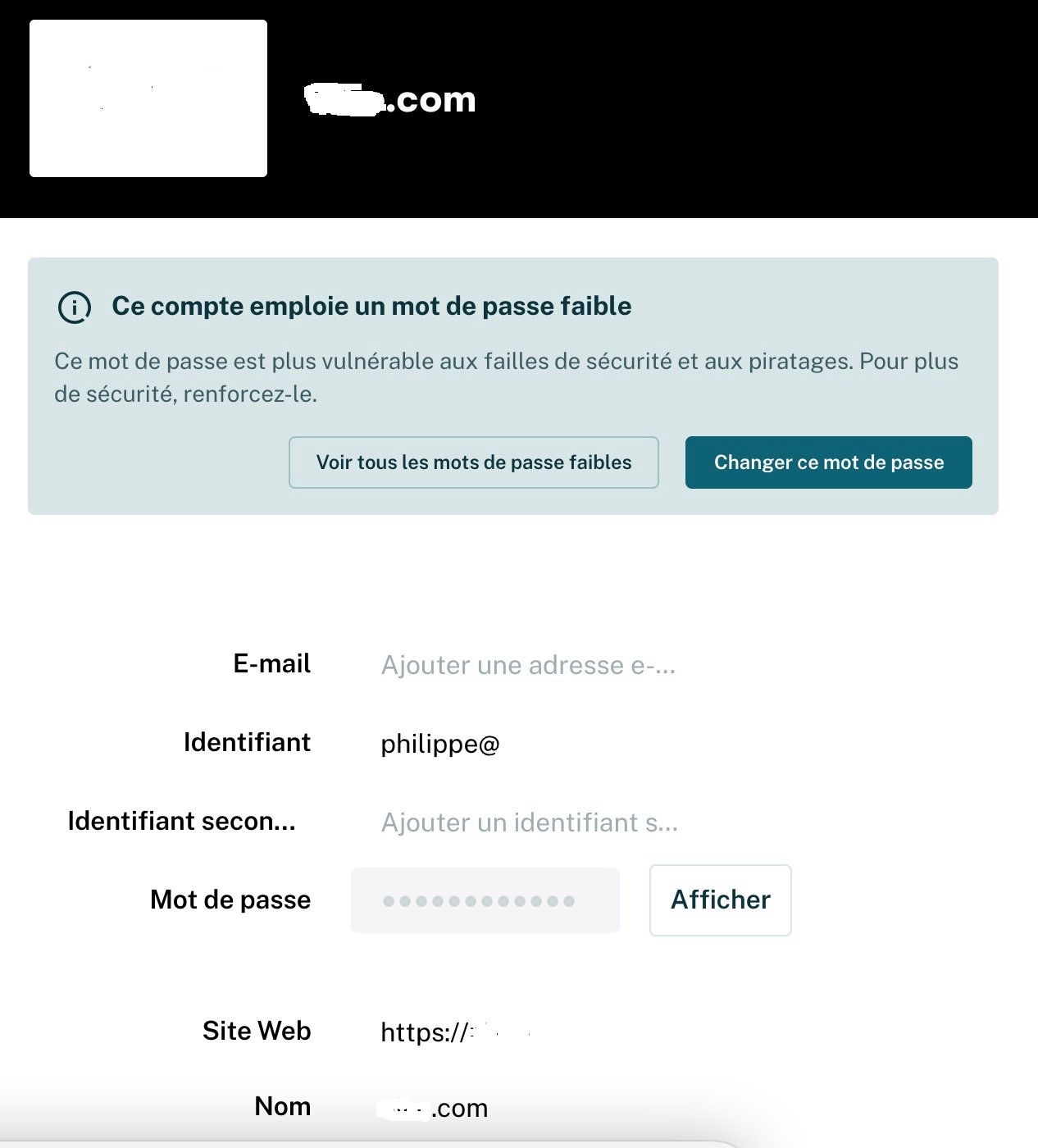
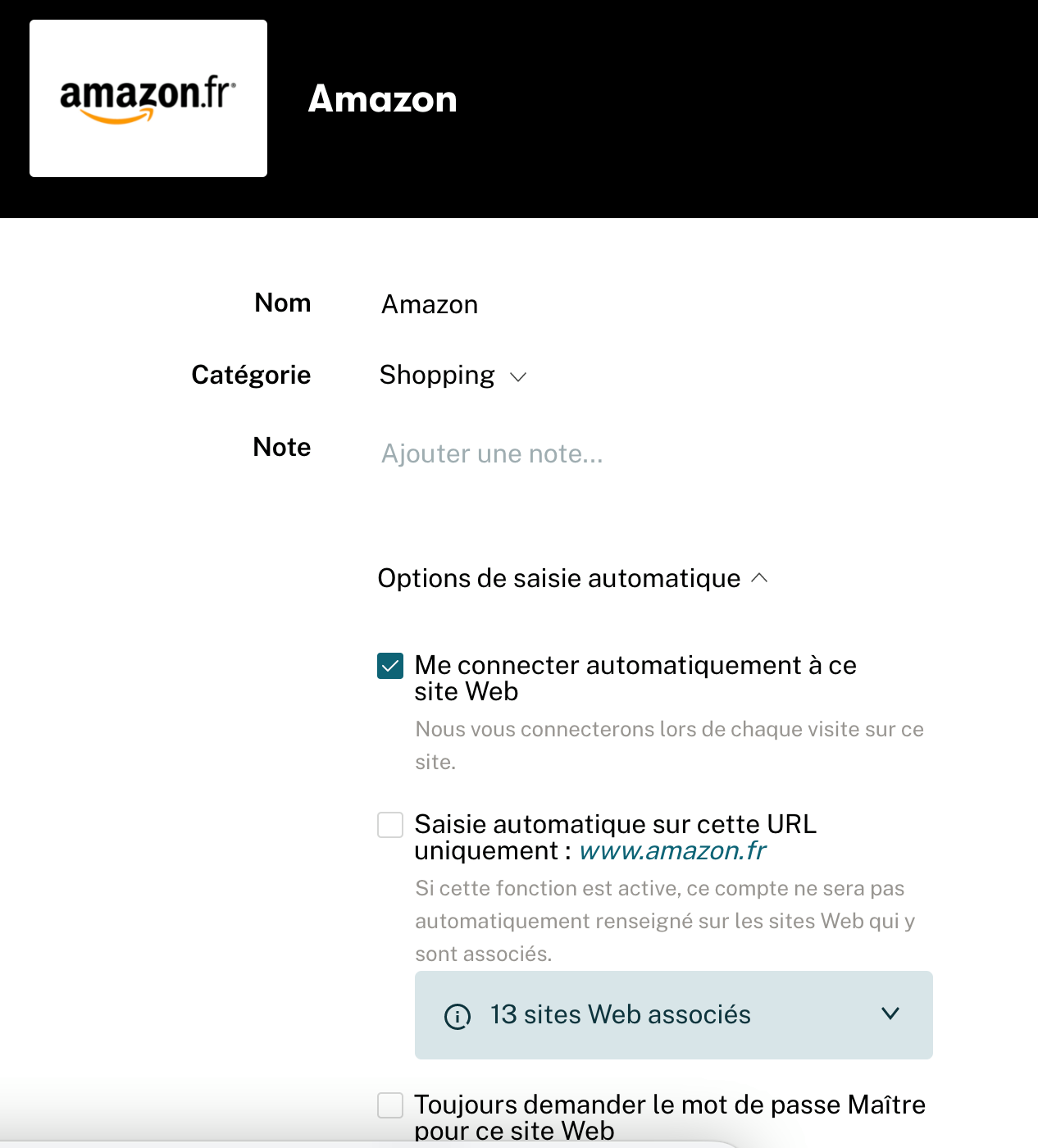
In the “Payment Methods” section, you can save all your card details and have them automatically filled at checkout. For each password, beyond the standard authorization data, you can add an additional login and a note. Moreover, you can separately configure automatic authorization on sites by entering a master password for access.
The service automatically generates passwords when you register on sites. For old passwords, it shows information about their strength and uniqueness. Dashlane will alert you if a password is easy to crack or already used on another site.
In the “Sharing Center,” you can quickly see with whom you have shared data and easily change access levels, or revoke access altogether. You can also assign an emergency contact, who will automatically gain access to your entire database.
The Plans
Dashlane offers two paid plans with a wide range of features.
For €3.68 (+ VAT) per month, the Premium version provides access on all devices, unlimited passwords, dark web monitoring, and a VPN to keep your online activity private when connected over Wi‑Fi.
For €5.55 (+ VAT) per month, the Friends & Family plan also offers unlimited password storage and cross-device access, but adds the ability to create and manage up to 10 Premium accounts.
Interface and Usability
Like LastPass, Dashlane has abandoned its desktop version in favor of a web application. When this developer offered both, we preferred the desktop version for its completeness. Since then, the web app has benefited from welcome improvements. By sharpening its focus on a standalone extension, Dashlane aims to outpace competitors by integrating machine learning, “which will accelerate performance and possibilities.”
If on Windows and Mac Dashlane has dropped its desktop apps, this is not the case for mobile. The password manager is therefore available for download on Android and iOS in their respective app stores.
Security
Dashlane protects user data with AES-256 encryption, which is the industry standard for preventing unauthorized access to online accounts. Not only is there the master password you set, but Dashlane also validates the device or browser you are using with a 2FA code sent by email. Moreover, for authorization, you can add two-factor authentication, Windows Hello authentication, or a physical U2F key such as Winkeo FIDO U2F from the French company Neowave.
Because of this approach, device authentication and opening your vault are separate processes. By contrast, most password managers simply authenticate using a stored hash of your master password. With Dashlane, an attacker would need not only your master password but also access to one of your devices or to your email.
This password manager also includes a tool that checks passwords and tells you if they are vulnerable to brute-force attacks. For the mobile app, protection is typically assured by a PIN, fingerprint, or facial recognition. But for extra protection during password entry, the software includes an integrated VPN (Premium version).
Additional Features
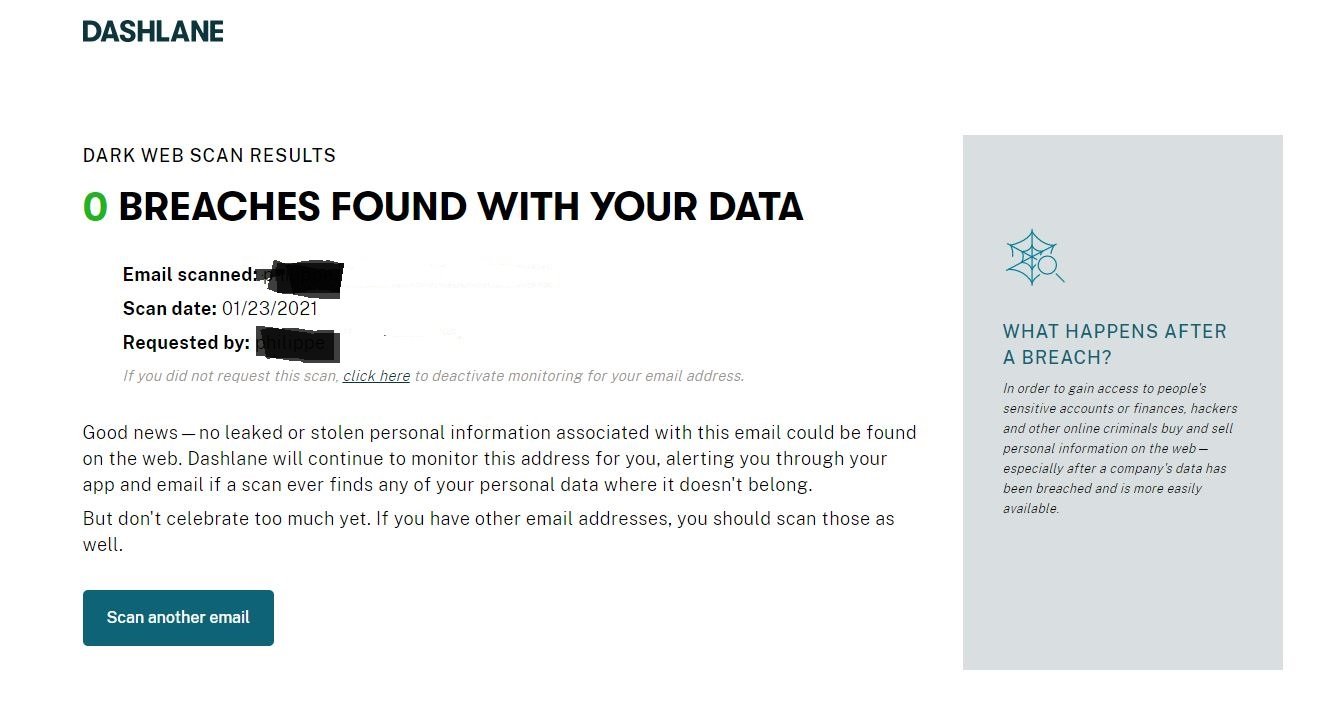
As with LastPass, the premium Dashlane plans provide dark web monitoring to detect passwords, card numbers, or phone numbers that may have been leaked and offered for sale.
Unlike most password managers, Dashlane offers two ways to contact support: email and live chat. Our test of the chat service did not inspire confidence when trying to import a KeePass database: the bot tended to provide the same generic responses… So we opted for email. Email support is handled via a contact form, with assistance in English, French and German. Note that email support is available seven days a week, but live chat operates only Monday to Friday during business hours.
Finally, Dashlane is the only password manager that offers Premium users a VPN to bolster the privacy of their connections over Wi‑Fi.
Dashlane is a well-known password manager, celebrated for its performance and user-friendly design. Compatible with various computer and mobile OS, it offers a browser extension for most browsers. Your account privacy is strengthened by multiple-factor authentication options. Very comprehensive, its premium offering also includes a VPN to reduce the risk of hacking when connecting to sites from a public Wi‑Fi network. One drawback is that Dashlane has decided to discontinue its free plan.
- Full feature set.
- VPN built‑in (premium).
- Support in French.
- Family plan is a bit pricey.
- Dark web monitoring limited to premium version.
- No free version left
9
10
9
9
- Bitwarden review: security at the right price
- NordPass review: a promising young password manager
- 1Password review: the family solution
- KeePass review: the “local” solution
- Proton Password review: a promising password manager, but with limits
- pCloud Password review: the password storage specialist
- Enpass review: a modern, “local” password manager
- Dropbox Passwords review: a fairly simple password manager
- RoboForm review: a budget password manager, but sometimes confusing
- LastPass review: will it recover from a rough year?

Daniel Brooks
I cover everyday products with a practical eye, from kitchen tools and home essentials to smart gadgets and consumer trends. My goal is to help readers understand what is genuinely useful, what is worth the price, and what deserves a second look before buying.