JMGO N3 Ultimate Review: Triple-Laser System on a Motorized Gimbal for Easier Video Projection

June 6, 2026
Tech

Like others before it, the JMGO N3 Ultimate 4K is part of those projectors that don’t just aim to throw a large image. It also seeks to solve one of home projection’s most frustrating issues: installation. Throw distance, alignment, height, image size, keystone correction, loss of sharpness… so many constraints that can sometimes discourage those who dream of a big screen without turning their living room into a dedicated theater.

JMGO goes ahead with a tempting proposition here. The Chinese manufacturer does not rely solely on a laser projector with generous specifications, but on a complete optical and mechanical system, anchored by a wide-range optical zoom, extended lens shift and a motorized tilt platform. The idea is to minimize friction by offering great placement freedom without sacrificing image quality, whereas many projectors still compensate their physical limits with digital corrections that do not always improve the image.

JMGO N3 Ultimate

8  / 10

JMGO N3 Ultimate
Pros
  • Bright and very pleasing image
  • Very flexible installation system with motorized tilt, optical zoom, and lens shift
  • Clean design, easy to blend into a living room
  • Smooth, comprehensive Google TV with major streaming apps
  • Convincing HDR management with Dolby Vision support
  • Laser speckle well controlled on our screen
  • Operational noise under control
The cons
  • bulky external power supply
  • Connectivity somewhat limited for this price range
  • Native contrast could be improved
  • Sharper image could be achieved by competitors on fine textures
  • Strong recommendation for a dedicated screen to fully harness its potential
The N3 Ultimate 4K also arrives with the anticipated arguments in this premium segment: Google TV, Dolby Vision, HDR10, advanced gaming compatibility, built-in audio, and high brightness. It thus aims to check all the boxes of a modern projector capable of switching from a movie night to a gaming session or a more spontaneous use in a living room.
Does this ambitious promise actually hold up to daily use? Because between installation freedom, image precision, contrast, operating noise and HDR handling, a high-end lifestyle projector now has to do much more than simply impress on paper.

Unboxing and first impressions

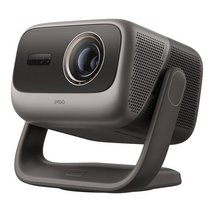
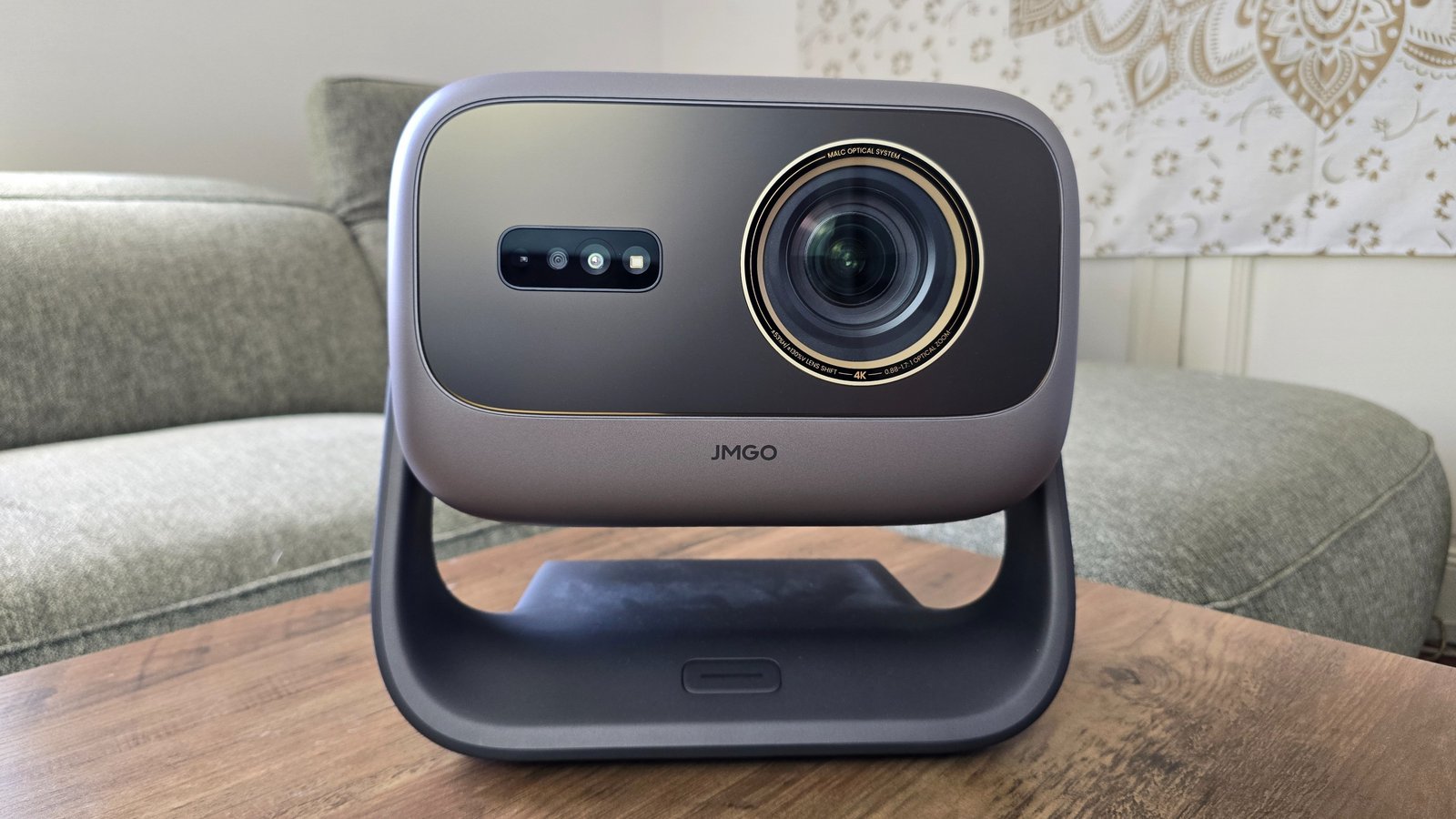
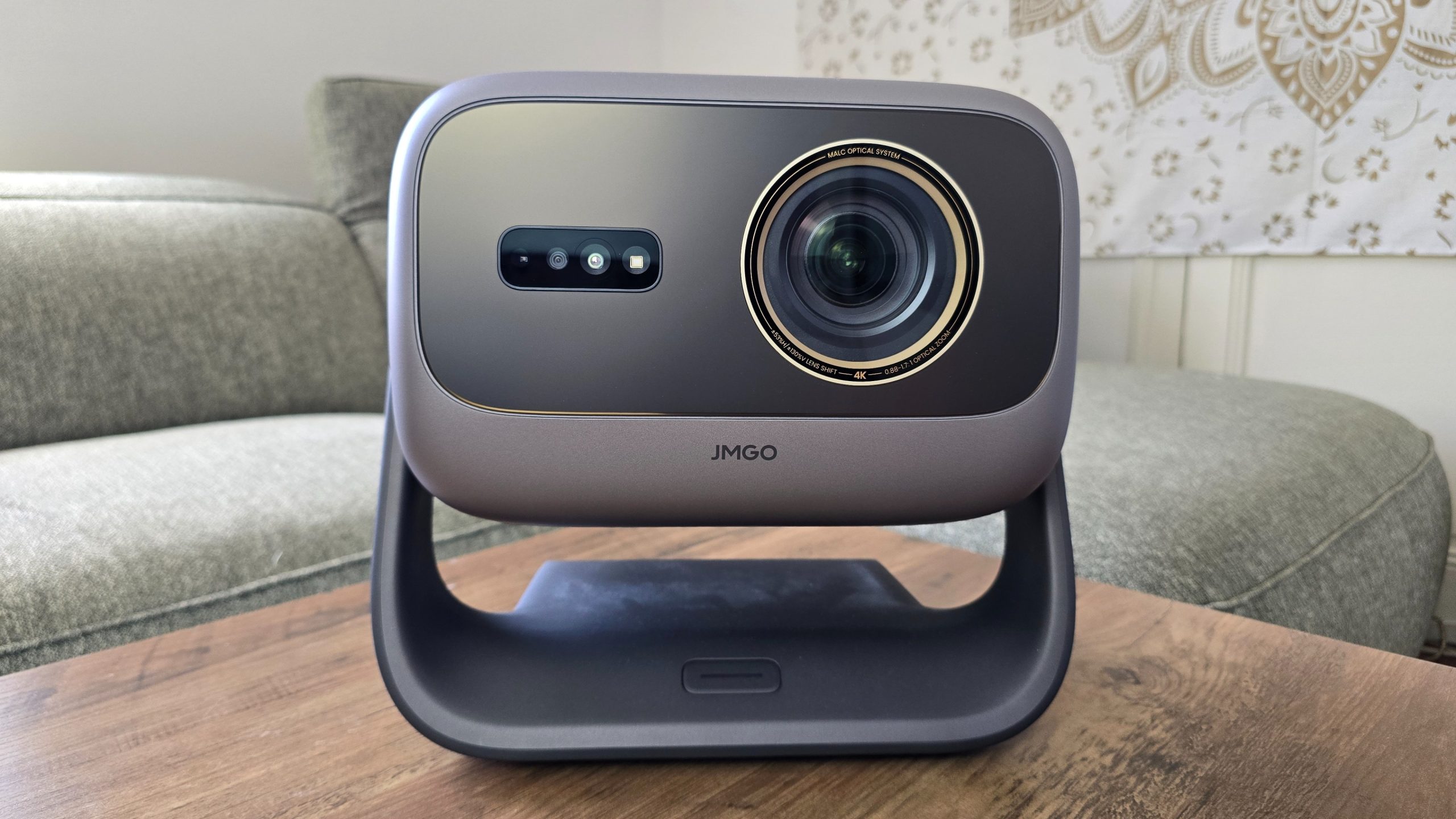
This is a projector that doesn’t try to fade into the background. With its cubic chassis, rounded edges and a motorized base, the JMGO N3 Ultimate 4K fully embraces its lifestyle positioning, despite a price tag that brings it closer to premium home cinema than a simple living-room projector. Like some XGIMI or Hisense models, it is designed to live in the room, resting on a coffee table or TV cabinet, visible and easily accessible, rather than disappearing into the ceiling once installation is complete.

© Matthieu Legouge

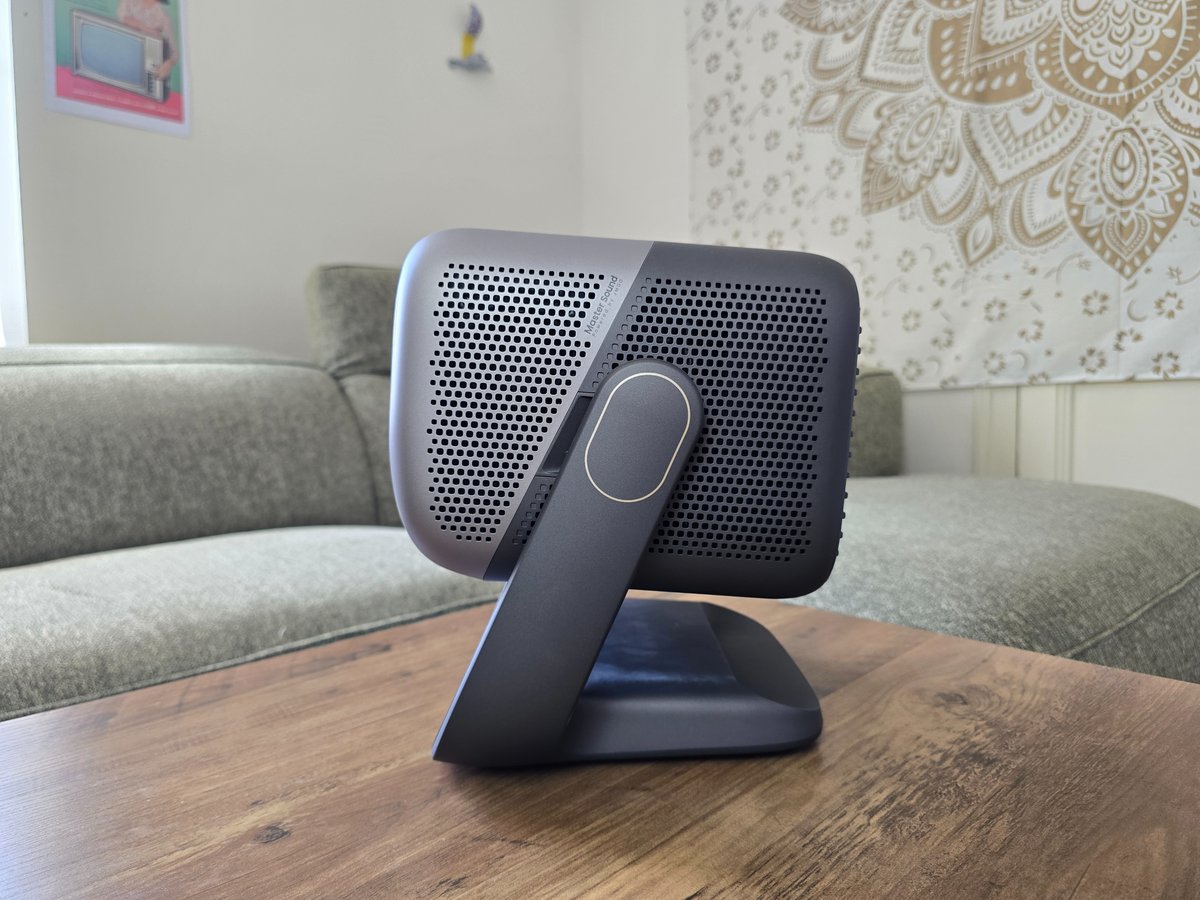
This philosophy becomes clear as soon as you search for its placement. The N3 Ultimate 4K remains reasonably compact given its equipment, but its nearly 7 kg and the bulky external power supply quickly remind you it isn’t a nomad device. It requests a stable surface and naturally feels more comfortable on a coffee table or a TV cabinet than in a ceiling installation. The absence of a truly obvious mounting solution under the chassis also limits alternative setups. It’s one of the device’s paradoxes: it offers great projection freedom, but not necessarily great physical installation freedom.

© Matthieu Legouge

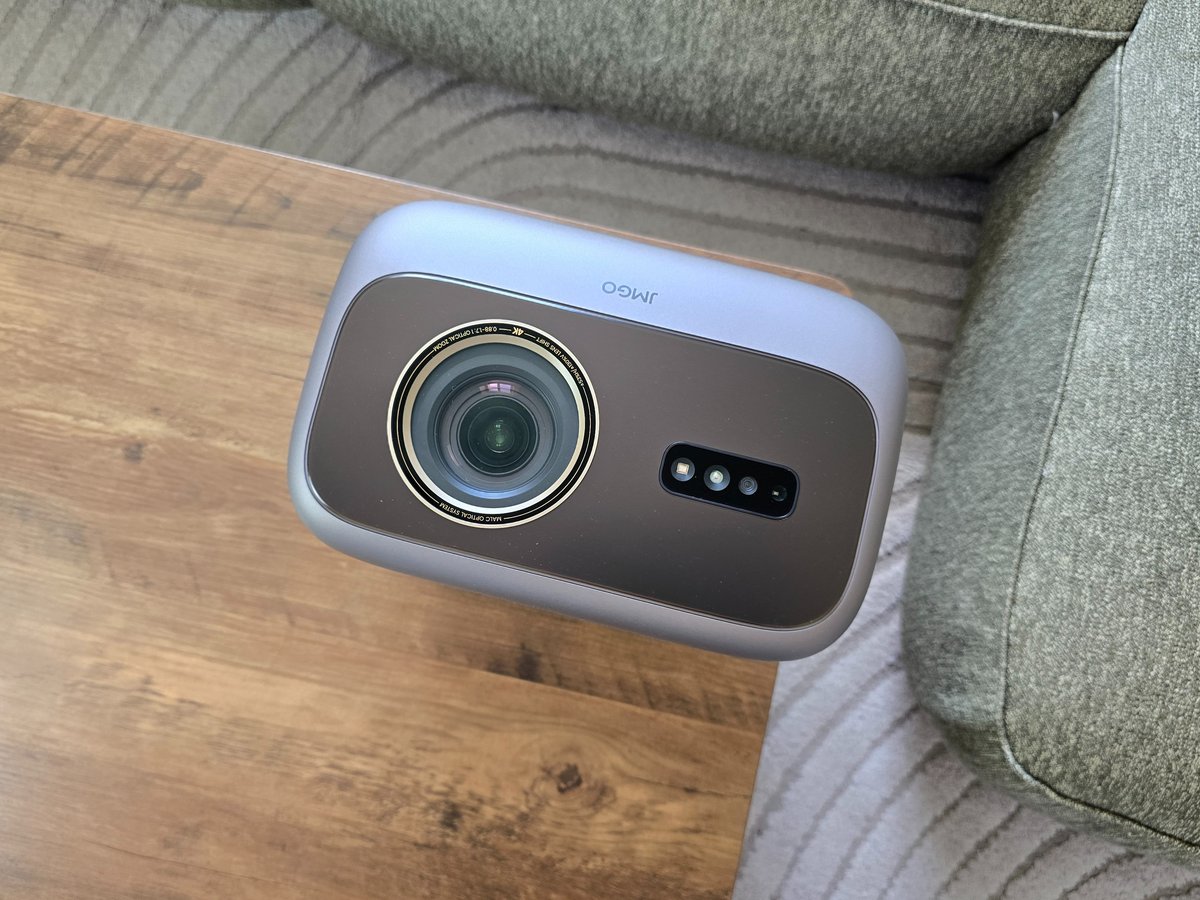
Once placed, the N3 Ultimate 4K reveals its main advantage: its AI Gimbal motorized tilt. It allows remote orientation of the optical block, frame adjustment without moving the unit, and even more unusual uses, such as ceiling projection. The demonstration effect is obvious, but the real interest is genuine in a living room.

© Matthieu Legouge

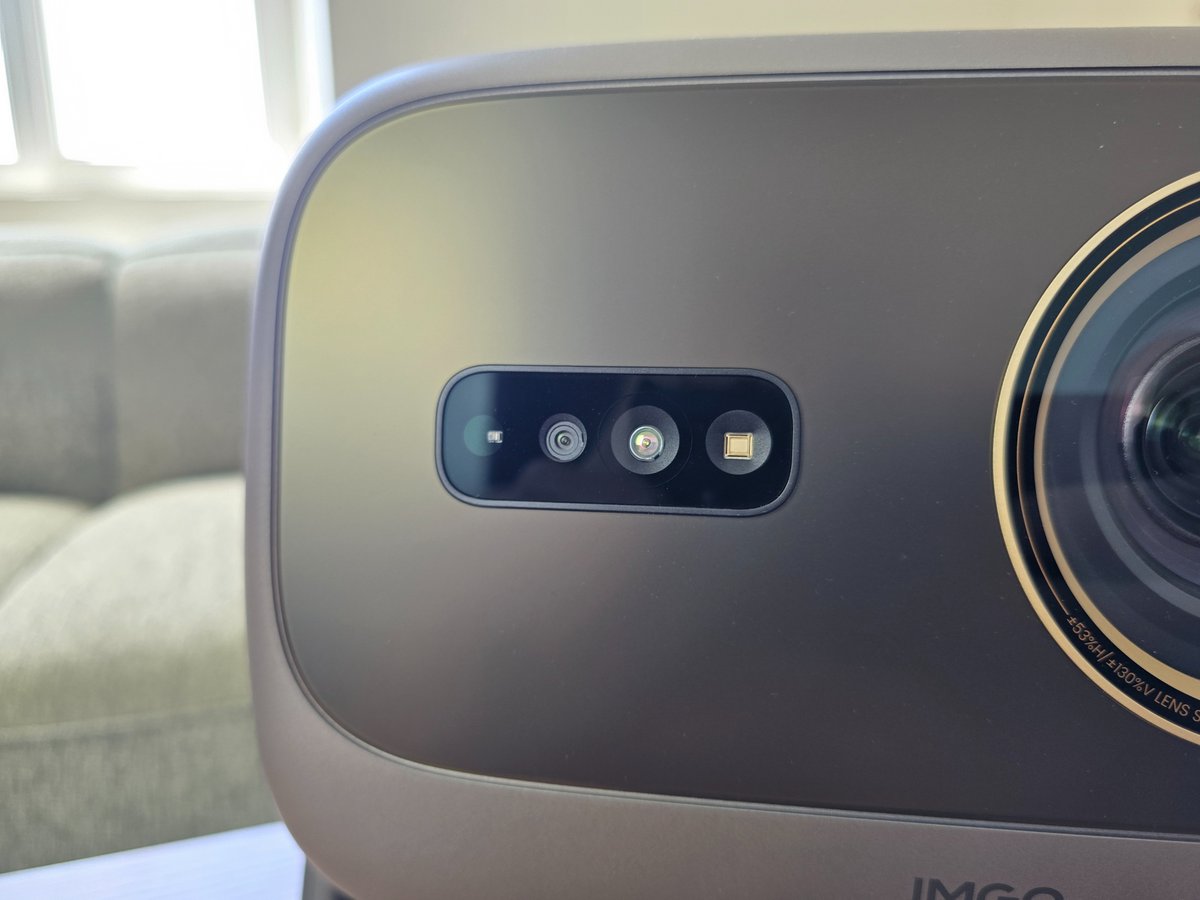
The optical zoom and lens shift complete this flexibility, allowing the image size and position to be adjusted without cropping digitally. This is where JMGO stands out from many lifestyle projectors, often very dependent on software corrections. They remain present — autofocus, automatic keystone, screen adaptation, obstacle detection, eye protection, color adaptation to the wall — but they benefit from being used judiciously to preserve image accuracy.

© Matthieu Legouge

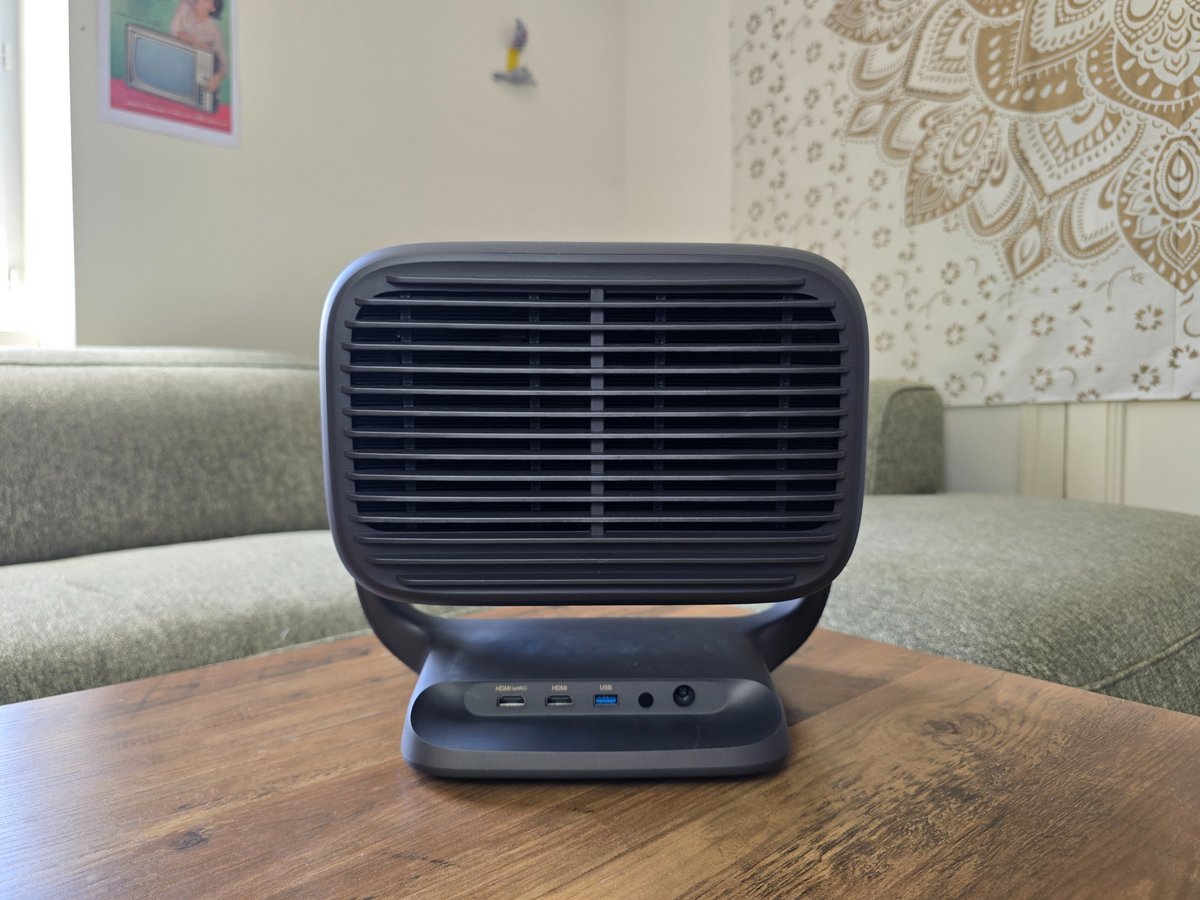
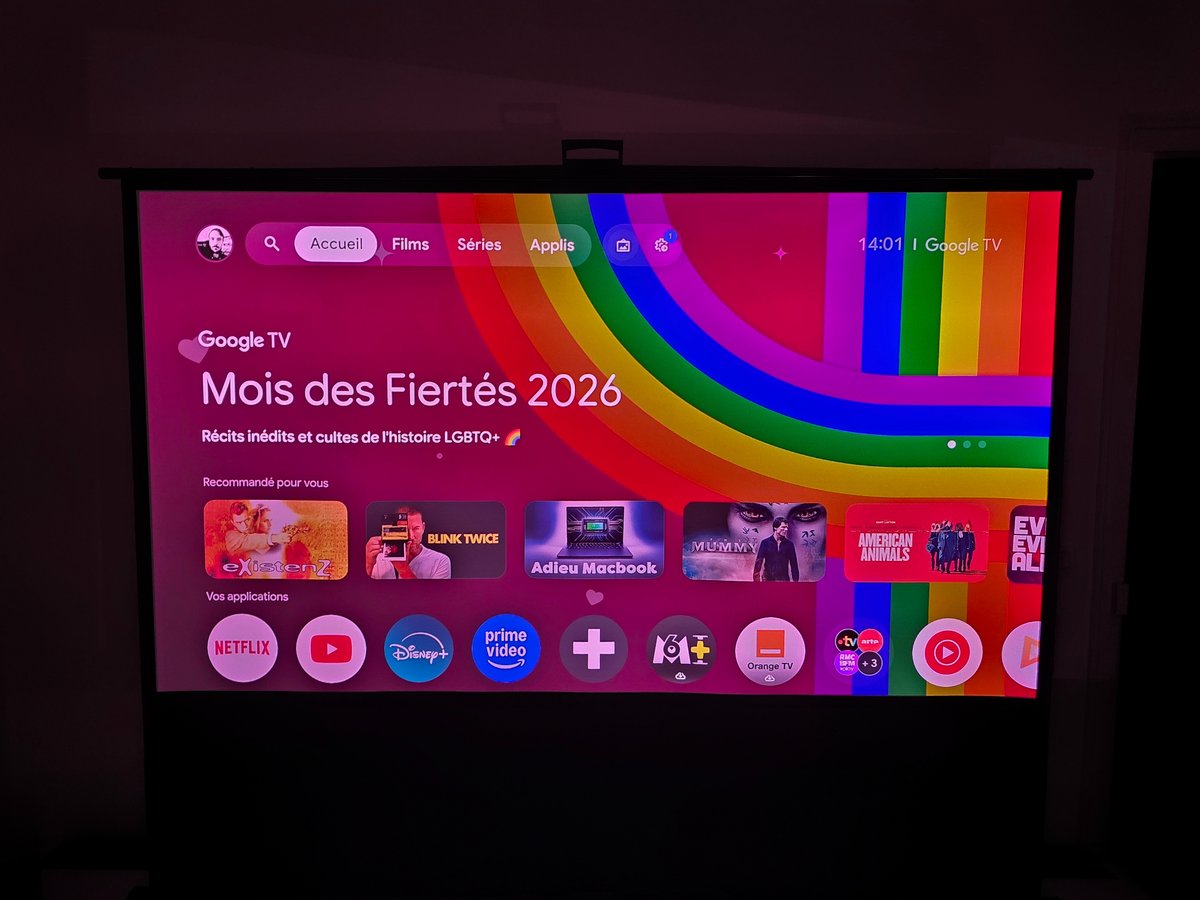
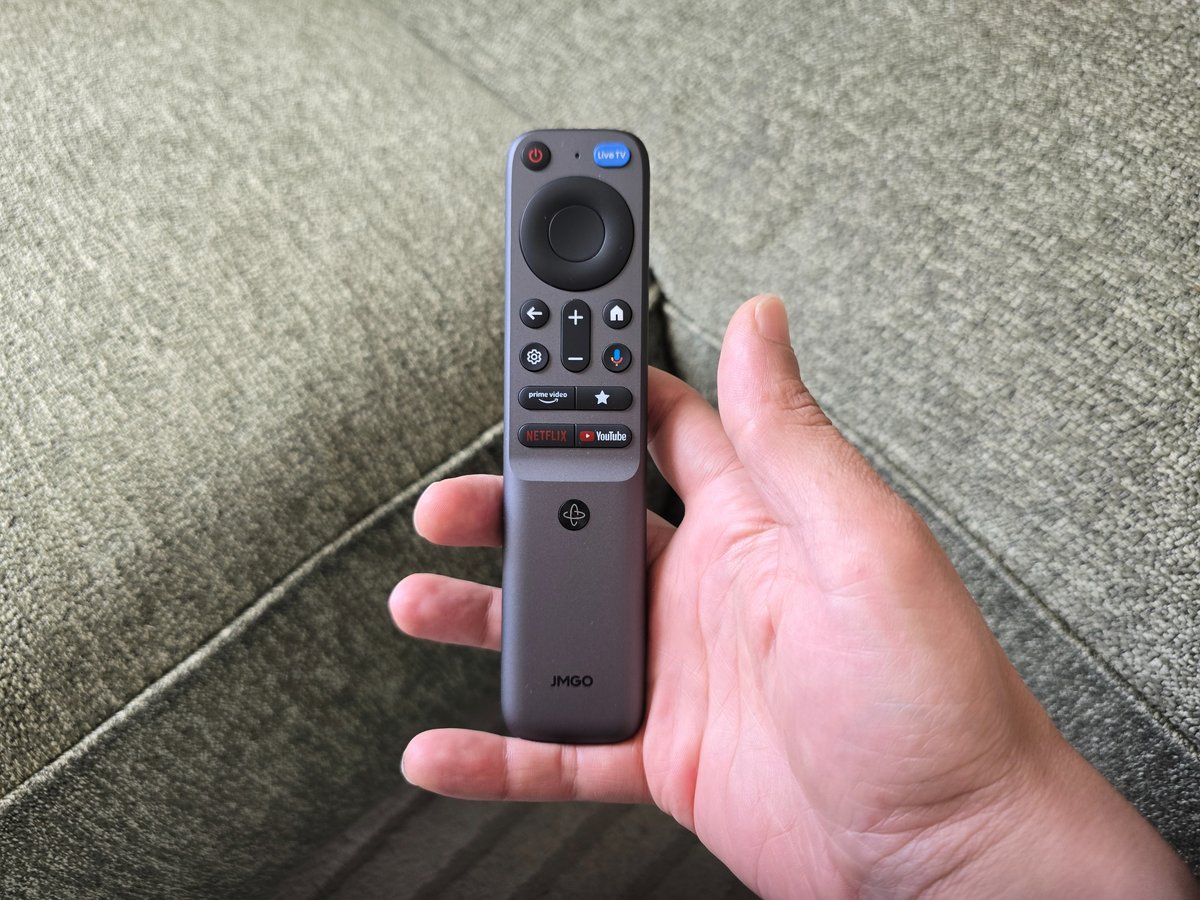
The setup is easily initiated via Google TV, with a familiar interface, the main streaming apps, and JMGO menus clearly separated for projector settings. The connectivity keeps to the essentials with two HDMI 2.1 ports, including one eARC, and a USB 3.0 port: enough for a console, a player or a soundbar, but not particularly generous for this tier.

© Matthieu Legouge

In conclusion, this quick start makes the N3 Ultimate 4K feel like a projector designed to reduce installation friction, almost to the point of being playful. The question remains whether this freedom comes at the expense of image precision.

Image quality

The JMGO N3 Ultimate 4K pairs a triple RGB laser source with a 0.47-inch DLP chip, tasked with reconstructing Ultra HD imagery via XPR wobulation. The formula is well known in premium lifestyle projectors: a lot of light, a very wide gamut, a vivid image and a more compact form than traditional home cinema solutions. Yet it all depends on the balance found between brightness, video processing, optical precision, and control of laser and DLP-specific flaws.

© Matthieu Legouge

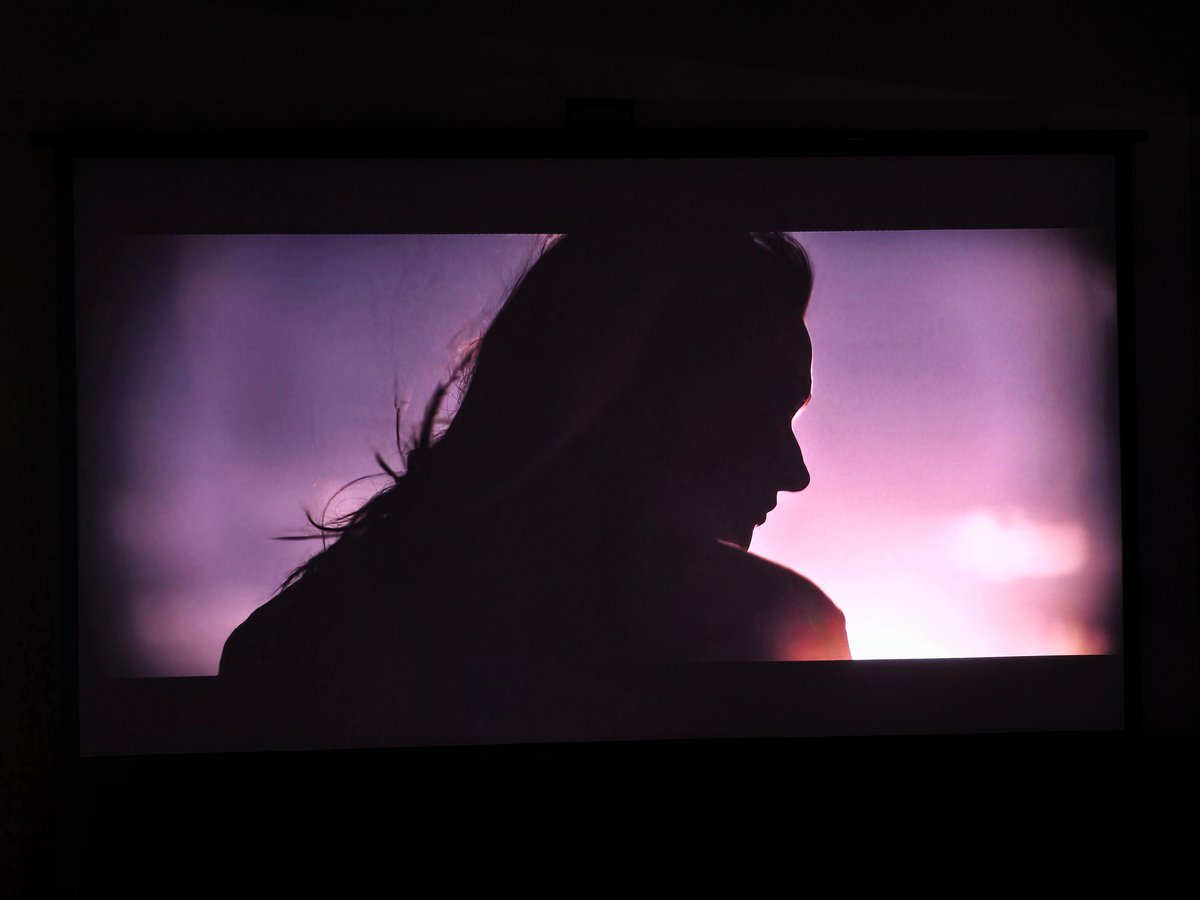
Brightness is one of the N3 Ultimate 4K’s key strengths. The manufacturer’s published figures should be taken with a grain of salt, but the real-world light reserve is clearly present. In a living room, the projector maintains a noticeable impact with ambient lighting within reasonable limits and can drive a large image into the evening without feeling strained. It won’t match the punch of a MiniLED TV, but for a lifestyle projection, comfort is real.

© Matthieu Legouge

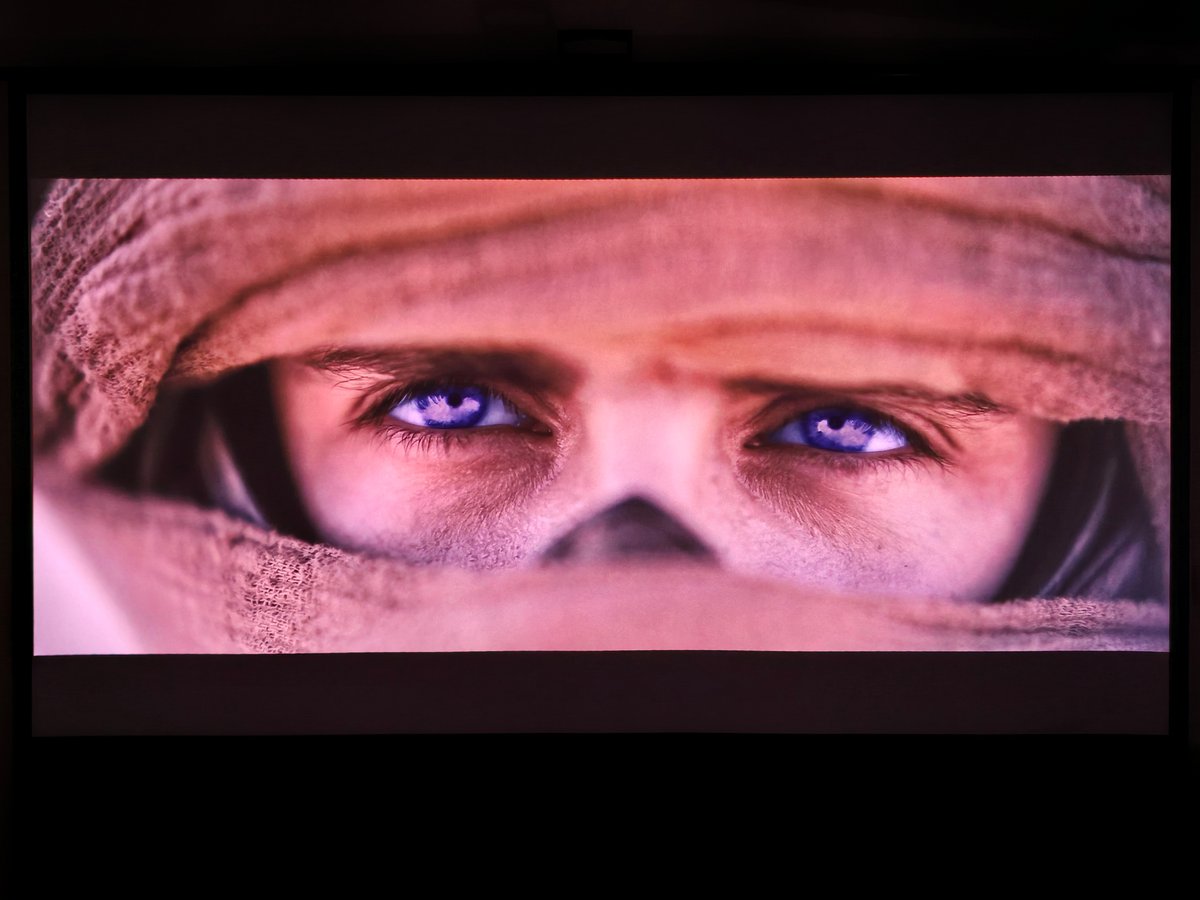
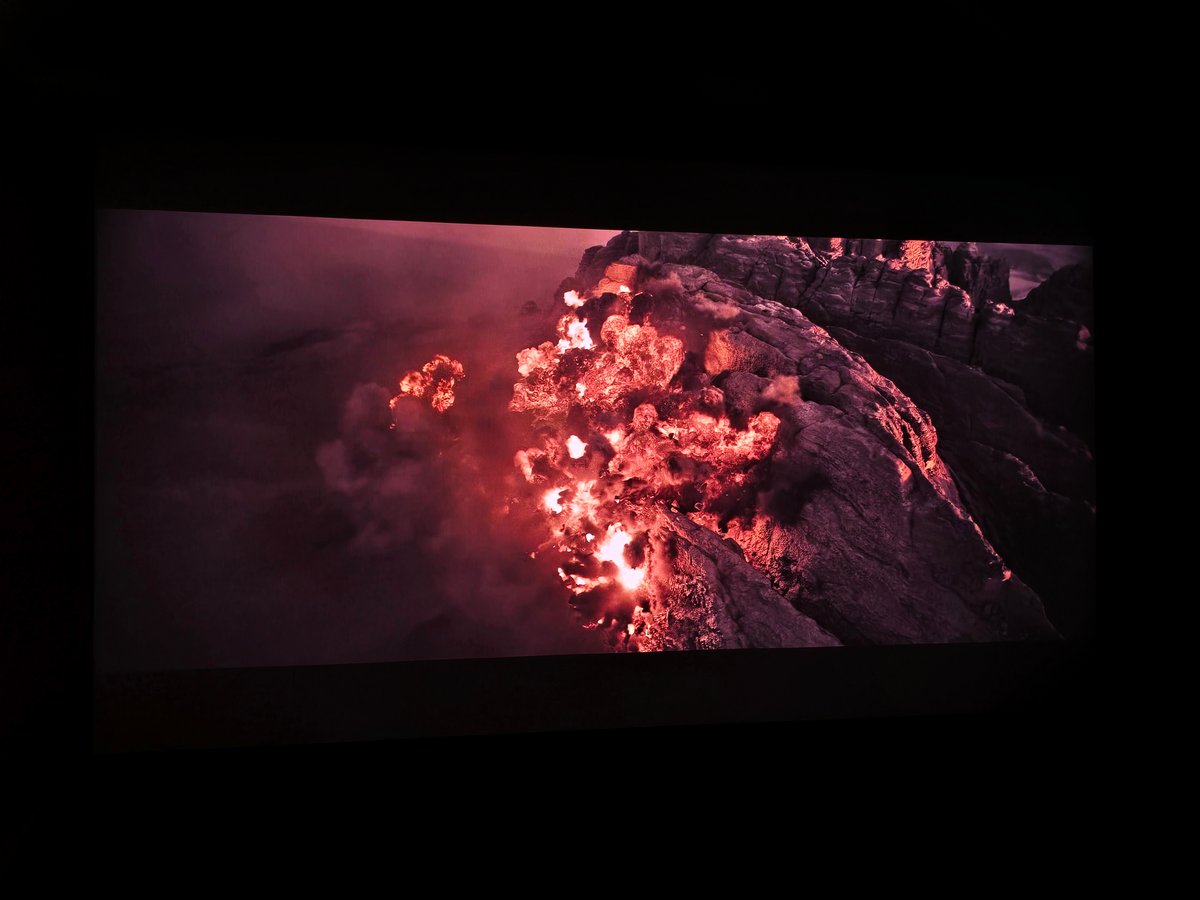
This power is especially meaningful in HDR. The dynamic tone mapping offers a convincing compromise: the highlights retain their sparkle, dark scenes stay legible, and mid-tones do not collapse. On Dune: Part Two in 4K Blu-ray, Arrakis’ landscapes retain intensity, while the Harkonnen interiors remain readable. Dolby Vision also adds welcome flexibility, with a Bright mode useful in partially lit rooms and a Dark mode more coherent for a cinema session.

© Matthieu Legouge

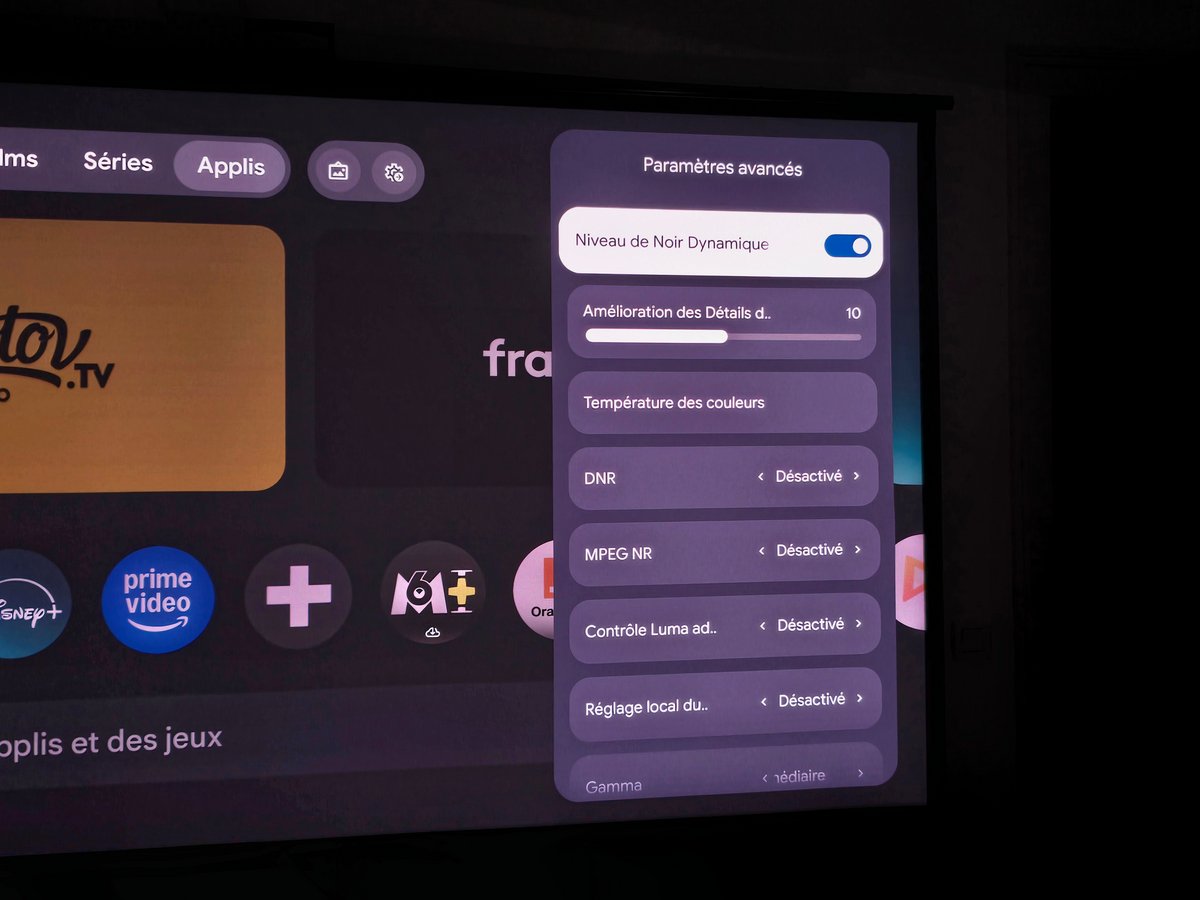
However, the N3 Ultimate 4K shows its limits with very dark content. In The Batman or certain sequences in Interstellar, the blacks never go as deep as with more specialized projectors. A slight lift in brightness remains, reminding us that we’re dealing with a triple-laser DLP without a mechanical iris. Dynamic contrast management partially compensates for this weakness: on Alien: Romulus, it densifies metallic corridors and shadowed areas without crushing details too aggressively.

© Matthieu Legouge

Test JMGO N3 Ultimate

The sharpness is another area where the JMGO leans toward visual impact rather than absolute precision. In a film or a series, the image remains pleasing and immersive from normal viewing distance, but it does not always rival some competitors on fine textures, backgrounds, or highly detailed graphical elements. On Oppenheimer in 4K Blu-ray, close-ups retain a lot of presence, but the finest textures of costumes or sets could be crisper.

© Matthieu Legouge

Yet the speckle laser on its screen remains well contained, with few micro-sparkles visible on uniform bright fields. The rainbow effect, however, is worth noting. These brief colored flashes, typical of DLP projectors, can appear on very high-contrast scenes or during rapid eye movements. Not everyone will notice, but viewers already sensitive to this phenomenon should keep it in mind.

Test JMGO N3 Ultimate

The JMGO N3 Ultimate 4K delivers a highly appealing image, powered by brightness, color, convincing HDR, Dolby Vision and well-contained speckle. However, it maintains the limitations of a lifestyle DLP projector: imperfect blacks, sharpness not as taut as the best rivals, and the potential rainbow effect. A spectacular and versatile model, more aimed at offering a grand immersive image with ease than pleasing purists seeking absolute precision.

Test JMGO N3 Ultimate

What does JMGO N3 Ultimate 4K bring to daily life?

Audio

The built-in audio is more than a fix. The stereo system of 2 x 12.5 W, compatible with Dolby Audio and DTS, provides clear dialogues, a decent soundstage, and surprisingly present bass for a device of this type. It obviously cannot replace a soundbar or a true home cinema system, especially for action films, but it is more than sufficient for everyday use without additional installation.

Interface and features

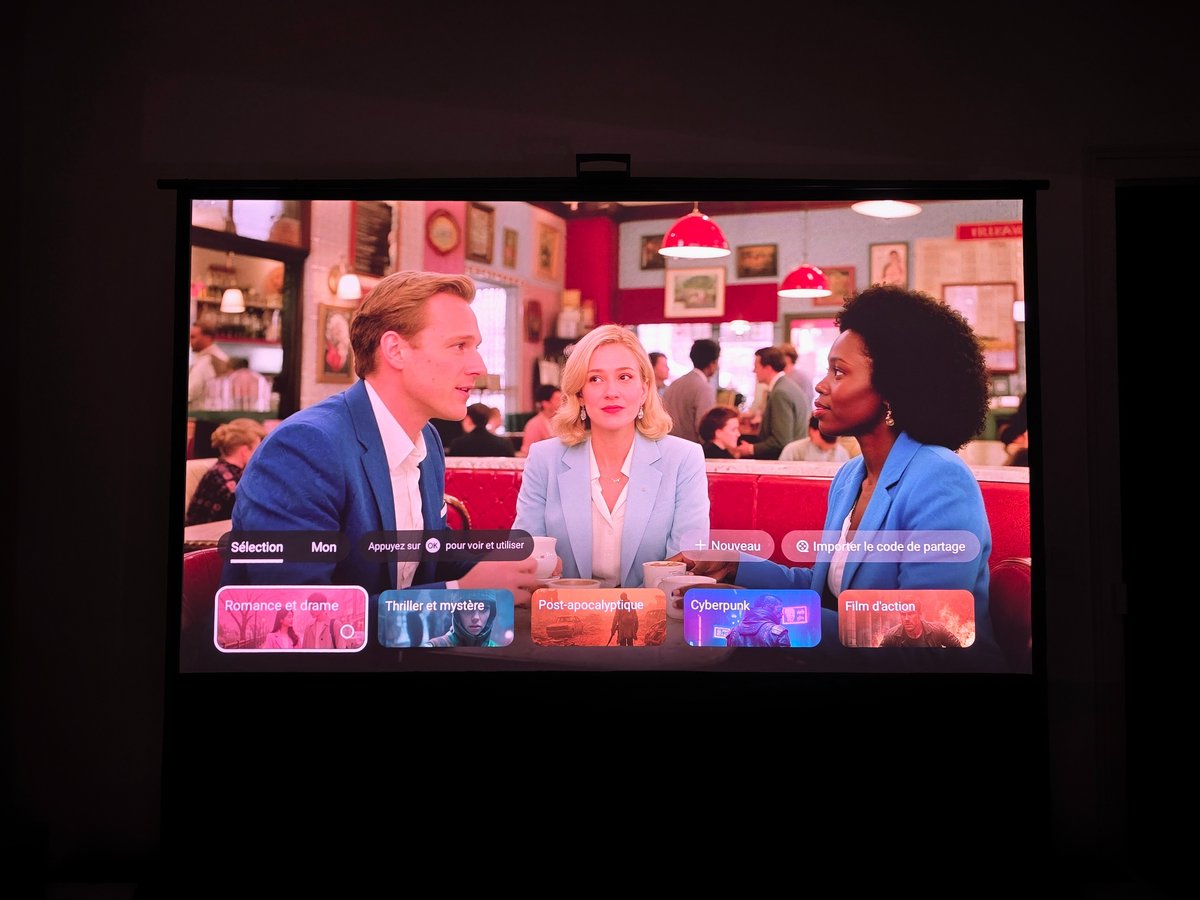
Google TV is one of the major advantages of this international version. The interface is familiar, smooth, compatible with the main streaming apps, Chromecast, Google Assistant and the Play Store. JMGO complements everything with well-organized menus for optical settings, image corrections, video profiles and memory positions.

© Matthieu Legouge

© Matthieu Legouge

There are many automatic features: autofocus, screen adaptation, obstacle avoidance, keystone correction, eye protection, or wall-color adjustment. They reinforce the impression of a projector that is highly accessible, nearly ready to use. It should be kept in mind that all these aids are not neutral for the image. Optical adjustments should be preferred, while electronic corrections should be used as a supplementary solution.

Test JMGO N3 Ultimate

Gaming is also a strong suit for the N3 Ultimate 4K. Its two HDMI 2.1 inputs, low-latency game mode and VRR support allow for a responsive grand-screen experience. Adventure, racing, sports games or very cinematic productions all benefit from the brightness and image size. A dedicated gaming monitor or TV would still be preferable for competitive play, but for a lifestyle projector, the offering is solid.

JMGO N3 Ultimate test: Clubic’s verdict

Conclusion
Overall score
8 / 10

The JMGO N3 Ultimate 4K stands as one of the most interesting lifestyle projectors right now, not so much because it ticks every expected box (triple laser, Google TV, Dolby Vision, HDR10, built-in audio, gaming) but because it truly rethinks the installation question. Its trio of optical zoom, lens shift and motorized gimbal brings rare flexibility and makes living-room use much less constraining.

Pros
  • Bright and very pleasing image
  • S Flexible installation system with motorized gimbal, optical zoom and lens shift
  • Careful design, easy to blend into a living room
  • Google TV smooth and complete, with major streaming apps
  • Convincing HDR management, with Dolby Vision support
  • Laser speckle well contained on our screen
  • Bruit de fonctionnement maîtrisé
The cons
  • Bulky external power supply
  • Connectivity somewhat limited for this price
  • Contrast native could be improved
  • Sharpness behind best-in-class rivals
  • Strong recommendation for a dedicated screen to fully exploit its potential
Sub-notes
Video quality

8

Audio quality

8

Design

9

Connectivity

8

Interface

9

Best prices

Cobra

2499,00 €

Fnac

2499,00 €

Fnac

2499,00 €

Son-Vidéo

2499,00 €

Darty

2499,00 €

The best alternatives to the JMGO N3 Ultimate

XGIMI Horizon 20 Max

Against the XGIMI Horizon 20 Max, the JMGO N3 Ultimate 4K stands out mostly for its more ambitious installation system, with its motorized tilt, optical zoom and lens shift. XGIMI, however, retains solid arguments for pure image quality, particularly if you are after a very sharp and instantly dramatic image in a compact lifestyle format.

XGIMI Horizon 20 Max

XGIMI Horizon 20 Max
  • Perceived brightness very high, suited for living room use
  • HDR colors and triple-laser RGB rendering
  • Very sharp detail and excellent clarity across the image
9 / 10

Valerion VisionMaster Pro 2

Valerion VisionMaster Pro 2 also plays the triple-laser card and seeks to offer a grand cinematic image. It proves especially convincing for sharpness, perceived contrast, and cinema-like experience, while the JMGO counters with a more original ergonomics and installation flexibility rarely seen in this segment. The choice will therefore mainly depend on whether you prefer a more incisive image or easier integration into a living space.

Valerion VisionMaster Pro 2

Valerion VisionMaster Pro 2
  • Premium design
  • Rich, responsive interface
  • Sharp image with deep blacks and strong contrast
9 / 10

Screens and projection surfaces

Is a screen necessary with the JMGO N3 Ultimate 4K?

Is a screen necessary with the JMGO N3 Ultimate 4K?

Thanks to its high brightness, the JMGO N3 Ultimate 4K can deliver a convincing image on a plain white wall, particularly for occasional use or an improvised projection. Its automatic features further facilitate this kind of use, with autofocus, image corrections and surface adaptation.

Nevertheless, a dedicated screen is strongly recommended to fully enjoy the projector. A white wall does not guarantee good uniformity, color stability, or optimal contrast. On a suitable screen, the image becomes more homogeneous, blacks appear deeper, and colors are more controlled, especially with HDR content.

In a dark room, a good white screen already improves the experience. In a brighter living space, a technical screen can help preserve contrast and image dynamics. So the N3 Ultimate 4K can manage on a wall, but it clearly deserves a proper projection surface.

As you can see, the projector is a capable, lifestyle-oriented device, even if it isn’t the best option for those chasing the deepest blacks or pixel-perfect accuracy on every texture. It remains a strong alternative for those seeking an immersive, high-brightness image with flexible setup in a living room.

Daniel Brooks

I cover everyday products with a practical eye, from kitchen tools and home essentials to smart gadgets and consumer trends. My goal is to help readers understand what is genuinely useful, what is worth the price, and what deserves a second look before buying.